


Why Do You Need Sites Like Wayback Machine
Many users search for a wayback machine similar website when a single archive does not provide the page they need. This is not just about having multiple options—it’s about solving practical problems:
- A webpage was never captured by the Wayback Machine.
- Some snapshots are incomplete, missing images or text.
- You need to archive a page instantly before it changes.
- Content was removed recently, and you want a copy.
- SEO research or academic work requires reviewing multiple versions of a page.
Using multiple alternatives to web archive platforms increases the chances of locating missing content and helps verify its accuracy.
7 Best Wayback Machine Similar Websites
1. Archive.today
Overview
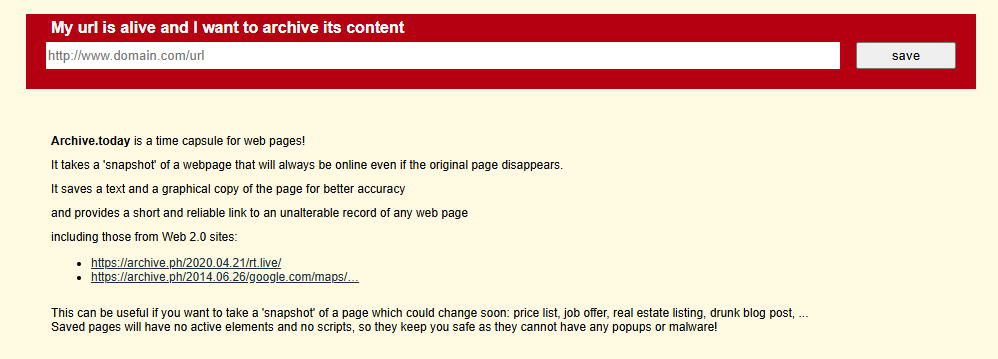
Archive.today is a widely used wayback machine alternative that allows instant webpage capture without waiting for automated crawlers. It stores both visual snapshots and text versions, making archived content searchable and easy to reference.
Key Features
- Instant webpage archiving
- Preserves both images and text for better searchability
- Provides permanent links for long-term access
Use Cases
- Archiving news articles or social media posts quickly
- Saving product pages or limited-time online content
- Referencing historical content for SEO research
Why Choose It
Archive.today captures pages that Wayback Machine may miss and offers permanent links, making it a reliable internet archive alternative, especially for users who need quick snapshots.
2. Perma.cc
Overview
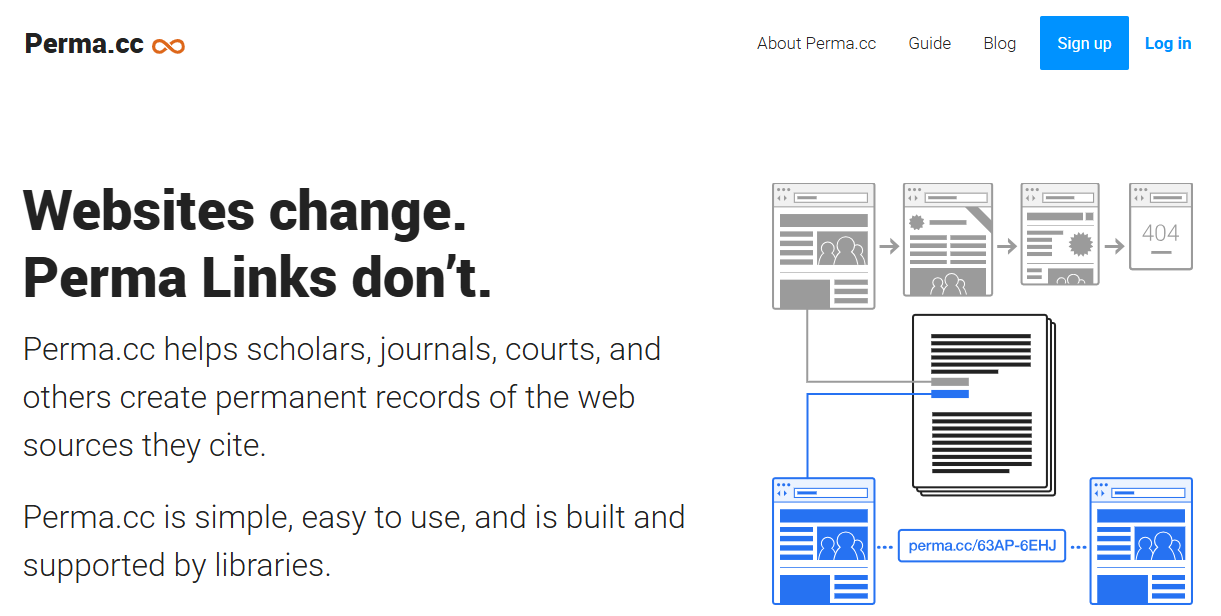
Perma.cc is designed for academic institutions and legal professionals. It focuses on creating permanent links for webpages used in citations, preventing “link rot” over time.
Key Features
- Permanent and stable archive links
- Institutional accounts for bulk archiving
- Reliable for long-term academic or legal use
Use Cases
- Ensuring citations in research papers remain valid
- Archiving web references for legal documentation
- Maintaining stable links for academic or institutional use
Why Choose It
For research and academic purposes, Perma.cc is a top alternative to internet archive, guaranteeing permanent accessibility of referenced webpages.
3. Memento Time Travel
Overview
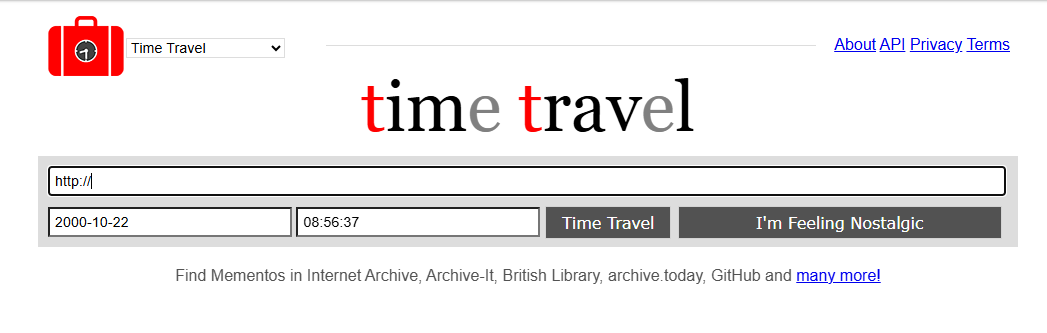
Memento Time Travel searches multiple web archives at once, aggregating historical snapshots from different sources.
Key Features
- Multi-archive search increases the chance of finding missing pages
- Provides timeline views of webpage changes
- Supports deep research and investigative projects
Use Cases
- Tracing page history for investigative journalism
- SEO analysis of historical content changes
- Academic research requiring multiple archived sources
Why Choose It
Memento is an effective site like Wayback Machine when a single archive cannot locate a page.
4. Webrecorder
Overview
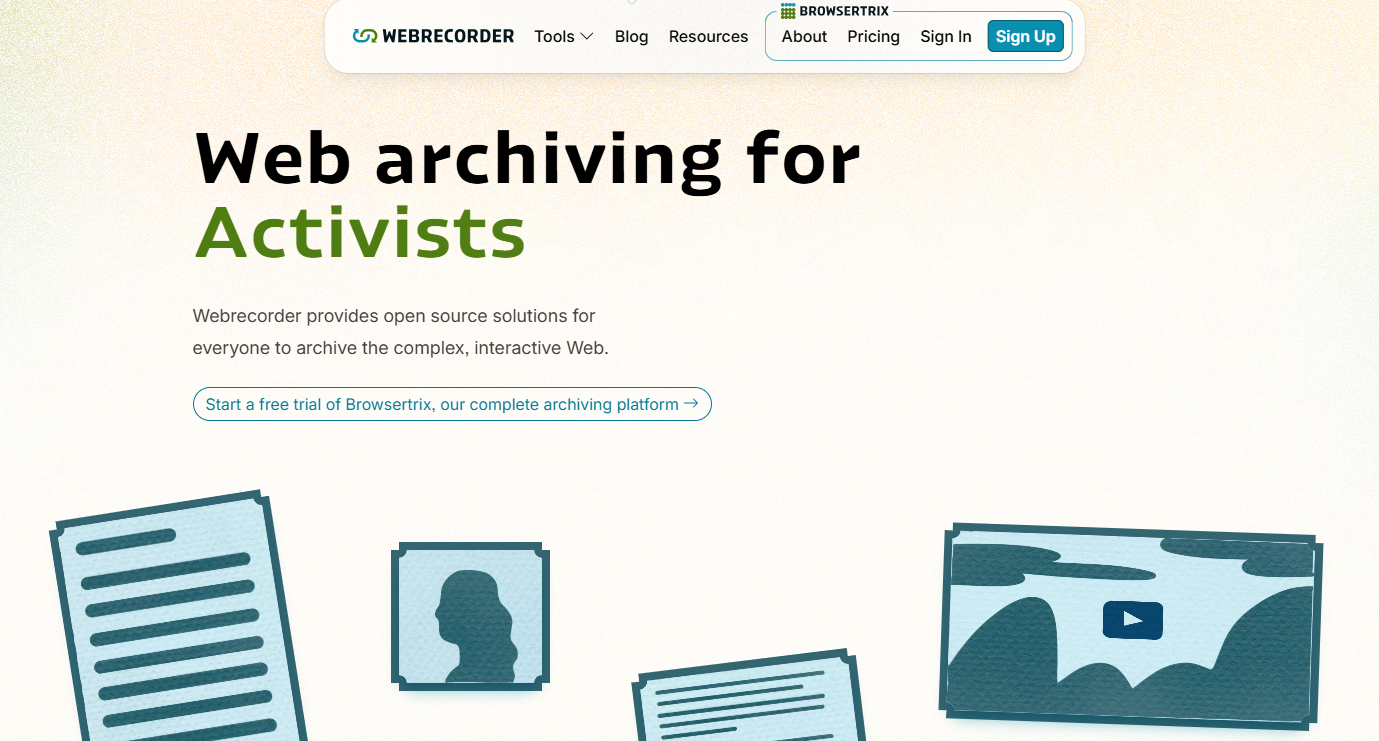
You can use Webrecorder – a free, English‑named web archiving tool. It allows users to capture interactive webpages, store them as high-fidelity snapshots, and export them for offline use.
Key Features
- Free to use with English interface
- Captures interactive content (not just static HTML)
- Supports downloading archives for offline viewing
- Browser-based, no installation required
Use Cases
- Recovering deleted or changed webpages
- Archiving dynamic sites, like social media or interactive charts
- Saving web research for SEO, academic, or personal use
Why Choose It
As a free wayback machine alternative, Webrecorder provides high-fidelity snapshots of webpages with full interactivity, making it ideal for researchers and individual users.gefreezer ensures reliable historical content for organizations needing high accountability.
5. Common Crawl
Overview
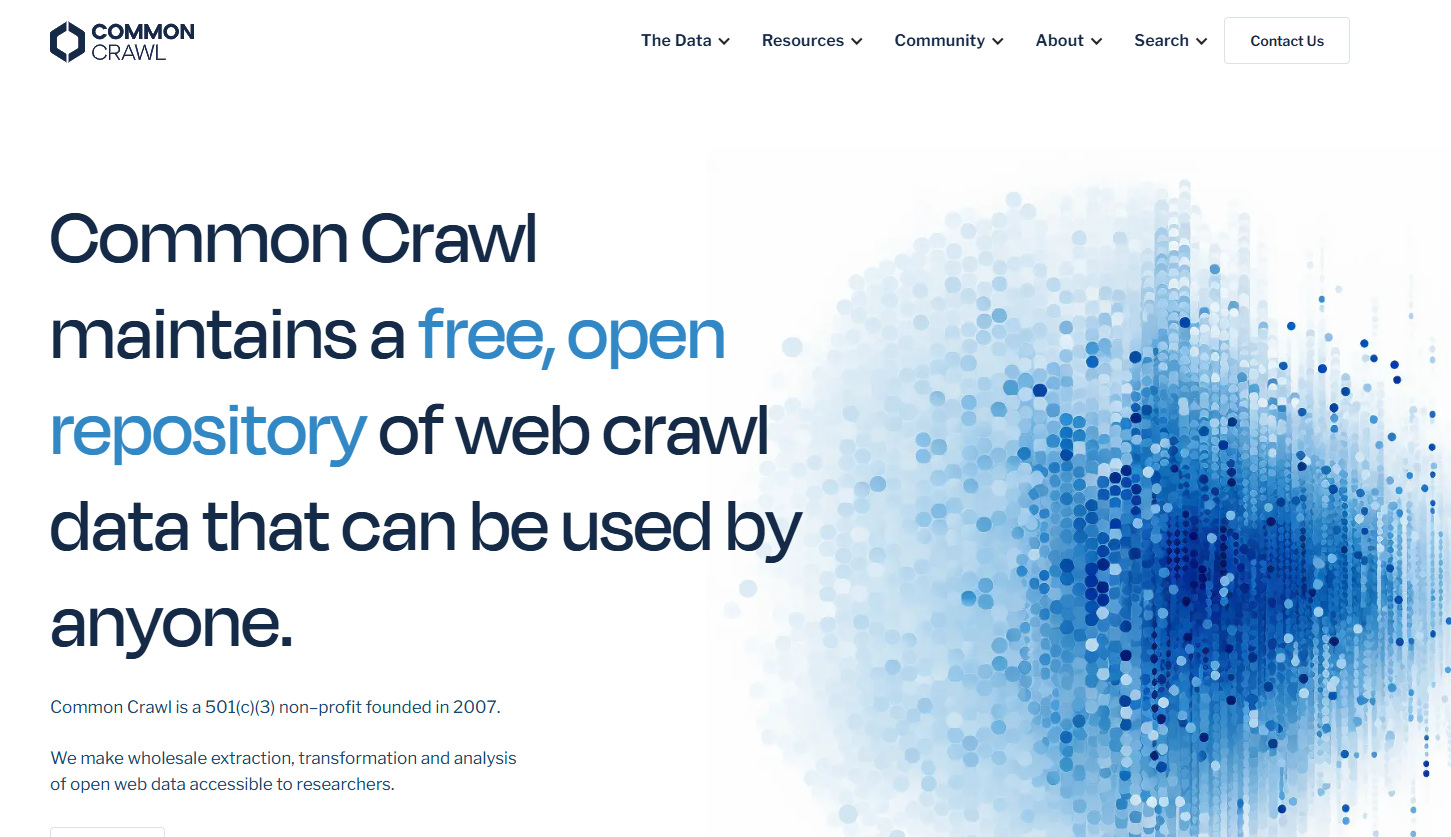
Common Crawl provides large-scale datasets of web content collected via continuous crawling. It is used primarily for research, AI, and large-scale analysis rather than browsing individual snapshots.
Key Features
- Access to billions of historical web pages
- Provides structured data for machine learning and AI research
- Includes webpage text, links, and metadata
Use Cases
- AI model training and data research
- Studying historical internet trends
- Large-scale SEO data analysis
Why Choose It
Although not a traditional archive, Common Crawl is a powerful alternative to web archive for developers, researchers, and data scientists.
6. Mirrorweb
Overview
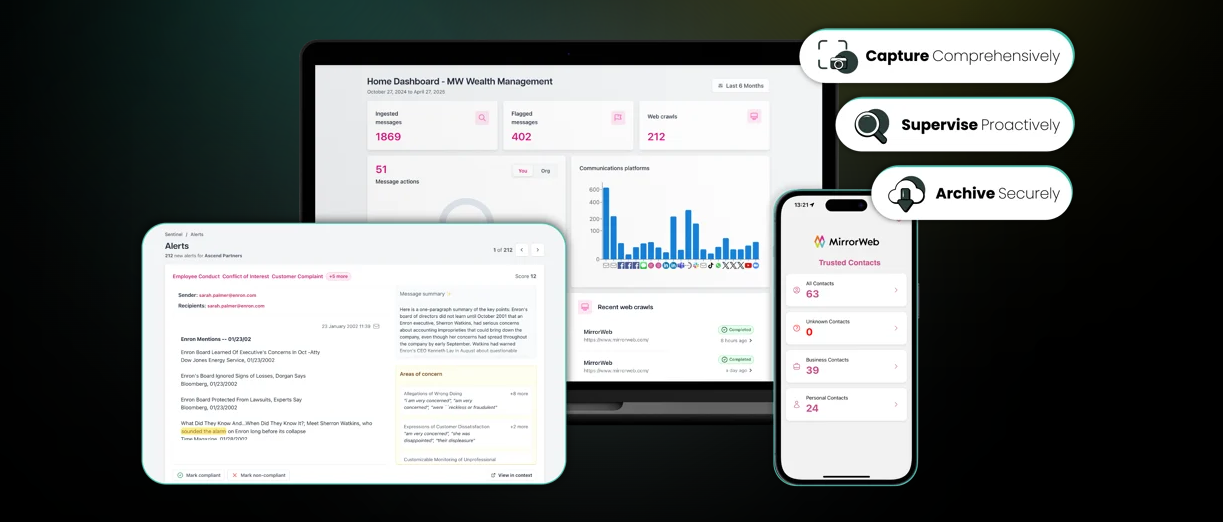
MirrorWeb is a free (with paid options) web archiving tool designed to capture and preserve web content for compliance, research, and historical reference. Unlike some outdated services, MirrorWeb actively archives websites and provides an accessible interface for users to browse archived versions of pages.
Key Features
- Web page capture and archival storage
- Searchable history of archived pages
- Supports modern JavaScript‑driven websites
- Offers free access options for basic usage
Use Cases
- Recovering deleted or changed webpages for research
- Storing historical versions of content for SEO analysis
- Preserving website snapshots for academic or business purposes
Why Choose It
As a viable internet archive alternative, MirrorWeb allows users to access archived web content with a user‑friendly interface, making it a solid option for developers, researchers, SEO professionals, and everyday users.
7. Library of Congress Web Archive
Overview
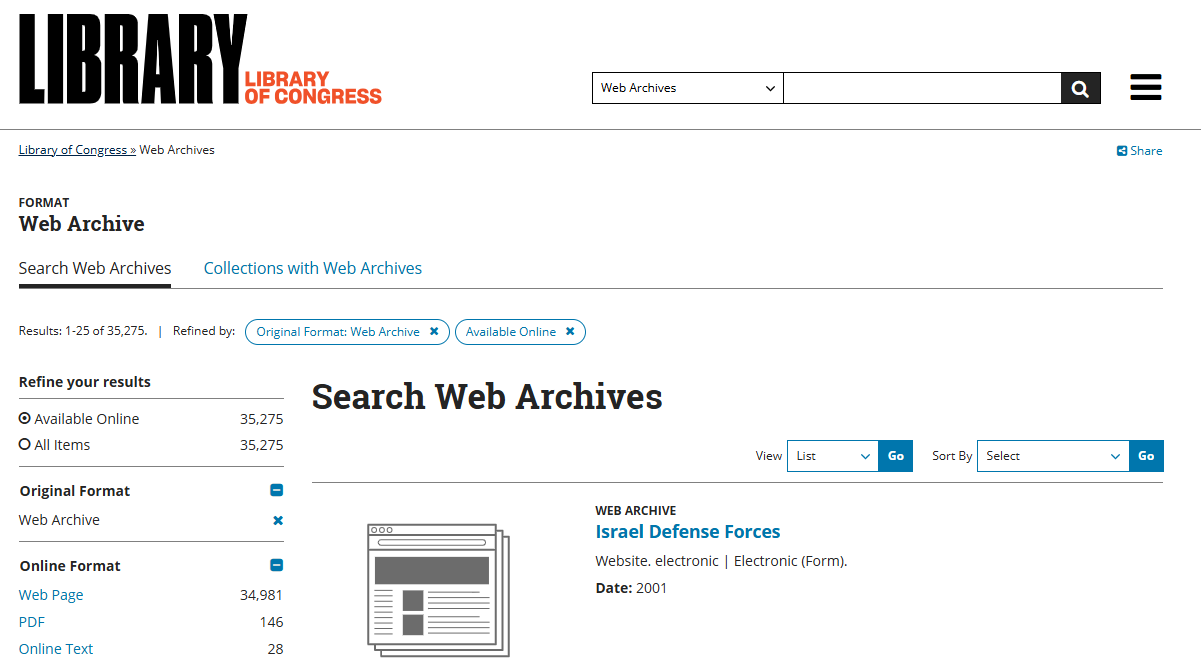
The Library of Congress Web Archive preserves curated websites related to government, culture, and historical events. Unlike automated crawlers, it focuses on high-quality, manually selected collections.
Key Features
- Curated and authoritative archival collections
- Government-backed preservation and reliability
- Long-term accessibility of historical web content
Use Cases
- Research on historical events and government information
- Accessing curated digital collections for academic studies
- Exploring cultural or historical web archives
Why Choose It
This archive is an excellent internet archive alternative for users seeking authoritative and curated historical content.
Comparison of Wayback Machine Similar Websites
| Platform | Best For | Main Advantage | Type of Archive |
|---|---|---|---|
| Archive.today | Instant snapshots | Fast page capture and permanent links | Manual / Instant archiving |
| Perma.cc | Academic and legal research | Permanent, stable citations | Research archive |
| Memento Time Travel | Multi-archive search | Finds missing pages across archives | Aggregated archive |
| Webrecorder | Interactive webpages | High-fidelity snapshots with offline export | User-driven archive |
| Common Crawl | Data research | Large-scale web datasets for AI and analysis | Web crawl data |
| MirrorWeb | Enterprise & personal research | Modern site archiving, supports JS-driven sites | Professional / compliant archive |
| Library of Congress Web Archive | Historical research | Curated, authoritative collections | Government / curated archive |
Choosing the Right Tool Based on Your Needs
| Use Case | What You Need | Recommended Tool |
|---|---|---|
| Recover deleted webpages | Access missing or deleted content | Archive.today, Webrecorder, MirrorWeb |
| SEO research | View historical webpage changes | Memento, Archive.today, MirrorWeb |
| Academic citations | Permanent, reliable references | Perma.cc, MirrorWeb, Library of Congress Web Archive |
| Large-scale data research | Analyze internet datasets | Common Crawl |
| Enterprise monitoring | Continuous archiving and compliance | MirrorWeb |
Bonus: Analyze Archived Pages and PDFs With AI
Many users who work with archived webpages often download them as PDFs for research, reporting, or personal reference. After saving these pages, they usually face tasks like summarizing long content, extracting key insights, or turning the information into presentations or visual maps. Doing this manually can be time-consuming, especially for large or complex documents.
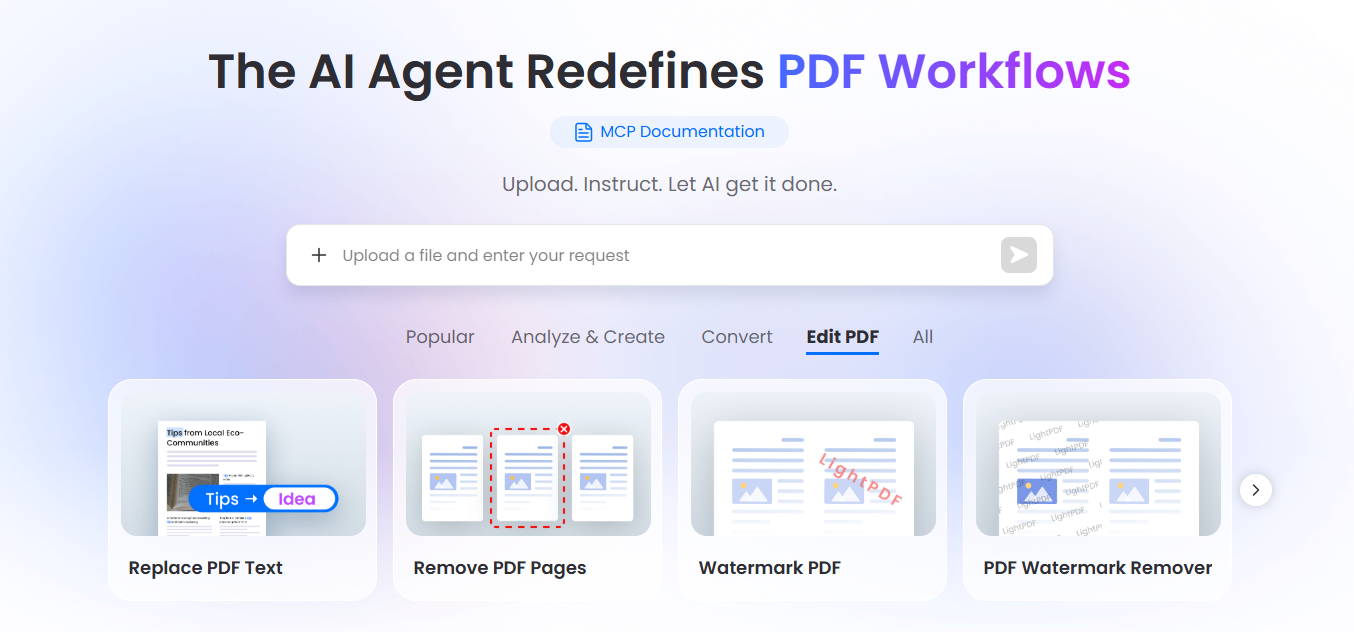
LightPDF AI Agent makes these tasks simple and efficient. Here’s what it can do:
- Summarize archived webpages or PDFs: Quickly condenses long articles, reports, or webpages into concise summaries, highlighting the most important points.
- Analyze research documents: Extract key data, trends, or insights from PDFs to support research, reporting, or SEO analysis.
- Convert content into mind maps or presentations: Automatically turn complex documents into visual formats for easier understanding, collaboration, or teaching.
- Edit PDFs or convert EPUB files: Make changes directly in PDFs, or convert eBooks (EPUB) into PDF for easier sharing and annotation.
- Translate PDFs into 20+ languages: Instantly translate content for global research, collaboration, or multilingual reporting.
Typical workflow example:
- Find archived webpages using a reliable wayback machine alternative like Archive.today or Memento.
- Save the page as a PDF using LightPDF or your browser’s “Save as PDF” function.
- Open the PDF in LightPDF AI Agent to summarize, analyze, or transform it into a mind map or presentation.
- Optional edits or translations: Correct formatting, add annotations, or translate content to another language for sharing or reporting.
This workflow turns a static archived page into actionable, structured information—perfect for researchers, SEO professionals, students, or anyone needing to quickly process historical web content. With LightPDF AI Agent, tedious manual tasks become automated, saving time and making insights easier to extract.
FAQ
Q: What is the best wayback machine alternative?
A: Archive.today and Memento are the most commonly used because they capture pages quickly and often store content missing from the Wayback Machine.
Q: Are there free sites like Wayback Machine?
A: Yes. Many internet archive alternatives allow free access to archived webpages.
Q: Why can’t I find a page in web archives?
A: Some websites block crawlers, the page may not have been captured, or it was removed before archiving.
Q: Can I use archived pages for SEO research?
A: Yes. Reviewing historical versions of webpages helps understand content strategies, keyword usage, and competitor updates.
Q: Which alternative is best for academic citations?
A: Perma.cc and WebCite provide permanent, reliable links suitable for research papers and references.
Q: How do I know which alternative to use?
A: Consider your goal: recovering deleted content, academic citations, SEO analysis, or large-scale data research. Choose the tool that best fits your specific need.


Leave a Comment