


1. LightPDF
Best for: Translating comic books and scanned comics saved as PDF files.
If your comic is stored as a PDF rather than individual images, LightPDF provides a convenient way to translate the whole document online.
Its PDF translation tools can recognize and translate text in PDF documents into different languages. For scanned PDFs, LightPDF can detect text from image-based pages before translating it, so you do not have to run OCR separately first.
The translated document also keeps the original page layout, making it useful for comic books, scanned manga, and other visual PDF documents where the placement of text and images matters.
How to Translate a Comic PDF with LightPDF
- Open the LightPDF PDF Translator.
- Upload your comic book or scanned comic in PDF format.
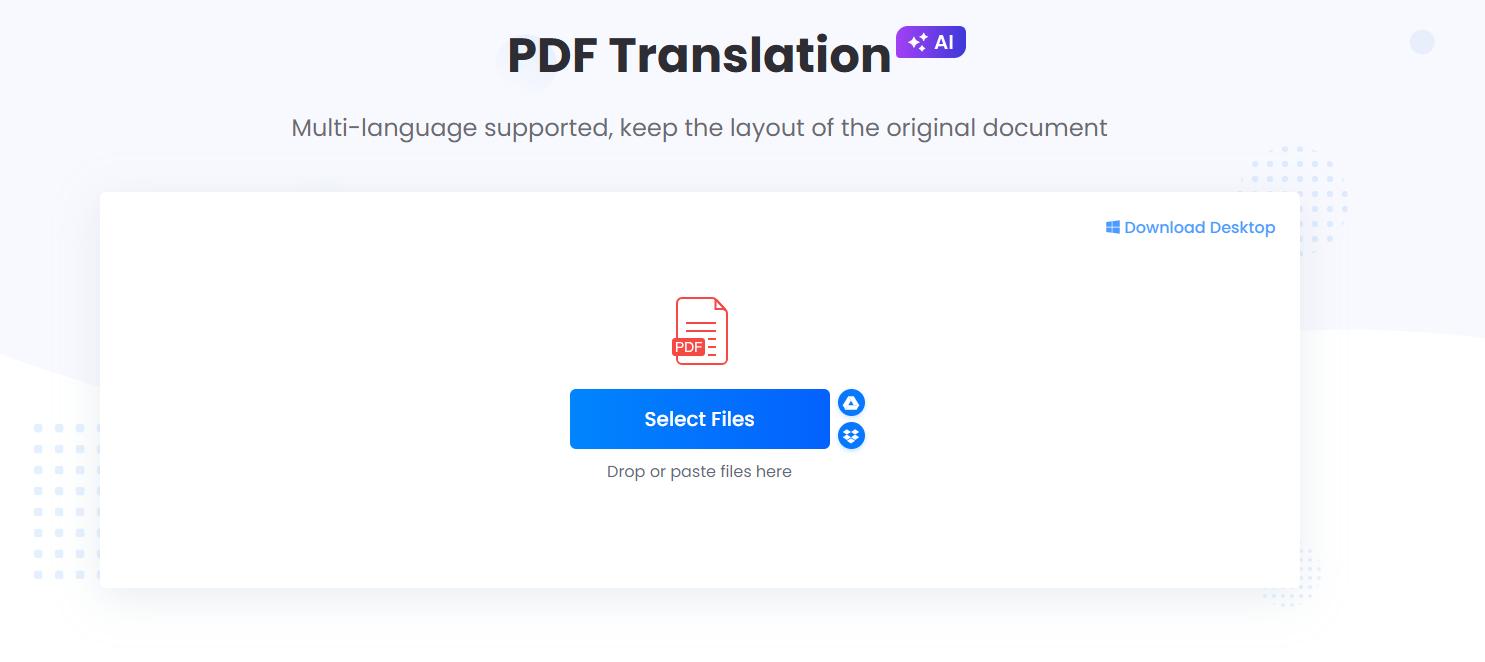
- Select the original and target languages.
- Start the translation.
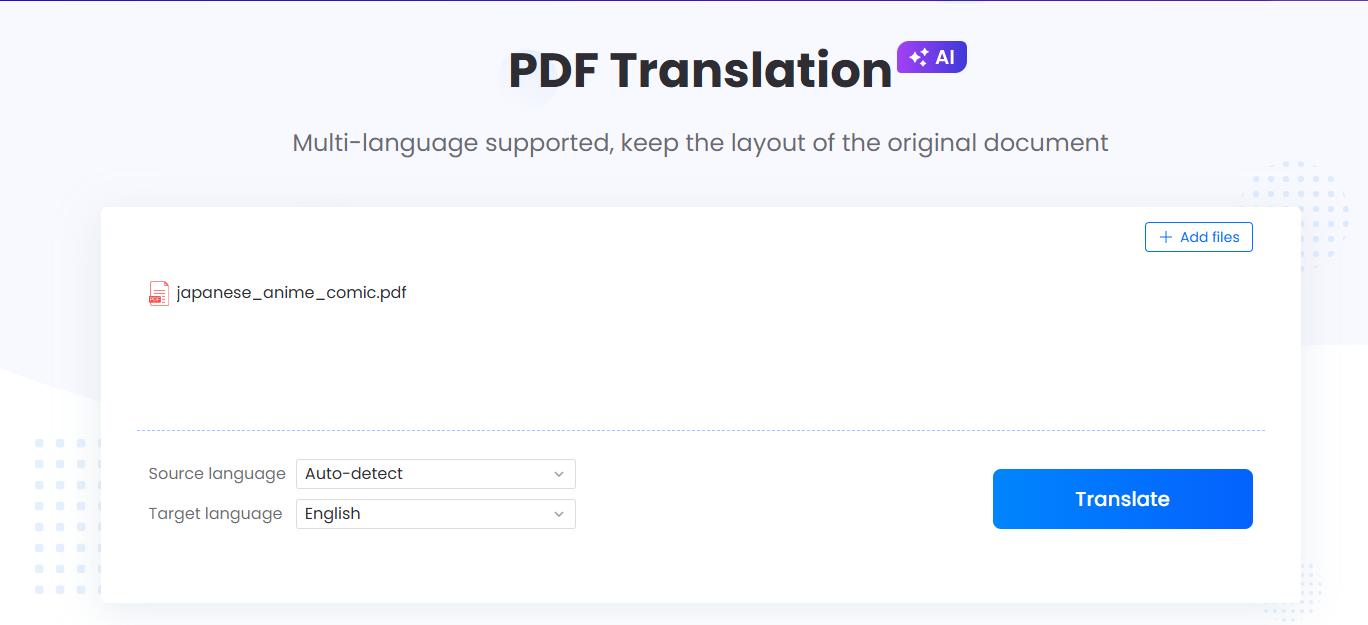
- Let LightPDF recognize and translate the text in the document.
- Preview the translated PDF and download the result.
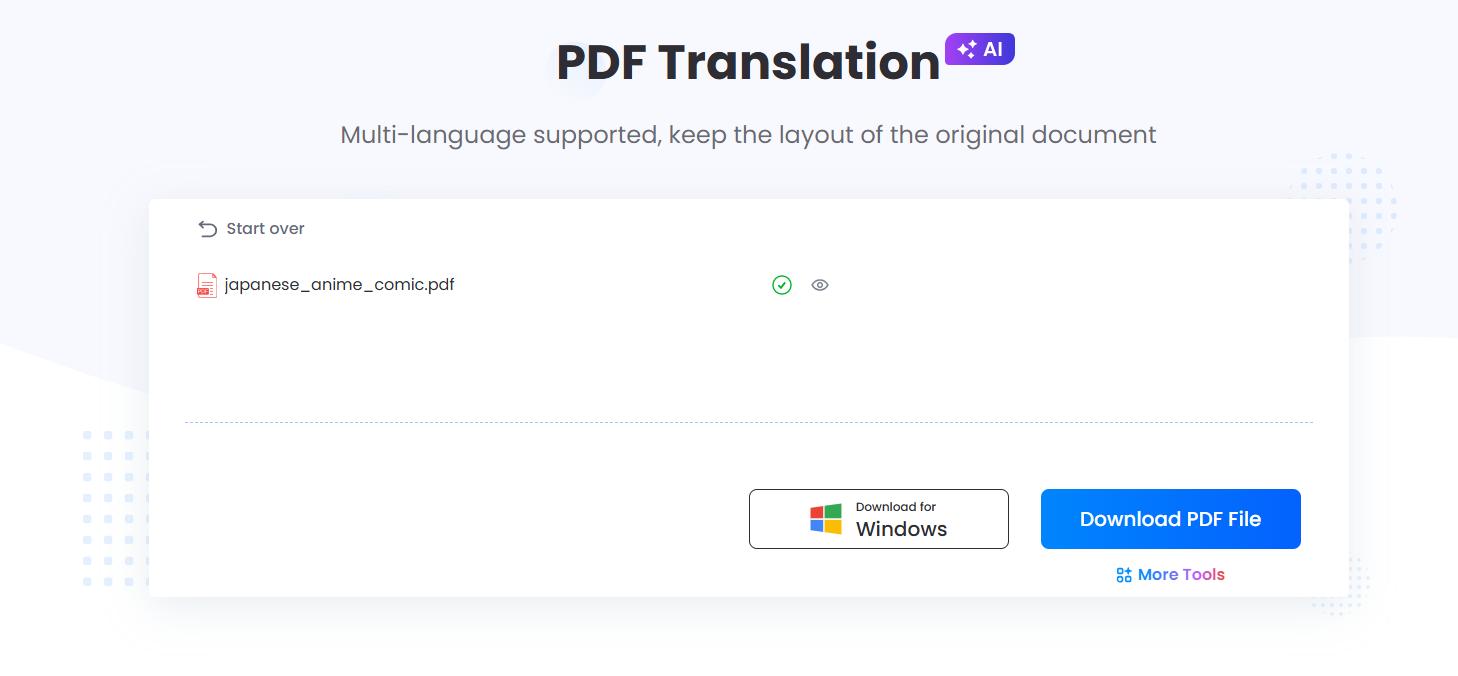
For scanned comic books, the built-in text recognition makes the process especially convenient because there is no need to convert the scanned pages into editable text beforehand.
Pros
- Works with regular and scanned PDF documents
- No need to run OCR separately before translating scanned PDFs
- Preserves the original document layout
- Supports multiple translation languages
- Suitable for multi-page comic books
- Works directly in a web browser
Cons
- Primarily designed for document and PDF translation rather than professional comic localization
- Stylized dialogue, handwritten text, or decorative sound effects may not always be recognized accurately
- Users may still need to review character names, slang, and context-dependent dialogue
2. Translateimage
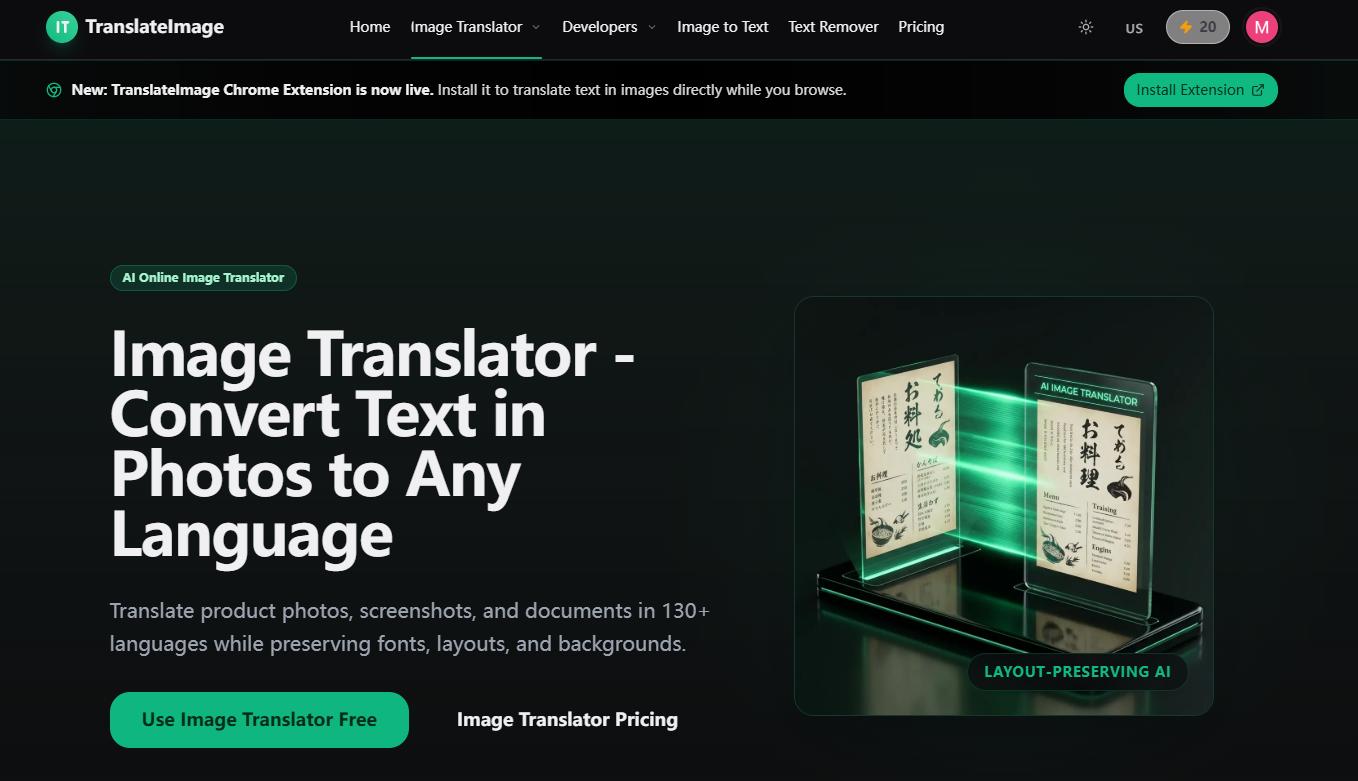
Best for: Translating image-based comics, manga, manhwa, and webtoons.
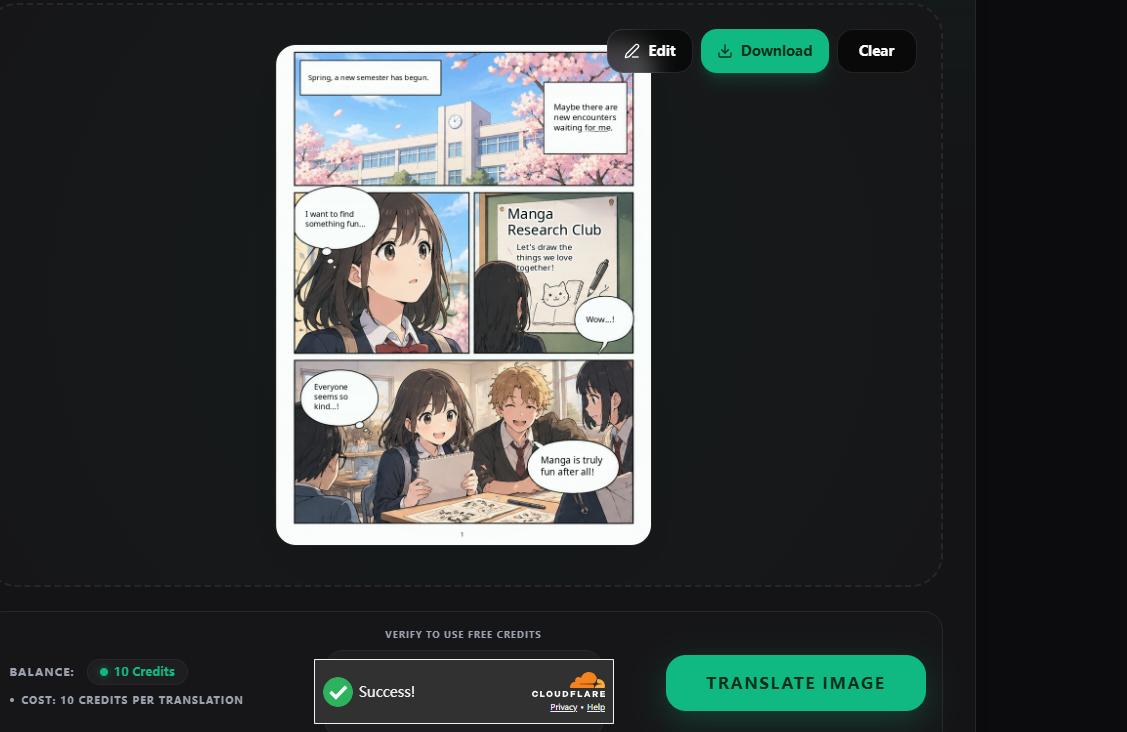
TranslateImage is an AI comic translator that automatically detects text in speech bubbles and narration boxes, removes the original text, and replaces it with translated content while keeping the comic artwork intact.
How to Use TranslateImage
- Open the TranslateImage Comic Translator.
- Upload your comic image.
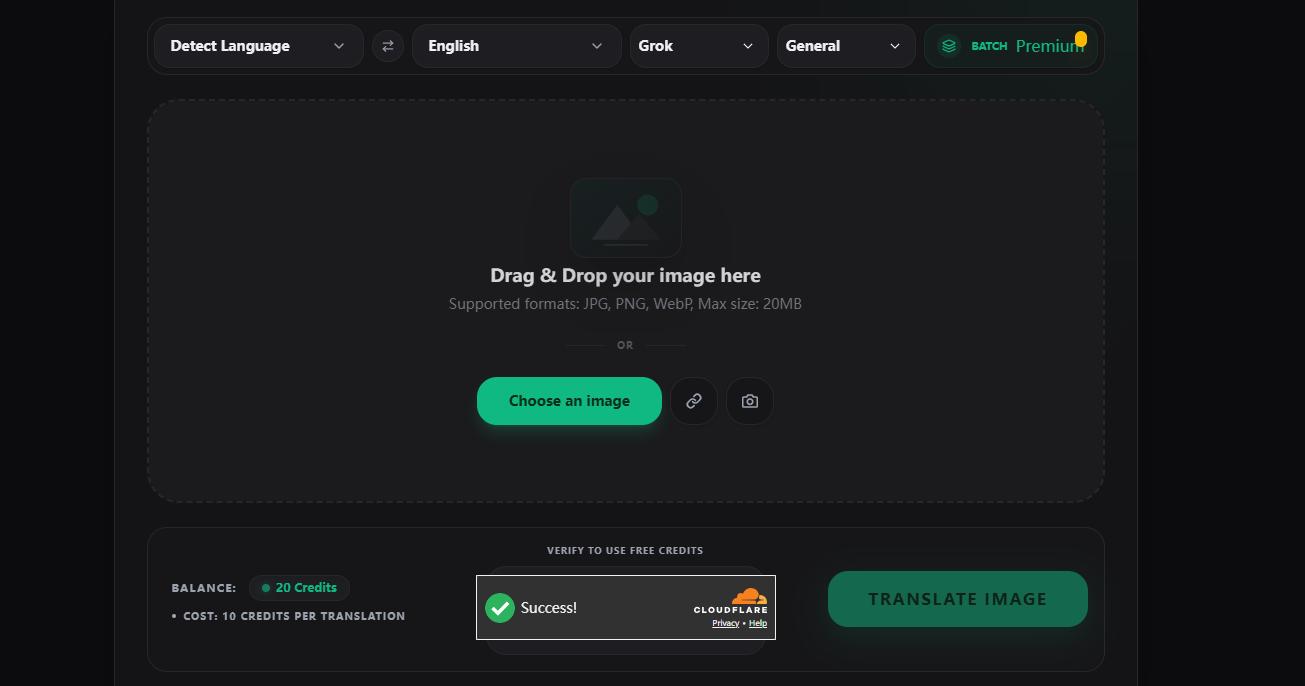
- Select the source and target languages, then choose your preferred translation model.
- Start the translation.
- Preview the result and download your translated comic.
Pros
- Automatically detects comic text.
- Supports vertical text.
- Preserves the original comic layout.
- Works well for manga, manhwa, and webtoons.
Cons
- Mainly suitable for image-based comics.
- Some advanced features may require credits.
3. MangaTranslate
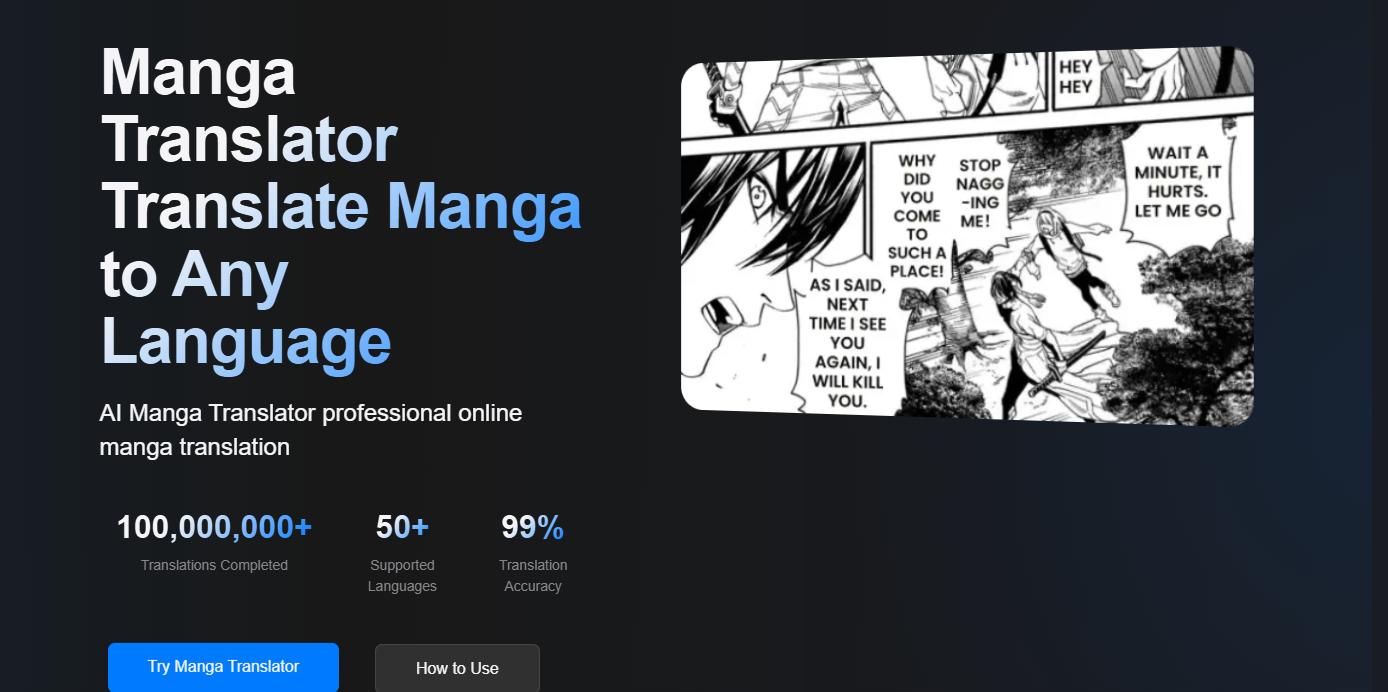
Best for: Users who want more control over fonts, positioning, and wording after the initial AI translation.
MangaTranslate combines text recognition, translation, text removal, and typesetting.
After processing an image, users can review the translated result and make further changes through its Studio editor. The editor includes controls for text, fonts, size, color, alignment, spacing, and text-box positioning. It also offers batch image processing.
Despite the name, the workflow can be useful beyond Japanese manga whenever the main task involves translating dialogue embedded inside comic images.
How to Use MangaTranslate
- Upload one or multiple comic images.
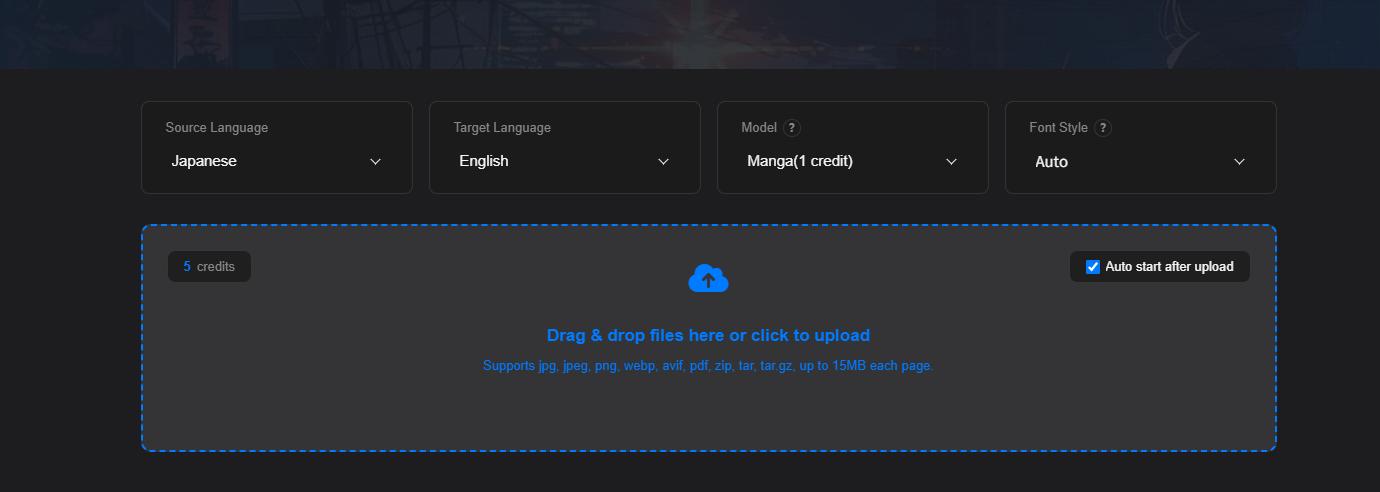
- Select the source and target languages, then choose your preferred translation model.
- Start the AI translation.
- Let the tool recognize and replace the original dialogue.
- Preview your translated comic online, then download the finished file.
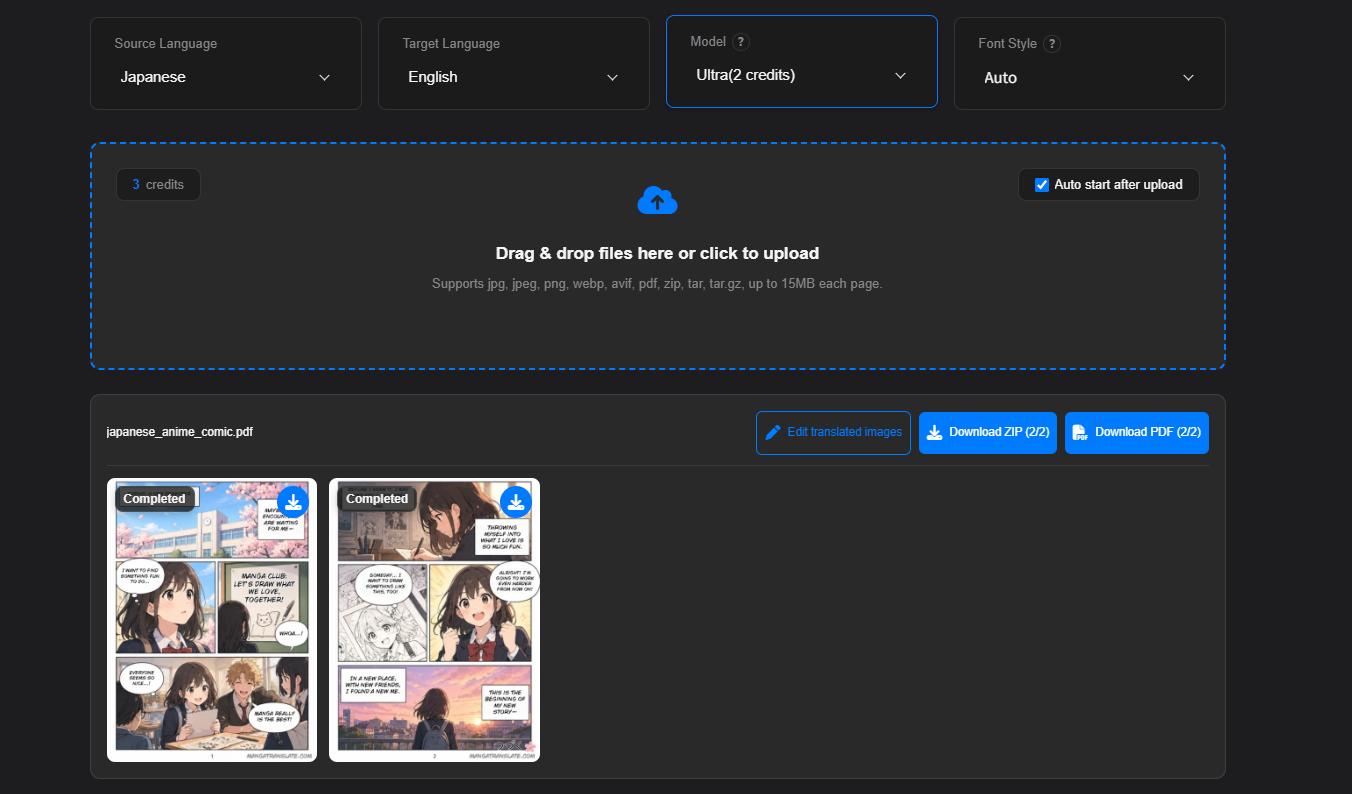
The ability to modify the automatic output is useful when translated sentences are longer than the original text and no longer fit naturally inside a speech bubble.
Pros
- Combines OCR and AI translation
- Places translated text back into the image
- Supports multiple images in one task
- Includes a detailed online editor
- Allows manual corrections after translation
Cons
- Primarily designed around manga-style image translation
- Good final results may still require manual review
4. UnrawManga
Best for: Manga readers who regularly encounter untranslated Japanese, Korean, or Chinese pages.
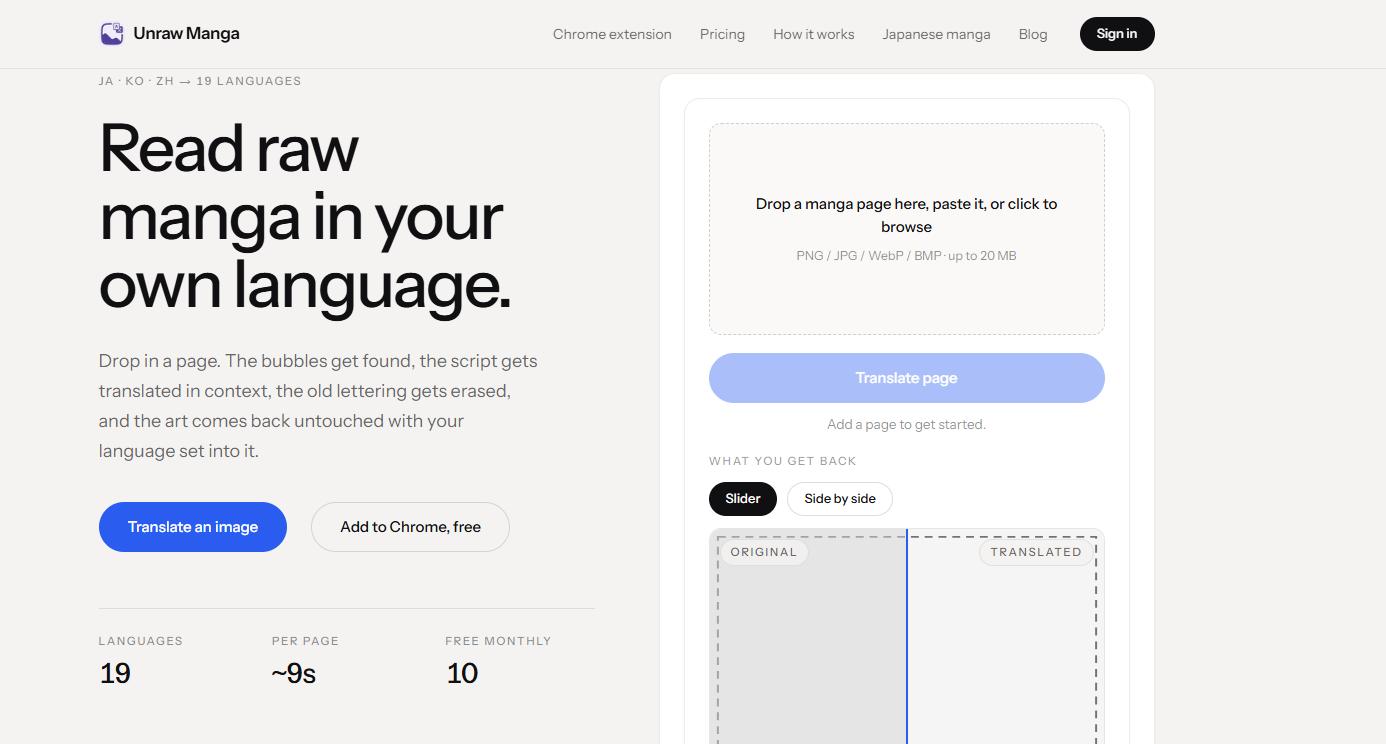
Unraw focuses on translating raw Japanese, Korean, and Chinese manga pages.
Its system detects speech bubbles, captions, and other text areas, translates them using the surrounding page for context, removes the original lettering, and typesets the translated text back into the page. It also provides a Chrome extension for translating manga while reading online.
The online version accepts common image formats such as PNG, JPG, WebP, and BMP. At the time of writing, its free tier provides a limited monthly translation allowance.
How to Use Unraw
- Upload a manga or comic page.
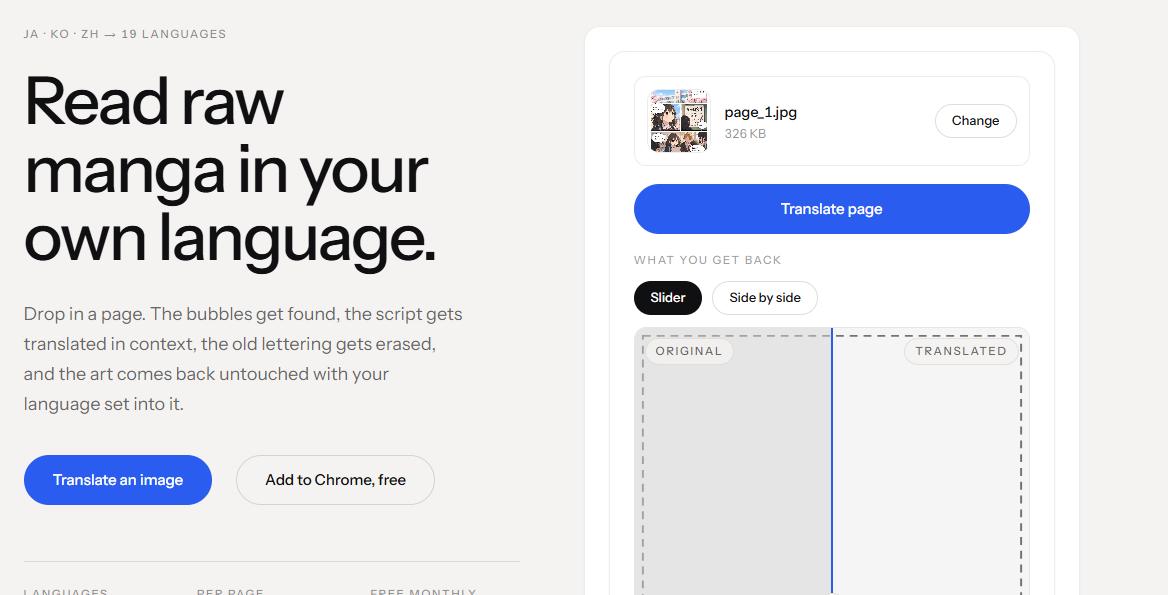
- Let the AI detect the text areas automatically.
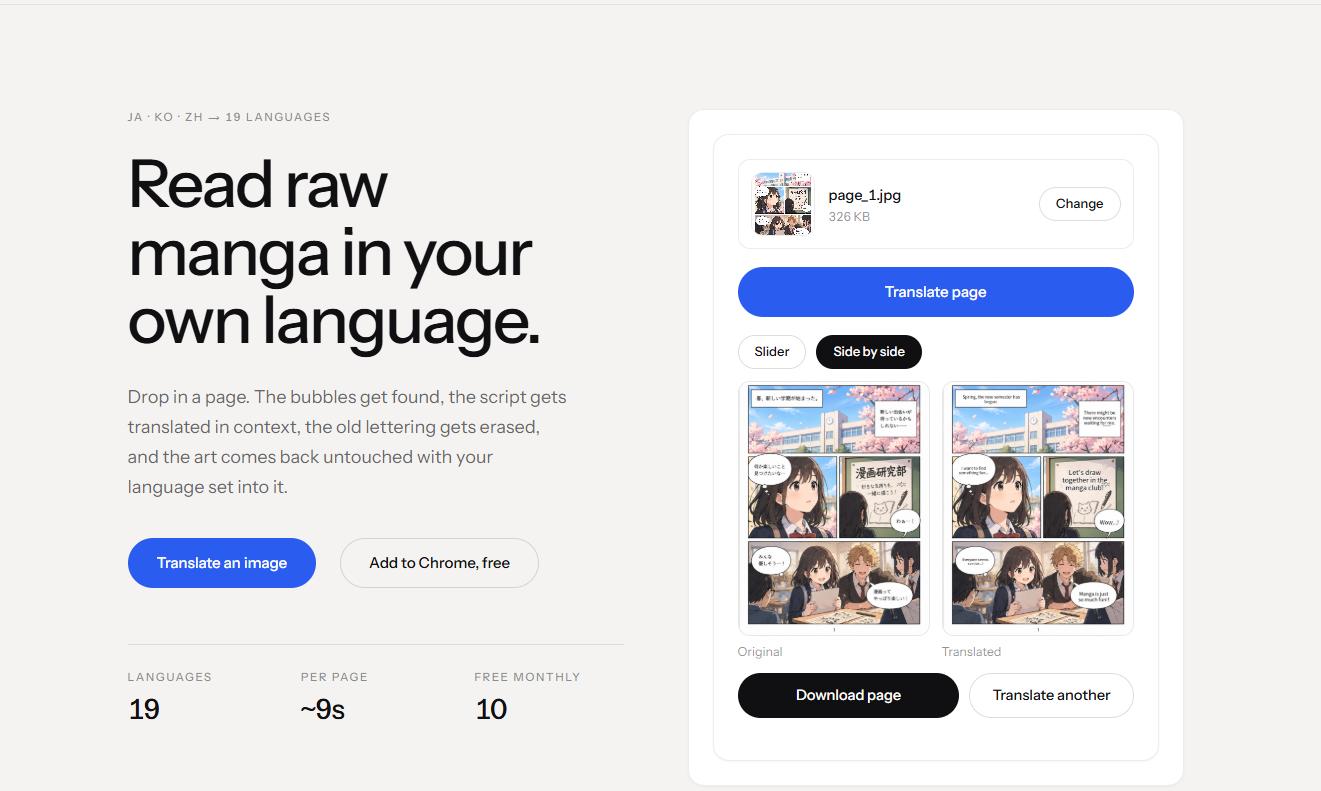
- Generate the translated page.
- Compare the original and translated versions.
- Save the result or use the browser extension for continuous reading.
Pros
- Built specifically for raw manga
- Detects speech bubbles and captions automatically
- Replaces original lettering rather than simply adding an overlay
- Browser extension available
- Useful for reading untranslated manga online
Cons
- More focused on manga than general image editing
- Free usage is limited
- Complex sound effects and highly stylized lettering may still be difficult for automatic recognition
5. Comic Translator
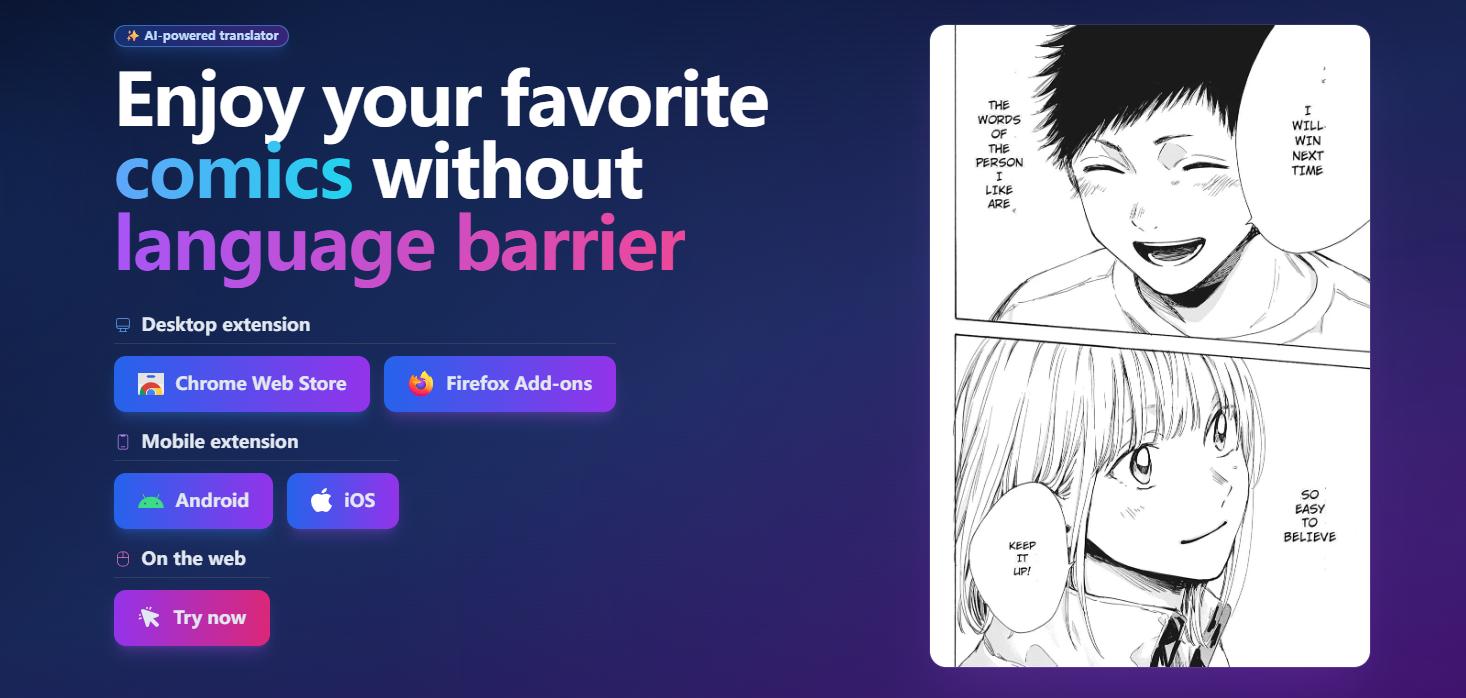
Best for: Readers who want to translate comics directly while browsing online.
Comic Translator takes a different approach from tools that require you to download and upload every comic page.
Its browser tools can translate comic images directly while you are reading online. It automatically detects and replaces image text and also provides a frame-translation mode for content displayed on screen. The service currently advertises support for more than 160 languages and common formats such as JPG, PNG, and WebP.
This makes it convenient when the primary goal is reading rather than producing a professionally localized comic file.
How to Use Comic Translator
- Install the supported browser extension or open its online translator.
- Open the comic you want to read or upload your book.
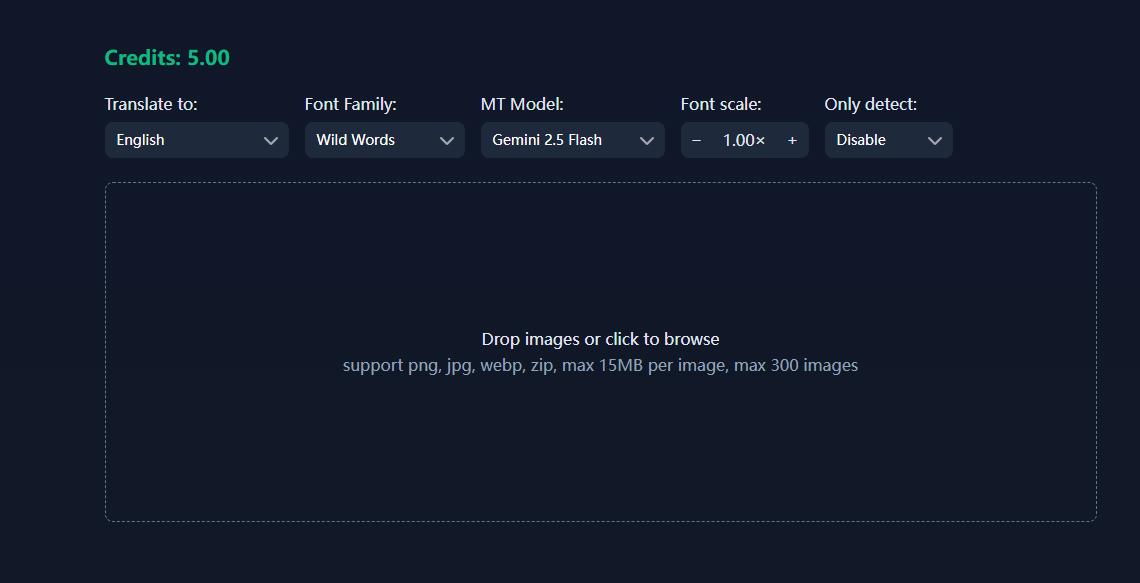
- Click Start Translate to begin the translation.
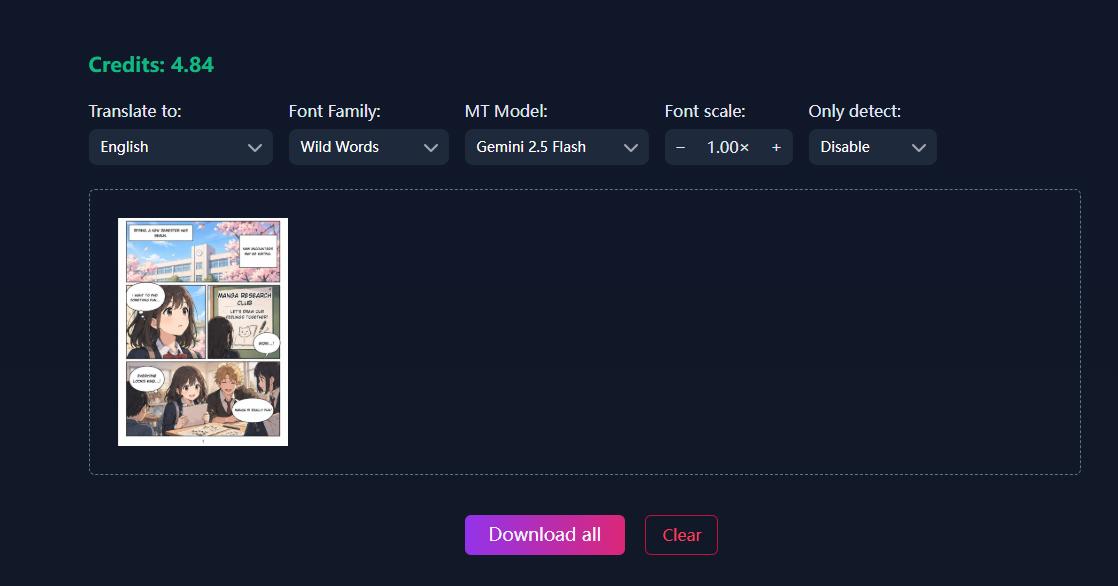
- Let the AI detect and translate text within the comic images.
- Read the translated version directly or download translated images.
Pros
- Convenient for online comic reading
- Browser-based translation workflow
- Supports a large number of languages
- Works with manga, manhwa, and other comics
- Avoids repeatedly copying dialogue into a separate translator
Cons
- Less suitable when you need detailed control over typography and layout
- Automatically translated dialogue should still be checked when accuracy is important
How to Choose the Right Comic Translator
Not every comic translator handles images in the same way. Some tools focus on reading, while others are designed for editing or complete comic localization.
Text Recognition Accuracy
A comic page is more difficult to recognize than a normal document. Dialogue may appear vertically, at an angle, or over detailed artwork. A good translator should be able to detect text inside speech bubbles, captions, signs, and other parts of the panel without confusing artwork with characters.
Translation Quality
Word-for-word translation is rarely enough for comics. Dialogue often contains slang, jokes, character names, honorifics, and references to previous panels. Context-aware translation generally produces more natural results, but important dialogue should still be reviewed manually.
Text Replacement
Some tools simply show translated text separately from the comic image. For a more natural reading experience, look for tools that can remove the original words and place translated text back inside the speech bubble. If you need to manually correct a specific word or sentence afterward, an image text editor such as LightPDF can also be useful.
Layout and Speech Bubbles
English translations can be significantly longer or shorter than Japanese, Korean, or Chinese dialogue.
A good AI comic translator should therefore handle line breaks and text positioning carefully. Tools with manual font and positioning controls provide more flexibility when automatic typesetting does not fit the original bubble.
Supported Formats
- For individual panels, support for JPG, PNG, or WebP may be enough.
- For complete comic books, however, support for formats such as PDF, EPUB, CBZ, ZIP, or multiple-image batch uploads can make the translation process much easier.
Conclusion
Choose a comic translator based on your file format and editing needs. LightPDF works well for PDF comics, while other tools offer more specialized manga, webtoon, and image translation features. AI can speed up comic translation, but names, slang, and context-dependent dialogue may still need manual review.


Leave a Comment