


Internet Archive contains millions of books, videos, and files, but downloading them isn’t always straightforward. Different file types require different methods, and some items may have restrictions or special formats.
This guide shows you how to download from Internet Archive step by step, including books, PDFs, archive.org files, and Wayback Machine pages.
How to Download from Internet Archive (Basic Method)
Most files on Internet Archive can be downloaded directly from the item page.
Here’s how:
1. Go to the Internet Archive website
2. Search for the file or item you want
3. Click into the item page
4. Look for the DOWNLOAD OPTIONS section on the right

5. Click SHOW ALL to view all available files

6.Right-click the file you want (for example, PDF)

7. Select “Save Link As…” to download it

This works for most public-domain books, documents, audio files, and videos. The platform is designed so that all downloadable content is grouped under this single section, making the process relatively consistent across different items.
Also read: Internet Archive Alternatives
When the File Shows “Borrow” Instead of Download
Some books and digital items are not freely downloadable because they are part of Internet Archive’s lending system.
When this happens, you will see a “Borrow for 1 hour” option instead of a download button.
This means:
- The content is protected by copyright or licensing rules
- You can only read it inside the browser reader
- The file is temporarily accessible, not permanently downloadable
In these cases, there is no direct download option available, and the restriction is intentional.
When Files Are Very Large (Using Torrent Option)
Some items on Internet Archive are extremely large, such as software archives, full movie collections, or dataset bundles.
For these cases, normal browser downloading may be slow or unstable.
Instead, you may see a Torrent download option, which works better for large files.
Torrent downloads:
- Split files into smaller parts for stability
- Allow faster downloading under heavy load
- Require a torrent client to open and manage the file
This option is mainly for bulk or large media files and is not necessary for standard documents or books.
Using Wayback Machine (Archived Web Pages)
The Wayback Machine is a different part of Internet Archive that stores snapshots of websites over time.
Instead of downloading files directly, you are viewing saved versions of web pages.
To use it:
- Enter a website URL into the search bar
- Choose a date from the calendar
- Open a saved snapshot of the page
From there, you can manually save content like images or text. However, not everything will be available because some elements were never captured during archiving.
Why Some Downloads Don’t Work
If you cannot download something, it is usually due to one of these reasons:
- The item is copyrighted and only available for borrowing
- The file is set to streaming-only access
- The upload does not include a downloadable version
In these cases, Internet Archive is not blocking you accidentally—the access rules are part of how the content was shared.
Common File Types on Internet Archive
Different formats are offered depending on the type of content:
- PDF – best for reading and printing documents
- EPUB – optimized for mobile devices and e-readers
- MP3 / MP4 – audio and video playback
- TORRENT – used for large or bulk file downloads
You don’t need to convert formats unless you specifically want a different reading experience.
Optional: Convert Downloaded Files for Easier Use
In some cases, the file you download from Internet Archive may not be in the most convenient format for reading or editing. For example, you might get TXT, EPUB, or HTML versions depending on how the item was uploaded.
If you prefer a cleaner and more consistent document format, you can convert these files into a standard PDF for easier reading, sharing, or printing. Tools like LightPDF Free Online Converter make this process simple by allowing you to upload your file and convert it into a readable PDF in just a few steps.
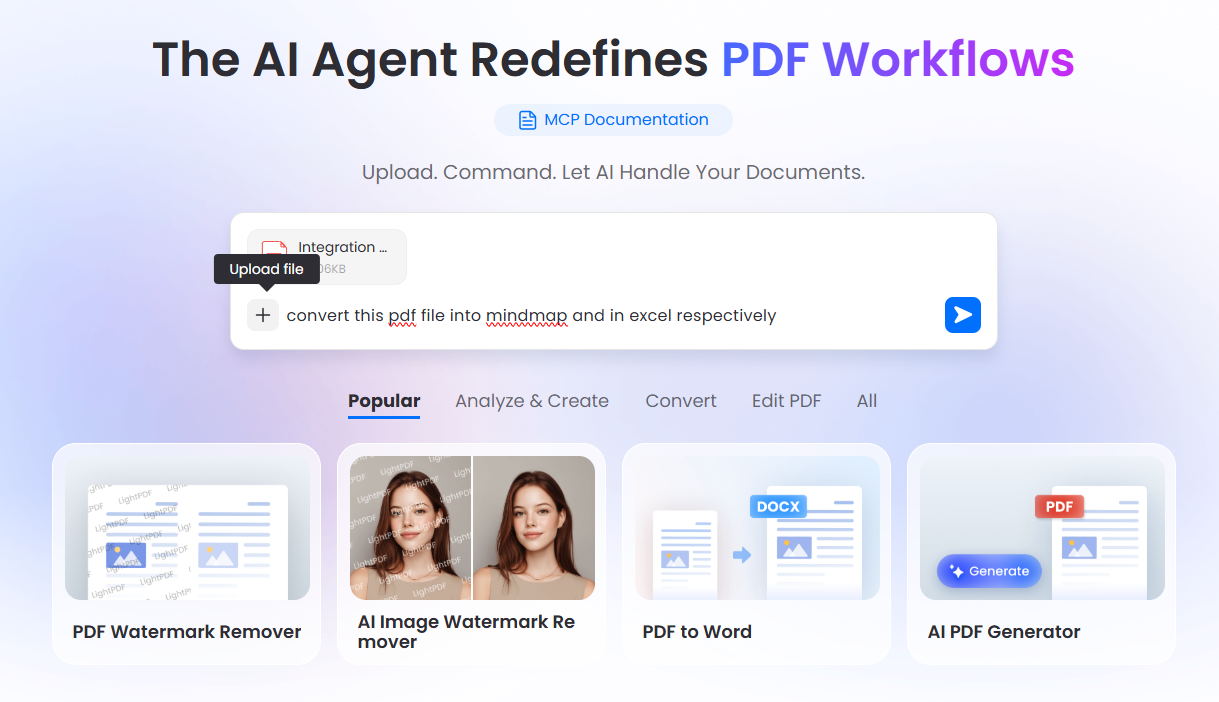
This is especially useful when you are working with research materials or multiple downloaded files that you want to organize into a single, easy-to-manage document.
Common Questions
Why can’t I download some files from Internet Archive?
Some items are restricted due to copyright or licensing rules. Instead of a download button, you may only see options like “Borrow” or online viewing. In these cases, downloading is not available, and you can only access the content within the platform.
Why does my download start but fail or get stuck?
This usually happens with large files or when the server is under heavy load. If the file is very big (such as software or video collections), switching to the Torrent option often provides a more stable and reliable download experience.
How do I download multiple files from one item?
Open the item page and go to “DOWNLOAD OPTIONS” or “SHOW ALL FILES.” From there, you can manually download each file one by one. Some items may offer a bulk download option, but it is not always available.
What should I do if the file format looks unfamiliar?
Internet Archive sometimes provides files in formats like TXT, HTML, or image-based scans. If the format is not convenient for your use, you can convert it into a more readable format such as PDF using a file conversion tool.
Is downloading from Internet Archive free and legal?
Yes, most content is free to access and download. Many files are in the public domain or shared under open licenses. However, some items are restricted, and you should always follow the usage rules shown on the item page.


Leave a Comment