


Part.1 10 Mockup Platforms I Actually Recommend
1. Yellow Images
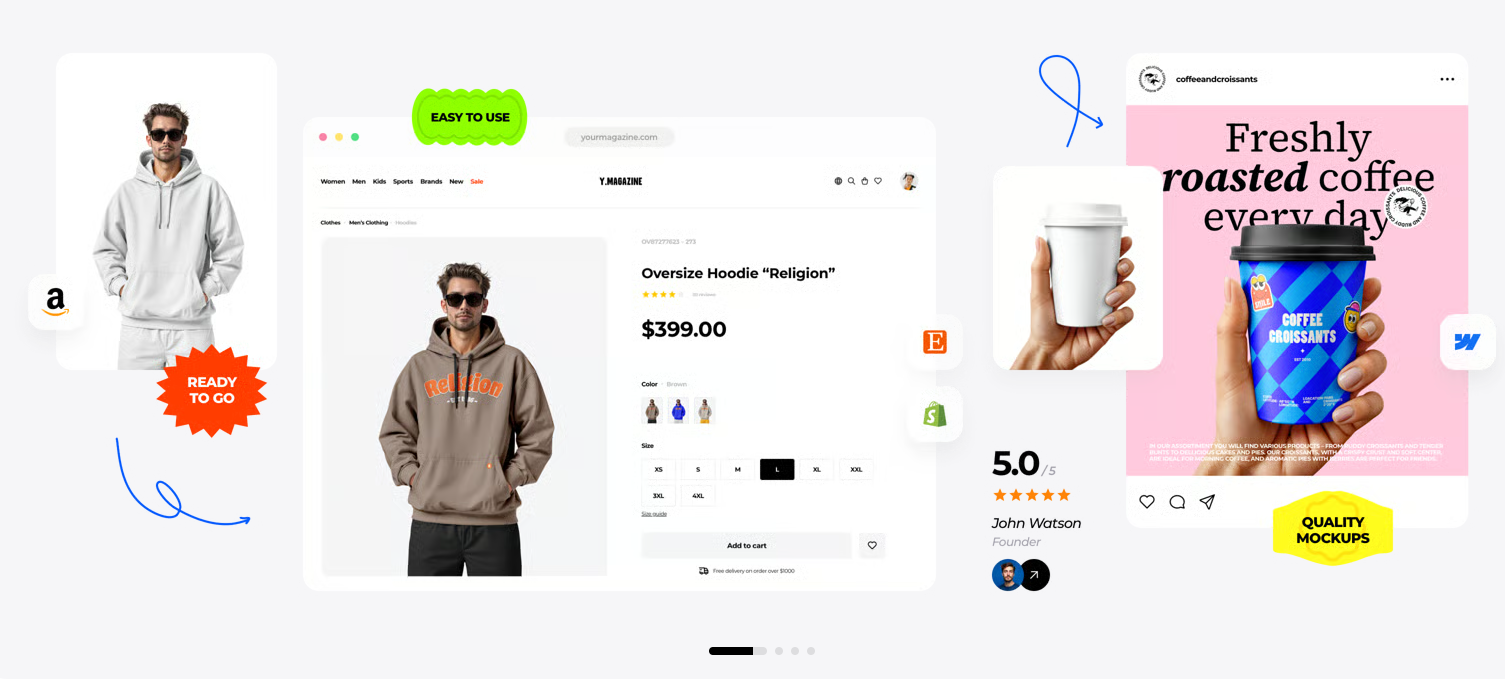
If you’re deep into branding, packaging, or product design, Yellow Images is a totally different beast. Forget those basic photo overlays—these guys do lifelike, high-res 3D renders better than anyone.
- What’s Special: The material detail is just unreal. You can almost feel the fabric, the shimmer on foil or glass, and even the shadows—all on their own layers in the PSDs.
- Customization: Classic Photoshop setup—full control over smart objects, colors, and lighting.
- When to Use: Crucial client work or any moment where realism has to be on point.
2. Smartmockups (Now Part of Canva)
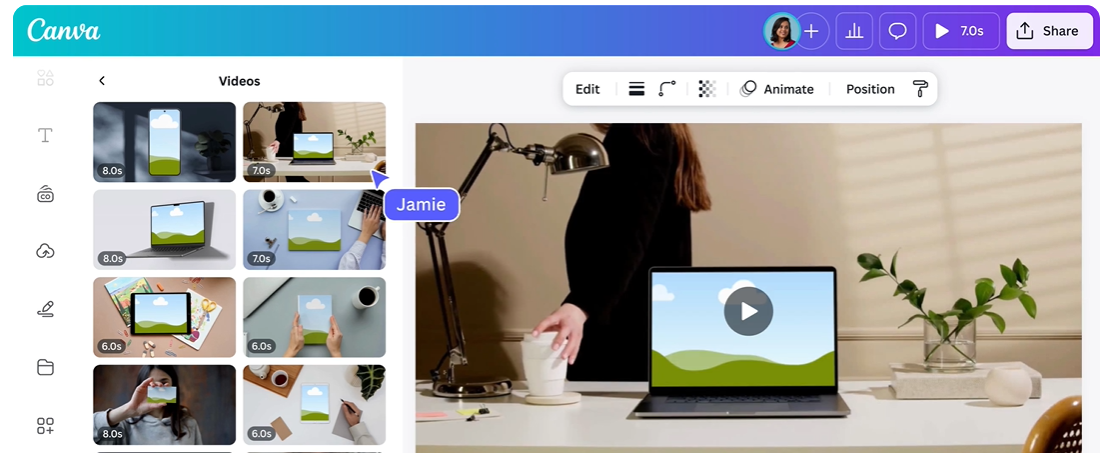
Smartmockups is the king of convenience. Since it’s now fully integrated right inside Canva, you don’t need to boot up heavy software or jump between tabs to get professional-looking results.
- What’s Special: You can pull designs straight from Canva, connect with Figma, or drop a live website URL to see your UI on real devices instantly.
- Text Editing: Features a smooth in-browser text editor for mockup designs. Swap out placeholder text, change spacing, and try new fonts—right there, no fuss, to replace text on mockup graphics in seconds.
- When to Use: Perfect for social posts, fast mocks, or anyone who wants pro results—fast.
3. Placeit by Envato
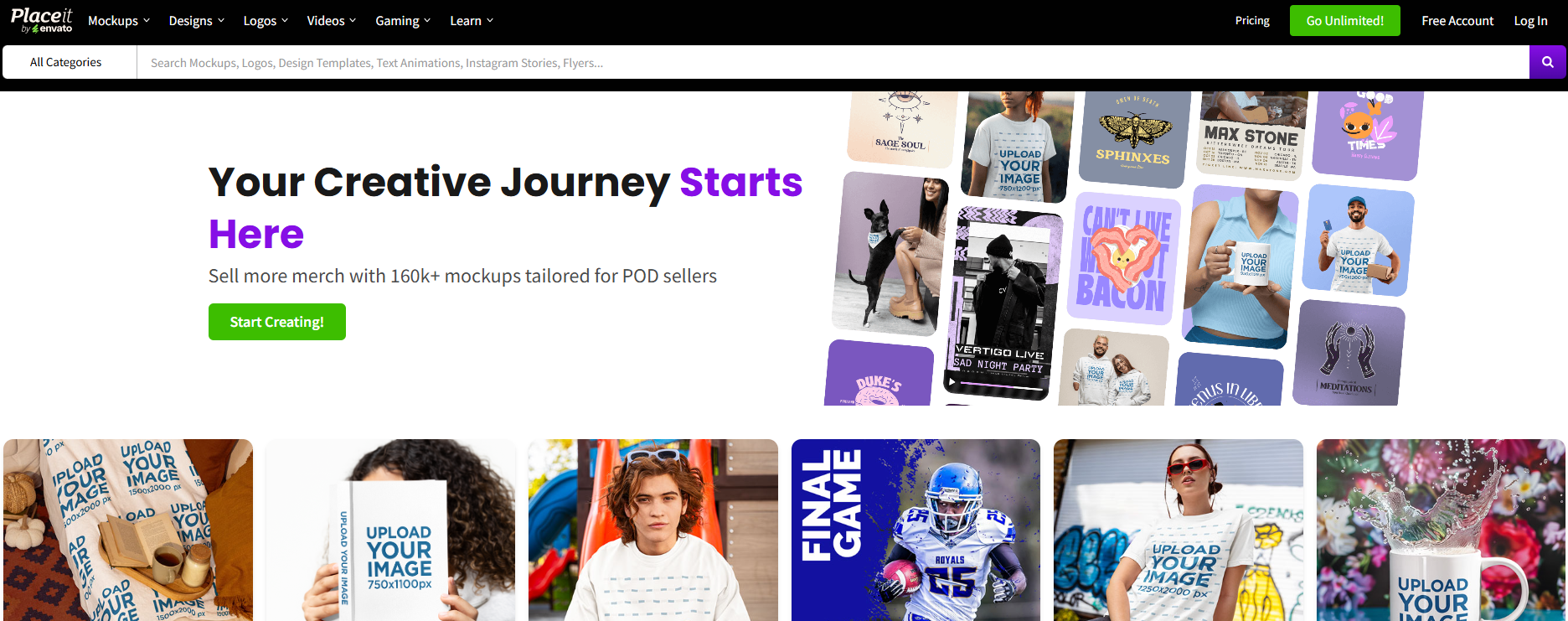
If you need options, Placeit has you covered. Think t-shirts, mugs, phones, banners—pretty much any surface you’d print or place a design on.
- What’s Special: 100% browser-based. Just upload your artwork, tweak the background, and you’re set for a high-res download.
- Text Editing: Really solid text editor for mockup templates—curved type, secondary headers, full style controls, and you can replace text on mockup graphics with live updates right on canvas.
- When to Use: E-comm sellers, merch brands, or anyone running regular campaigns.
4. Mockup World
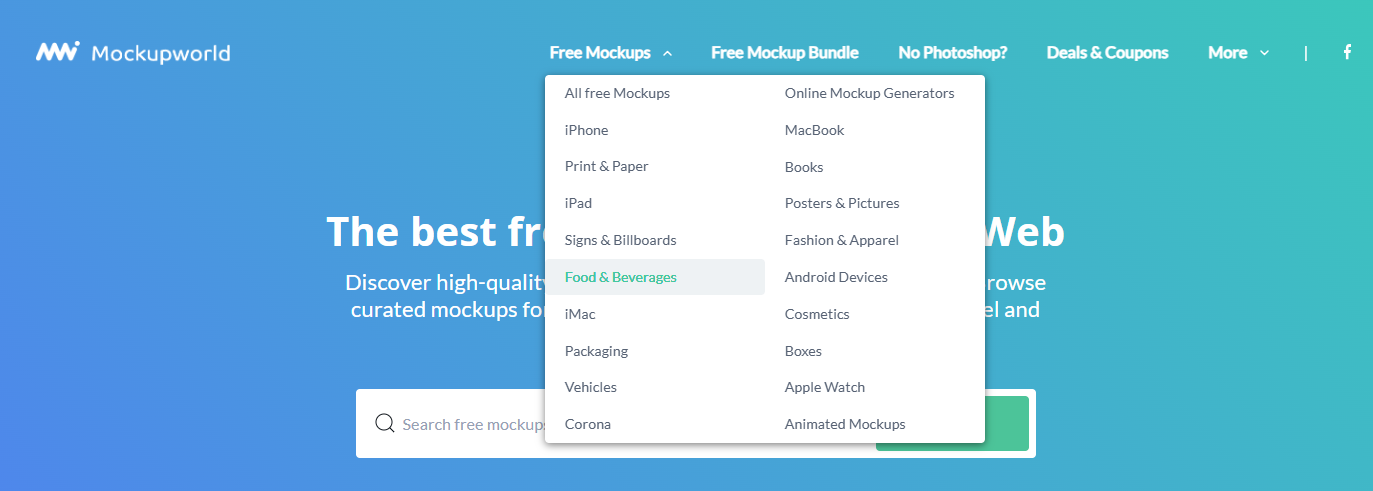
Mockup World is a goldmine: a clean list of the best free mockup sites, all curated by designers for designers.
- What’s Special: Everything is free and good quality. Covers devices, packaging, billboards—you name it.
- Customization: Just download the PSDs and jump into Photoshop. Swap designs with smart objects.
- When to Use: Designers looking for high-quality free mockup sites for designers or working with zero budget.
5. Artboard Studio
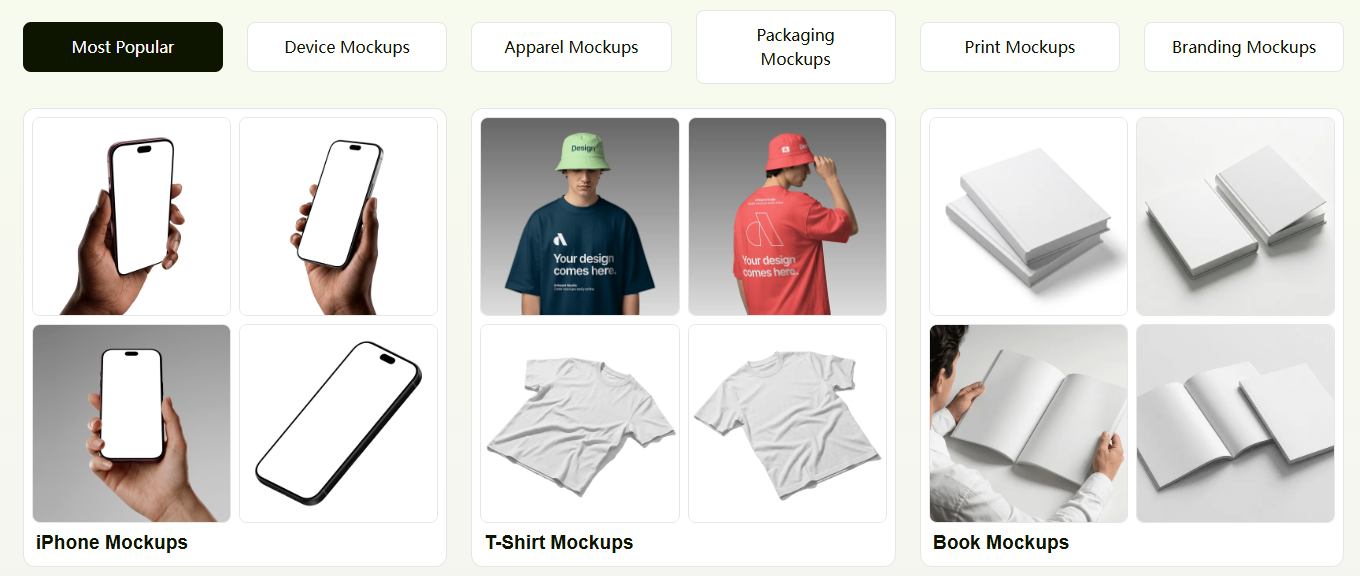
Artboard Studio is like Figma met a 3D scene builder and had a baby—completely browser-based.
- What’s Special: You actually build scenes from scratch. Drag together props like coffee cups, laptops, and stationery on a clean canvas. No cookie-cutter backgrounds.
- Text Editing: Full vector text support—bend, rotate, and tweak live type anywhere you want, making it super easy to replace text on mockup compositions.
- When to Use: For original content or social visuals that stand out from the crowd.
6. LS Graphics
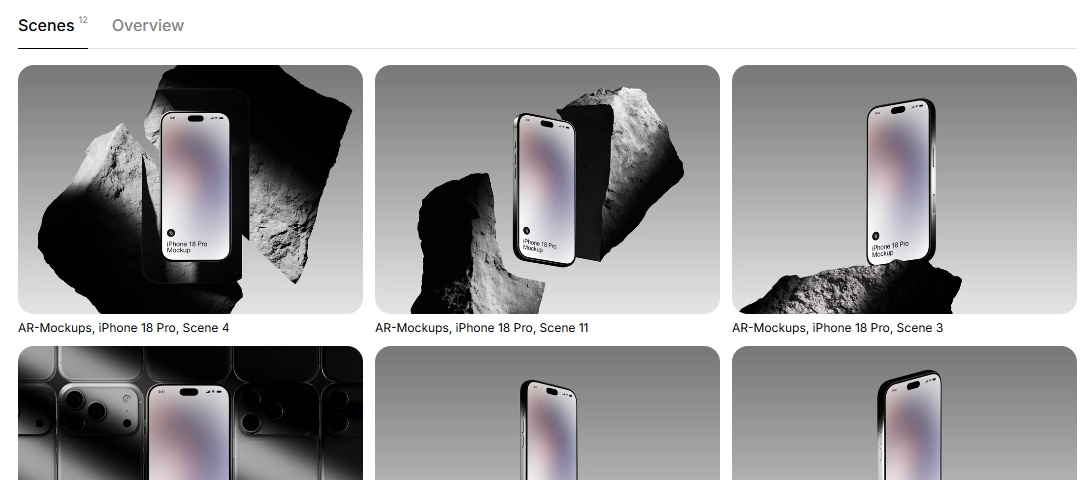
If slick UI/UX presentations are your thing, LS Graphics nails that clean, minimalist “Apple-style” look.
- What’s Special: Super clean clay devices, isometric views, and dark mode setups, ready to go in Photoshop, Sketch, and Figma.
- Customization: All vector layers and organized smart objects—screen swaps are a breeze.
- When to Use: App showcases or SaaS teams building a solid portfolio.
7. GraphicBurger
A classic in design circles. GraphicBurger’s been delivering free high-quality PSDs for ages.
- What’s Special: From vintage textures to foil stamping effects to super realistic packaging—loads of creative options.
- Customization: Pre-built Photoshop files with easy lighting control—just drop in your work.
- When to Use: Perfect for branding or anyone who wants texture and character.
8. Mockups Design
No distractions, just clean layouts for print and editorial. Mockups Design is fast and to the point.
- What’s Special: Brochure spreads, business cards, books—each with tons of neat camera angles.
- Customization: Open the PSD, find the smart object, swap your design—it’s simple.
- When to Use: Showcasing print work or full brand identity.
9. Anthony Boyd Graphics
Anthony Boyd brings modern aesthetics with sharp, studio-style 3D device renders, all for free.
- What’s Special: Super crisp Apple hardware, gorgeous room scenes, and polished lighting.
- Customization: High-res PSDs, every layer named and smart object ready.
- When to Use: UI, tech presentations, or when you want something a bit more editorial.
10. Previewed
If you live in the app world, Previewed is all about 3D app store screens and animated device mockups right in your browser.
- What’s Special: Real-time 3D device rotation, animated transitions, layered device showcases—no software needed.
- Text Editing: In-app text editor for mockup scenes—quick text swaps, overlays, and replace text on mockup frames before downloading.
- When to Use: Launching mobile apps or pitching your next big idea.
Part.2 Editing Text Directly on Mockups
Want to change the copy on a mockup, but keep the shadows, lighting, or that perfect 3D angle? Try these go-to methods:
1. Use an Online Image Text Editor (My Favorite Shortcut)
If you’ve got a flat image (like a JPG or PNG) and just need to swap out words without firing up heavy design software, LightPDF makes it painless. Its AI finds the text for you and keeps everything looking sharp without messing up background textures.
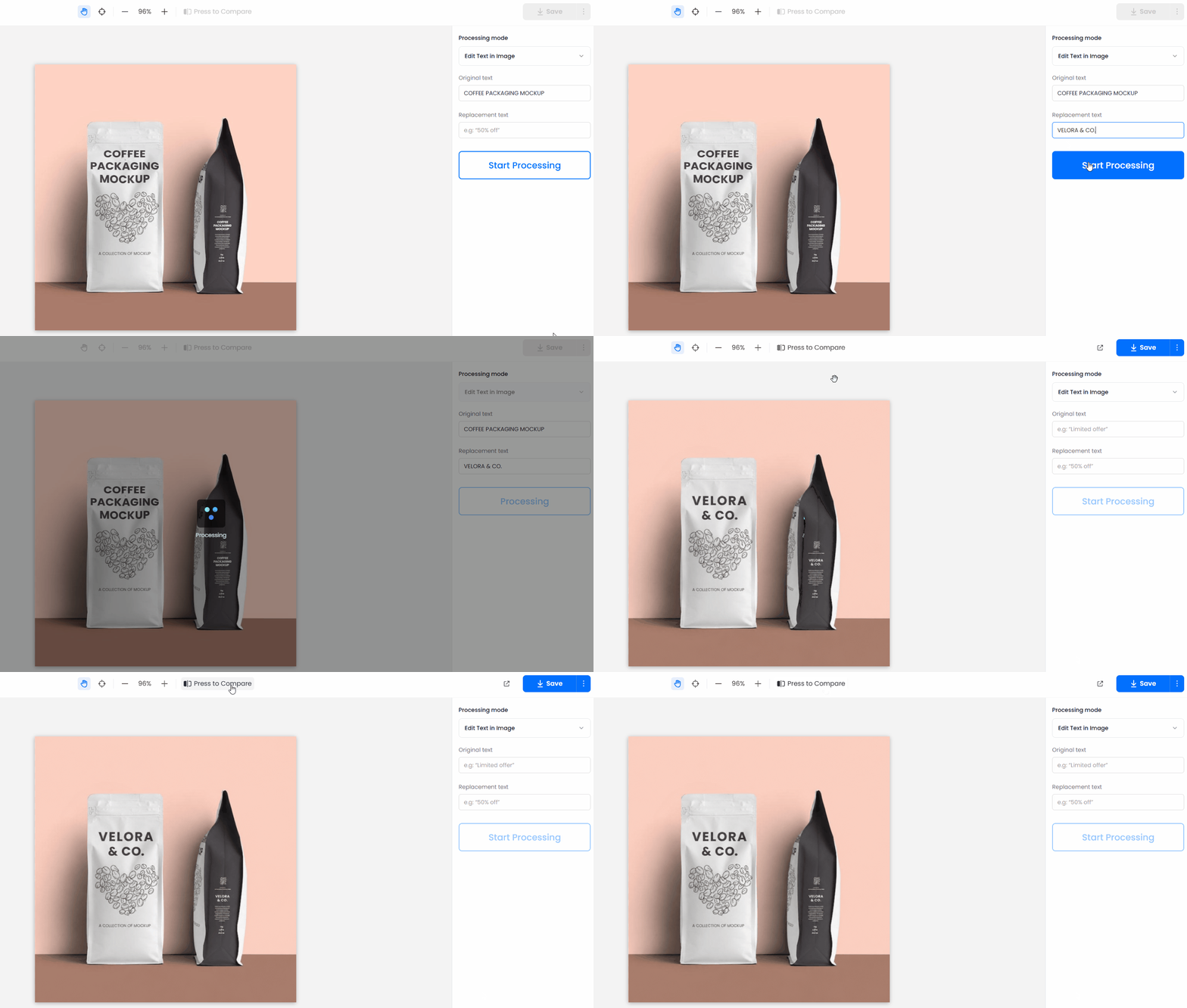
- Head to the Online Image Text Editor in your browser.
- Upload your mockup image file (JPG, PNG, or WebP).
- Type the original text you want to change, then enter your new copy.
- Hit replace. The AI replaces text on mockup graphics automatically while keeping the same font look, alignment, and background shading.
- Download your fully updated mockup—done.
2. Edit PSD Smart Objects with Photoshop
- Download your chosen PSD from your favorite free mockup sites.
- Open it in Photoshop and find the Smart Object in the Layers panel.
- Double-click it to open the PSB tab; then use the Type Tool (T) to replace text on mockup layers or drop in fresh graphics.
- Hit save (Cmd + S or Ctrl + S) and pop back to your main file—the new text appears in context with all lighting applied.
3. Go with Free Web-Based Editors (Photopea & Figma)
- Drop your PSD into Photopea, or import your layout into Figma.
- Find the frame group or layer that holds your target text or screen label.
- Swap in your new copy using the web-based text editor for mockup layers.
- Export a crisp PNG or WebP and you’re set.
Part.3 Mockup Sites Cheat Sheet
| Site Name | Best For | Pricing | PSD Download | In-Browser Editor | Text/Logo Editor |
| Yellow Images | Photorealistic 3D packaging/object | Pay per item/Subscription | Yes | No | No |
| Smart mockups | Fast, browser-based device/app mocks | Free/$9 a month | No | Yes | Yes |
| Placeit | Apparel, merch, ad visuals | Free/$14.95 a month | No | Yes | Yes |
| Mockup World | Free PSD downloads, various categories | Free | Yes | No | No |
| Artboard Studio | Flexible, scene-building compositions | Free/$15 a month | No | Yes | Yes |
| LS Graphics | Minimal device/frame presentations | Free/$99 a year | Yes | No | No |
| Graphic Burger | Free artistic PSD templates | Free | Yes | No | No |
| Mockups Design | Print, editorial, stationery | Free | Yes | No | No |
| Anthony Boyd Graphics | Modern 3D tech scenes | Free/Donate | Yes | No | No |
| Previewed | 3D app store/device animation | Free/Paid plans | No | Yes | Yes |
Part.4 Most-Asked Mockup Questions
What are the best free mockup sites for commercial work?
I always turn to Mockup World, GraphicBurger, and Mockups Design—they keep it clean, and their PSDs work for most commercial uses. Double-check the license notes in your download zip for attribution, but you’re usually in the clear.
Can I edit text on mockups without Photoshop?
Absolutely. LightPDF’s online image text editor lets you swap text on flat images while keeping original font vibes automatically. Web tools like Smartmockups or free browser editors like Photopea also let you change typography right in your browser.
What’s the difference between PSD templates and web mockup generators?
PSD templates are downloadable source files for Photoshop that give you complete control over lighting, shadows, and reflections. Browser generators let you drop designs onto pre-rendered scenes instantly, though lighting tweaks are usually fixed.
Why does my text look flat when I edit a Photoshop mockup?
Make sure you’re typing your text inside the Smart Object (.psb) tab instead of on the main canvas. Placing text inside the Smart Object automatically applies the parent file’s 3D warp, drop shadows, and reflection maps.
Which mockup sites work best for UI/UX app presentations?
For clean app screens and digital product case studies, LS Graphics, Smartmockups, and Previewed offer the sleekest vector devices, clay phone models, and isometric layout angles.


Leave a Comment