


1. Canva: Versatile Online Resume Builder
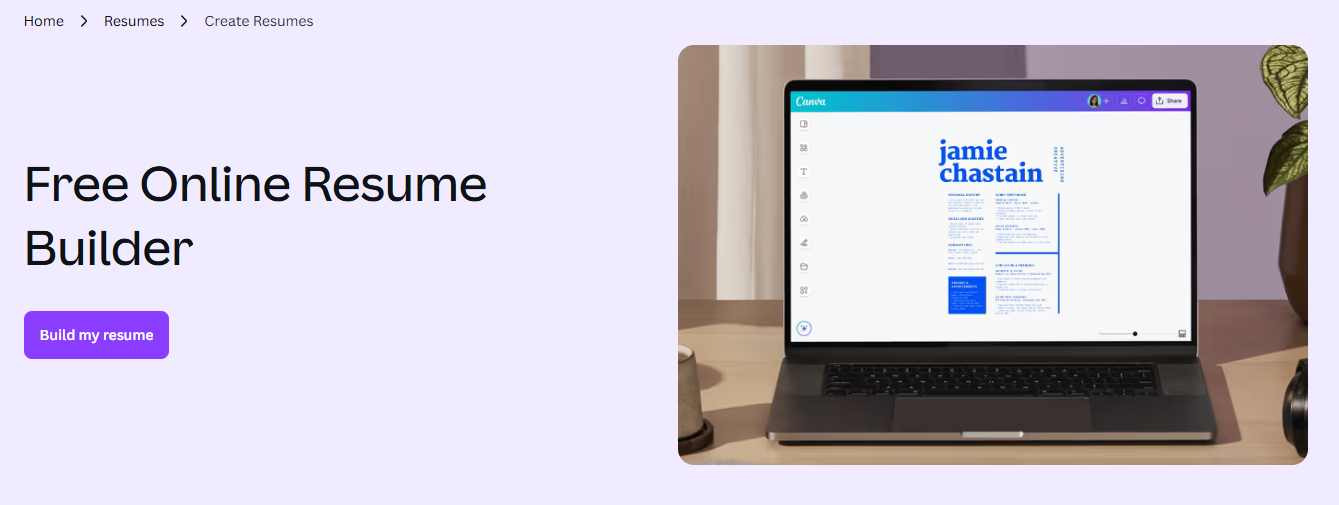
Canva is an excellent choice for graduates looking for a flexible online resume builder. It offers hundreds of modern graduate resume templates suitable for different industries. You can:
- Choose from multiple professionally designed templates tailored for graduates
- Customize fonts, colors, sections, and icons to match your personal brand
- Add sections for education, internships, skills, and projects
- Export your resume as PDF or image
Practical usage: Canva’s drag-and-drop interface allows graduates to create a visually appealing graduate resume easily. Highlight internship projects, academic achievements, or leadership experience while keeping the layout clean and ATS-friendly.
Tip: Generate or Edit Resume PDF
After exporting your resume as PDF, graduates can use LightPDF for further refinement:
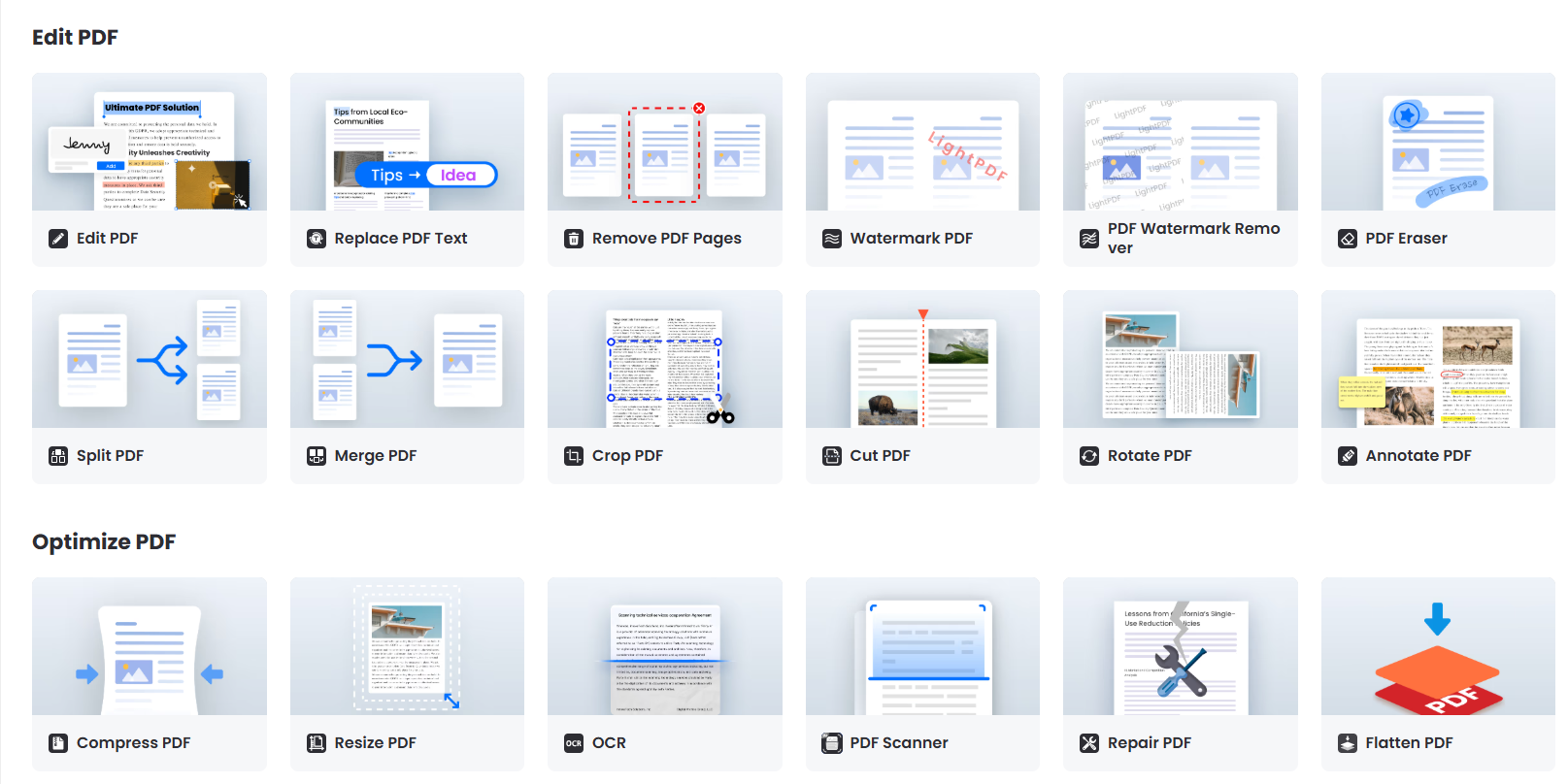
- LightPDF AI Generator (Online Tool) – Generate a complete PDF resume based on a brief prompt with your education, skills, and experience. Ideal for graduates who want a professional PDF quickly.
- LightPDF Editor (Windows/Mac) – Directly edit your resume PDF on your computer. You can modify text, adjust fonts, add comments or highlights, insert sections, and tweak layout and spacing.
2. Zety: Streamlined Graduate Resume Builder
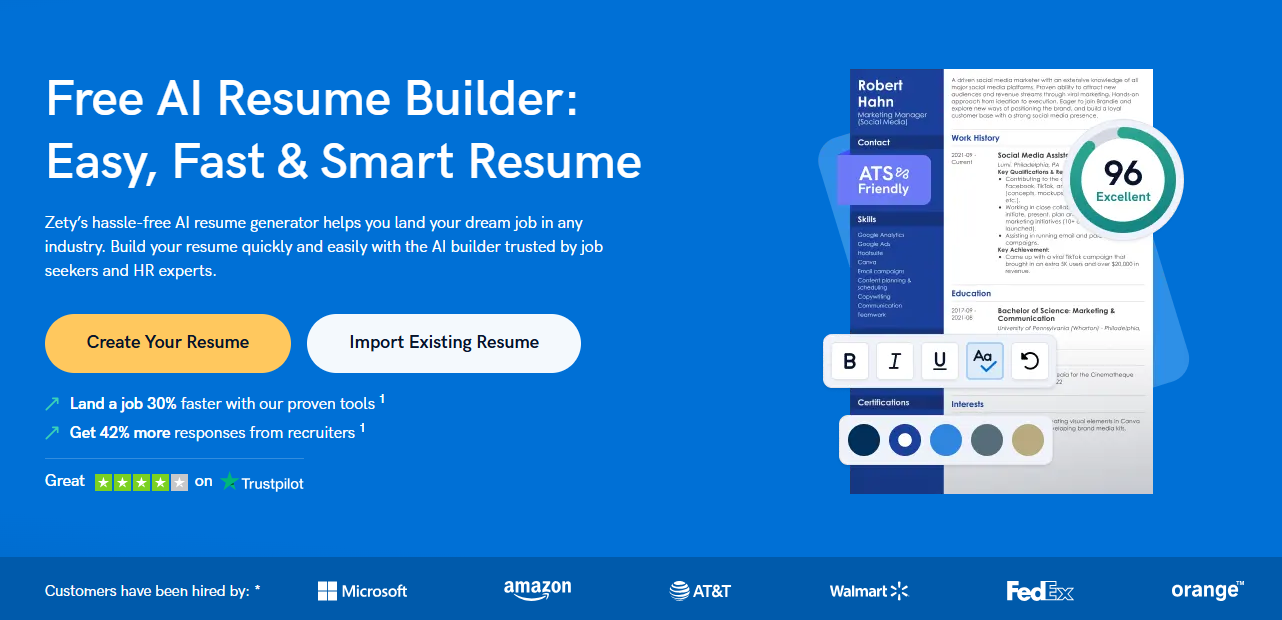
Zety is a popular graduate resume builder designed to simplify resume creation. Features include:
- Smart content suggestions for skills, achievements, and experience
- Pre-made templates optimized for readability and professional appearance
- Section reordering and customization options
- PDF export for submission with easy formatting
Practical usage: Zety is ideal for graduates with limited work experience. You can emphasize internships, academic projects, or volunteer work. The tool also suggests action verbs and quantifiable results, e.g., “Managed 3 projects, improving team efficiency by 20%,” making your online resume stand out.
3. Novoresume: Free Resume Maker for Students
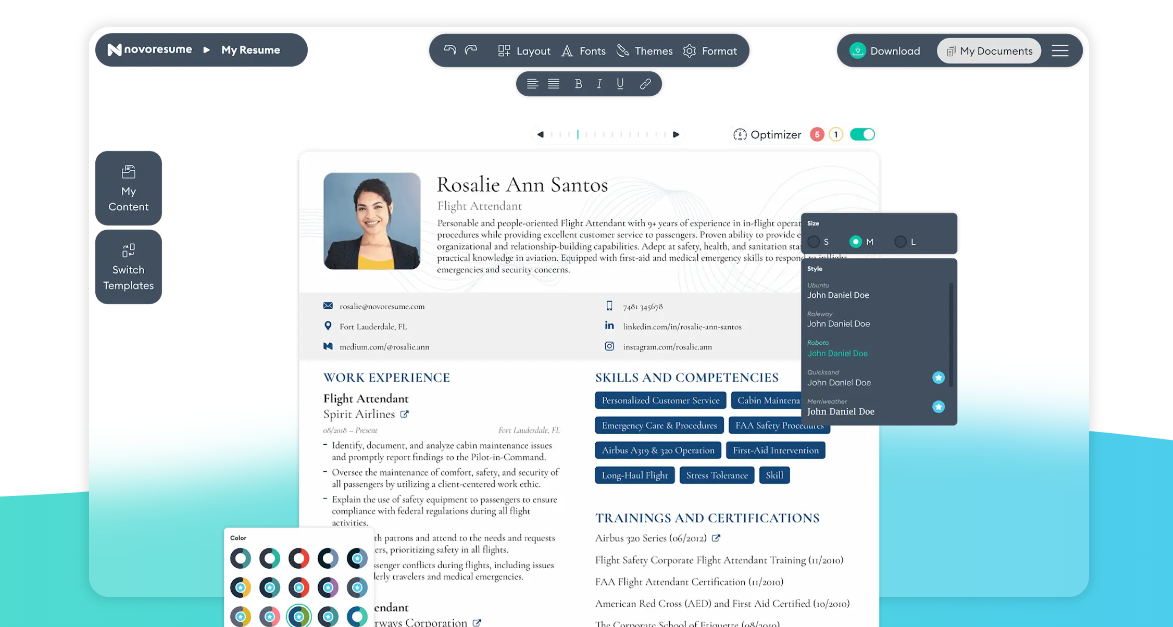
Novoresume is a great free resume maker for students, balancing simplicity and professionalism. Key features:
- Beginner-friendly interface with step-by-step guidance
- Templates optimized for student and graduate resumes
- Section suggestions for education, projects, and internships
- PDF export and online sharing options
Practical usage: Novoresume allows students to showcase academic projects or leadership roles effectively. Combined with LightPDF AI Generator or desktop PDF editor, you can refine and customize your resume PDF for submission quickly.
4. Kickresume: Career Starter Friendly
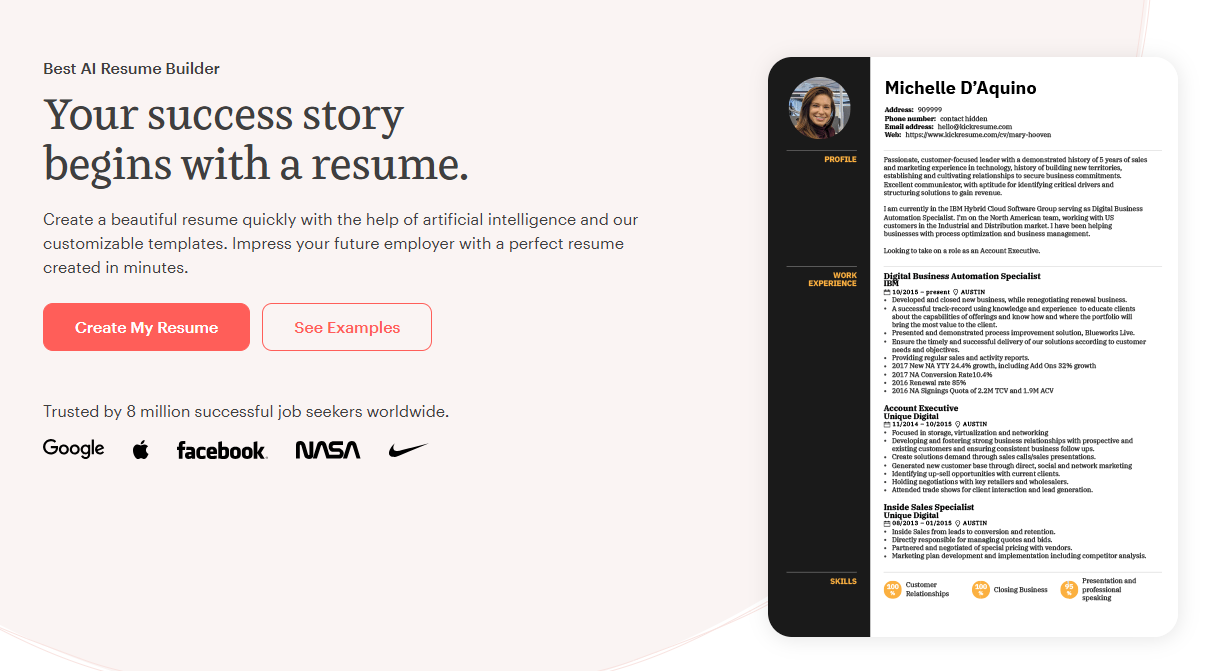
Kickresume focuses on graduates and early-career professionals. Its features include:
- Professionally designed graduate resume templates
- AI-powered content suggestions for first-time resumes
- PDF export and flexible formatting
- Multi-language support for international applications
Practical usage: Kickresume is excellent for creating an online resume for global job applications. Highlight language skills, certifications, or international internships. The AI suggestions help graduates write content naturally while emphasizing key qualifications.
5. Resume.io: Efficient and Professional
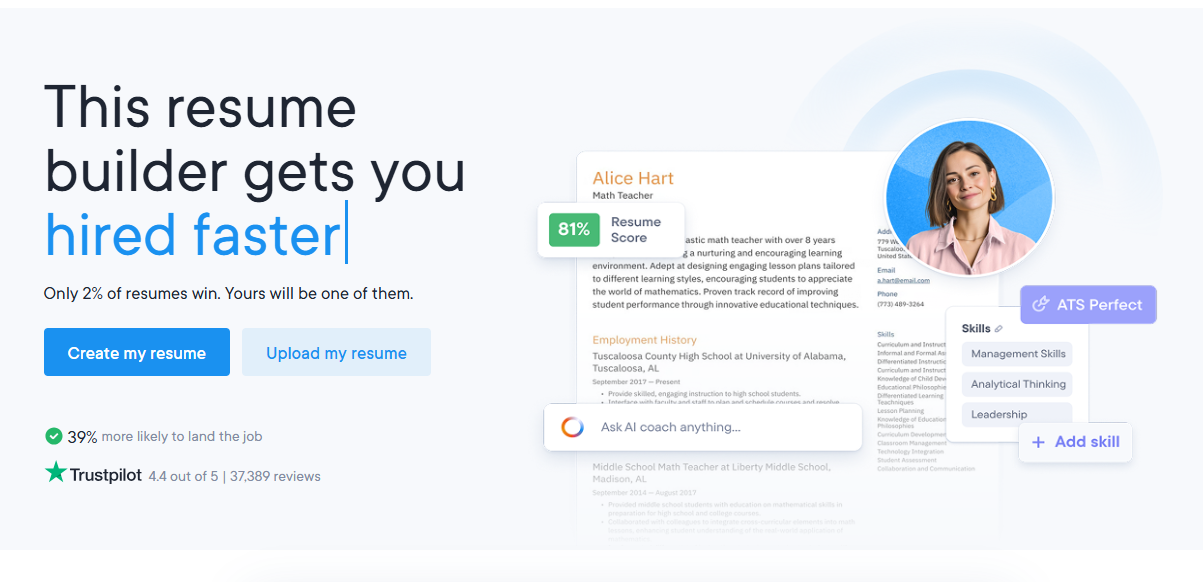
Resume.io is a highly efficient online resume builder suited for graduates aiming for a professional look:
- Offers a variety of graduate resume templates tailored to different job sectors
- ATS-friendly formatting to increase chances of passing automated screenings
- Editing tools for sections, fonts, and headings
- Tips for action verbs, skill highlighting, and quantified achievements
- PDF export for submission or online sharing
Practical usage: Resume.io helps graduates emphasize both education and relevant skills. For example, you can create a section for coursework, internships, or certifications, then export a clean resume PDF optimized for recruiters.
★ Comparison of Top Resume Builders
| Tool | Key Features | Graduate-Friendly Templates | PDF Export | Free Version Available | Notes |
|---|---|---|---|---|---|
| Canva | Drag-and-drop design, customizable sections, icons & colors | ✅ Yes | ✅ Yes | ✅ Yes | Best for visual appeal and creative layouts |
| Zety | Smart content suggestions, ATS-friendly templates, section reordering | ✅ Yes | ✅ Yes | ❌ Limited | Ideal for emphasizing internships and academic projects |
| Novoresume | Step-by-step guidance, student-focused templates | ✅ Yes | ✅ Yes | ✅ Yes | Quick for first-time graduates, easy to use |
| Kickresume | AI content suggestions, multi-language support | ✅ Yes | ✅ Yes | ❌ Limited | Great for international applications |
| Resume.io | ATS-friendly, action verbs and skill tips, multiple layouts | ✅ Yes | ✅ Yes | ❌ Limited | Professional look, suitable for various industries |
★ Practical Tips for Graduates
- Highlight Education & Projects – Include coursework, projects, and internships if professional experience is limited.
- Quantify Achievements – Use numbers to demonstrate impact, e.g., “Led a research project, improving process efficiency by 15%.”
- Use Keywords – Match your graduate resume to job descriptions for ATS optimization.
- Edit Resume PDF – Use LightPDF Desktop PDF Editor to tweak layout, fonts, spacing, and sections.
- Leverage AI Tools – LightPDF AI Generator can help generate a professional PDF resume from a prompt.
★ FAQ
Q1: What should a graduate include in a resume?
A: A strong graduate resume usually contains:
- Contact information
- Education, GPA (optional), and relevant coursework
- Internships or part-time work
- Skills (technical + soft skills)
- Academic or personal projects
- Achievements or certifications
Even if you lack long work history, highlighting projects and practical experience can make your resume more competitive. Including these also helps online hiring systems understand your qualifications.
Q2: What is the best structure for a graduate resume?
A: A clear, ATS-friendly structure works best:
- Header
- Summary (optional but helpful for graduates)
- Education
- Skills
- Projects
- Experience
- Achievements / Certifications
This structure improves readability and works well in most online resume builders and graduate resume templates.
Q3: How can graduates quickly improve their resume?
A: You can strengthen your resume by:
- Using strong action verbs
- Adding measurable results (e.g., “Improved accuracy by 15%”)
- Keeping formatting consistent
- Using an online resume builder to generate clean layouts
- Running grammar checks to ensure clarity
If your resume is already in PDF format, you may edit resume PDFs using any document editor to correct spacing, headings, or outdated information.
Q4: How can I tailor my resume for different job applications?
A: Tailor these three areas for every application:
- Skills section → match the job description
- Project or experience bullets → rewrite using relevant keywords
- Summary section → highlight the role you’re targeting
This increases the chance of passing ATS filters used by many online hiring systems.
Q5: Are resume templates helpful for graduates?
A: Yes. A graduate resume template provides structure and ensures your layout is professional. Choose templates that are:
- Simple and clean
- ATS-friendly
- Easy to customize
- Templates are especially helpful for graduates who are creating a resume for the first time.


Leave a Comment