


Part.1 What Is PDFCoffee and How Does It Work?
PDFCoffee is an online document-sharing platform that allows users to upload and download PDF files. It is widely used for accessing textbooks, study notes, exam preparation materials, technical manuals, and academic documents.
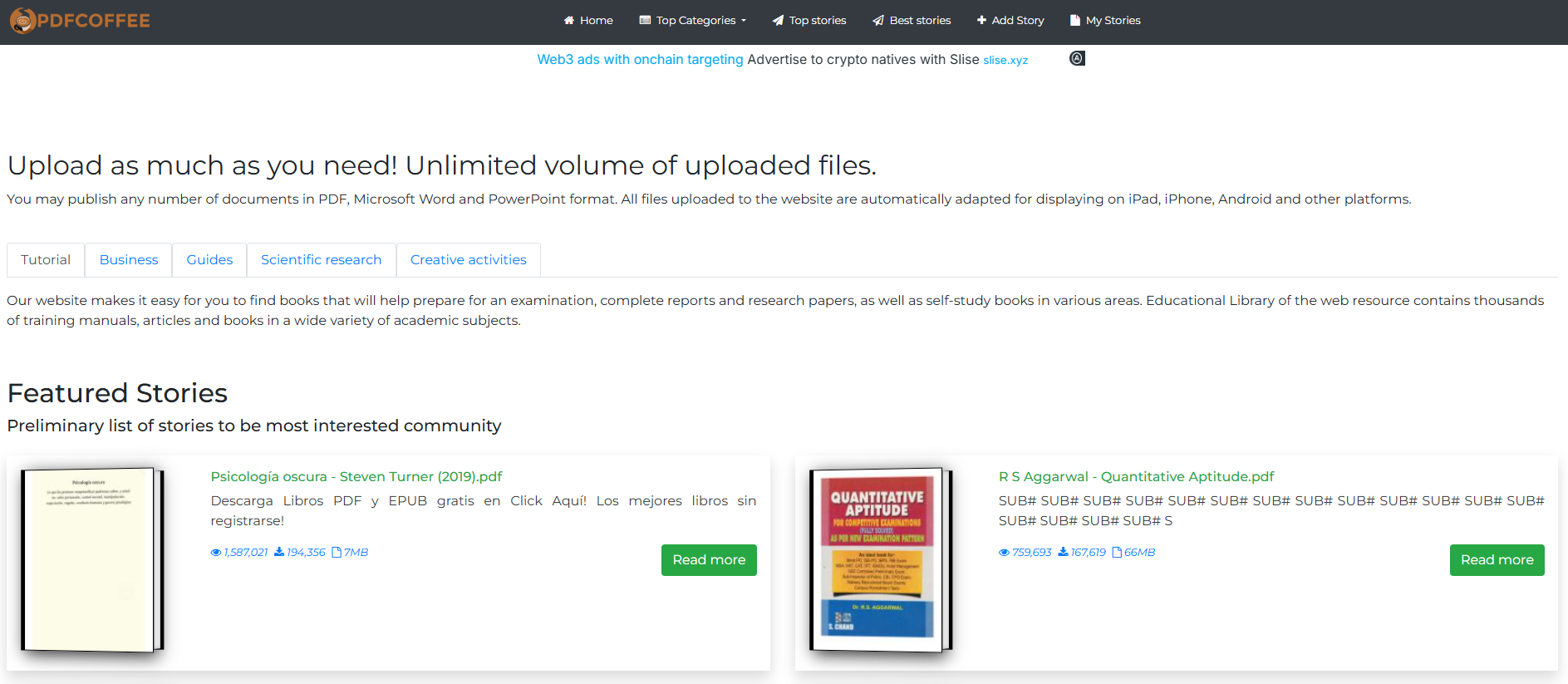
The platform relies entirely on user-generated uploads, which means its content library is extensive and multilingual, but also varies in quality and reliability. Users can search for documents by keyword or browse categories to find relevant materials.
Quick Answer: PDFCoffee is generally safe to use from a technical standpoint, but it does not verify copyright ownership of uploaded files. While PDFCoffee downloads are free and convenient, users should remain cautious about legality and file quality.
Part.2 Is PDFCoffee Safe to Use?
Many users ask “is PDFCoffee safe?” because downloading files from unfamiliar websites always carries some risk.
From a technical security perspective, PDFCoffee shows common safety indicators:
- The website uses HTTPS encryption
- Files are provided as PDFs rather than executable programs
- The domain has been active for several years
However, since all files are uploaded by users, PDFCoffee does not perform malware screening on every document. It is recommended to scan downloaded PDFs with antivirus software before opening them.
Conclusion: PDFCoffee is generally safe to use if basic security precautions are followed.
Part.3 Is PDFCoffee Legit or Legal?
When asking “is PDFCoffee legit?”, the real concern is copyright compliance rather than platform authenticity.
PDFCoffee does not appear to verify whether uploaded documents are shared with permission from copyright holders. This means:
- Some documents may be legally shared by authors or educators
- Others may be copyrighted materials uploaded without authorization
As a result, PDFCoffee operates in a legal gray area similar to many open document-sharing websites.
Bottom line: PDFCoffee is a real service, but the legitimacy of individual files cannot be guaranteed.
Part.4 Can You Download PDFs from PDFCoffee for Free?
Yes. PDFCoffee download access is free, and users do not need to create an account to download files. Registration is usually only required if you want to upload documents.
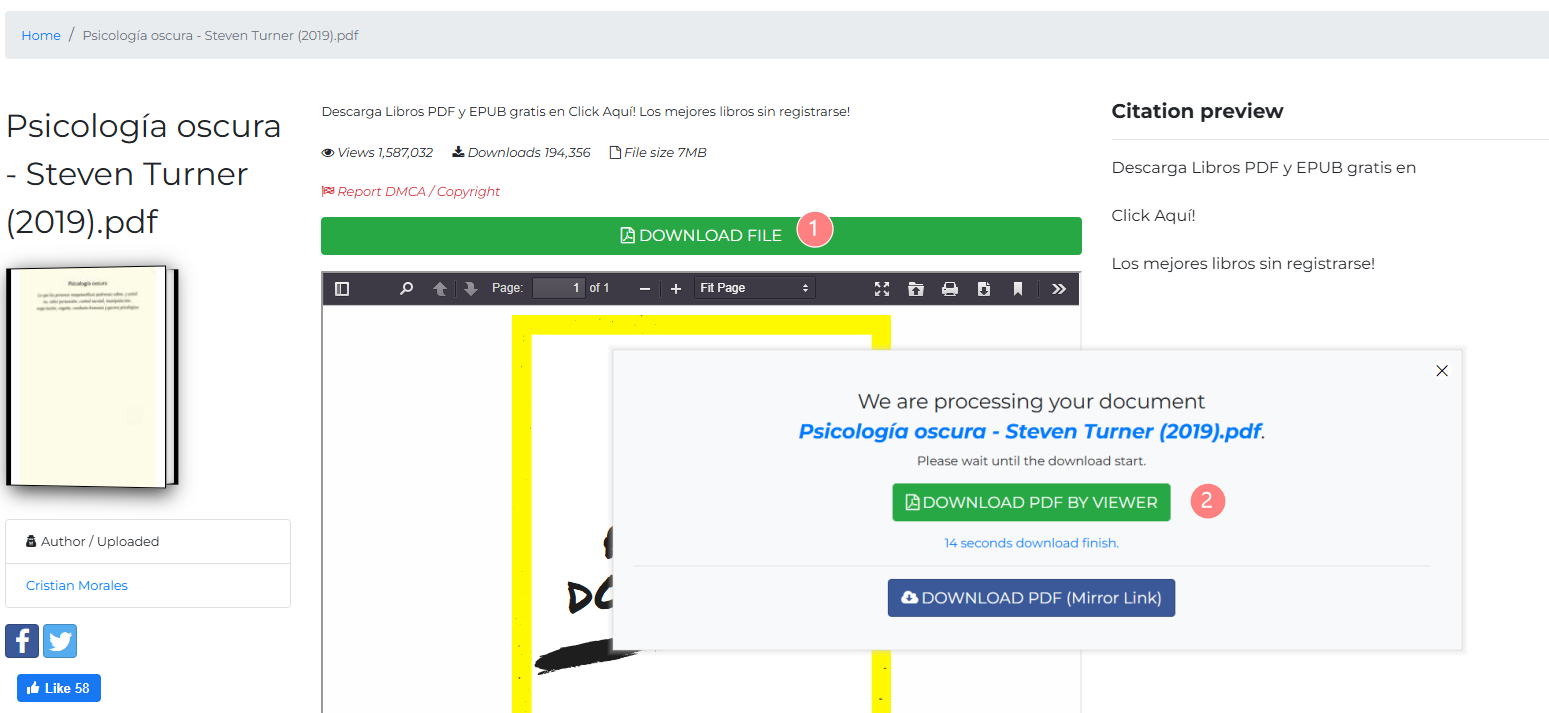
Some downloads may involve short waiting times or multiple download buttons, so users should take care to select the correct option and avoid unnecessary redirects.
Part.5 How to Use PDFCoffee More Effectively (Search & Download Tips)
Knowing how to use PDFCoffee properly can save time and help avoid low-quality or incomplete downloads.
1. Use Precise Search Keywords
PDFCoffee does not support advanced semantic search. For better results:
- Use exact book titles or author names
- Add terms like “PDF,” “lecture notes,” or “textbook”
- Avoid very broad keywords
2. Check File Size and Page Count
When multiple versions appear:
- Larger files often mean better scan quality
- Compare page counts to avoid incomplete documents
- Read file descriptions carefully
3. Preview Before Downloading
Most documents can be previewed online. Before downloading:
- Scroll through several pages
- Confirm language and formatting
- Check for missing or blurred pages
4. Avoid Misleading Download Buttons
Some pages show multiple buttons:
- Choose the main “Download File” option
- Avoid unfamiliar redirect links
- Close pop-ups immediately
5. Organize Files After Download
PDFCoffee does not provide a built-in library. After downloading:
- Rename files clearly
- Store them in categorized folders
- Convert scanned PDFs into searchable formats if needed
Part.6 Sites Like PDFCoffee: Best Alternatives by Category
If PDFCoffee doesn’t meet your needs, here are reliable sites like PDFCoffee, grouped by purpose.
Academic & Study Document Platforms
| Platform | Best For | Notes |
|---|---|---|
| Academia.edu | Research papers | Academic-focused |
| Studocu | Student notes | Community-driven |
| Scribd | Documents & eBooks | Subscription-based |
Free & Legal eBook Libraries
| Platform | Best For | Notes |
|---|---|---|
| Project Gutenberg | Public domain books | Fully legal |
| Open Library | Digital lending | Controlled access |
| ManyBooks | Classic literature | Multiple formats |
Digital Publishing & Flipbook Platforms
| Platform | Best For | Notes |
|---|---|---|
| AnyFlip | Interactive flipbooks | PDF to HTML5 |
| Issuu | Digital publications | Publisher-oriented |
Part.7 Reading, Converting, and Analyzing PDFCoffee Files More Efficiently
Downloading PDFs is only the first step. Many users want a smoother reading experience or need to convert formats.
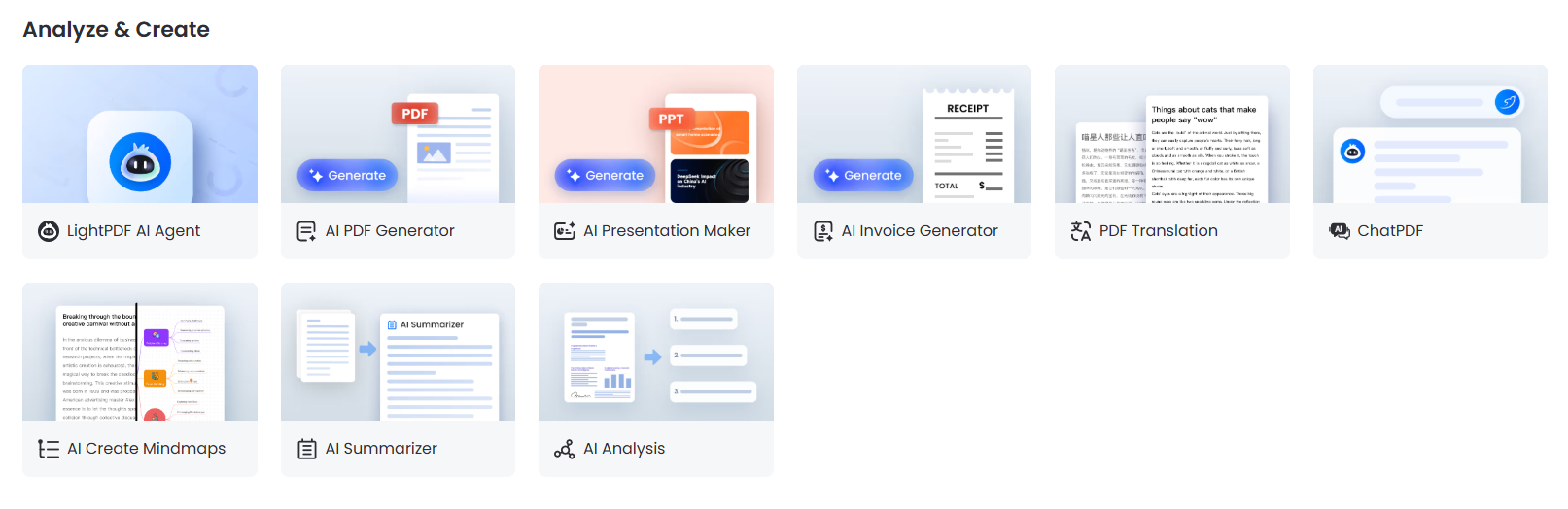
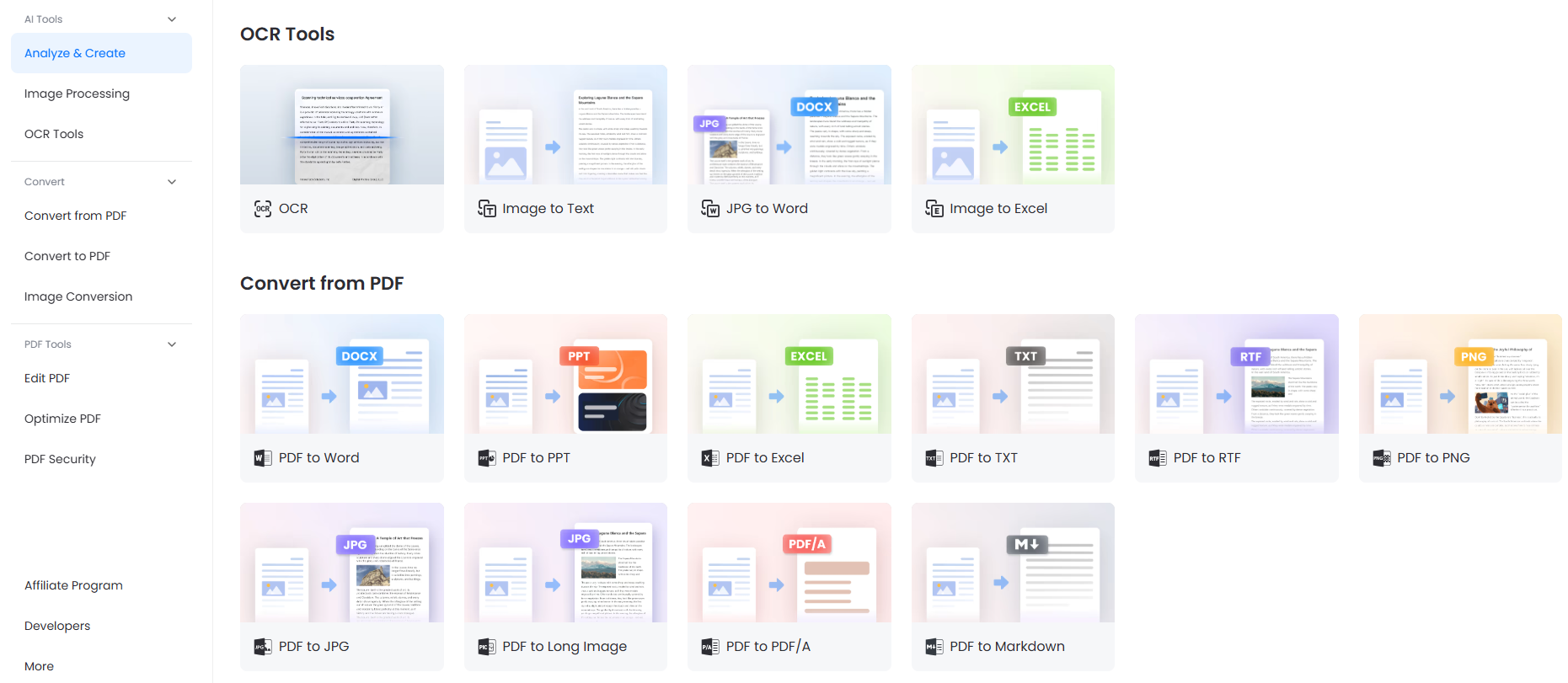
Tools like LightPDF work well alongside PDFCoffee by allowing users to:
- Read large PDF textbooks comfortably
- Convert EPUB to PDF or PDF to Word, PPT, or TX
- Use AI features to summarize chapters, translate content, or analyze long documents
- Annotate PDFs for study or research purposes
For users who rely on PDFCoffee downloads, LightPDF helps turn static files into practical learning resources.
Part.8 FAQ: Common Questions About PDFCoffee
💡 Is PDFCoffee safe for downloading PDFs?
PDFCoffee is generally safe, but users should scan files because uploads are user-generated.
💡 Is PDFCoffee legit in 2026?
The platform itself is real, but it does not verify copyright permissions for uploaded files.
💡 Do you need an account to download from PDFCoffee?
No account is required for downloading files.
💡 Are there safer sites like PDFCoffee?
Yes. Project Gutenberg and Open Library offer legally verified content, while platforms like Scribd provide licensed access.
Part.9 Final Verdict: Should You Use PDFCoffee in 2026?
PDFCoffee remains a convenient option for finding hard-to-access PDFs, especially educational materials. It is generally safe to use, but users should remain mindful of copyright risks and file quality.
For better reading, conversion, and AI-powered analysis, pairing PDFCoffee with a tool like LightPDF can significantly improve productivity and learning efficiency.


Leave a Comment