


Direct Answer
The best places to find public domain books are established libraries, digital archives, and nonprofit ebook projects. For most readers, Project Gutenberg is the easiest option for free public domain ebooks. Standard Ebooks is a strong choice for well-formatted EPUBs, while Google Books, Library of Congress, and HathiTrust are useful for historical books and public domain books PDF files.
Copyright note: Free does not automatically mean public domain. Check the rights information for the specific title and edition before downloading, modifying, or redistributing it.
Key Takeaways
| Website | Best for | EPUB | |
|---|---|---|---|
| Library of Congress | Historical collections | Some books | Some books |
| HathiTrust Digital Library | Academic research | Some books | Some books |
| Internet Archive | Scanned & rare books | Available | Available |
| Project Gutenberg | Classic literature | Some books | Available |
| Wikisource | Source texts | Available | Some books |
| Google Books | PDF downloads | Available for eligible books | Some books |
| Standard Ebooks | High-quality EPUBs | Not offered | Available |
| Open Library | Book discovery | Depends on title | Depends on title |
| LibriVox | Audiobooks | Not applicable | Not applicable |
| ManyBooks | Ebook browsing | Depends on title | Available |
1. Library of Congress
Best for: Official collections and historical books
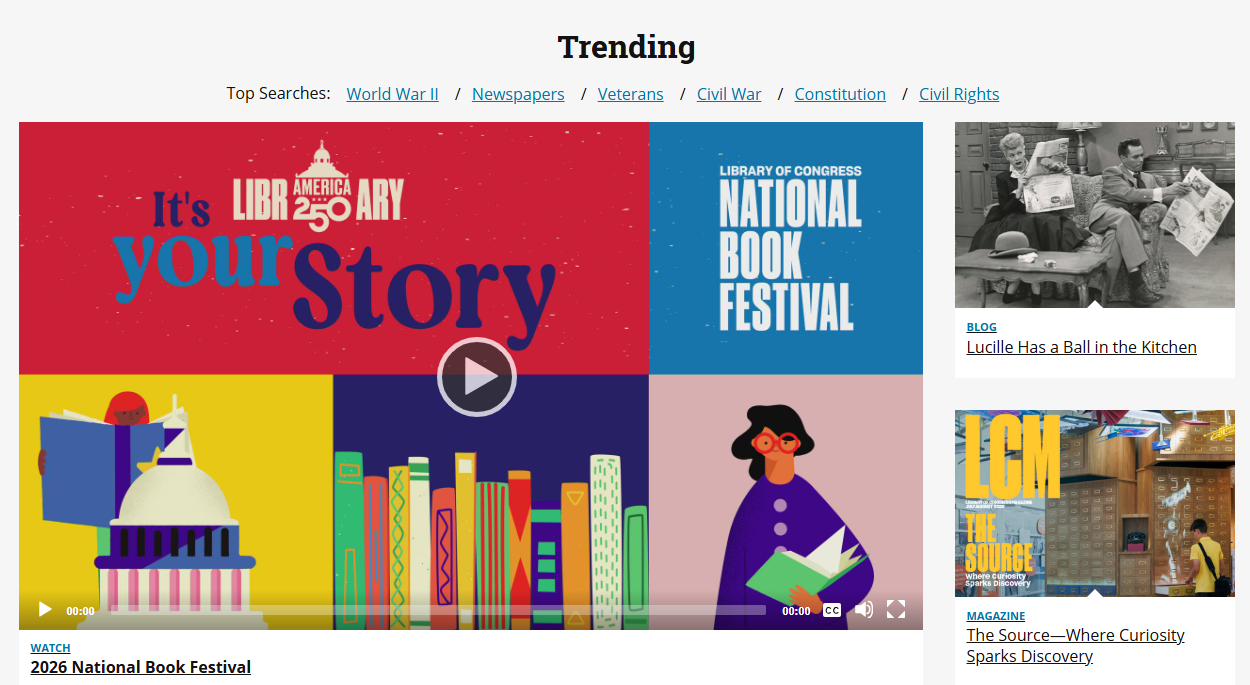
- U.S. national library with extensive digital collections
- Historical books, manuscripts, newspapers, and primary sources
- Selected collections include books identified as public domain
- Some materials are available as downloadable PDFs
- Individual records provide rights and access information
The Library of Congress does not consider everything on its website automatically free to reuse. Check the Rights & Access information for the specific item. Its Selected Digitized Books collection, for example, identifies the books as public domain and free to use and reuse.
2. HathiTrust Digital Library
Best for: Academic and scholarly books
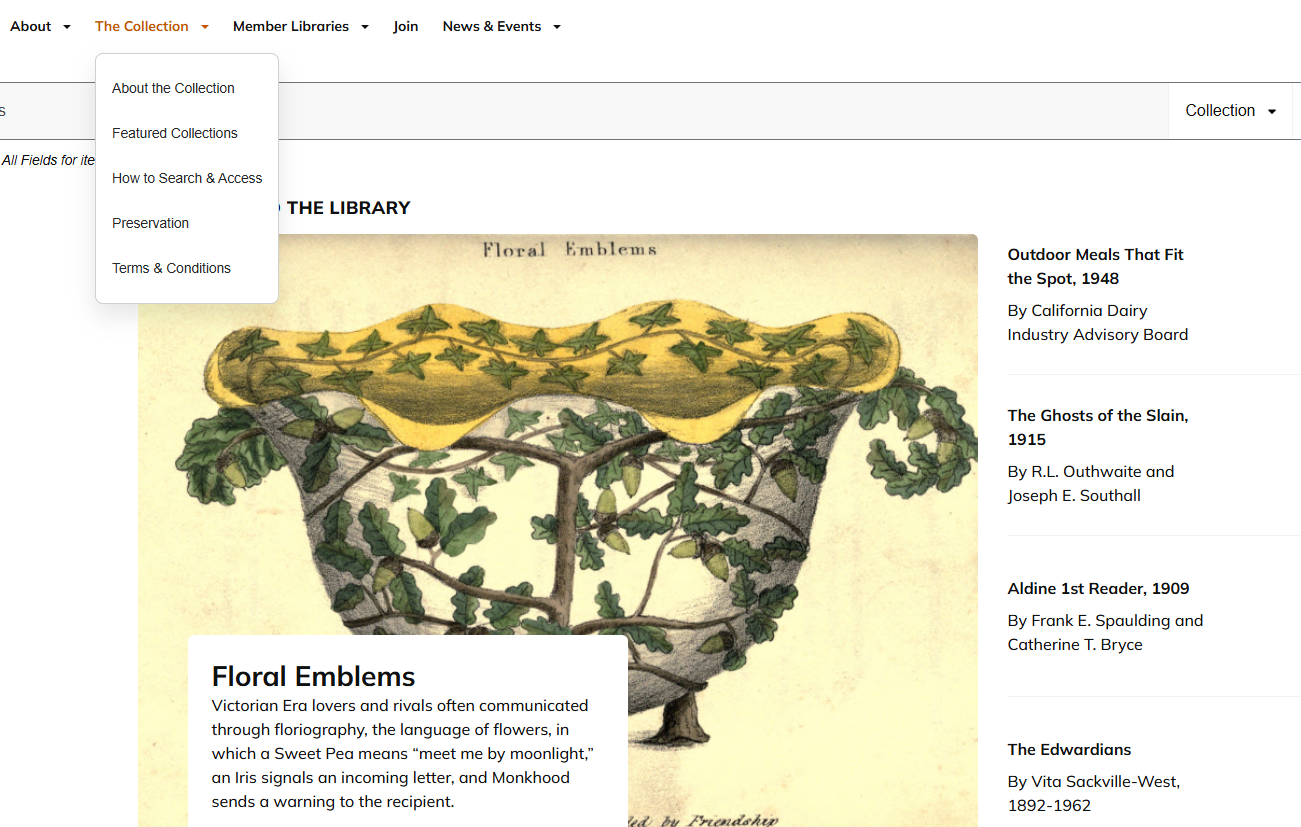
- Large collection from research libraries and universities
- Useful for older academic and historical publications
- Full View books can be read online
- Eligible public-domain books may be downloaded
- Restricted titles may only offer search or limited access
Look for Full View when you need complete access. HathiTrust‘s download options depend on the book’s copyright and access status.
For a long academic book, an AI PDF tool can also make the file easier to work with. You can summarize chapters, find specific topics, or ask questions about the document instead of manually reviewing every page.
3. Internet Archive
Best for: Scanned books and rare editions
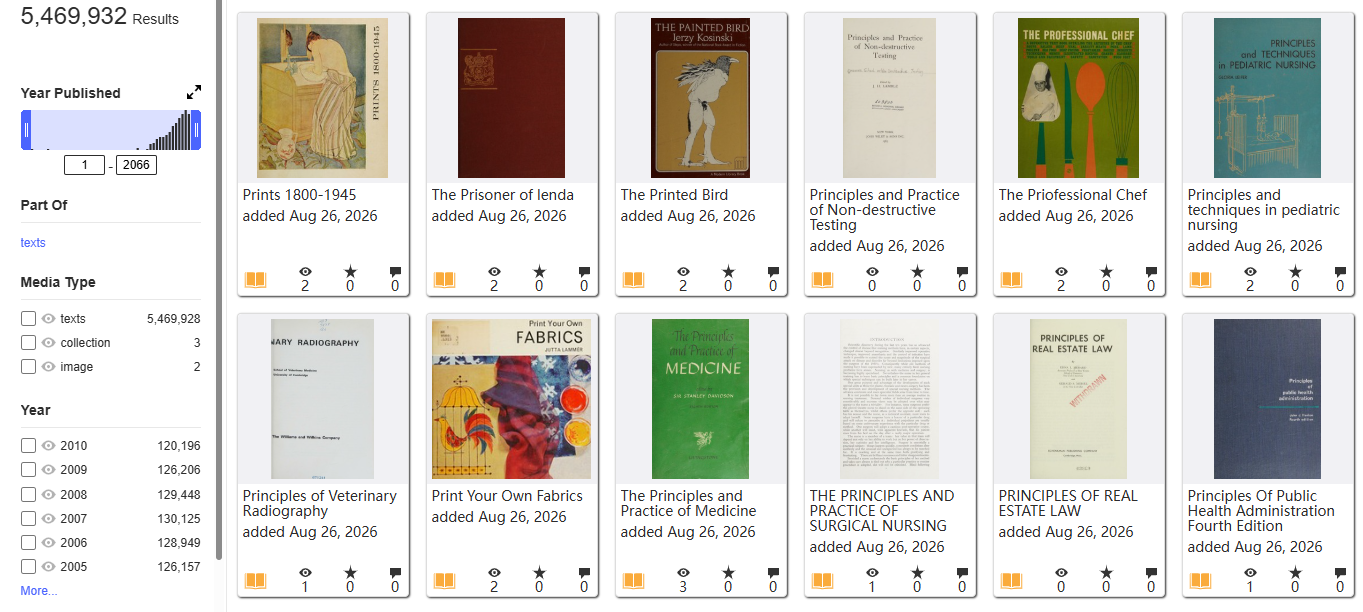
- Extensive collection of digitized books
- Useful for older and hard-to-find editions
- Scanned pages preserve original layouts and illustrations
- PDF and other formats may be available
- Helpful for historical and archival research
Not every item is public domain. Check the rights and access information for the individual book before downloading or redistributing it.
Older scans can also have faded text, dark backgrounds, or poor contrast. PDF enhancement and cleanup can make these files easier to read, while OCR can turn image-based pages into searchable text.
4. Project Gutenberg
Best for: Free public domain ebooks and classic literature
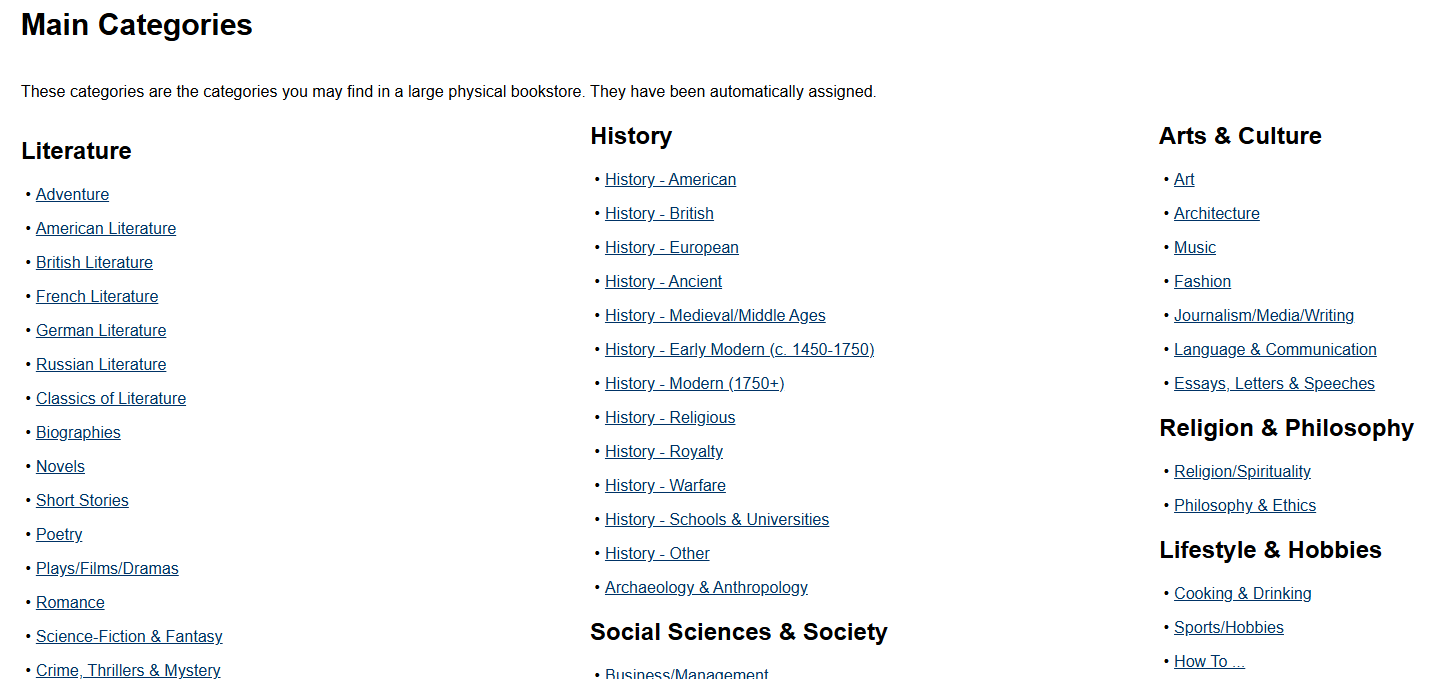
- Large collection of classic novels, poetry, and other older works
- EPUB and other ebook formats
- Simple author and title search
- Convenient for phones, tablets, computers, and ebook readers
- One of the easiest places to find free public domain ebooks
Project Gutenberg states that nearly all individual works in its collection are in the public domain in the United States. Users outside the U.S. should check the copyright rules that apply locally.
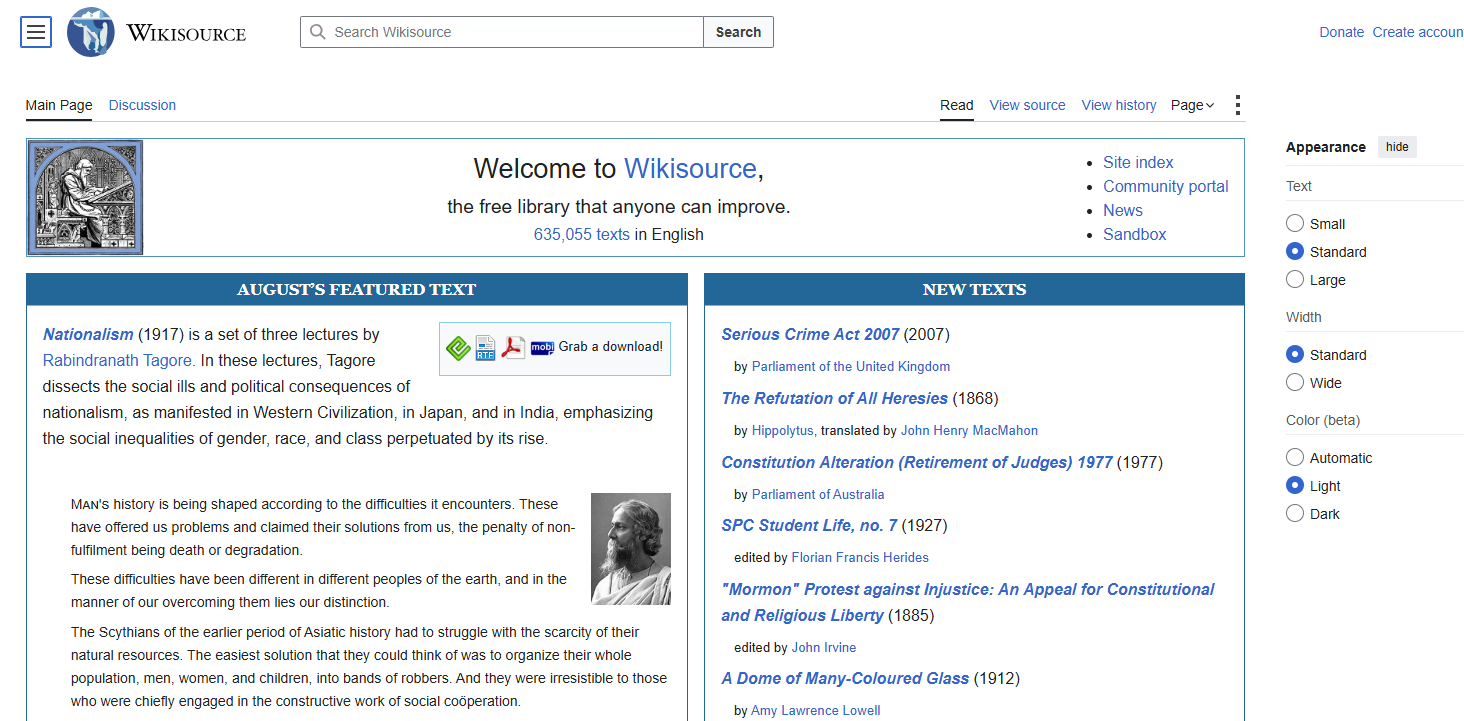
5. Wikisource
Best for: Searchable source texts and historical documents
- Public-domain and freely licensed texts
- Searchable directly in a browser
- Books, speeches, historical documents, and other source material
- Multiple languages
- Useful for research and quotations
Wikisource requires hosted works to be public domain or available under a compatible free license. Copyright status can differ between countries.
If you find a foreign-language source as a PDF, PDF translation can help you work through selected pages or chapters without manually copying the text.
6. Google Books
Best for: Public domain books PDF
- Huge searchable book catalog
- Easy title and author search
- Full View available for eligible books
- Some public-domain books can be downloaded as PDF
- Useful for finding different editions
For a public domain books PDF search, look for books with Full View access and check whether a PDF download is available.
If the book is only available as EPUB but you need fixed pages for printing or annotation, you can convert EPUB to PDF with a tool such as LightPDF.
7. Standard Ebooks
Best for: High-quality public domain EPUBs
- Carefully formatted EPUB files
- Clean typography and navigation
- Proofread texts
- Useful metadata
- DRM-free reading experience
Standard Ebooks is a good option when you want a polished public domain ebook instead of a scanned PDF. Its files are designed for comfortable reading on modern ebook readers and apps.
If you later need a fixed-layout document for printing or annotation, EPUB to PDF conversion can be useful.
8. Open Library
Best for: Finding books and different editions
- Large online book catalog
- Search by title, author, or subject
- Useful for finding different editions
- Some older books are freely accessible
- Other titles may be available through borrowing
Open Library is not exclusively a public-domain download site, so check the access conditions for the individual title.
9. LibriVox
Best for: Free public domain audiobooks
- Volunteer-recorded classic books
- Large selection of older literature
- Free audiobook access
- Useful alongside ebook collections
- Convenient for listening while commuting or working
Recording quality varies between narrators, but LibriVox is a useful option when you want to listen rather than read.
10. ManyBooks
Best for: Easy ebook browsing
- Browse by genre and author
- Large selection of older titles
- Multiple ebook formats
- Simple interface for casual browsing
- Useful when you don’t have a specific title in mind
Because ManyBooks is a general ebook platform, verify the rights information for an individual title when copyright status matters.
Best Public Domain eBook Websites by Use Case
| If you need… | Start with |
|---|---|
| Classic novels | Project Gutenberg |
| Official historical material | Library of Congress |
| Academic books | HathiTrust |
| Scanned editions | Internet Archive |
| Searchable historical texts | Wikisource |
| Public domain books in PDF | Google Books |
| High-quality EPUB | Standard Ebooks |
| Different editions | Open Library |
| Audiobooks | LibriVox |
| Casual ebook browsing | ManyBooks |
How to Download Public Domain Books in PDF
If you’re looking for free download ebooks in PDF format, start with an established library, archive, or ebook project.
1. Find the book
Search the title or author on Google Books, Library of Congress, Internet Archive, HathiTrust, or Project Gutenberg.
2. Check rights and access
Look for:
- Full View
- Public Domain
- Open Access
- Download
- Rights & Access
A free preview does not necessarily mean that the entire book is free to download.
3. Choose the format
Choose PDF when you need:
- Fixed page numbers
- Printing
- Annotation
- Academic citations
- Original page layout
Choose EPUB when you mainly want comfortable reading on an ebook reader or phone.
If you’re searching specifically for a public domain books download, stick to reputable sources and check the rights information instead of relying on unofficial file-sharing pages.
EPUB vs. PDF for Public Domain eBooks
| Feature | EPUB | |
|---|---|---|
| Best for | Reading | Printing & sharing |
| Phone reading | Excellent | Good |
| Ebook readers | Excellent | Good |
| Printing | Good | Excellent |
| Fixed page layout | No | Yes |
| Page-specific citations | Less convenient | Easy |
| Scanned book pages | Not ideal | Excellent |
| Text reflow | Yes | No |
Choose EPUB if: you mainly read on a phone, tablet, or ebook reader. The text automatically adjusts to the screen.
Choose PDF if: you need fixed page numbers, printing, annotations, or the original appearance of a scanned book.
Working With Long or Scanned Public Domain Books
A downloaded public domain book may still need some cleanup before it is easy to read or search.
Scanned or blurry pages
Old scans can contain faded text, dark backgrounds, uneven contrast, or other scan artifacts. PDF enhancement and cleanup can improve readability before you start reading or processing the document.
Text isn’t selectable
If the PDF is made from page images, use OCR to turn the scanned content into searchable text. This makes it easier to find names, phrases, and specific sections.
The book is hundreds of pages long
An AI PDF summarizer can help you get the main points without reading every page first.
For example:
“Summarize each chapter in 100 words and list the key ideas.”
You can also ask the tool to find specific topics or sections in a long document.
The book is in another language
If you find a useful French, German, Spanish, or other-language book, PDF translation can help you work through the relevant sections without manually copying the text.
Before You Download Public Domain Books
Check these four things:
- Copyright status: Is the specific work actually public domain?
- Edition: Is it an original work, translation, or adaptation?
- Rights: Does the source provide a rights or licensing statement?
- Location: Does the status apply in your country?
A newer translation, introduction, illustration, or adaptation may have separate copyright even when the original work is public domain.
FAQ About Public Domain eBooks
| Question | Answer |
|---|---|
| Are public domain books free to read? | ✓ Yes |
| Is every free ebook public domain? | ✕ No |
| Can I download public domain books as PDF? | ✓ Yes |
| Can I convert EPUB to PDF? | ✓ Yes |
| Can I convert PDF to EPUB? | ✓ Yes |
| Can I sell a public domain book? | ✓ Generally |
| Are public domain books legal everywhere? | ✕ Not necessarily |
| Can I use AI to summarize a public domain PDF? | ✓ Yes |


Leave a Comment