


1. Global Tax Return Deadlines & Official Entity Fact Sheet
Tax authorities enforce strict fiscal calendars, statutory lookback periods, and interest rules. Use this baseline benchmark table to verify exact tax return deadlines, extension limits, and processing windows before submitting your tax return forms.
| Jurisdiction / Tax Authority | Fiscal / Tax Year | Standard Tax Return Due Date (Individual) | Income Tax Return Extended / Special Window | Payment Due Date & Interest Trigger | Typical E-File Refund Timeline (How Long Does It Take to Get a Tax Return) |
| United States (IRS) | Jan 1 – Dec 31 | April 15 (following year) | October 15 (via Form 4868) | April 15; unpaid balances accrue interest and failure-to-pay penalties daily | Within 21 days for accurate e-file + direct deposit |
| Canada (CRA) | Jan 1 – Dec 31 | April 30 (following year) | June 15 (self-employed & spouse) | April 30 for all individuals (including self-employed) | Roughly 2 weeks (within 8 business days for many online filers) |
| United Kingdom (HMRC) | Apr 6 – Apr 5 | October 31 (paper) / January 31 (online) | Case-specific notice or 3 months from issue date | January 31 (balancing payment + 1st payment on account); July 31 (2nd payment) | Around 2 weeks after online Self Assessment submission |
| Australia (ATO) | Jul 1 – Jun 30 | October 31 (self-lodged) | Up to May 15 (via registered tax agent if engaged by Oct 31) | November 21 (most self-lodgers) or per Notice of Assessment | Typically 2 weeks (10–14 business days) for online lodgments |
| Singapore (IRAS) | Jan 1 – Dec 31 | April 15 (paper) / April 18 (e-filing) | Up to 14 days (individual e-file request); November 30 (corporate Form C-S/C) | Within 1 month from Notice of Assessment date (or monthly GIRO) | Within 7 to 14 working days for GIRO-linked refunds |
Hard Statutory Constraints to Note: Filing extensions extend paperwork submission only—never tax payments. Furthermore, refund claims expire after fixed statutory windows (for example, 3 years from the original due date for US federal returns), and weekend or public holiday shifts automatically move a tax return due date to the next business day.
2. Tax Filing Diagnostic Matrix: Issue, Official Constraint, and Action
When tax return dates are missed or refunds stall, identify the exact bottleneck using the diagnostic chain below.
| Filing Symptom / Bottleneck | Underlying Rule or System Constraint | Immediate Action to Resolve |
| Need more time past the April tax return due date | An income tax return extended request (such as IRS Form 4868) moves the filing deadline by 6 months, not the payment deadline | Submit your extension request and pay at least 90% of estimated tax owed by the original tax return due date to minimize penalties |
| Refund delayed beyond 3–4 weeks after e-filing | Automated cross-checks flag mismatched W-2/1099/employer slips, identity verification triggers, or large refundable credits | Check your agency’s official refund tracker, verify bank routing details, and respond promptly to any identity verification letter |
| Self-employed filer in Canada paying on June 15 | CRA allows self-employed returns until June 15, but daily compound interest starts May 1 on any unpaid balance | Pay your estimated tax balance by April 30, then finalize and submit your tax return forms by June 15 |
| Scanned receipts and multi-page tax forms rejected or unreadable | Tax portals and accountants require legible, non-corrupted PDF packets with searchable text and consistent page order | Run OCR on scanned receipts, merge supporting documents needed to file a tax return into one indexed PDF, and verify file size limits |
| Discovered a missing income slip after submitting | Submitting a duplicate original return causes processing collisions and extended manual review | Wait for the initial return to process, then file an official amended return (e.g., IRS Form 1040-X) with the updated schedule |
3. Step-by-Step Guide to Preparing and Filing Before Tax Return Deadlines
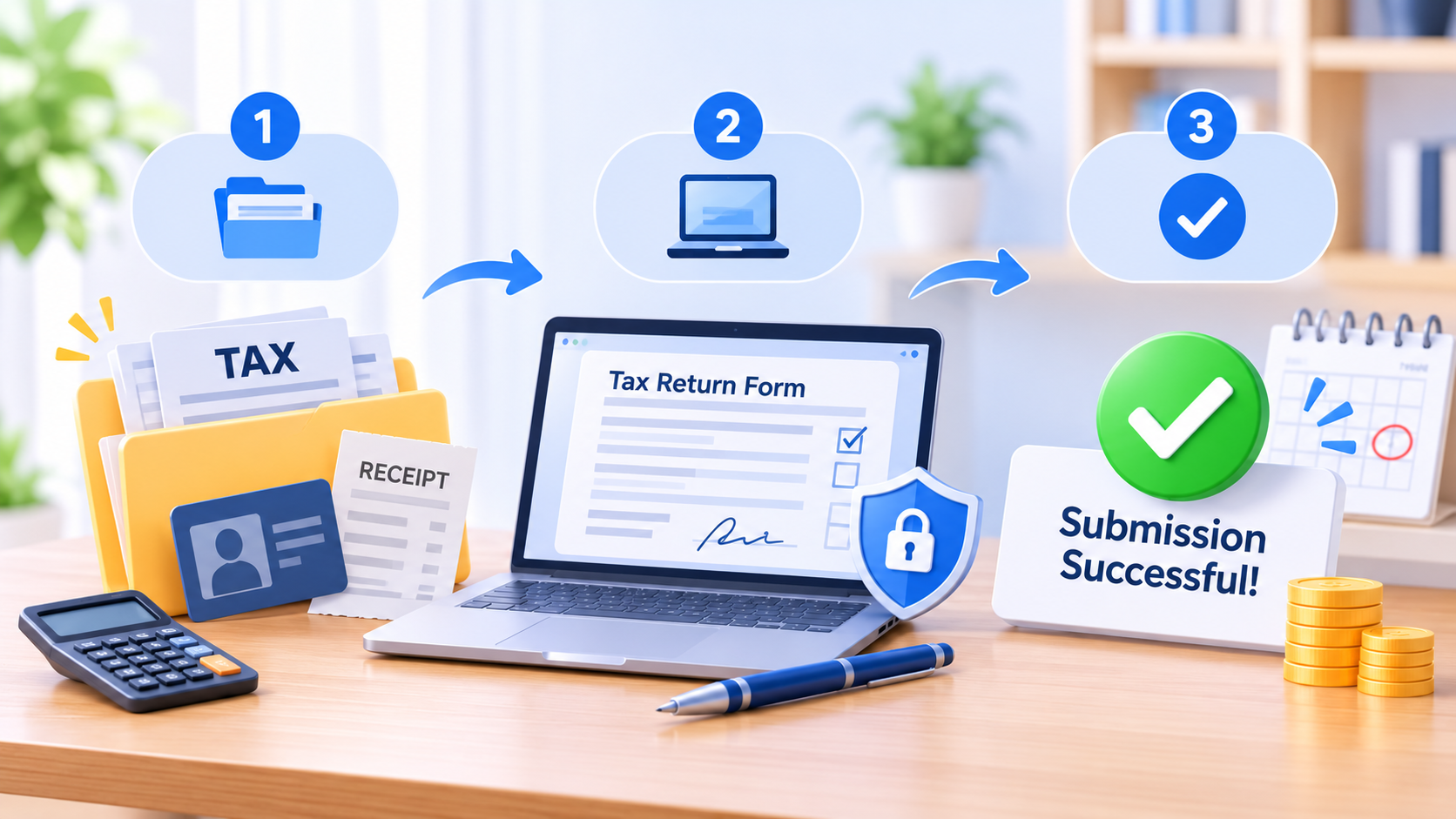
Step 1: Collect All Documents Needed to File a Tax Return
Organize every identity, income, investment, and deduction record into five standardized categories before opening your tax return forms.
- Verify identity and prior-year baselines: Gather government-issued ID, your tax identification number, last year’s return, and any current-year agency notices.
- Consolidate all income statements: Collect employer wage summaries, freelance or contractor payment records, business income ledgers, and rental or pension statements.
- Compile investment, deduction, and banking records: Match interest/dividend slips, capital gains reports, deductible expense receipts, and direct deposit account/routing numbers against your bank statements.
Step 2: Complete Pre-Made Fillable PDF Templates and Tax Return Forms
Use structured, fillable PDF tax templates to prevent calculation typos, illegible handwriting, and missing checkboxes across federal, state, and payroll filings.
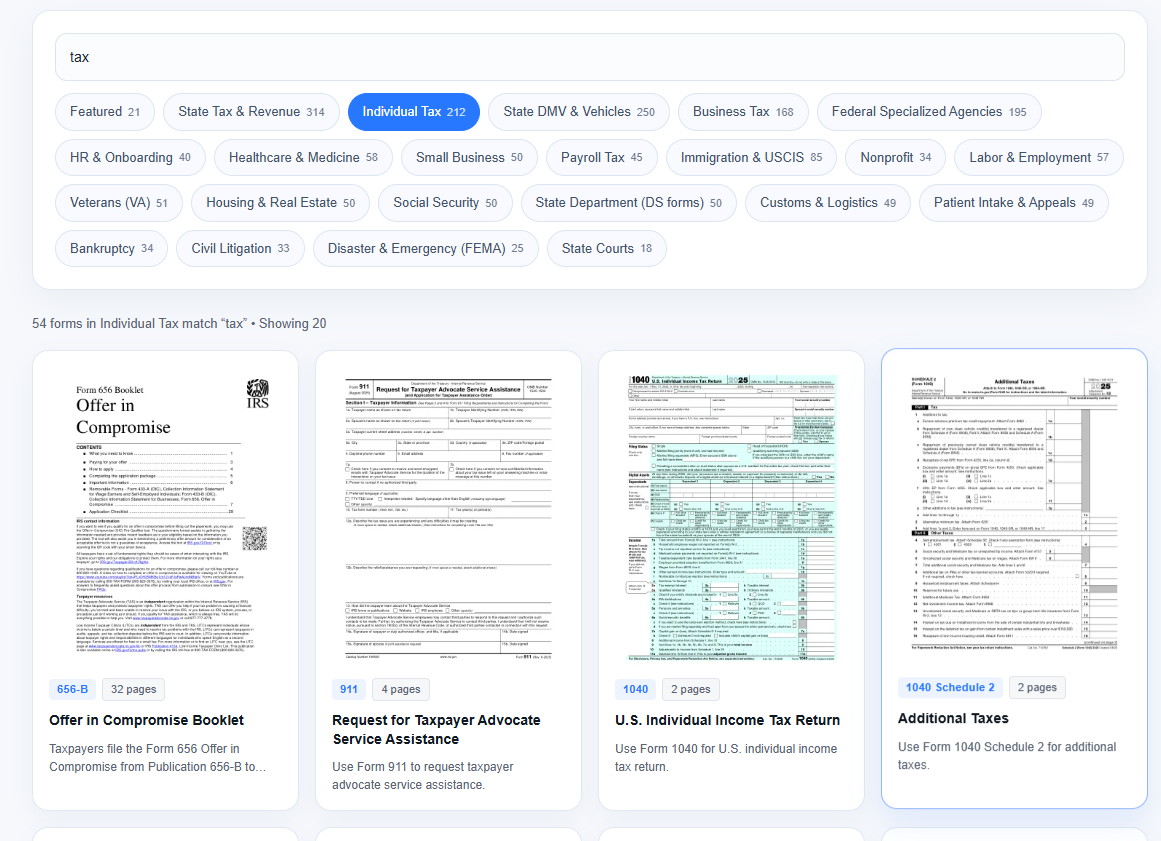
- Select the exact fillable template: Download official tax return forms or pre-made fillable PDF templates for individual income tax, state tax and revenue, or payroll tax schedules.
- Enter and cross-check figures digitally: Type figures directly into interactive form fields, confirm tax ID numbers and bank routing digits twice, and apply digital signatures where permitted.
- Bundle and secure your filing packet: Merge your completed tax return forms with supporting documents needed to file a tax return in chronological order and encrypt the archive with a strong password.
Step 3: Submit Electronically and Track Refund Processing
E-filing with direct deposit is the single fastest way to shorten how long does it take to get a tax return.
- Submit at least 5–7 days before peak tax return deadlines: Early electronic transmission avoids portal congestion and leaves buffer time to fix rejected transmissions.
- Confirm acceptance receipts: Save both your submission confirmation and the tax agency’s formal acceptance timestamp—not just software upload proof.
- Monitor status via official portals: Track your refund status using your exact tax ID, filing status, and whole-dollar refund amount.
4. Document Tools for Managing Tax Return Forms
Managing multi-page tax return forms, scanned receipts, and pre-made fillable PDF templates requires a reliable PDF workflow. Below is how leading tools compare for organizing documents needed to file a tax return.
| Tool | Core Tax-Season Capabilities | Platform Coverage | Best Fit |
| LightPDF | Fill interactive/non-interactive tax return forms, batch OCR on scanned receipts, merge/split PDF packets, AI document summarization, and password encryption | Web, Windows, macOS, iOS, Android | Individuals, freelancers, and teams managing documents needed to file a tax return across desktop and mobile |
| Adobe Acrobat | Industry-standard PDF form creation, certificate-based digital signatures, redaction, and enterprise compliance | Windows, macOS, Web, Mobile | Enterprises standardized on Adobe document workflows |
| Foxit PDF Editor | High-speed desktop form filling, OCR, batch processing, and document security controls | Windows, macOS, Web, Mobile | Finance and accounting teams preferring traditional desktop layouts |
| Smallpdf / ILovePDF | Lightweight browser-based merging, compression, conversion, and basic e-signing | Web, Mobile | Quick, low-sensitivity file merges when desktop installation is not needed |
Detailed Tool Breakdown
- LightPDF: Built as an all-in-one PDF workspace across web, Windows, macOS, iOS, and Android, LightPDF lets you fill out tax return forms, add clean text or checkmarks to non-interactive PDFs, and organize all documents needed to file a tax return in a single folder. Its OCR converts photographed or scanned paper receipts into searchable, editable text, while merge and split tools assemble multi-schedule packets ahead of tight tax return deadlines. You can also use LightPDF’s AI assistant to summarize complex tax instructions, apply signatures, and protect confidential files with passwords while tracking how long does it take to get a tax return or coordinating an income tax return extended filing.
- Adobe Acrobat: Delivers deep PDF compliance, advanced form field editing, and formal e-signature routing, making it well suited for organizations already operating within Adobe ecosystems.
- Foxit PDF Editor: Combines responsive desktop editing, OCR, and redaction tools that help accounting staff review tax return forms alongside ledger exports.
- Smallpdf / ILovePDF: Convenient for quick online tasks such as compressing oversized receipt scans before portal uploads, though sensitive documents needed to file a tax return should always be handled with strict privacy and local encryption controls.
5. Tax Filing Do’s and Don’ts: Critical Edge Cases to Avoid
| Do (Best Practice for Compliance & Speed) | Don’t (Common Trap That Triggers Penalties or Delays) |
| Do pay estimated tax by the original tax return due date even when you have an income tax return extended | Don’t assume an extension delays payment—interest and late-payment penalties accrue from day one after the original due date |
| Do file on time even if you cannot pay in full to avoid steeper failure-to-file penalties (often 5% per month vs. 0.5% for late payment in the US) | Don’t skip filing out of fear of a tax bill; non-filing penalties compound far faster than payment-plan interest |
| Do match every digit on wage and bank slips against your tax return forms before clicking submit | Don’t guess missing 1099/W-2 or dividend figures—mismatches automatically freeze refund processing |
| Do keep an encrypted digital copy of all documents needed to file a tax return for at least 3 to 7 years (depending on local audit statutes) | Don’t upload unencrypted tax IDs or bank statements to public, unverified online file converters |
6. FAQ About Tax Return Dates
Q1: What happens if I miss the tax return due date?
If you owe taxes, missing the tax return due date triggers late-filing penalties, late-payment penalties, and daily interest from the original deadline. If you are owed a refund and have no balance due, late-filing penalties generally do not apply, though statutory time limits eventually forfeit unclaimed refunds.
Q2: If I get my income tax return extended, do I still have to pay by April?
Yes. Having an income tax return extended gives you extra months to submit your tax return forms, not extra time to pay taxes owed. Paying an accurate estimate by the original tax return due date prevents or minimizes interest and failure-to-pay charges.
Q3: How long does it take to get a tax return refund after e-filing?
Most accurate e-filed returns with direct deposit take 1 to 3 weeks (within 21 days for the US IRS and roughly 2 weeks for Canada’s CRA, the UK’s HMRC, and Australia’s ATO). Paper returns and flagged returns requiring manual verification can take several weeks to a few months.
Q4: Why do tax return deadlines shift slightly in some years?
When standard tax return deadlines land on a Saturday, Sunday, or legal public holiday, tax authorities automatically move the deadline to the next business day. Official disaster-relief declarations or major legislative updates can also extend deadlines for affected regions.
Q5: What documents needed to file a tax return are required first?
Start with five essentials: government ID and tax identification numbers, all wage and freelance income statements, bank and investment tax slips, receipts for deductible expenses or credits, and direct deposit banking details alongside last year’s return.
Q6: Does filing an extension delay how long does it take to get a tax return?
Filing an extension does not slow down processing once your return is actually submitted. However, filing closer to the October extension deadline can coincide with peak administrative backlogs if any documents needed to file a tax return require manual verification.


Leave a Comment