


1. LightPDF AI Quiz Generator – Best Overall for Generate Questions from PDF
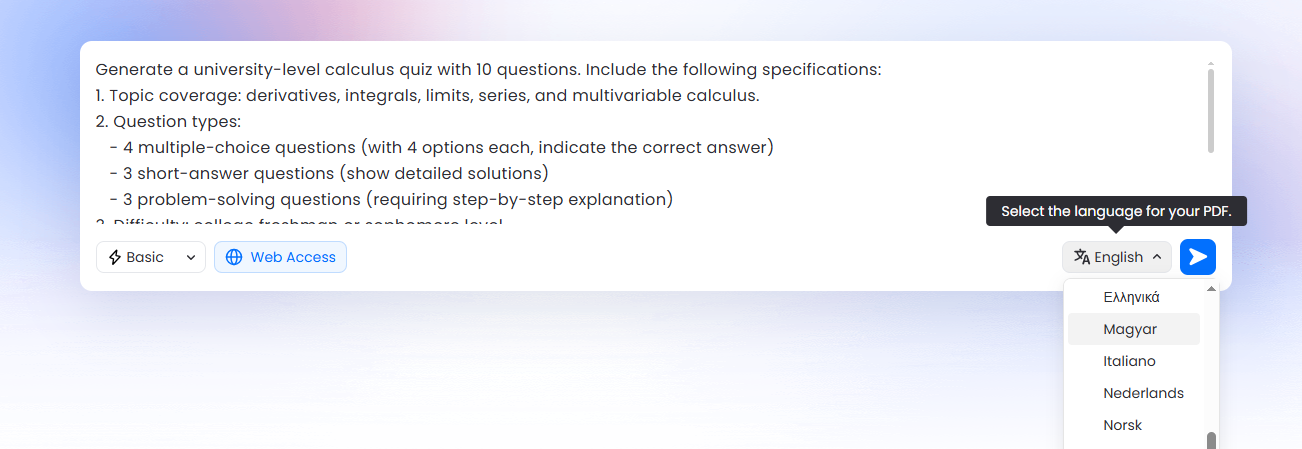
LightPDF stands out as the top AI quiz generator by enabling users to input custom prompts specifying quiz requirements, then generating a complete PDF file with questions, answers, and keys in one click. It processes uploaded PDFs or text, supporting multiple-choice, short answer, and essay formats with adjustable difficulty. Key strengths:
- Prompt-driven: Describe needs like question types and focus areas.
- One-click PDF export: Outputs formatted, shareable files directly.
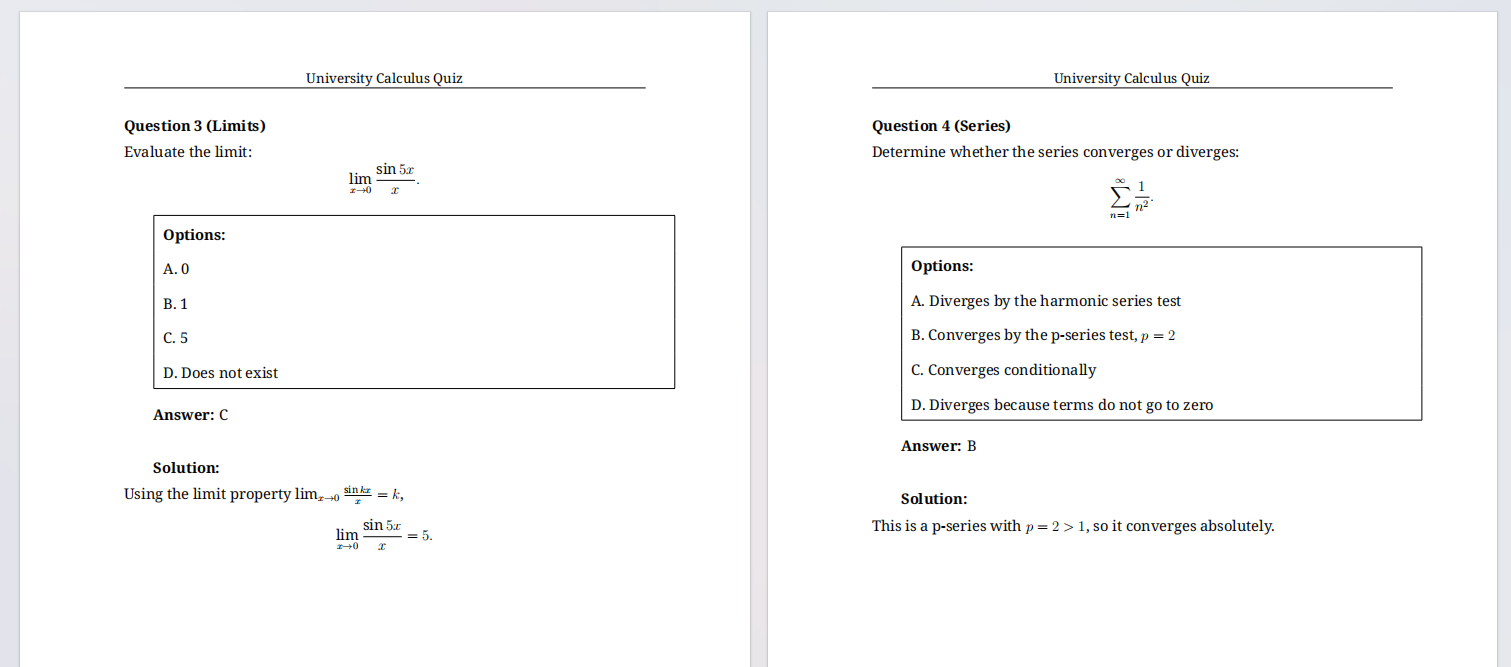
- Ideal for educators creating AI exam generators; integrates with sheets for grading. Sample prompt: “From this uploaded calculus PDF, generate 15 university-level short answer and multiple-choice questions covering differentiation and integration rules, include detailed answer keys and explanations in the final PDF.”
2. Quizgecko – Top AI Test Generator for Versatile Inputs
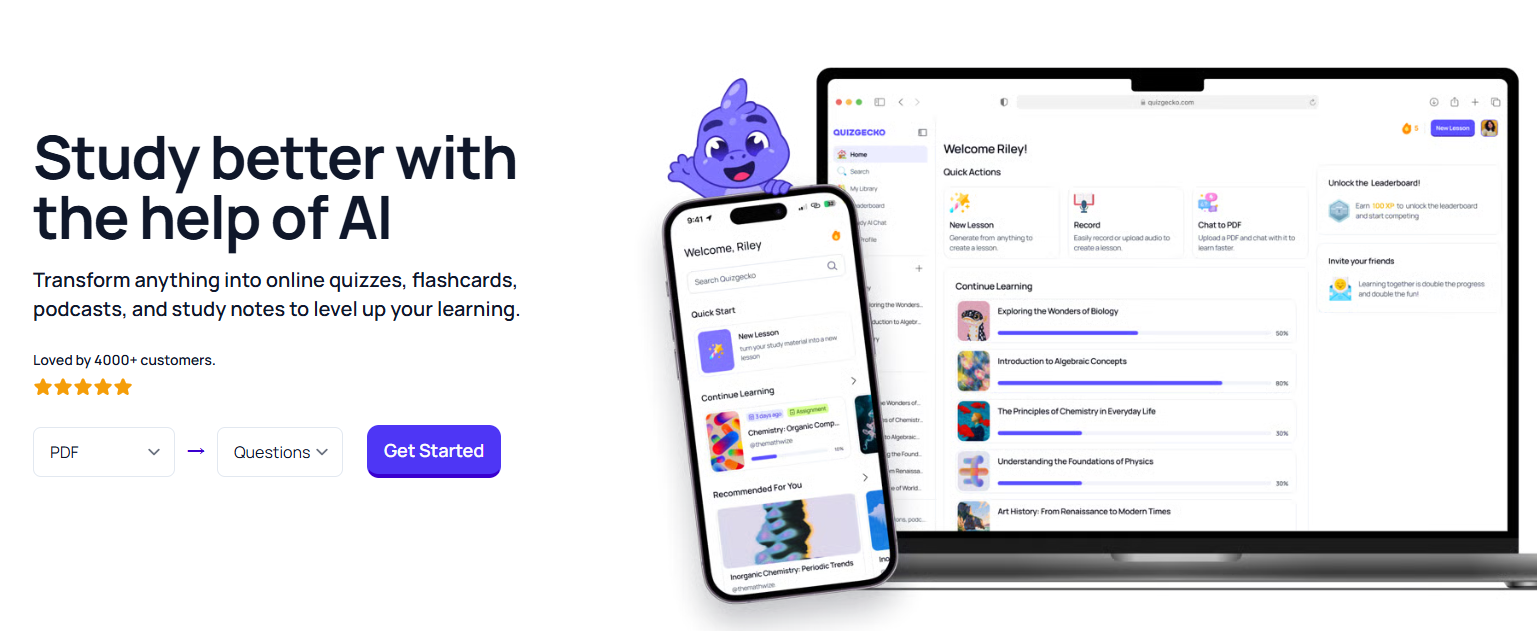
Quizgecko converts PDFs, videos, or text into quizzes with multiple-choice, short answer, and true/false formats, emphasizing Bloom’s Taxonomy scaling and mixed question types. Key strengths:
- PDF upload with section targeting.
- Exports to PDF or Sheets.
- Analytics for question performance. Suits AI quiz generator for students in dynamic lessons. Sample prompt: “Create 15 advanced true/false questions from this economics PDF, focus on market theories, export as PDF with rationales.”
3. Jotform AI Quiz Generator – Leading Free Quiz Generator Online
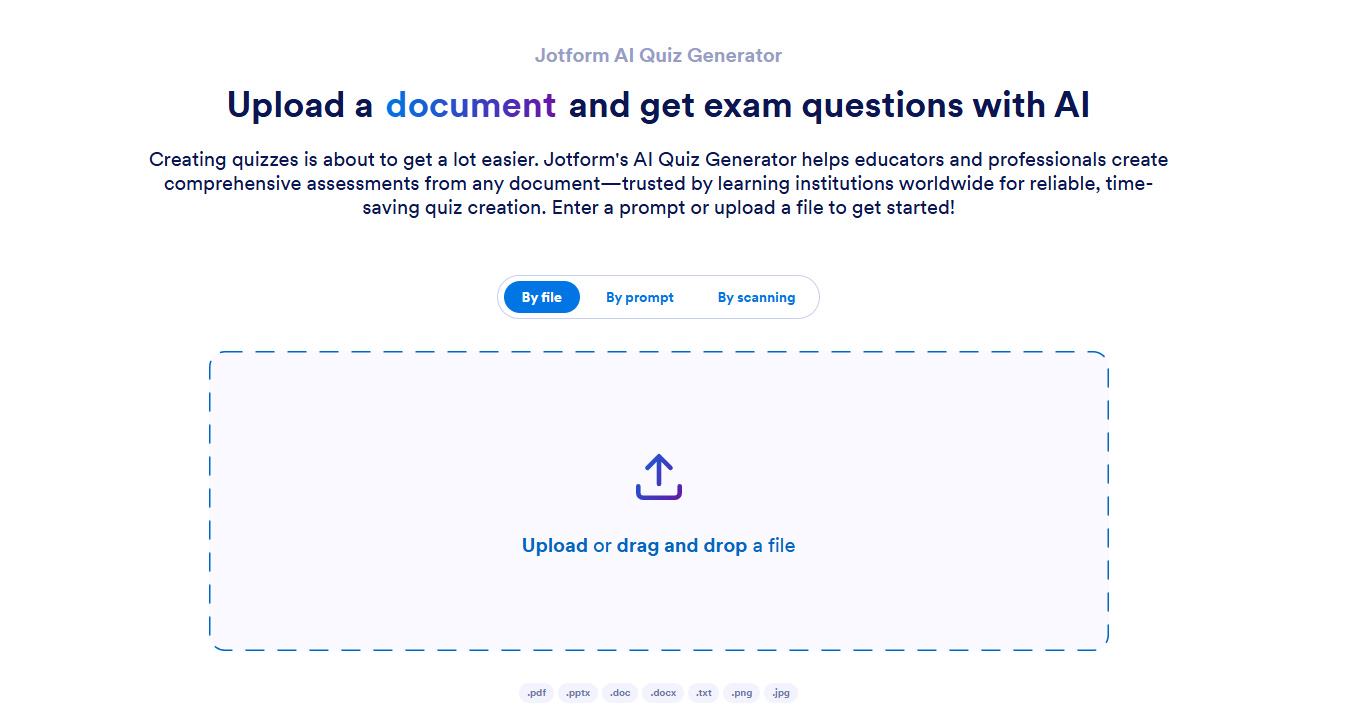
Jotform processes PDFs or PPTs into interactive quizzes in multiple languages, with auto-grading and embed options for online sharing. Key strengths:
- Customizable via prompts for question count and type.
- One-click PDF download. Best for quick AI short answer question generator setups. Sample prompt: “Generate 10 multiple-choice questions in English from this Spanish literature PDF, intermediate, include PDF output with answers.”
4. Revisely – Premier AI Short Answer Question Generator
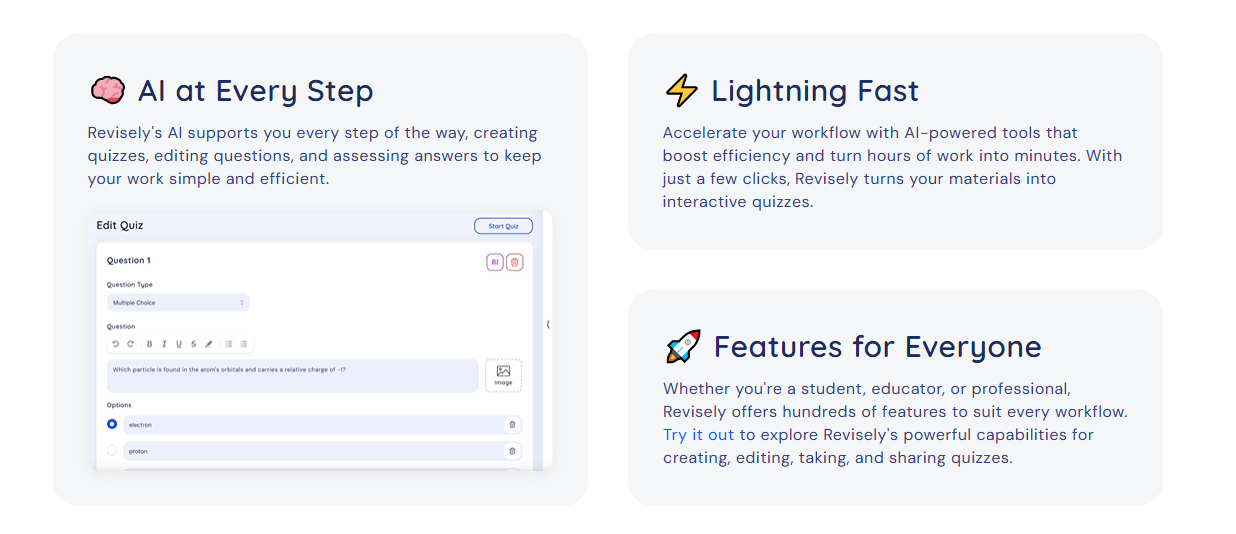
Revisely transforms PDFs, PowerPoints, or images into explanation-focused quizzes, with AI feedback on responses. Key strengths:
- Strong on open-ended questions from handwritten notes.
- PDF export with rubrics. Optimal for literature or science self-study. Sample prompt: “From this science PDF, create 8 short answer questions requiring evidence, advanced level, output to PDF.”
5. OpExams – Best Free AI Exam Generator
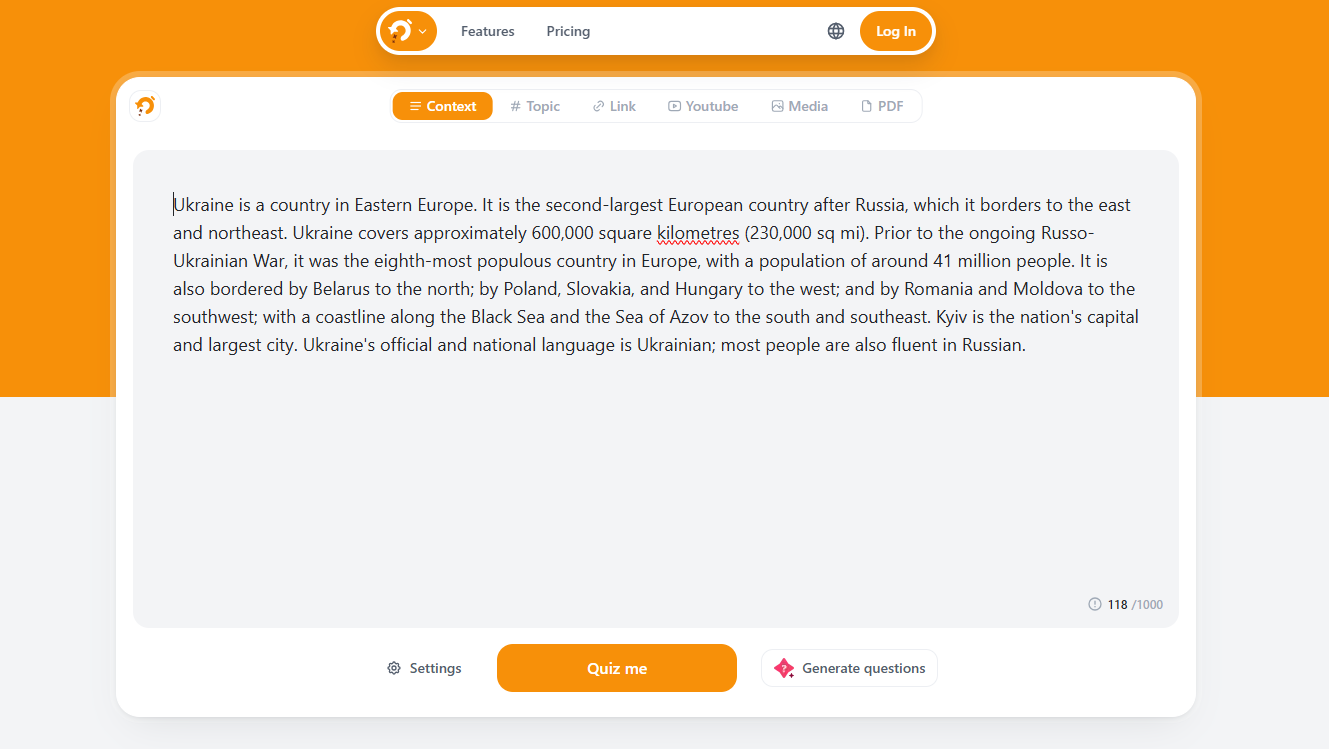
OpExams offers PDF-to-quiz generation, focusing on fill-in-the-blank and true/false for bulk banks. Key strengths:
- Exports to PDF or Sheets.
- Prompt for randomization. Ideal for budget AI quiz generators. Sample prompt: “Build 20 fill-in-the-blank questions from this math PDF, include keys in PDF export.”
6. QuestionWell – Robust Quiz Generator Online for Standards Alignment
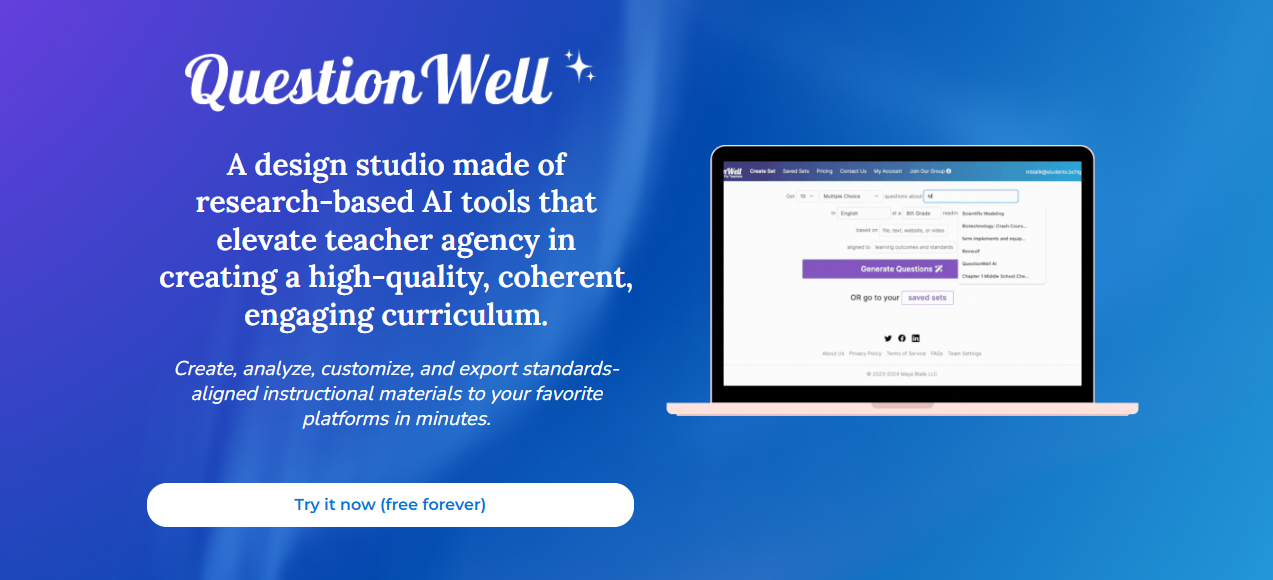
QuestionWell aligns quizzes to curricula from PDFs or videos, generating outcome-tied questions. Key strengths:
- Step-by-step prompt refinement.
- PDF and LMS exports. Fits K-12 AI test generators. Sample prompt: “Align 10 questions to grade 8 standards from this ELA PDF, export as PDF.”
7. PrepAI – Enterprise AI Exam Generator with Analytics
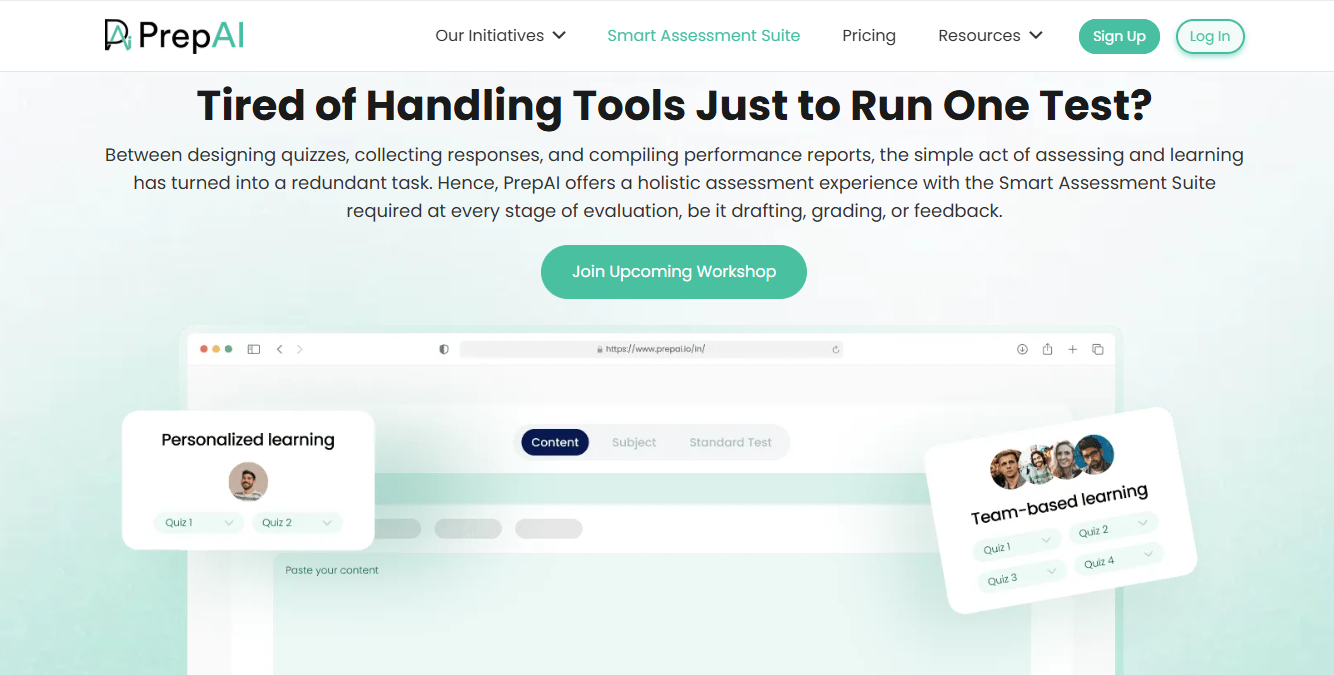
PrepAI tags questions by Bloom’s levels, randomizing for anti-cheat from PDFs. Key strengths:
- Dashboard for insights. Suits university AI exam generators. Sample prompt: “Generate 25 HOTS questions from this law PDF, randomized, PDF output.”
8. Smallpdf AI Question Generator – Quick PDF Workflow Tool
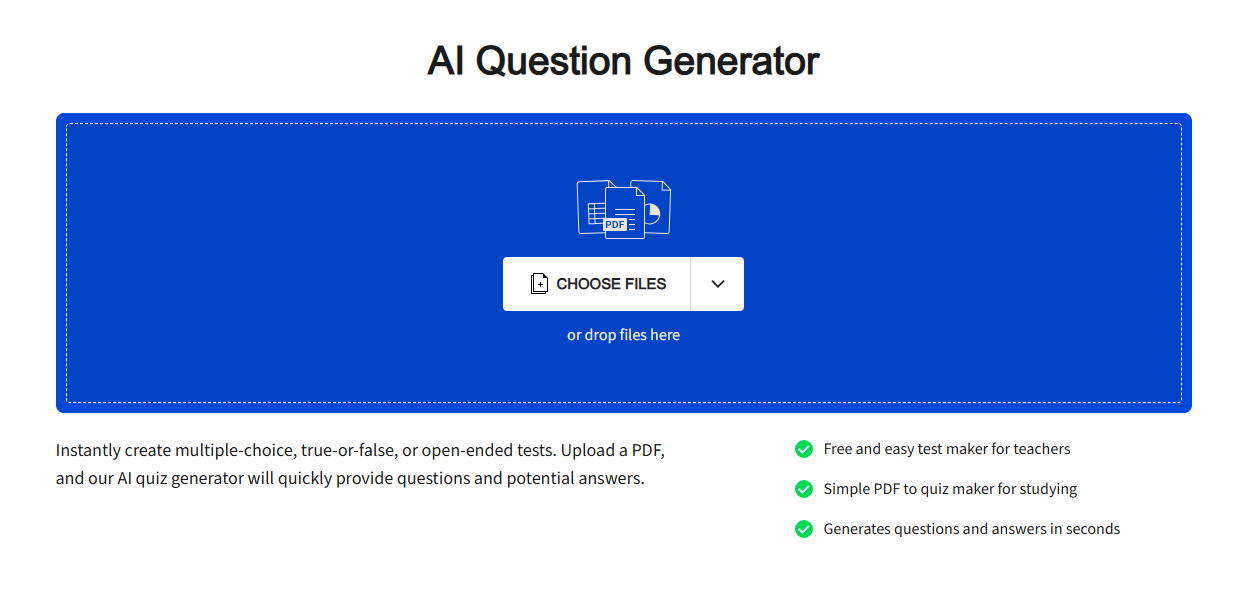
Smallpdf creates quizzes from scanned PDFs, with OCR and simple exports. Key strengths:
- Multiple-choice focus. Great for fast generate questions from PDF. Sample prompt: “From this scanned history PDF, create 15 MC questions, PDF export.”
9. StudyFetch – Adaptive AI Quiz Generator for Students
StudyFetch builds spaced-repetition quizzes from PDFs, with feedback. Key strengths:
- Flashcard integration.
- PDF to adaptive PDF outputs. Best for self-study AI quiz generator for students. Sample prompt: “Adaptive 10-question quiz from this physics PDF, hints included, PDF format.”
10. iSpring QuizMaker – Standards-Aligned Free Option
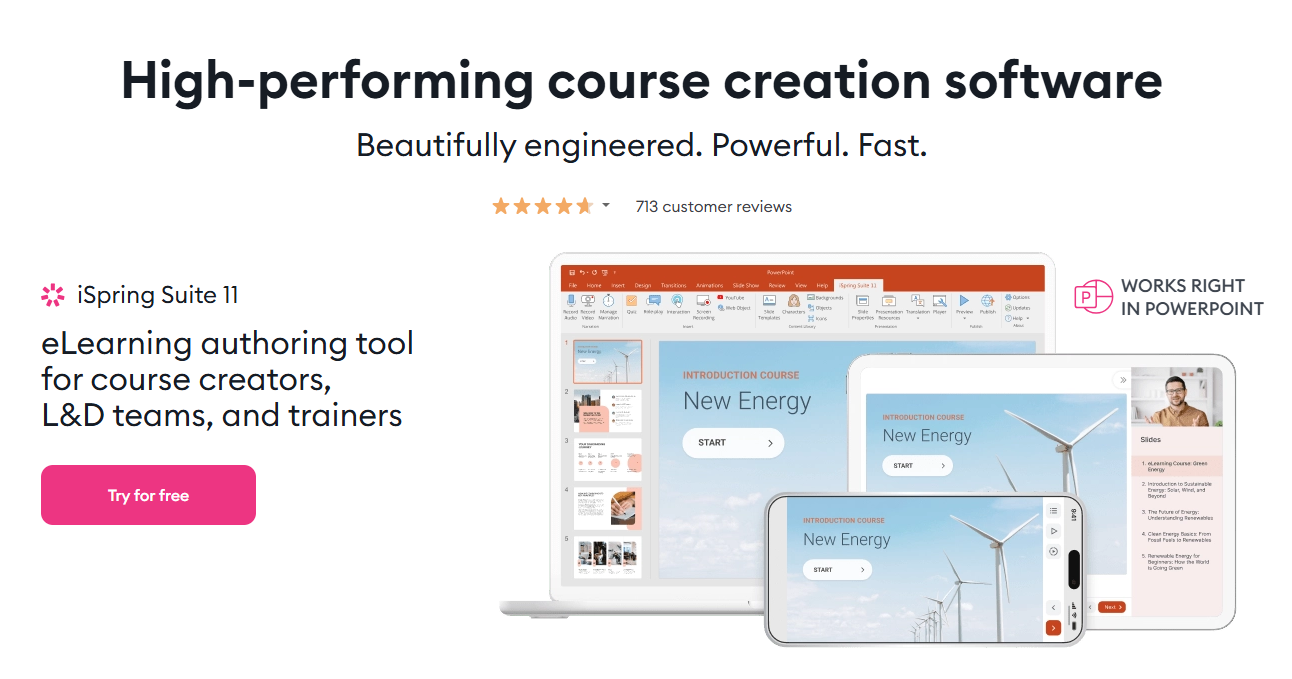
iSpring generates interactive quizzes from text or PDFs, with carousel and chat formats. Key strengths:
- LMS integration.
- PDF exports. Ideal for K-12 educators. Sample prompt: “Create 12 carousel quizzes aligned to science standards from this PDF, output PDF.”
Comparison Matrix: Top 5 AI Quiz Generators
| Rank | Tool | PDF Support | Question Types | PDF Export | Best For |
|---|---|---|---|---|---|
| 1 | LightPDF | Yes (OCR) | MC, Short, Essay, TF | Yes (one-click) | Generate questions from PDF |
| 2 | Quizgecko | Yes (sections) | MC, Short, TF, Matching | Yes | AI test generator |
| 3 | Jotform | Yes | MC, TF, Short | Yes | Quiz generator online |
| 4 | Revisely | Yes (images) | Short, Open-ended | Yes | AI short answer question generator |
| 5 | OpExams | Yes | MC, TF, Fill, Open | Yes | Free AI exam generator |
Prompt Optimization Guide
Effective prompts specify format, count, difficulty, focus, and output: “From [PDF], generate [number] [type] questions at [level], include [elements], export to PDF.” Iterate: Regenerate if needed for precision.
FAQ
- What is the best AI quiz generator in 2026?
- LightPDF leads 2026 rankings for prompt-based generation and one-click PDF outputs from PDFs, handling quizzes with answer keys in seconds. It suits small uses; enables unlimited with upgrades.
- How does an AI test generator differ from an AI quiz generator?
- AI test generators like PrepAI add scoring and timers for formal exams, while AI quiz generators like LightPDF focus on practice via prompts to PDF. Use tests for evaluations, quizzes for drills; both support PDFs but vary in depth.
- Can AI exam generators handle high-stakes testing in 2026?
- Tools like PrepAI randomize via prompts and export secure PDFs, but integrate with proctoring. Specify “anti-cheat variations” in prompts for formal use.
- What are the top quiz generator online free options in 2026?
- OpExams and Jotform top free lists with PDF exports; LightPDF adds daily generations. They suit quick online creation.
- How to generate questions from PDF using AI tools?
- In LightPDF, upload PDF, prompt “10 MC from chapter 2, with keys,” click generate for PDF output. Specify sections; export to sheets optional.
- What makes an AI quiz generator for students effective in 2026?
- LightPDF and StudyFetch adapt via prompts with feedback. PDF outputs and hints fit self-study; support daily mobile use.
- How does an AI short answer question generator work?
- Revisely or LightPDF parses PDFs via prompts for explanatory questions, using NLP for rubrics. Sample: “9 questions on themes from PDF.” Outputs PDF over MC.
- Is there a free AI quiz generator with no limits?
- OpExams provides PDF-to-quiz with prompts; LightPDF caps daily but exports PDFs freely. Both for basics.
- What prompts yield better results in AI quiz generators?
- Use: “[Number] [type] questions from [PDF section], [level], include [keys/explanations], PDF output.” Enhances specificity; test in LightPDF for iterations.
- How to integrate AI quiz generators with spreadsheets?
- LightPDF or Jotform exports PDFs to Sheets via columns for questions/answers. Prompt for structured data in training.
AI quiz generators like LightPDF revolutionize 2026 education by enabling prompt-to-PDF workflows for custom assessments. Key insights: LightPDF excels in one-click PDF outputs from prompts, the matrix favors PDF-heavy tools for accuracy, and optimized prompts ensure relevance. Educators and students: Test LightPDF with a PDF upload and sample prompt to confirm efficiency. In essence, these tools deliver precise, scalable quizzes aligned to modern needs.


Leave a Comment