


1. PicWish
Best for: Quickly replacing or correcting text in photos, screenshots, and graphics
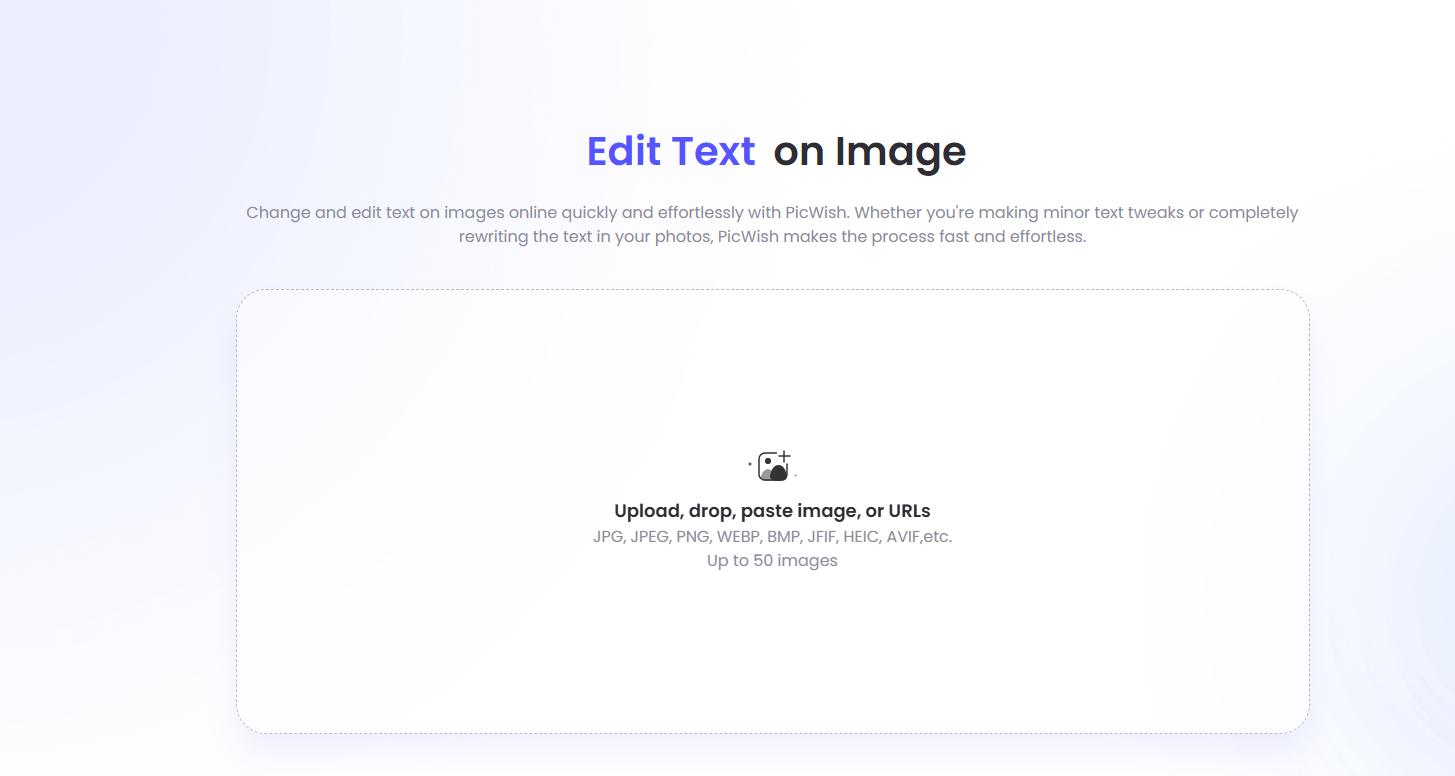
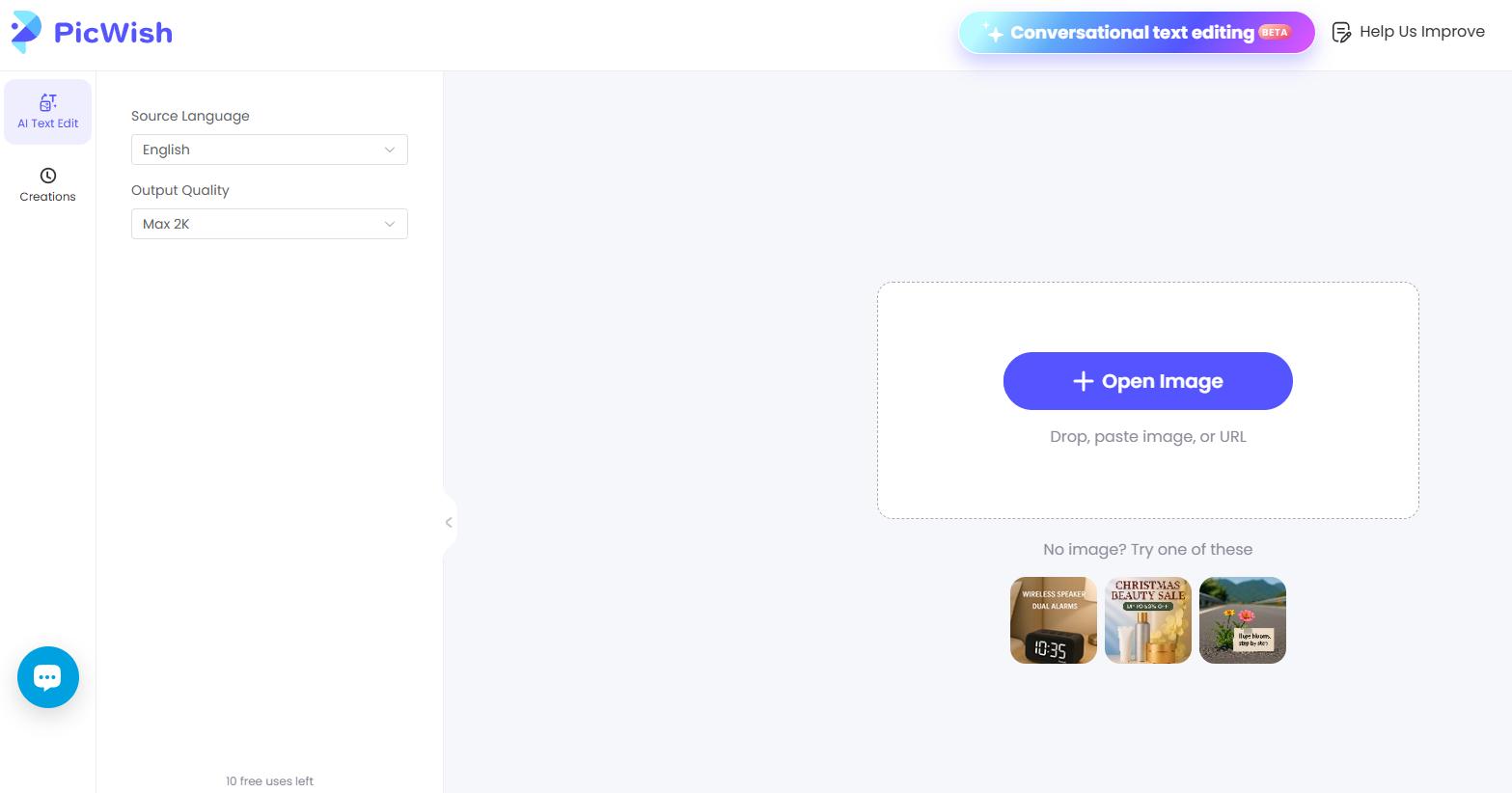
PicWish has a dedicated image text editor that automatically recognizes words in an uploaded image. After recognition, you can replace existing text, add new wording, and adjust details such as the font and layout.
The workflow is straightforward, making it useful for fixing typos, changing prices, updating basic information, or refreshing marketing graphics when you do not have the original editable file.
Pros
- Automatically recognizes text in images
- Supports replacing existing words
- Allows new text to be added
- Font and layout adjustments available
- Works with common image formats
- Easy for beginners
Cons
- Decorative fonts may be harder to recognize accurately
- Matching an unusual original font can require manual adjustment
- Results depend on the quality of the source image
2. Canva
Best for: Social media graphics, presentations, posters, and branded content
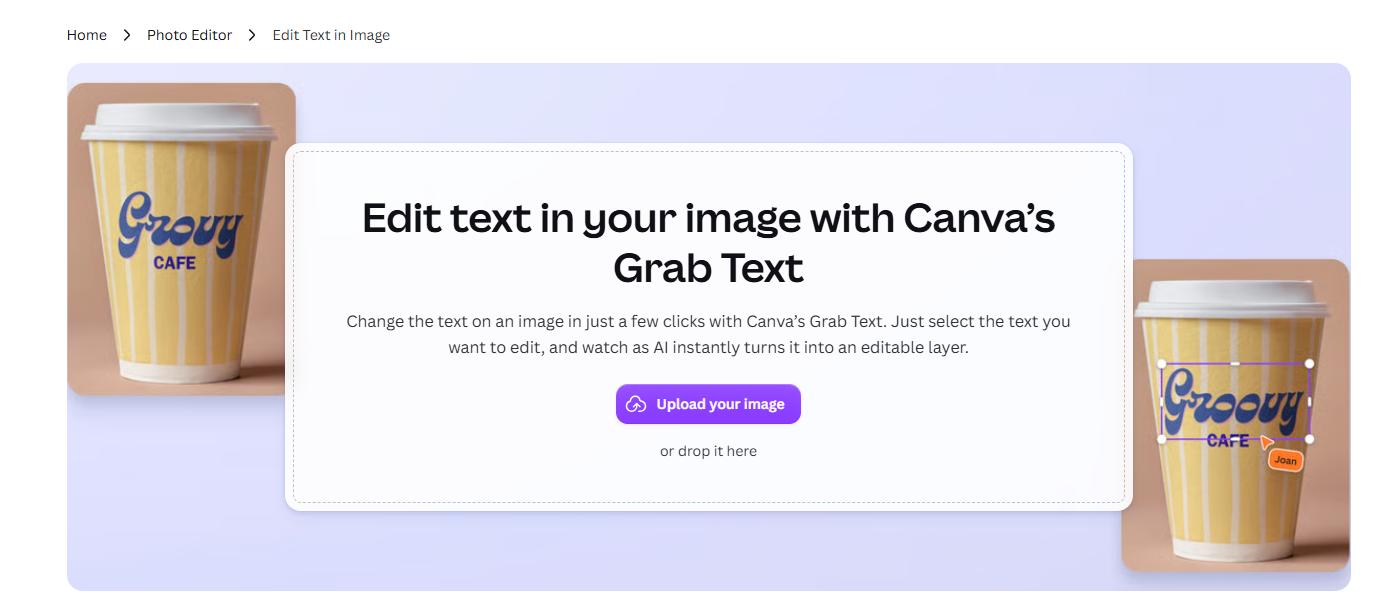
Canva combines AI-powered text recognition with a complete design editor. Its Grab Text feature can identify wording inside uploaded images and make it easier to replace or adjust.
It is particularly useful when you want to update an old poster, infographic, Instagram graphic, or promotional image and continue editing the overall design afterward.
Pros
- AI can identify existing image text
- Strong design and layout controls
- Good for social media and marketing graphics
- Easy to continue editing after replacing text
- Supports common image export formats
Cons
- Some AI features may require a paid plan
- The full editor can feel excessive for a simple typo correction
3. Fotor
Best for: Replacing words while keeping a similar font and visual style
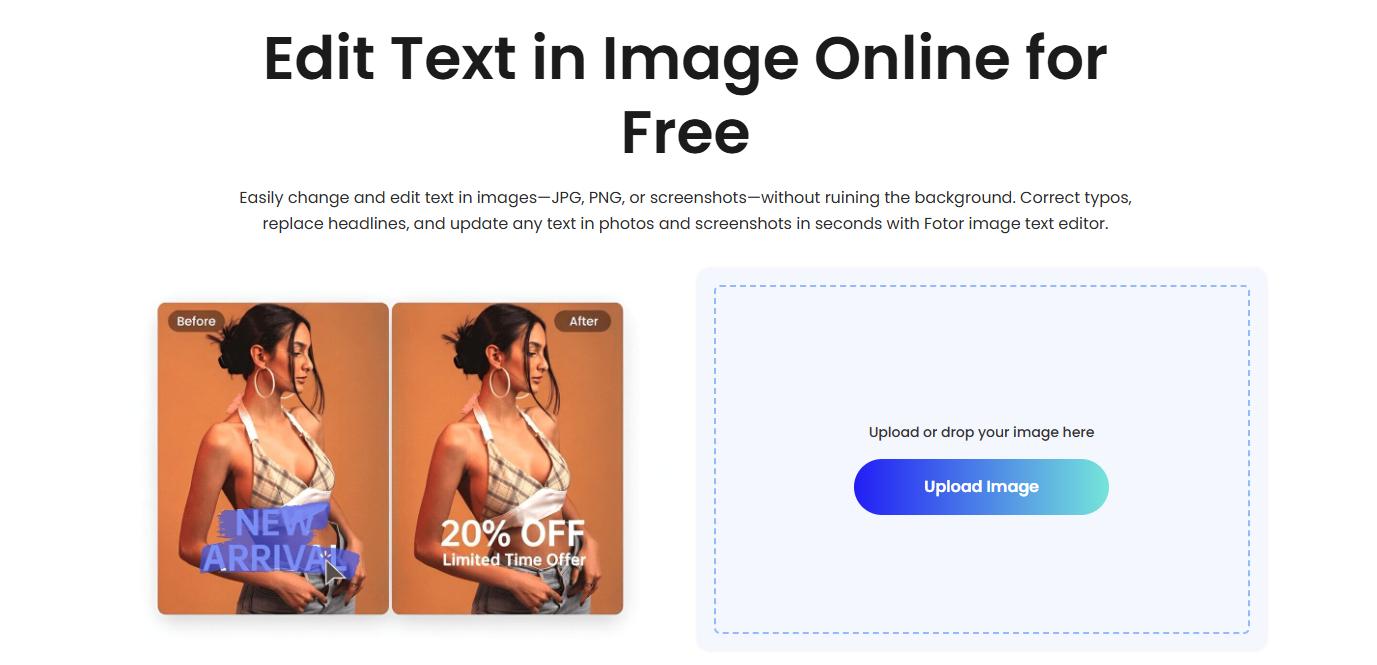
Fotor provides a dedicated tool for editing text already embedded in an image.
After uploading an image, you can identify the wording you want to change, remove the original text, and enter a replacement. Font, color, size, and positioning controls help the new text blend into the original design.
Its AI tools can also reconstruct the background behind removed words, which is useful for posters, screenshots, and promotional graphics.
Pros
- Automatically detects text areas
- Good font and style controls
- AI background reconstruction
- Supports direct text replacement
- Useful for posters and marketing images
Cons
- Decorative or very small text may be harder to recognize
- Some results require manual font adjustments
4. Picsart
Best for: Memes, posts, screenshots, promotional images, and creative content
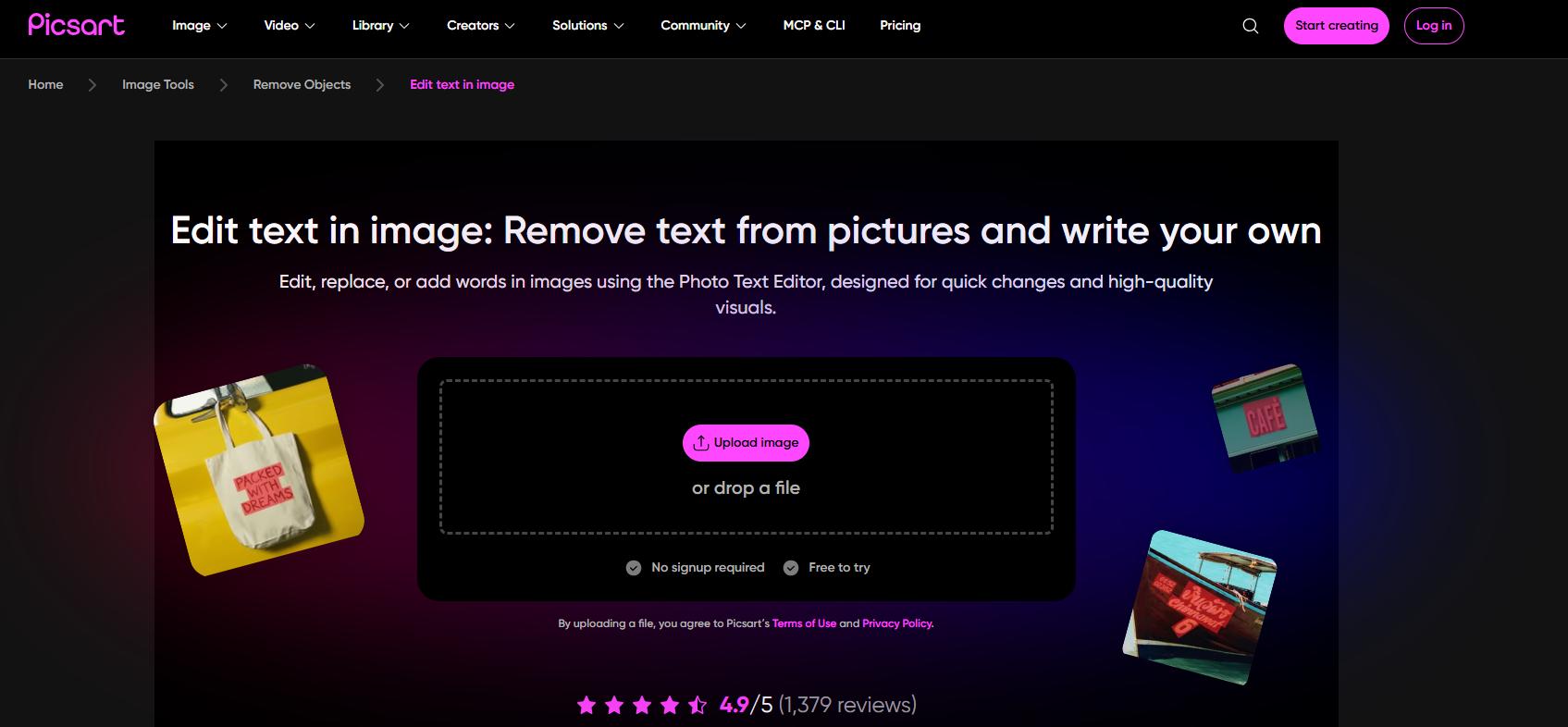
Picsart combines AI image editing with traditional photo and text tools.
You can select existing text, remove it, replace it, and then continue adjusting the image with fonts, effects, filters, and other creative tools.
This makes it a good option when changing text is only one part of a larger social media editing workflow.
Pros
- Supports editing and removing existing text
- Large selection of font styles
- Strong creative editing features
- Good for social media graphics
- Includes additional photo-editing tools
Cons
- The interface includes many features that may not be needed for simple edits
- Matching unusual original fonts may require manual work
5. AI Ease
Best for: Editing words, numbers, and other image elements through natural-language instructions
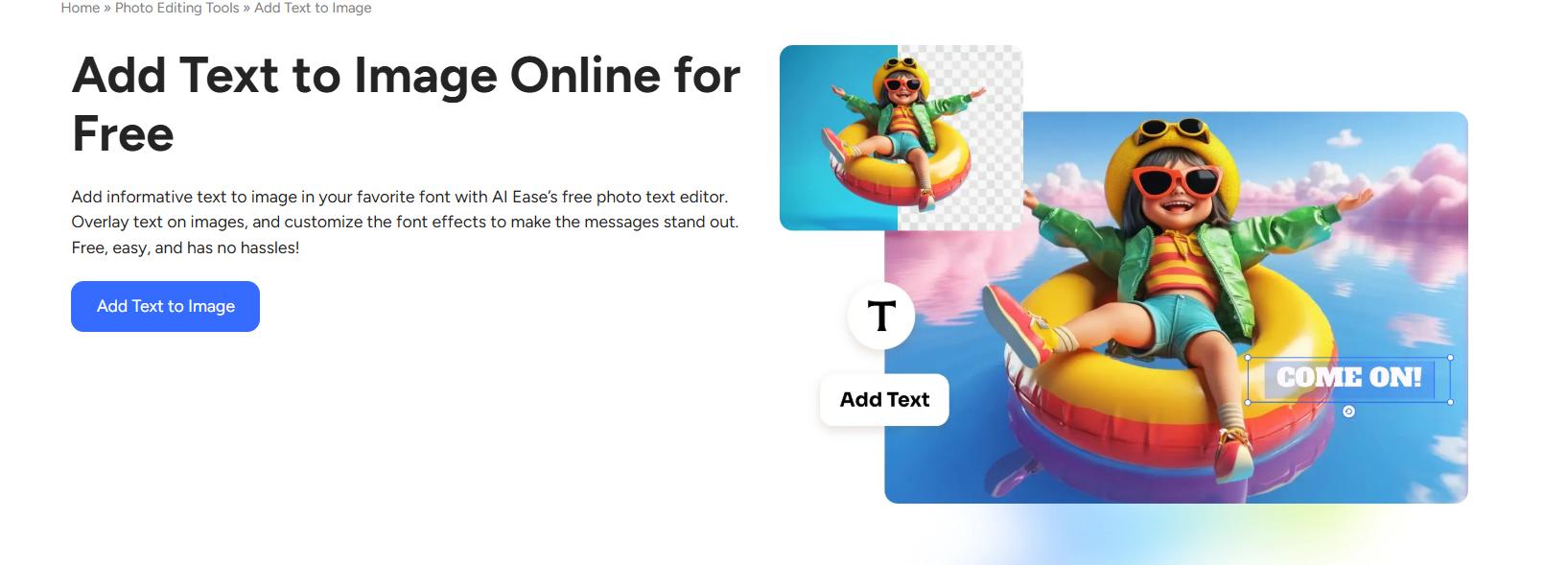
AI Ease uses its Flux Kontext image editor to make targeted changes based on text instructions. Its current feature set includes editing numbers, letters, and words already visible inside an image without first using a separate text-removal workflow.
This makes it useful when text editing is part of a broader AI image-editing task rather than the only change you need to make.
Pros
- Natural-language editing workflow
- Can modify existing words and numbers
- No manual text removal required first
- Useful for broader AI image edits
- Can edit other image elements at the same time
Cons
- Less specialized than a dedicated image text editor
- Fewer precise typography controls
- AI-generated results can vary between attempts
- Not ideal when exact font matching is essential
6. Pixelcut
Best for: Users who prefer telling AI what to change
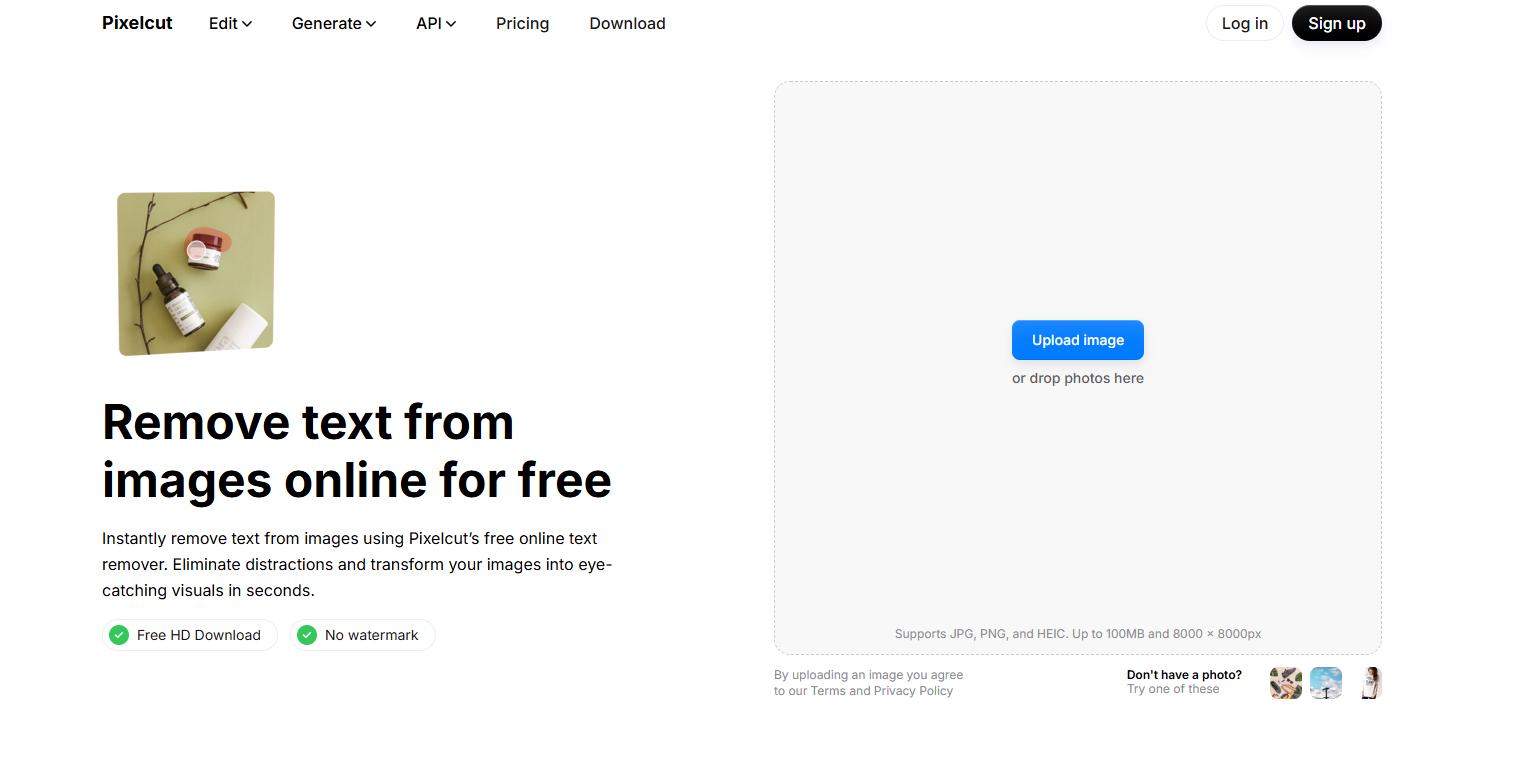
Pixelcut takes a prompt-based approach to image editing. You can upload an image and describe the change you want, such as replacing a headline, updating a date, or removing unwanted wording. The AI then attempts to identify the relevant text and reconstruct the surrounding area automatically.
Pros
- Simple prompt-based workflow
- Can replace existing text
- Can remove unwanted wording
- AI reconstructs the surrounding background
- Good for quick marketing edits
Cons
- Provides less precise manual control
- Complex typography may not be reproduced exactly
- Some edits may require another generation
7. insMind
Best for: Product photos, ecommerce graphics, posters, and promotional materials
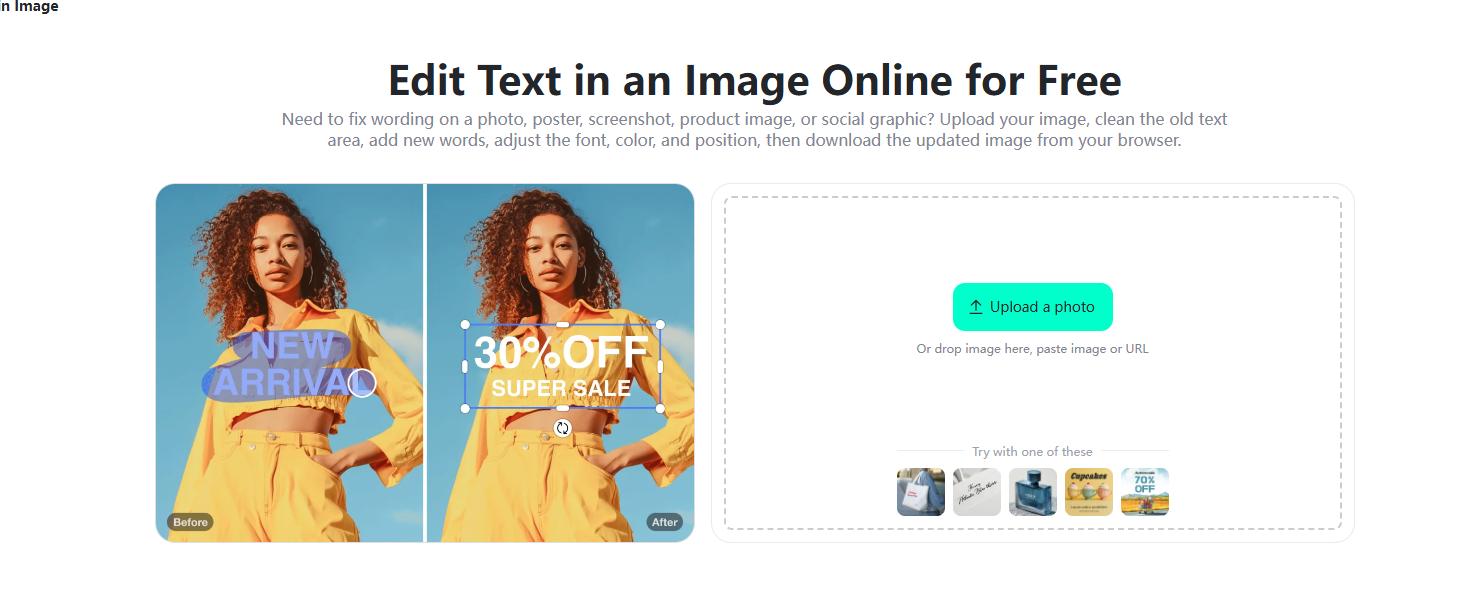
insMind offers a straightforward browser-based workflow for replacing text in images.
You can remove the original wording, clean the surrounding area, and insert replacement text. Controls for font, size, color, spacing, and position make it easier to match the new wording to the rest of the image.
It is particularly useful for ecommerce and promotional visuals where prices, product information, or campaign text need updating.
Pros
- Straightforward online editor
- Useful for product and marketing images
- Flexible font and positioning controls
- Can remove original text before replacement
- No desktop software required
Cons
- Requires more manual adjustment than fully automatic tools
- Matching the original typography can take extra work
Best AI Image Text Editors Compared
| Tool | Best For | Editing Method | Replace Text | Remove Text | Main Strength |
|---|---|---|---|---|---|
| PicWish | Quick text corrections | AI text recognition | ✓ | ✓ | Easy recognition and editing |
| Canva | Complete graphic editing | Grab Text | ✓ | ✓ | Strong design controls |
| Fotor | Matching existing styles | Text detection + AI | ✓ | ✓ | Font and style matching |
| Picsart | Social media content | Auto/manual detection | ✓ | ✓ | Creative editing tools |
| Pixelcut | Fast AI edits | Text prompts | ✓ | ✓ | Simple prompt workflow |
| AI Ease | Generative image editing | Text prompts | ✓ | ✓ | Flexible AI editing |
| insMind | Product and marketing images | Remove + add text | ✓ | ✓ | Manual styling control |
For quick edits to existing image text,Canva, Fotor, and Picsart are better suited to users who also need broader design controls, while PicWish and Pixelcut are convenient for fast AI-assisted edits. insMind is particularly useful for product and ecommerce visuals.


Leave a Comment