


1. Brighterly

Best for: Kids who want in-depth tutor explanations plus structured practice between lessons
Brighterly is a K–12 learning platform that combines live 1:1 math lessons with self-paced practice in one place, so learning does not stop when the lesson ends. Between lessons, Math Practice gives kids a visual learning path with feedback after every answer. Homework Helper, powered by Brighterly’s AI learning companion Beam, walks kids through their own math homework one step at a time with hints and guiding questions. It helps them work out the answer themselves rather than handing it over.
Pros:
- Individualized learning with a tutor appointed according to your needs
- Full tutor attention devoted to your kid
- Practice continues between live lessons
- Foundation-first approach
- Ongoing progress reports for parents
Cons:
- Relies heavily on the internet connection
- Doesn’t offer group classes
- Self-practice features are still rolling out to existing subscribers
2. Symbolab
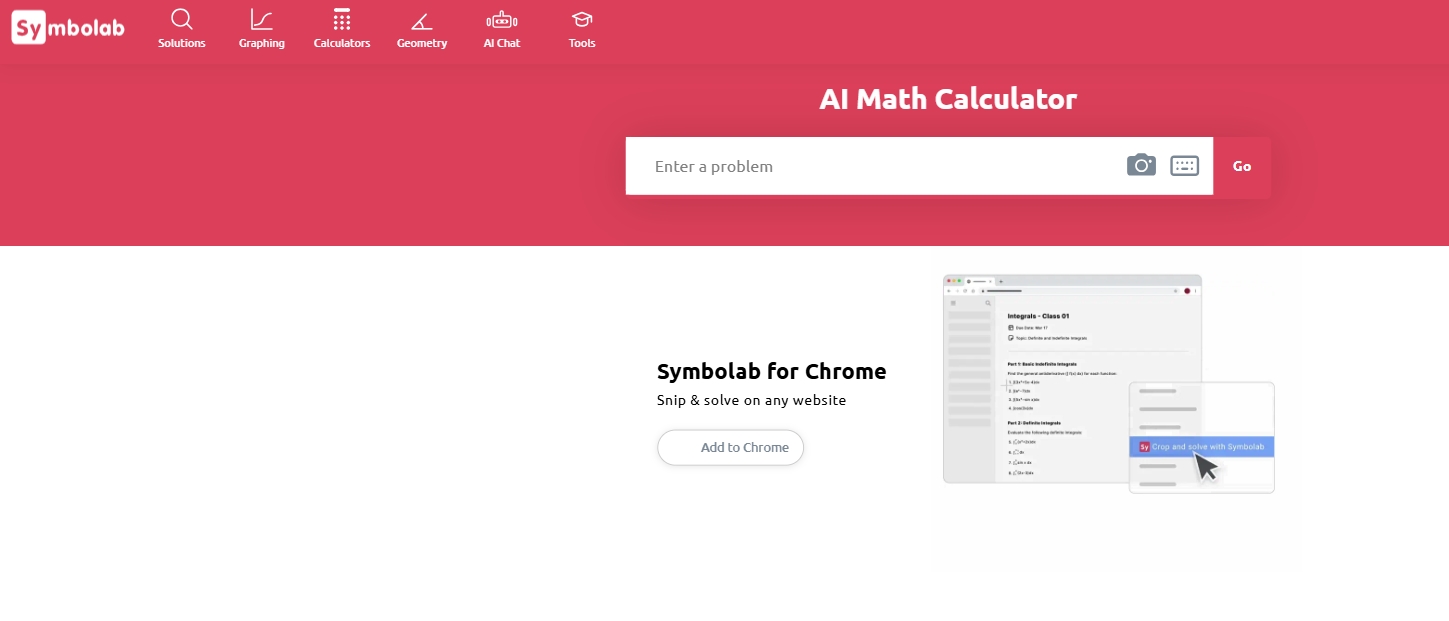
Best for: Algebra, calculus, and advanced math
Symbolab is a popular online math solver for students who want detailed solution steps. It supports algebra, calculus, trigonometry, limits, integrals, equations, matrices, and more.
Pros:
- Provides clear step-by-step solutions for many math problems.
- Strong for algebra, calculus, limits, integrals, equations, and matrices.
- Useful for students who want to understand the solving process instead of only checking the final answer.
- Easier to follow than some technical math tools, especially for homework and calculus practice.
- Includes extra learning features such as practice problems, quizzes, graphing tools, and AI chat support.
Cons:
- Some detailed steps may require a paid plan
- Complex problems may not always show complete explanations
- Less suitable for users who mainly need visual graph exploration
- Students still need to review the process carefully instead of relying only on the answer
3. Mathway
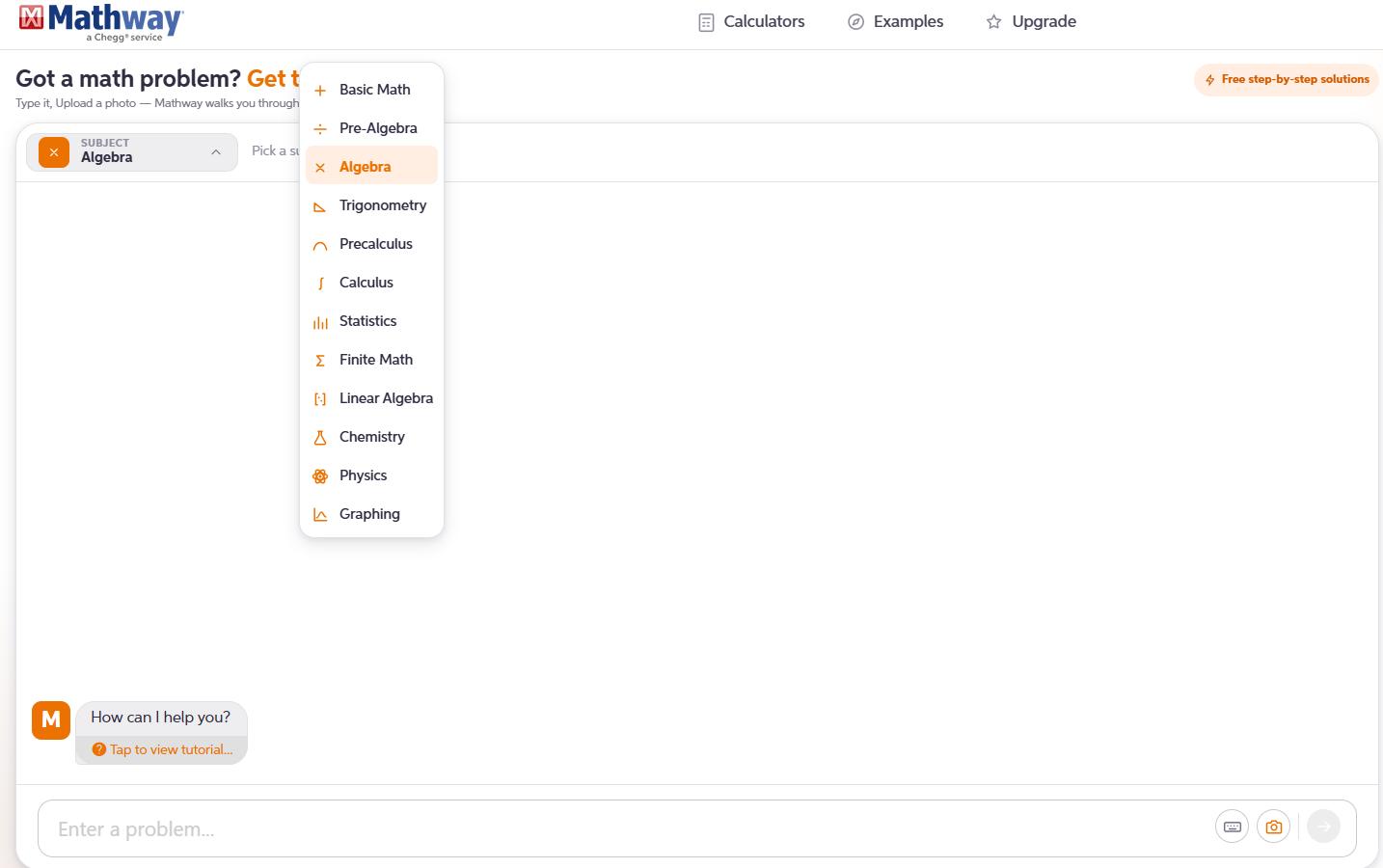
Best for: General homework help across different math subjects
Mathway is a flexible tool for solving different types of math problems online. It covers basic math, algebra, trigonometry, calculus, statistics, and graphing. Users can type in a problem or upload an image of the question.
Pros:
- Covers a wide range of math subjects
- Supports typed questions and image uploads
- Useful for checking homework quickly
- Simple enough for most students to use
Cons:
- Full explanations may require a subscription
- Answers can feel brief without deeper concept explanations
- Image recognition depends on the clarity of the question
4. WolframAlpha
Best for: Advanced calculations and computational answers
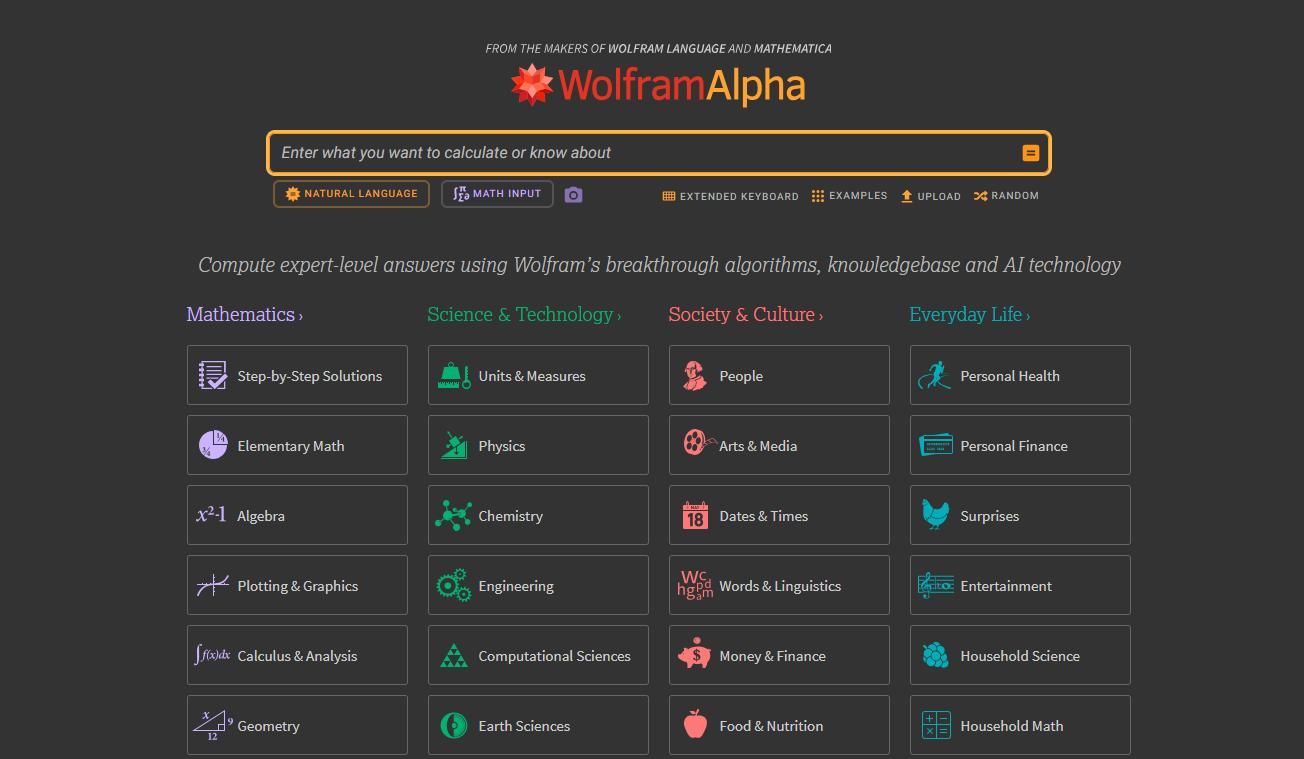
WolframAlpha is more than a standard calculator. It can solve equations, plot graphs, calculate derivatives and integrals, analyze data, and handle many advanced math questions.
Pros:
- Very strong for advanced calculations
- Supports equations, graphs, calculus, statistics, and scientific problems
- Good for students, teachers, and professionals
- Provides reliable computational results
Cons:
- May feel complex for beginners
- Step-by-step explanations may be limited without a paid plan
- Not as conversational as AI-based tools
5. GeoGebra Math Solver
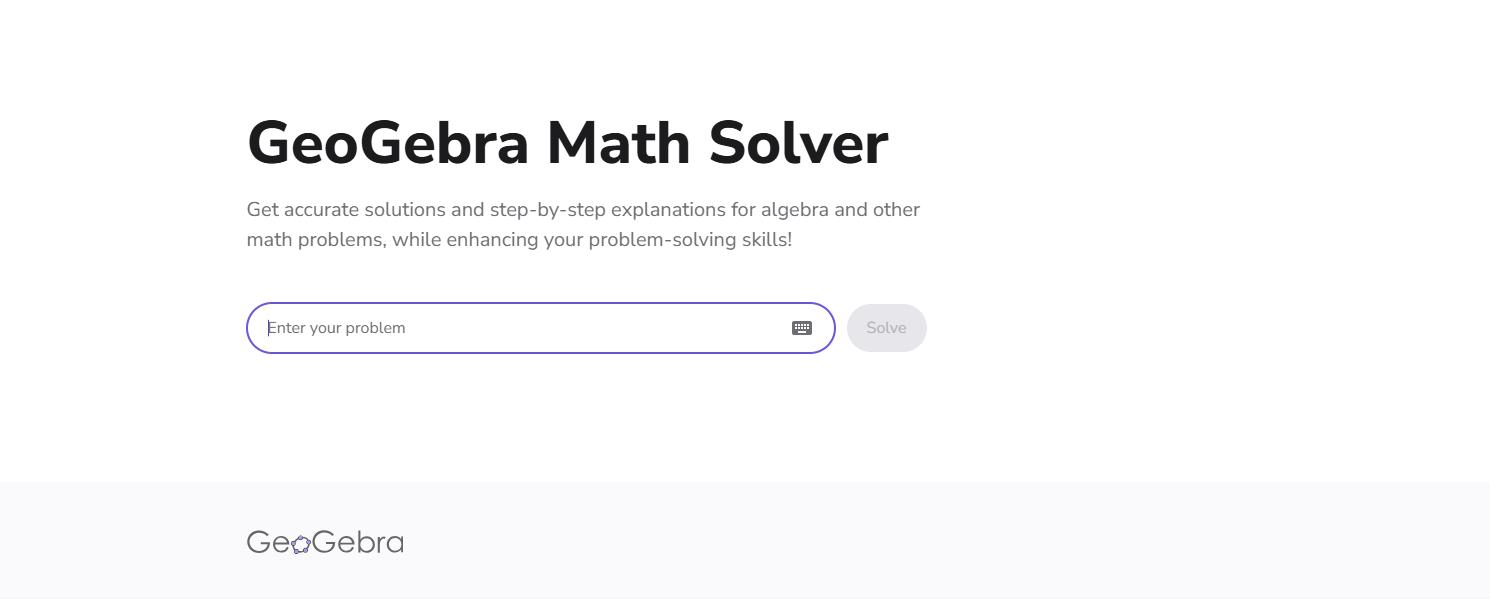
Best for: Algebra, geometry, and visual learning
GeoGebra Math Solver is useful for students who want visual support while solving math problems. It offers tools for algebra, geometry, graphing, 3D math, and interactive practice.
Pros:
- Great for visual learning
- Supports algebra, geometry, graphing, and 3D math
- Offers interactive diagrams and classroom-style exploration
- Helpful for understanding shapes, graphs, and equations visually
Cons:
- May take time to learn if you are new to visual math tools
- Not always the fastest option for direct answers
- More suitable for exploration than quick homework checking
6. Desmos
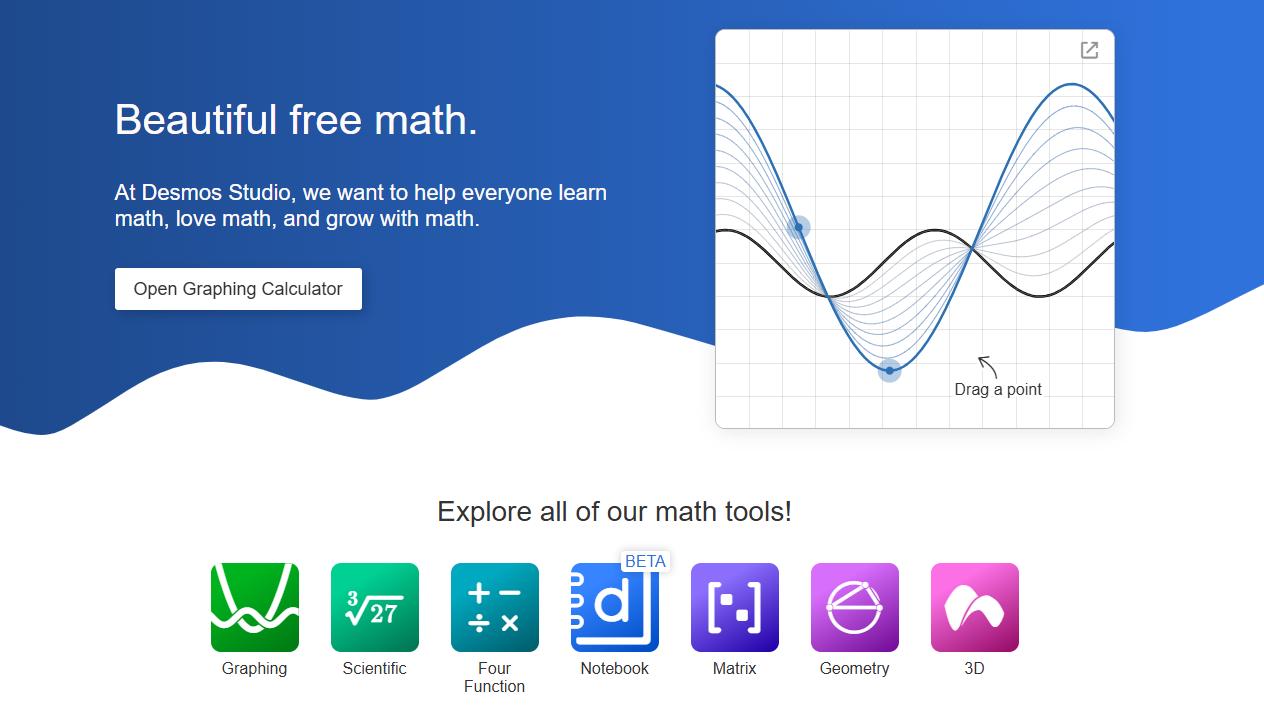
Best for: Graphing functions and visualizing equations
Desmos is best known for its free online graphing calculator. It lets users graph functions, plot points, use sliders, and explore equations visually.
Pros:
- Excellent for graphing and visualizing functions
- Free and easy to use
- Useful for slopes, curves, transformations, and inequalities
- Great for classroom demonstrations and visual practice
Cons:
- Not designed for full step-by-step solutions
- Less useful for word problems or long calculations
- Mainly focused on graphing rather than general math solving
7. ChatGPT
Best for: AI explanations, word problems, and learning support
ChatGPT is useful when you need more than a direct answer. You can ask it to explain a concept, break down a word problem, check your reasoning, or create similar practice questions.
Pros:
- Explains concepts in a conversational way
- Helpful for word problems and reasoning-based questions
- Can simplify explanations or show another method
- Useful for creating practice questions and checking your thinking
Cons:
- Final answers should be checked for complex calculations
- May not be as precise as dedicated math calculators for advanced computation
- Results depend on how clearly the question is written
- Not every response includes formal calculator-style steps
Tips for Using Online Math Solver Tools
Online math tools are most useful when they help you learn, not just copy an answer. A better way to use them is to try the problem first, then check your result with a solver.
After that, compare the solution steps with your own method. If you find a step you do not understand, use an explanation-based tool or AI assistant to ask why it works.
To improve your math problem solving skills, try another similar question without using the tool right away. This helps you remember the method instead of depending only on the answer.
Math Problems in PDFs or Scanned Worksheets
Many math questions come from PDF worksheets, scanned textbooks, class notes, or homework screenshots. If the question is blurry or hard to read, a math solver may not recognize it correctly.
Before uploading the question, you can improve the scanned file quality or use OCR to extract the text.

A clearer question usually gives better results, especially when using photo-based or AI-powered math tools.
Final Thoughts
Different math tools are useful for different needs. Some help with step-by-step solutions, some are better for graphing or advanced calculations, and others work well for explanations and word problems.
Instead of using them only to get answers, treat them as study tools. Review the steps, understand the method, and then try solving a similar problem on your own.


Leave a Comment