


Part 1. Official Ways to Download Shutterstock Images
Choose a download method based on whether you need a finished image, a free asset, or a preview for testing a layout.
1. Download Through the Shutterstock Website

The Shutterstock website lets you browse, license, and download photos, illustrations, and vectors in one place. Choose an image pack for occasional projects or explore subscription options if you need images regularly.
How to download an image:
- Sign in to your Shutterstock account and find the image you want.
- Open its detail page and click Download.
- Choose an available image size or file format.
- Select the appropriate license and the subscription or image pack you want to use.
- Confirm the download and save the file to your device.

For JPEG images, Shutterstock recommends downloading the large size and resizing it as needed. This gives you more flexibility when cropping or adapting the image for different designs.
You can also retrieve previously purchased images from your account’s download history. Eligible redownloads require no additional payment and do not count toward your current plan’s download allowance.
2. Download an Official Watermarked Preview
If you are still comparing images, a preview can help you judge the crop, composition, and space available for a headline.

Shutterstock’s image detail page guide explains that you can use Try to download a watermarked preview. Use this comp to evaluate the image in a draft, then license the asset for your finished project.
3. Shutterstock Free Download: Weekly Images and Vectors
For a Shutterstock free download that includes a license, visit the platform’s official free images page. It features a free stock image and a free vector of the week.
Shutterstock confirms that these weekly files come with its Standard License, with no purchase required. Sign in or create an account, open the featured asset, and follow the download prompts.
The page also links to themed freebies such as textures, icons, and backgrounds. Read the terms attached to each separate resource pack before using it.
Part 2. Free Shutterstock Alternative Websites
If Shutterstock’s featured freebies do not fit your project, another stock library may have a suitable image. The following websites provide their own collections and licenses.
1. Unsplash

Unsplash is an option to explore when you need photography for a cover, presentation, or website background. Browse its categories or search for a subject, then compare images at the crop your design requires.
Images in its free collection are covered by the Unsplash License, which permits downloading, modifying, and using them for commercial and non-commercial purposes. Attribution is appreciated but is not required under that license.
Pay attention to Unsplash+ labels: those assets belong to a paid offering with a separate license. The free license also has restrictions, including selling images without significant modification.
Try it for: Exploring photographic directions when your brief allows flexibility in the exact image.
2. Pexels

Pexels brings free stock photography and video together. That makes it a useful place to search when one campaign needs a blog image, a presentation visual, and a short video asset.
Its license allows free use and modification of its photos and videos, with attribution optional. Search for a subject, open a suitable asset, and download it from its page.
The license includes limits: you cannot imply that a person or brand in an image endorses your product, or resell unaltered copies as standalone products.
Try it for: Building a collection of photo and video assets for everyday content projects.
3. Pixabay

Pixabay includes photos, illustrations, vectors, and other media. It is worth exploring when your design needs a graphic element or background as well as photography.
The Pixabay Content License summary permits free use and adaptation without requiring attribution, subject to its prohibited uses. Search within the relevant media category to narrow the results.
You cannot sell or distribute assets on a standalone basis. Additional permissions may also be needed for recognizable people, brands, or other protected elements depicted in an image.
Try it for: Finding different asset types for educational graphics, presentations, and visual content.
Part 3. How to Edit Images with LightPDF
Once you have a suitable image, you may want to update wording in a finished graphic or clean up a photo you created. Work with images you own or have permission to edit, and make sure the planned changes fit the image’s license.
For Shutterstock content, its license agreement includes special restrictions for editorial images and prohibits using licensed content to train AI systems. It permits AI editing subject to its conditions, including that the software does not train on the content or resulting derivative work.
Replace Existing Text in an Image
If you have a JPG or PNG graphic with wording already embedded in it, LightPDF’s Edit Text in Image tool can help you change that wording without rebuilding the design from the beginning.
For example, you might update an event date or correct a product description in a marketing graphic you own.
- Open the image text editor. Visit LightPDF’s Edit Text in Image page.
- Upload your graphic. Select the image containing the words you want to change.
- Enter the text change. Specify the original wording and its replacement.
- Start processing. Run the edit, then preview the result.
- Compare and download. Check spelling, letter shapes, and the surrounding background before saving.

The tool focuses on replacing, removing, or translating existing text. Use a design editor when your task is to add a new text box to an image that has no wording yet.
Remove a Watermark You Added to Your Own Photo
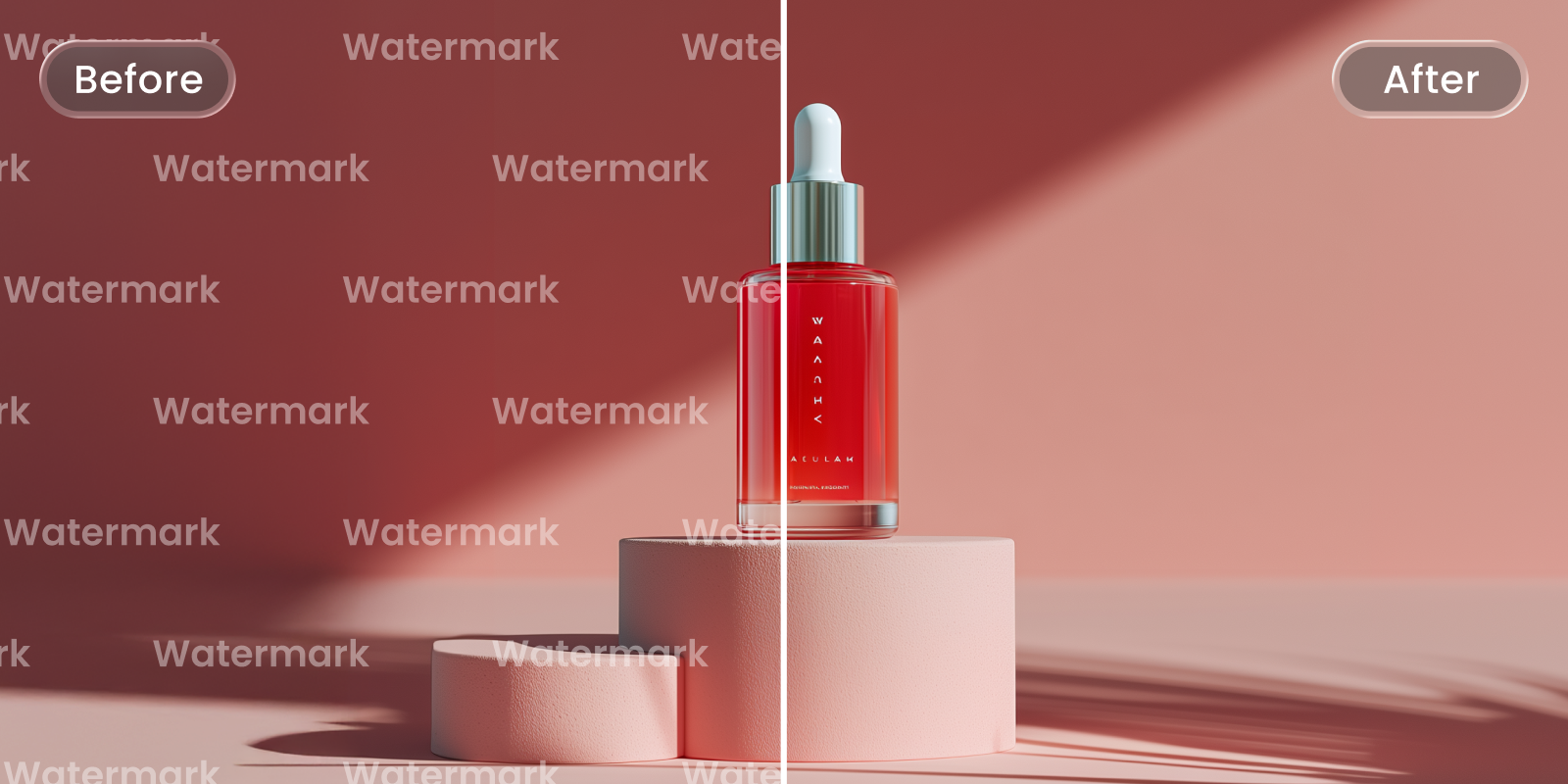
You may also have a self-created product photo or promotional image with an old watermark you added yourself. LightPDF’s image watermark remover offers an editing option for that marked copy.
- Upload your own photo to the watermark remover.
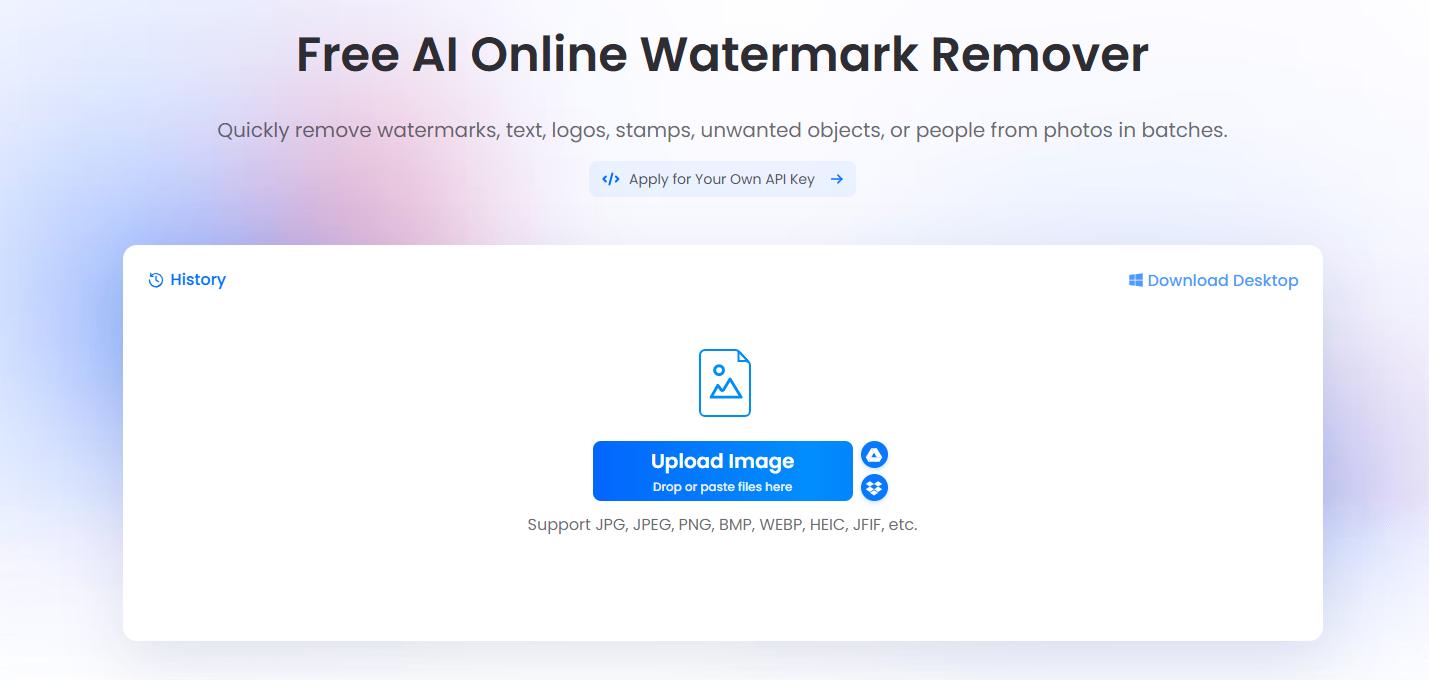
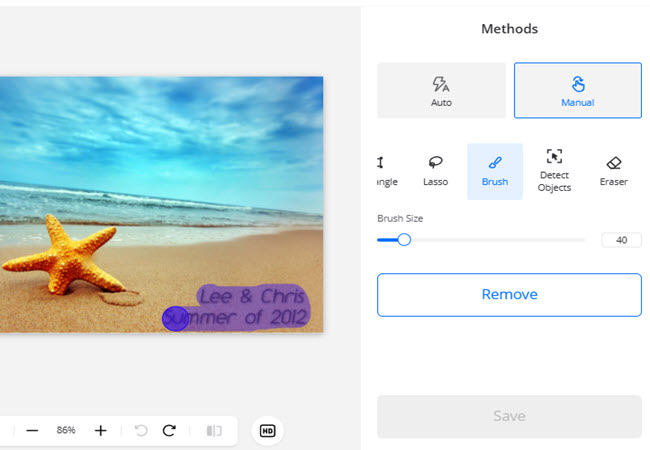
- Choose the available removal method and process the image.
- Preview the affected area, checking edges and background texture.
- Save the edited result as a separate copy.
Keep this use case limited to marks you are entitled to remove. For Shutterstock images, obtain the licensed, unwatermarked file through the official download process. A watermark remover does not grant image usage rights.
For your own graphics that need a wording update, open LightPDF’s image text editor and revise the existing text before exporting your final image.


Leave a Comment