Apple Books comes standard on every Mac. It’s totally fine if you just need to open an EPUB every once in a while. But if you’re juggling a bigger library, want more control over how everything looks, or care about note-taking across devices, you’ll hit a roadblock pretty quickly. Picking the best EPUB reader for Mac basically boils down to two camps: you either keep things simple and distraction-free, or you wrestle with a full-blown library manager.
Can edit metadata, convert formats, and even tweak code
UI feels stuck in the past; tough to learn
Free (Open-source)
Yomu Reader
Long, focused sessions
Custom margins, pitch-black OLED mode
Full device syncing costs extra
Free / $3.99 Pro
Thorium Reader
Accessibility & EPUB3
Full VoiceOver, dyslexia-friendly fonts
No built-in cloud sync for phones
Free (Open-source)
BookReader
Fans of “book feel”
Two-page spreads, paper textures
Big, image-heavy books can be slow on older Macs
Free trial / Paid
Kobo Desktop
Kobo device owners
Direct Wi-Fi sync with your e-reader
Store-packed layout, clunky with random files
Free
Top 6 Ebook Readers for Mac Reviewed
1. Apple Books
If you just grabbed a new EPUB and want to start reading now, Apple Books opens it instantly on macOS Sonoma or Sequoia. Your highlights, bookmarks, and reading position sync to your iPhone and iPad automatically through iCloud. But if you want to organize your library your way—or send notes to Notion or similar apps—it’s awkward. And books you buy from the store are locked down with DRM. For casual reading? Fine. For any kind of serious study? It’s pretty annoying.
2. Calibre
Calibre is what you use if you need a feature-packed EPUB reader for MacBook. It’s less an ebook reader and more like a Swiss Army knife database. You can fix cover art, update metadata, convert giant batches, and push books right to your Kindle or Kobo. Even monster textbooks won’t bog it down. The downside? Calibre’s interface doesn’t even try to look like modern macOS, and there’s a learning curve. Great for managing huge libraries; way too much for just reading novels.
3. Yomu Ebook Reader
Yomu was built for Apple silicon (M1, M2, M3, M4), so it barely sips battery on MacBooks. Typography tools are top-notch—think total control over kerning, font size, line spacing, plus a pure black OLED mode for less eyestrain. Only downside: multi-device syncing is locked behind the Pro version. If you want a crisp, customizable reader and care about fonts, Yomu is probably your best ebook reader for Mac.
4. Thorium Reader
Thorium is an open-source EPUB reader for Mac designed by the folks at Readium to handle complex EPUB3 books: weird layouts, embedded audio, math equations. It includes full VoiceOver support and fonts for dyslexia right out of the box, so accessibility is solid. It falls short on cloud syncing between desktop and mobile, but for academic reading and complicated ebooks, Thorium delivers. No ads, no tracking.
5. BookReader
BookReader appeals to anyone nostalgic for the real “book” look—two pages on the screen, paper textures, page-flip effects. You can customize layouts and backgrounds to suit your taste. But, big image files or massive graphic books might run slow on older Macs. If you miss reading physical books, this is the closest you’ll get on your desktop.
6. Kobo Desktop App
If you own a Kobo e-reader, their desktop app keeps your reading position and notes synced wirelessly with your Mac. The reading view is simple and customizable, but the home screen doubles as a big store ad. Managing books you downloaded elsewhere isn’t slick. Good for Kobo users, not so much for random EPUBs.
Pro Tip 1: Want PDF-Style Markup or Printing?
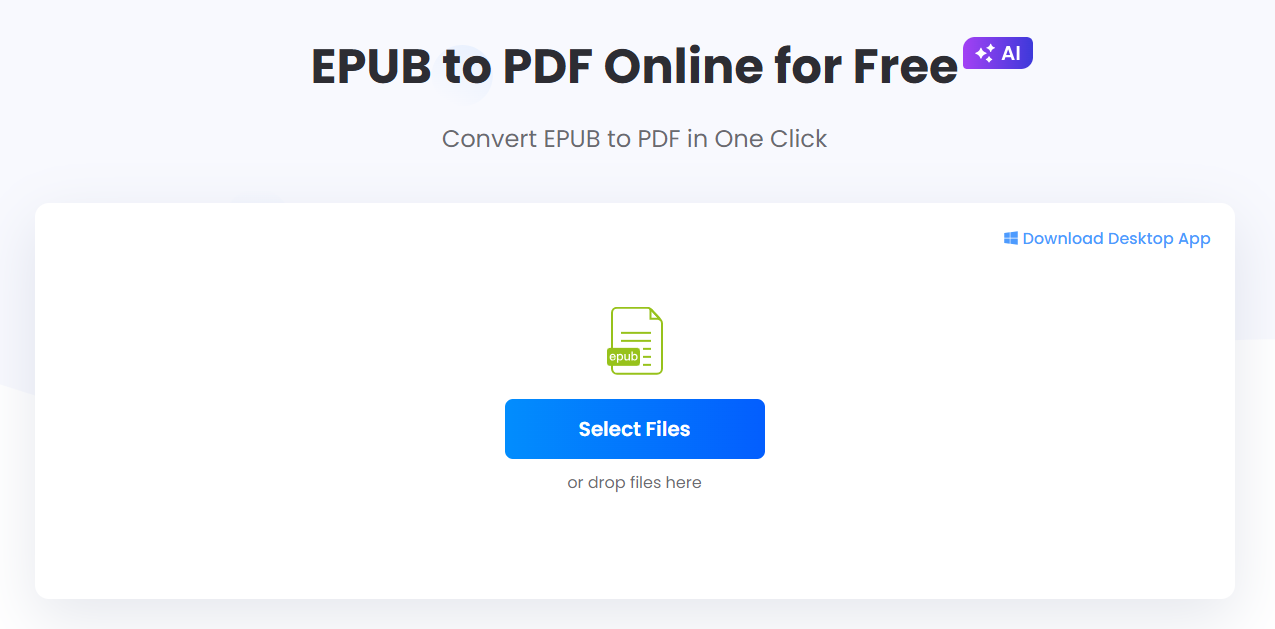
Sometimes EPUB isn’t perfect—maybe you need to print a chapter or mark up pages like a PDF. No need for extra software: use a free EPUB converter for Mac like LightPDF EPUB to PDF Converter. It turns your books into tidy PDFs right in Safari or Chrome, keeps chapter layouts intact, and lets you annotate anywhere.
Pro Tip 2: Got Kindle Files (.mobi / .azw3) That Don’t Open?
Most Mac readers ignore Amazon’s .mobi or .azw3 files. If you’ve got some of these (and they’re not locked by DRM), just drop them into Calibre. Hit “Convert books,” export as EPUB, and you can read them anywhere on your Mac.
How to Open EPUB Files on Mac (3 Easy Ways)
1.Double-Click in Finder:Default macOS action.
If you just want to know how to open EPUB files on Mac, double-click the file in Finder and Apple Books will launch and import it automatically.
2.Right-Click and ‘Open With’:For alternative readers.
Have another reader installed, like Calibre or Yomu? Right-click the .epub file, pick Open With, and select your app.
Want to make your reader the default? Click any EPUB file, press Command + I (Get Info), change Open with to your favorite app, and hit Change All.
FAQ
How do I open an EPUB file on my Mac without Apple Books?
Install Calibre or Yomu, then right-click your EPUB file and choose Open With. If you’re in a hurry and don’t want a new app, use LightPDF online to convert the file to PDF and open it in Preview.
Why won’t my EPUB file open on my MacBook?
Usually, it’s one of three things: the file is protected with DRM; the download got corrupted; or the EPUB uses advanced scripts or layouts your reader can’t handle.
Can I convert EPUB to PDF on Mac free?
Absolutely. LightPDF EPUB to PDF Converter works for quick drag-and-drop conversions, and Calibre does it too.
Does Mac Preview support EPUB files natively?
Nope. Preview just shows the file icon and a little metadata, but it can’t render EPUB text. You’ll need a dedicated EPUB reader.
How do I transfer EPUB books to Kindle from a Mac?
Go to Amazon’s “Send to Kindle” page and drag your EPUB right in—automatic sync. Or, plug your Kindle in via USB and let Calibre manage the transfer.
Rating:4.3 /5(based on 23 ratings)Thanks for your rating!
Discover helpful PDF tips, feature tutorials, AI resources, and the latest updates to boost your PDF experience. Stay up to date with expert insights and practical guides.






Leave a Comment