


Part.1 Quick View: Top Free DocuSign Alternatives
| Tool | Free Plan | E-Signature | Workflow Automation | Document Editing / Templates | Integrations | Mobile Support | Best For |
|---|---|---|---|---|---|---|---|
| PandaDoc | ✅ Full free plan | ✔ | ✔ | Full document builder | CRM, Zapier, Payments | iOS/Android | Sales proposals, contracts, small-medium teams needing templates |
| Zoho Sign | ✅ Limited free / trial | ✔ | ✔ | Mainly signing/fill fields | Zoho Suite, Google Workspace | iOS/Android | Businesses using Zoho ecosystem, simple workflows |
| eversign (Xodo Sign) | ✅ Free tier | ✔ | ✔ | Basic templates & editing | Cloud tools, Zapier | iOS/Android | Small teams, simple contract signing |
| SignRequest | ✅ Free tier | ✔ | ✔ | Simple fields & templates | Google Workspace, Microsoft, Zapier | iOS/Android | Simple team signing, startups |
| Adobe Acrobat Sign | Limited trial | ✔ | ✔ | PDF signing only | Enterprise tools (Office, SAP) | iOS/Android | Compliance-heavy, regulated industries |
| HelloSign | ✅ Free tier | ✔ | ✔ | Mainly signing fields | Dropbox, Google Workspace | iOS/Android | Individuals or teams needing simple e-signatures |
Part.2 Best Free DocuSign Alternatives
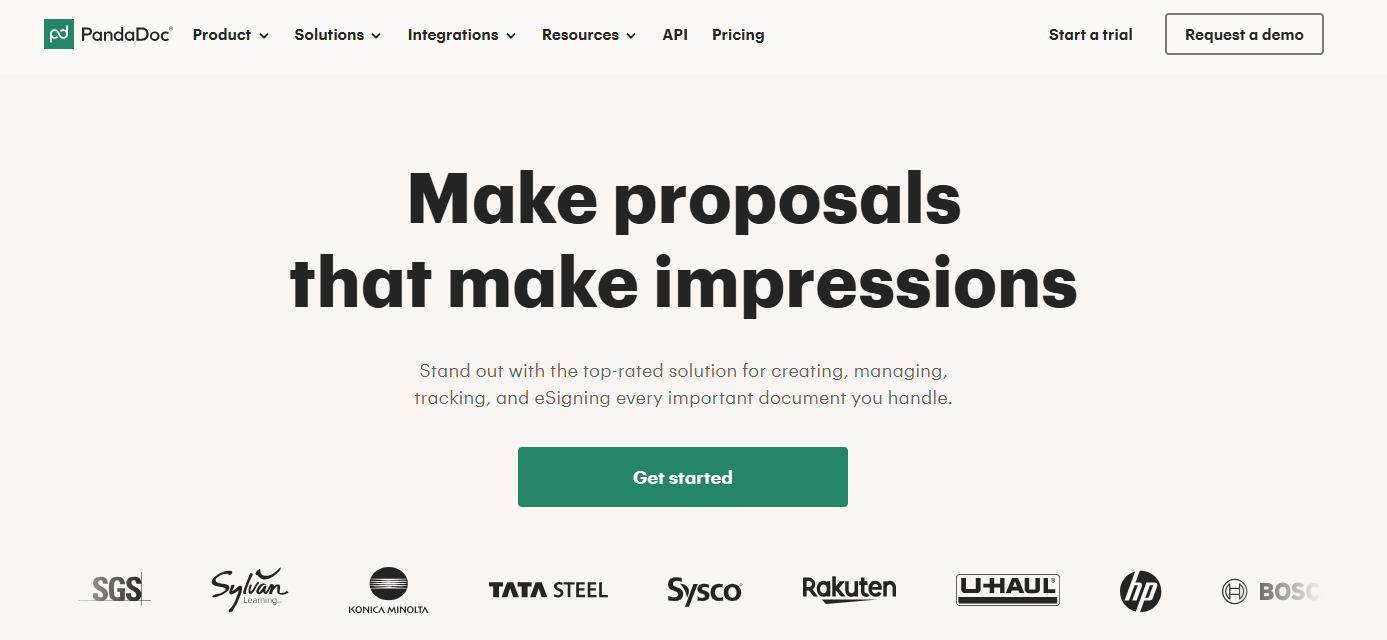
#1 PandaDoc — Best for Sales Documents & Proposals
PandaDoc is one of the most complete DocuSign competitors, especially for teams that don’t just need signatures but also document creation and tracking. It combines e-signatures with proposal building, which makes it particularly valuable for sales-driven workflows.
Key Features:
- Built-in templates for proposals, quotes, and contracts
- E-signature with real-time notifications and tracking
- CRM integrations (HubSpot, Salesforce, etc.)
- Analytics to monitor document engagement
Why it works as a DocuSign alternative:
Unlike many tools that focus only on signing, PandaDoc helps you manage the entire document lifecycle. This makes it a strong choice if your workflow starts before the signature step.
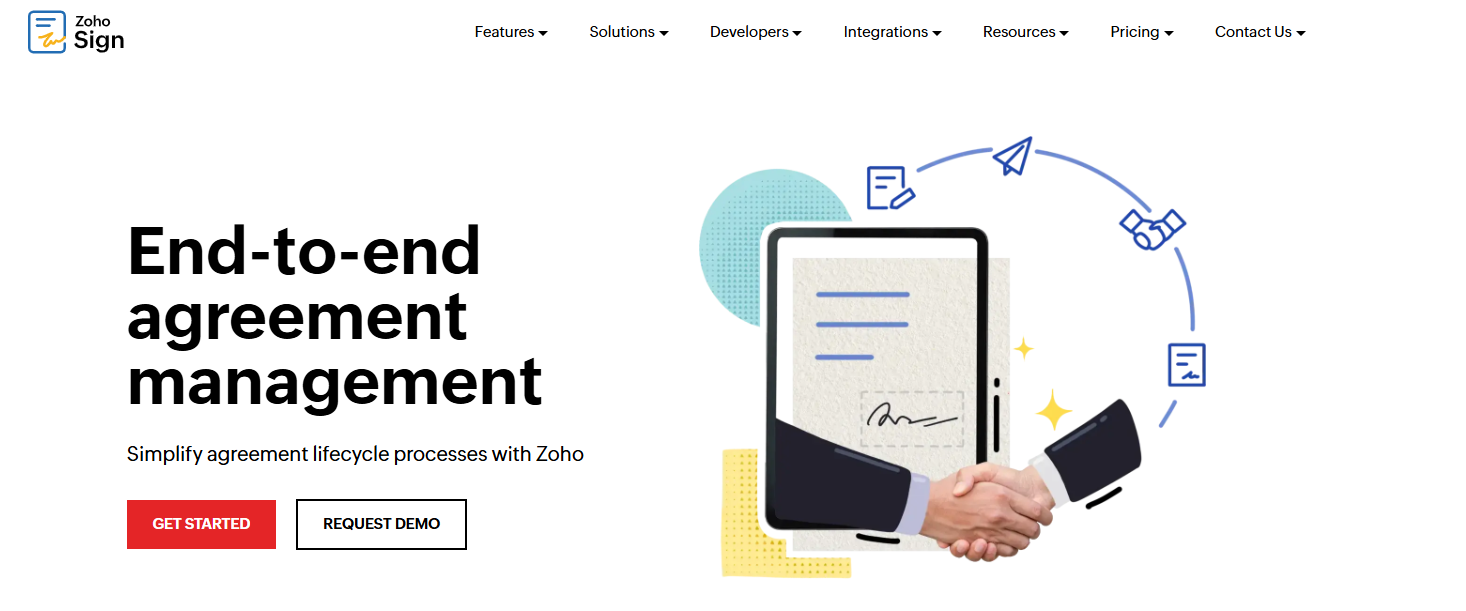
#2 Zoho Sign — Strong Workflow Automation
Zoho Sign is a structured and reliable free alternative to DocuSign, particularly for businesses that need organized approval flows and internal processes.
Key Features:
- Multi-party signing with defined order
- Integration with Zoho apps and Google Workspace
- Automated reminders and document tracking
- Compliance with major e-signature regulations
Why choose Zoho Sign:
It’s especially useful for teams that want more control over how documents move between stakeholders. Compared to simpler tools, it offers better workflow organization without becoming overly complex.
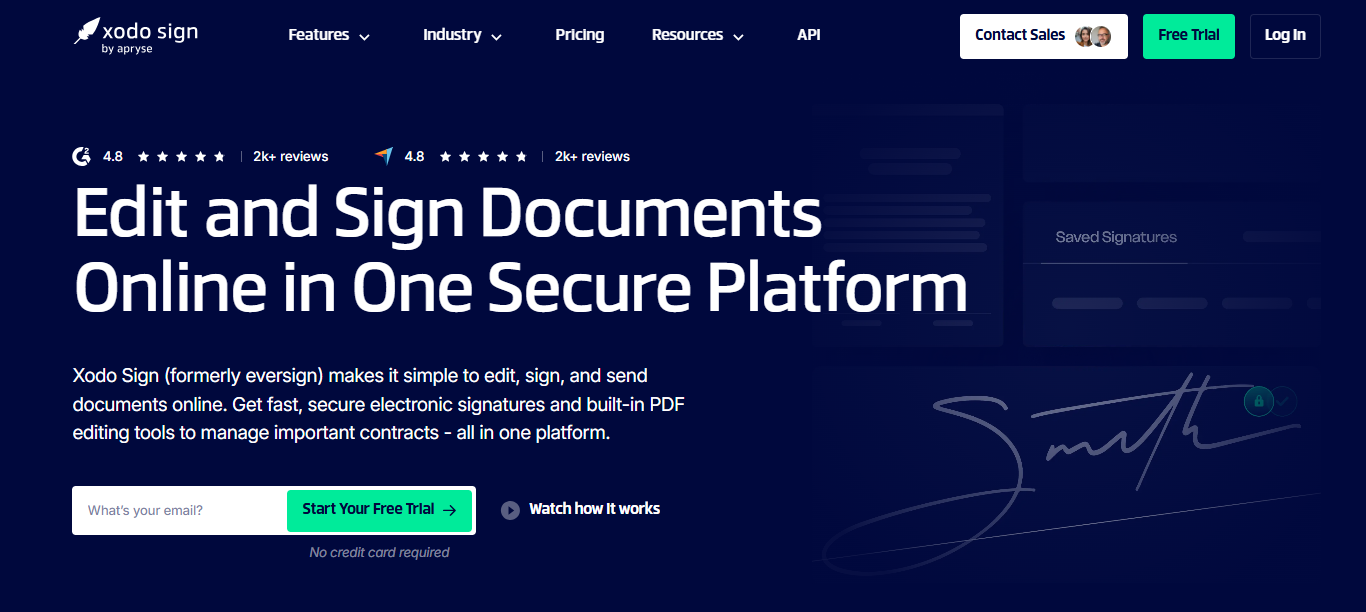
#3 eversign — Balanced Simplicity and Flexibility
Eversign is a well-rounded option that combines ease of use with practical features, making it a dependable DocuSign alternative for both individuals and small teams.
Key Features:
- Legally binding electronic signatures
- Document templates for repeated use
- API access for automation
- Integration with cloud storage platforms
Why it’s a good choice:
Eversign strikes a balance between simplicity and scalability. It’s easy to start with but still flexible enough if your needs grow over time, especially if you plan to integrate signing into other systems.
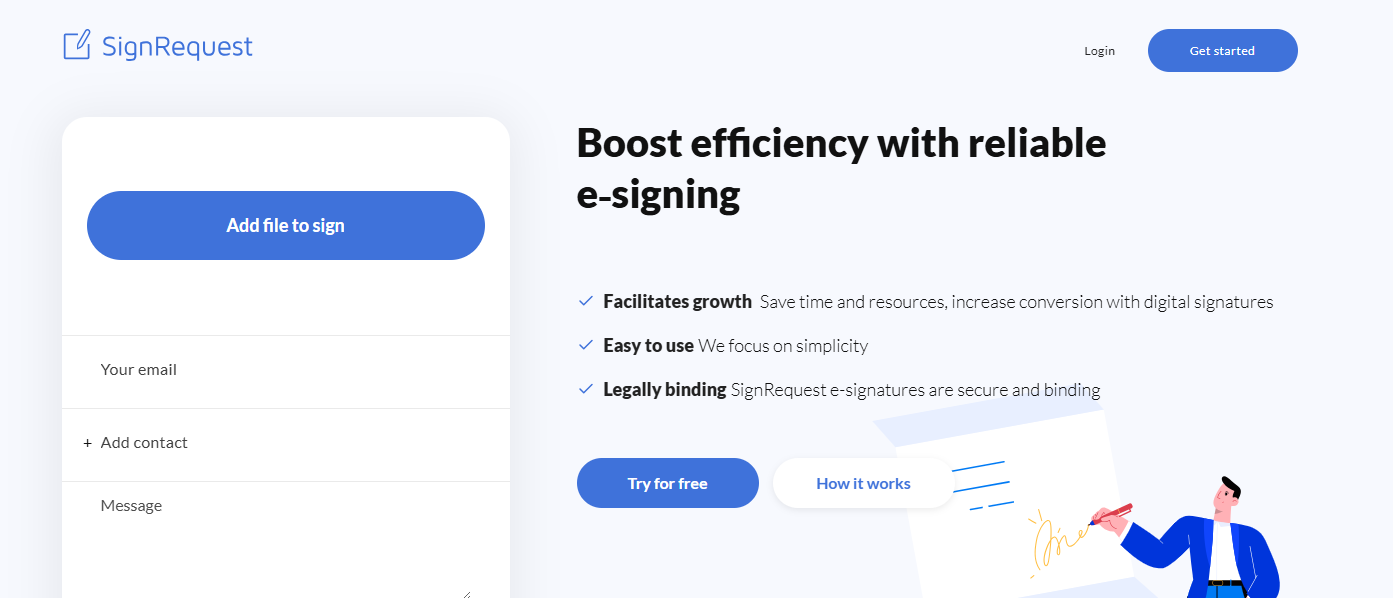
#4 SignRequest — Clean and Efficient
SignRequest is designed for users who want a straightforward experience without unnecessary features. It’s one of the most practical sites like DocuSign for everyday signing tasks.
Key Features:
- Simple and intuitive interface
- Bulk sending and reusable templates
- Real-time status tracking
- Integration with Google and Microsoft tools
Why it stands out:
If you find some tools overly complicated, SignRequest offers a cleaner alternative that still covers essential e-signature workflows without slowing you down.
#5 Adobe Acrobat Sign — Enterprise-Level Reliability
Adobe Acrobat Sign is one of the most established DocuSign competitors, especially for organizations that prioritize compliance, security, and brand trust.

Key Features:
- Advanced authentication options
- Integration with enterprise platforms
- Detailed audit trails and compliance support
- Deep connection with Adobe PDF tools
Why consider it:
While not fully free, it’s a strong option if you already use Adobe products and need a more formal, enterprise-ready solution for document signing.
#6 HelloSign — Simple and User-Friendly
HelloSign is known for its clean design and ease of use, making it one of the most approachable free DocuSign alternatives available today.

Key Features:
- Drag-and-drop document signing
- Free plan for light usage
- Integration with Google Drive and Dropbox
- Built-in audit trails for signed documents
Why choose HelloSign:
It’s ideal for users who want a frictionless experience. There’s very little learning curve, which makes it perfect for individuals or small teams handling occasional documents.
Part.3 Complementary Tools to DocuSign
Most DocuSign alternatives focus on collecting signatures, but real-world workflows often involve multiple steps before and after signing. This is where LightPDF becomes useful as a complementary tool.
LightPDF allows you to sign PDF documents online while also handling essential document tasks like editing, converting, compressing, and organizing files. This makes it especially helpful when documents need preparation before being sent for signature.
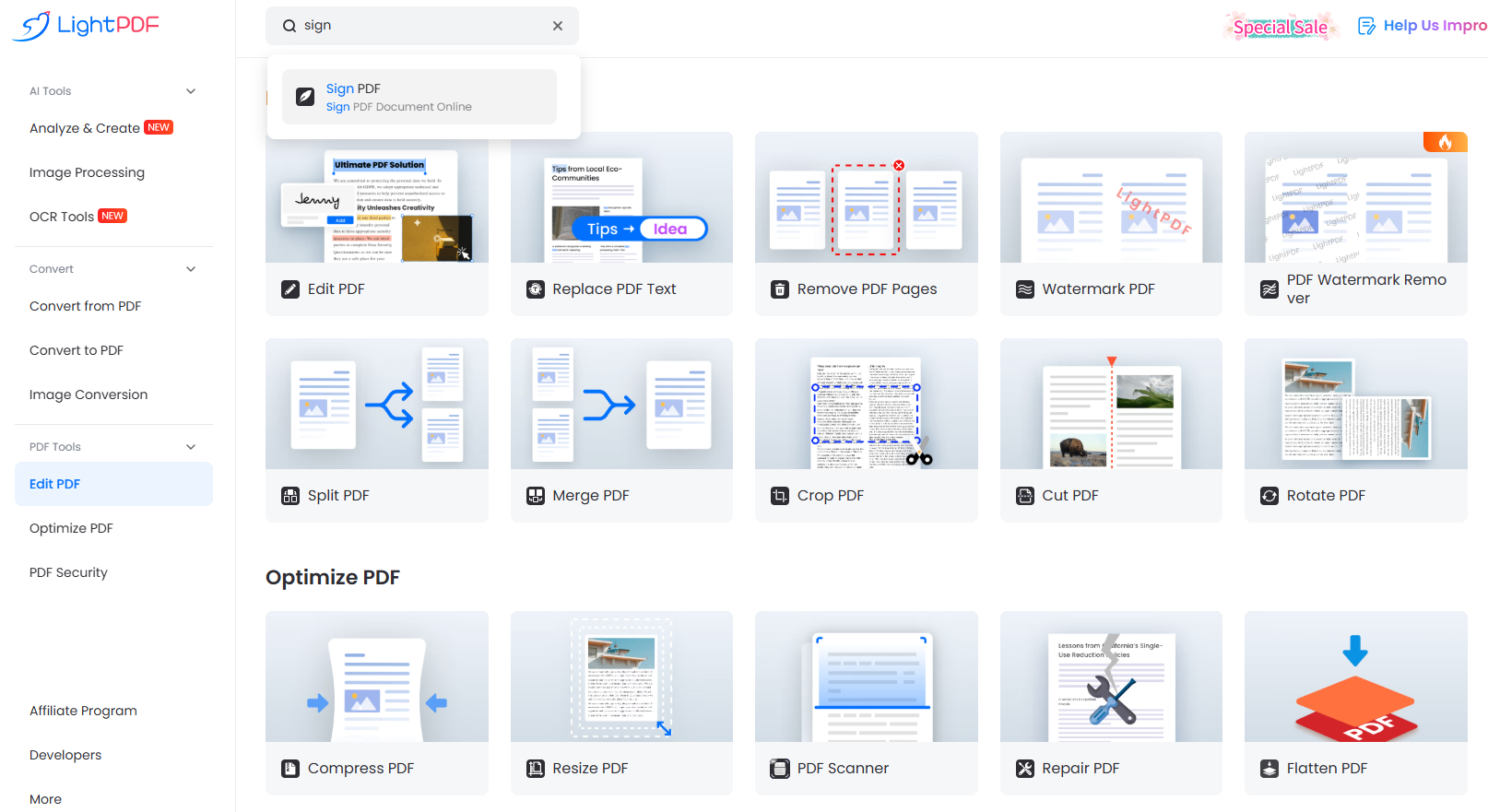
One of its standout features is the LightPDF AI Agent, which supports AI-powered document workflows. It can process multiple files at the same time, automate repetitive tasks, and assist with content generation, OCR, and format conversion. This is particularly valuable for users dealing with contracts, reports, or bulk document operations.
Instead of replacing e-signature platforms, LightPDF works alongside them to improve efficiency across the entire document process.
Part.4 FAQ
Q: Are free DocuSign alternatives legally valid for signing contracts?
A: Yes, most reputable tools provide legally binding electronic signatures. They typically include audit trails, timestamps, and identity verification, which are essential for legal compliance in many regions.
Q: What are the main limitations of a free alternative to DocuSign?
A: Free plans usually come with restrictions such as limited document sends per month, fewer integrations, or lack of advanced workflow automation. These limits are generally manageable for individuals or small teams.
Q: Which DocuSign alternative is best for beginners?
A: HelloSign and SignRequest are both excellent choices for beginners because of their simple interfaces and minimal setup requirements.
Q: Can these tools handle team-based workflows?
A: Yes, most of them support multi-party signing, approval sequences, and notifications. However, more complex workflow automation may require a paid plan.
Q: Do I need a separate PDF tool when using e-signature software?
A: In many cases, yes. E-signature tools focus mainly on signing and workflow, while PDF tools like LightPDF help with editing, formatting, and preparing documents before sending them.
Q: How do I choose between different DocuSign competitors?
A: It depends on your needs. If you want full document workflows, choose tools like PandaDoc or Zoho Sign. If you only need simple signing, HelloSign or SignRequest may be more suitable.


Leave a Comment