


Slidesgo’s Main Features
1. Presentation Templates
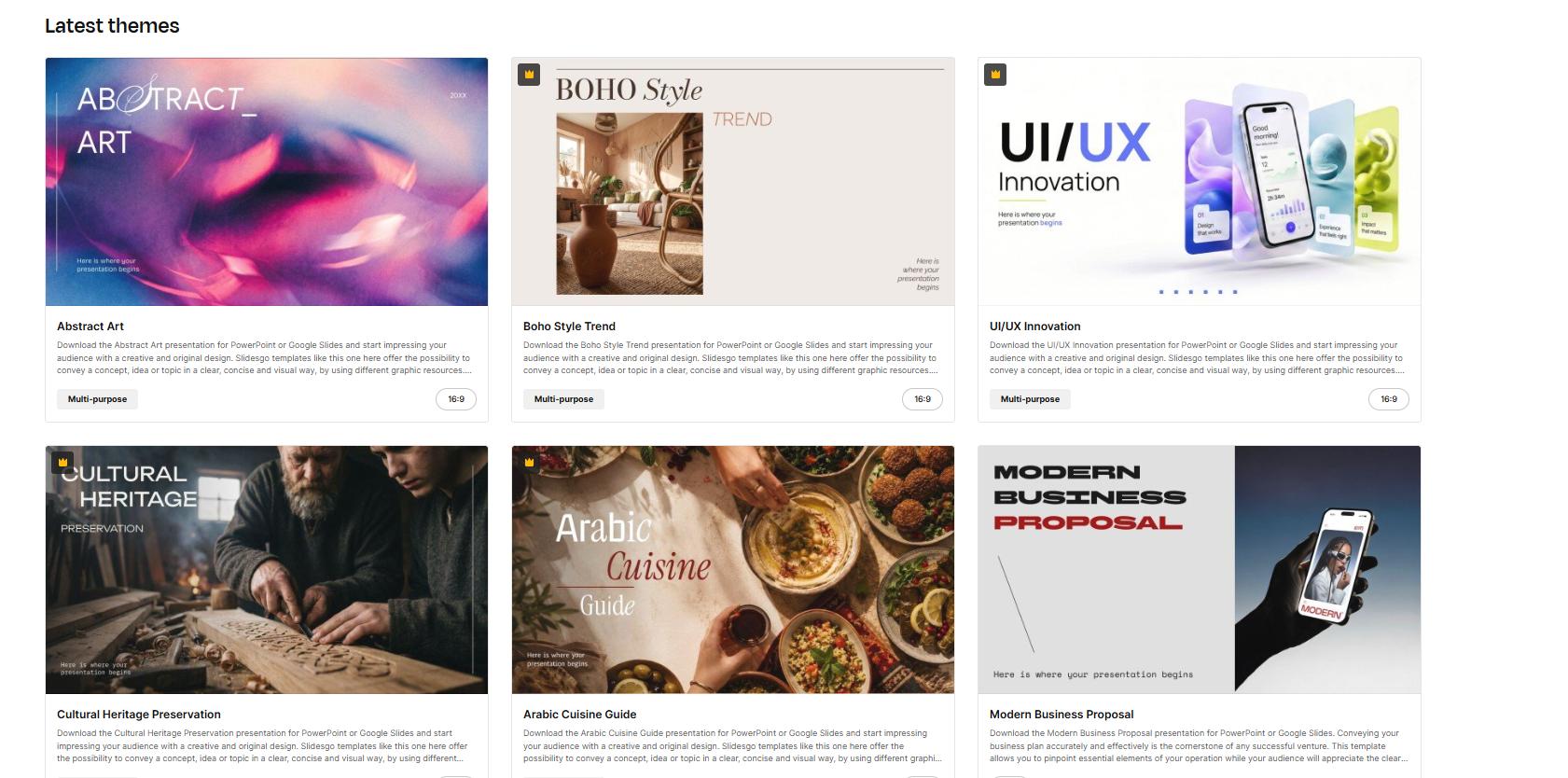
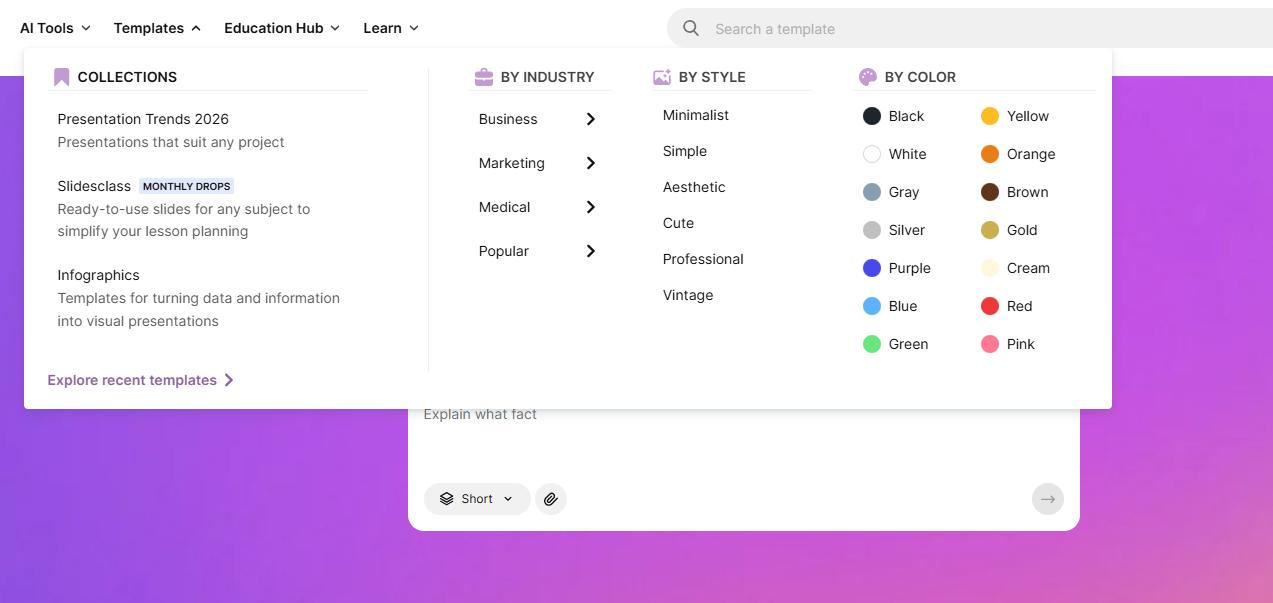
The template library is Slidesgo’s most straightforward starting point. You can browse by subject, style, or color and preview a design before choosing it. The site also offers infographic layouts for presenting information visually.
For someone who already has an outline, this approach gives more control over the message. Choose a layout that supports your material, then replace the example content. A visually attractive template still needs editing to suit your audience.
2. AI Presentation Maker
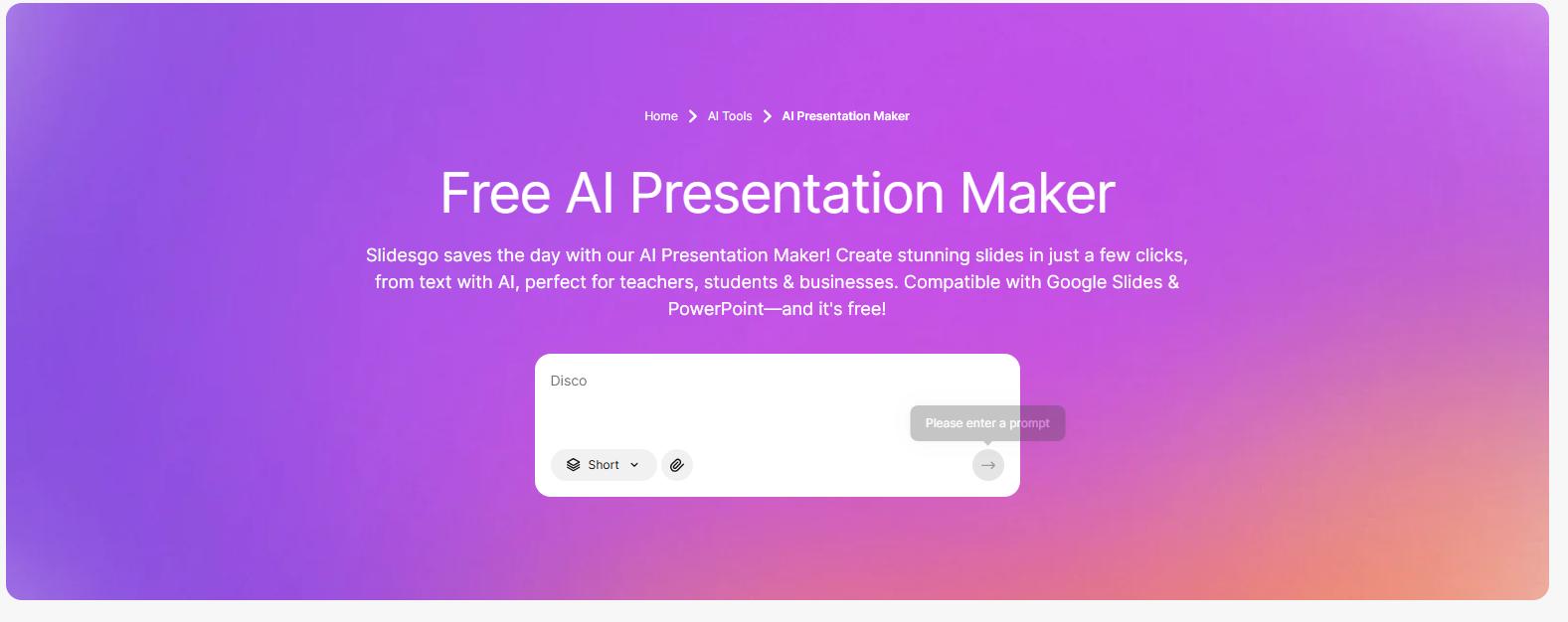
Slidesgo’s AI Presentation Maker creates a presentation from a written topic or prompt. It supports content customization and offers editable PPTX downloads for further work in PowerPoint or Google Slides.
This makes it useful as a starting point when you have an idea but no slide outline. For a more useful draft, describe the audience, purpose, main points, and preferred tone.
For example:
Create an eight-slide presentation about effective study habits for first-year university students. Explain active recall, spaced repetition, and practice tests. Include a practical example for each method and finish with a one-week study plan. Use concise bullet points and do not invent research statistics.
The resulting deck should still go through an editorial review. Check the argument, replace vague examples, and verify factual claims before presenting.
3. Presentations from Existing Documents
Slidesgo’s documented workflow supports using DOCX, PDF, and TXT material to build presentations. Its personalization guide explains that AI extracts key points and organizes them into slides.
This can help turn a report, project brief, or set of class notes into a presentation draft. After generation, compare the outline with your source: a shorter deck may need less important details removed, but essential qualifications should stay.
The separate AI PDF to PPT converter lists PDF, DOC, DOCX, TXT, and Markdown inputs, with a maximum size of 25 MB per file.
For document-based work, check whether the output serves your purpose. A presentation that summarizes a report and a slide deck that reproduces every original page are different deliverables.
4. Visual Customization
Slidesgo’s personalization guide describes photography, illustration, and 3D image styles, along with theme selection and image adjustments.
These choices can help you establish a consistent look. Match the visual style to the material: a classroom activity may suit illustrations, while a business update may call for a simpler design.
5. Resources for Teachers
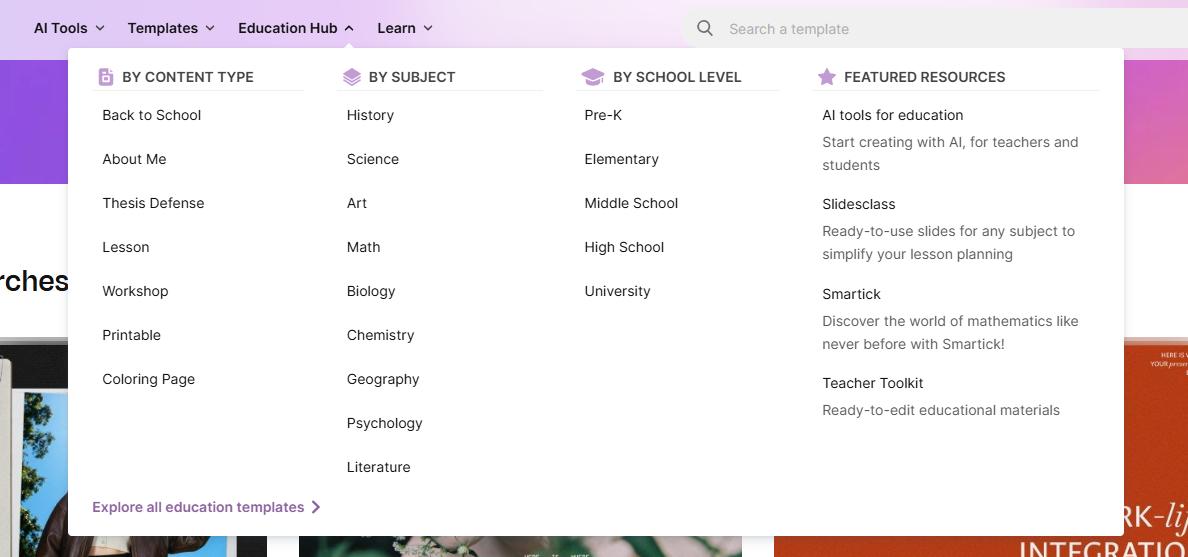
Slidesclass offers educational presentations developed with specialized teachers. Slidesgo also provides teacher toolkits and classroom resources.
For educators, this makes the platform useful beyond slide decoration. Start with the lesson objective, then decide which explanations, activities, and examples fit your students. Ready-made material still benefits from adaptation to the syllabus.
Pros and Cons
The following assessment reflects the documented workflow, rather than benchmark testing.
Pros
- Several starting points for different tasks
- A way to develop an outline from an idea or existing material
- A practical option for users who prefer familiar presentation software
- Classroom resources that may reduce preparation work
Cons
- Choosing a suitable design still takes judgment
- Generated content needs factual and editorial review
- Downloaded decks still need checking in the target application
- Lessons need adapting to the audience and curriculum
A further editing consideration comes from Slidesgo’s FAQ: most template elements are customizable, but some belong to master slides or are embedded images. PowerPoint users may also need to install the template’s fonts.
These details matter when adapting an entire deck. Try changing the title style, recurring graphics, and a content-heavy slide early, before committing to a design.
Slidesgo Pricing in 2026
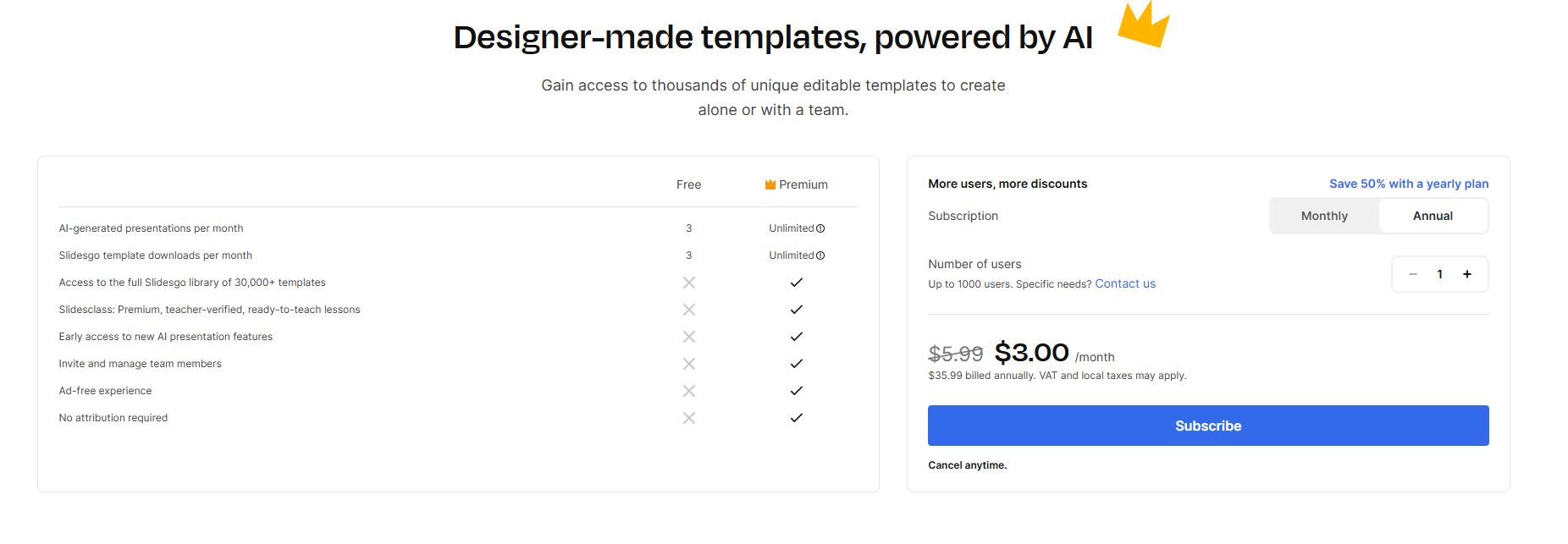
The published USD reference prices are:
| Plan | Price |
|---|---|
| Free | $0 |
| Premium, monthly billing | $5.99 per month |
| Premium, annual billing | $35.99 per year, approximately $3 per month |
Currency, taxes, and offers can vary. Check the final checkout amount.
| Monthly allowance | Free | Premium |
|---|---|---|
| AI-generated presentations | 3 | 150 |
| Template downloads | 3 | 150 |
Premium is advertised as “unlimited,” but the pricing footnotes specify separate security limits of 150 AI generations and 150 template downloads per month. It also includes the full template library and removes the template attribution requirement. Subscriptions renew automatically unless canceled.
For occasional use, start with Free. Premium becomes more relevant when you regularly exceed those allowances or need its additional templates.
How to Use Slidesgo?
Start with a Template
- Browse for a topic and design that match your presentation.
- Preview the slides to check that their layouts suit your content.
- Sign in and choose the PowerPoint or Google Slides option.
- Replace the example material and check the finished deck.
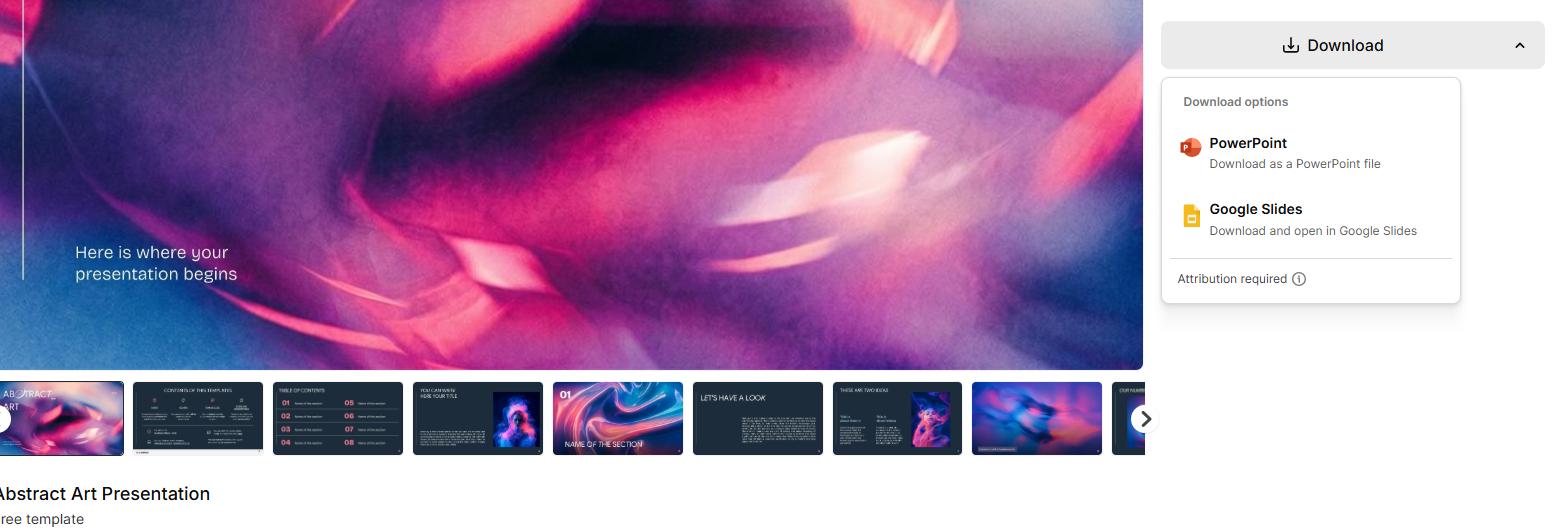
The template workflow supports downloading a PowerPoint file or creating a customizable Google Slides copy.
Start with AI
- Open the AI Presentation Maker and sign in.
- Enter a clear brief, or attach a supported document where available.
- Choose the available design options and generate a draft.
- Review the content and customize it.
- Download the editable PPTX and check it in your presentation software.
A useful final check is to rehearse the deck aloud. This reveals repetition, unexplained terms, and slides that contain more text than your audience can comfortably follow.
Best Slidesgo Alternatives
Slidesgo is one option for creating presentations. The alternatives below suit different tasks, from drafting a PowerPoint to adapting a free template. These suggested use cases reflect their published features, rather than comparative performance tests.
1. Canva
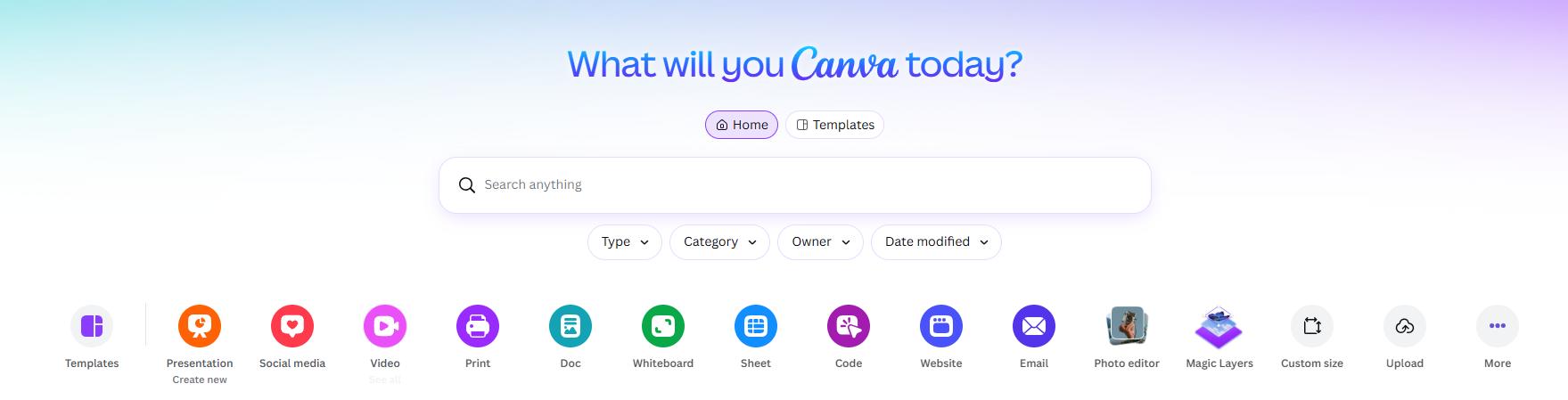
Canva combines presentation creation with tools for social media and print designs. Canva AI can draft a presentation from your instructions, while its template-based AI editing workflow lets you generate content around a selected design. You can continue customizing the result in the editor.
This makes it a practical option for marketers who create a campaign presentation alongside posts, posters, or other supporting materials. Choose it when those related design tasks are a significant part of your work.
Suggested fit: Content creators and marketing teams producing several types of visual content.
Plan consideration: Canva AI for Presentations is a premium feature that counts toward monthly AI usage. Access depends on your plan.
2. Gamma
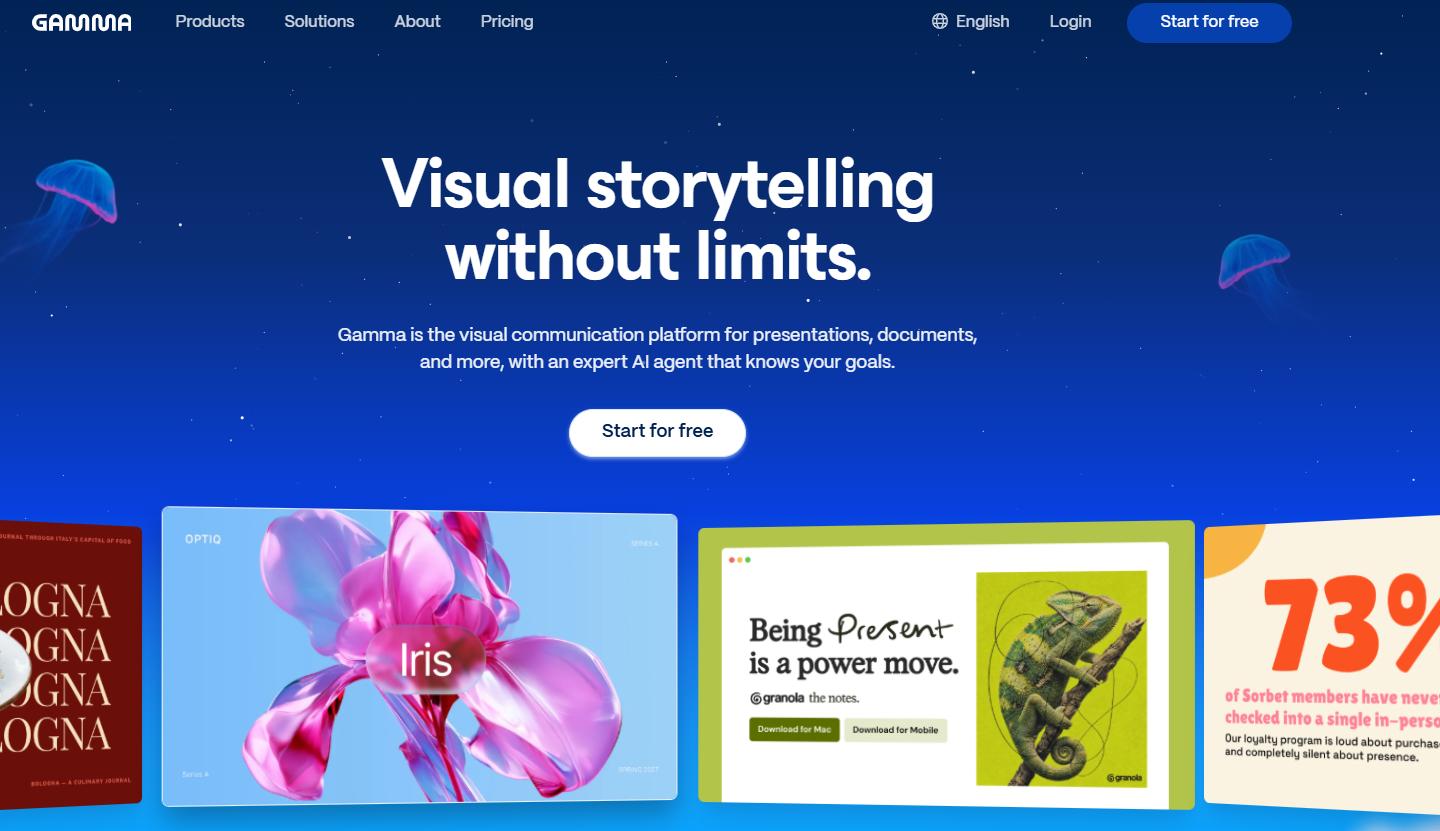
Gamma lets you start with a prompt, outline, or file, then refine the content and design with AI or manual editing. It supports importing PowerPoint and PDF files, exporting to PowerPoint or PDF, and sharing projects for real-time collaboration.
Consider Gamma when you want to develop and review a presentation with colleagues in the browser. If PowerPoint is your final deliverable, include an export check in your evaluation.
Suggested fit: Teams that want AI assistance while drafting, revising, and sharing presentations online.
Plan consideration: A free plan provides starter AI credits; paid plans add credits and capabilities.
3. SlidesCarnival

SlidesCarnival offers free presentation templates for PowerPoint and Google Slides. Its collections include business, education, marketing, and infographic designs, with browsing options for different styles and colors.
It is a useful place to look when you already know what your presentation should say and mainly need a layout. Preview the content slides as well as the cover, then choose a template that can accommodate your text and visuals.
Suggested fit: Students, educators, and occasional presenters who prefer to write their own content and customize a ready-made design.
Choose a tool based on the part of the work you want help with. For a fair comparison, use the same brief or source document and assess the content structure, editing effort, and final output.
Is Slidesgo Worth Using in 2026?
Based on its documented features, Slidesgo is a useful option for people who want a designed starting point and expect to edit the result. Teachers, students, and professionals preparing recurring presentations are natural audiences for this workflow.
The template route makes sense when your content is already organized. The AI route is more relevant when you need help developing a draft from a brief or document. In either case, the finished presentation depends on your decisions about the message, evidence, and audience.
If you need a different workflow, consider Canva for related marketing designs, Gamma for online collaboration, or SlidesCarnival for free templates. The alternatives section explains these suggested use cases.
Start with one real presentation on the free plan. Check how much revision it needs and how it behaves in your preferred software. That will tell you more about its value for your work than the size of the template library alone.


Leave a Comment