


Part 1. Compare the 10 AI Grammar Checkers
| Tool | Recommended use | Free access | Main consideration |
|---|---|---|---|
| Grammarly | Everyday emails and work documents | Free plan | Advanced rewrites and tone improvements require Pro |
| QuillBot | Quick online grammar checks | Free grammar checker | Other writing tools have separate limits |
| LanguageTool | Writing in multiple languages | Free version | Premium unlocks additional corrections |
| ProWritingAid | Longer drafts and writing feedback | Free access | Free account editing is limited to 500 words at a time |
| Wordtune | Grammar correction and sentence alternatives | Free plan | Rewrite allowances depend on the plan |
| Ginger | English correction and rephrasing | Free checker | Unlimited corrections and advanced features require Premium |
| Scribbr | Checking student writing without signing up | Free grammar checker | Full-document proofreading is a separate service |
| Trinka | Academic and technical writing | Free Basic plan | Usage and feature allowances vary by plan |
| Paperpal | Research papers and academic language | Free plan | Free access has usage limits |
| Sapling | Customer messages and business communication | Free online checker | Pro adds extension features and suggestions |
Free plans often limit rewriting, document uploads, or advanced suggestions, even when basic grammar checks are free.
Part 2. 10 Best AI Grammar Checkers
1. Grammarly
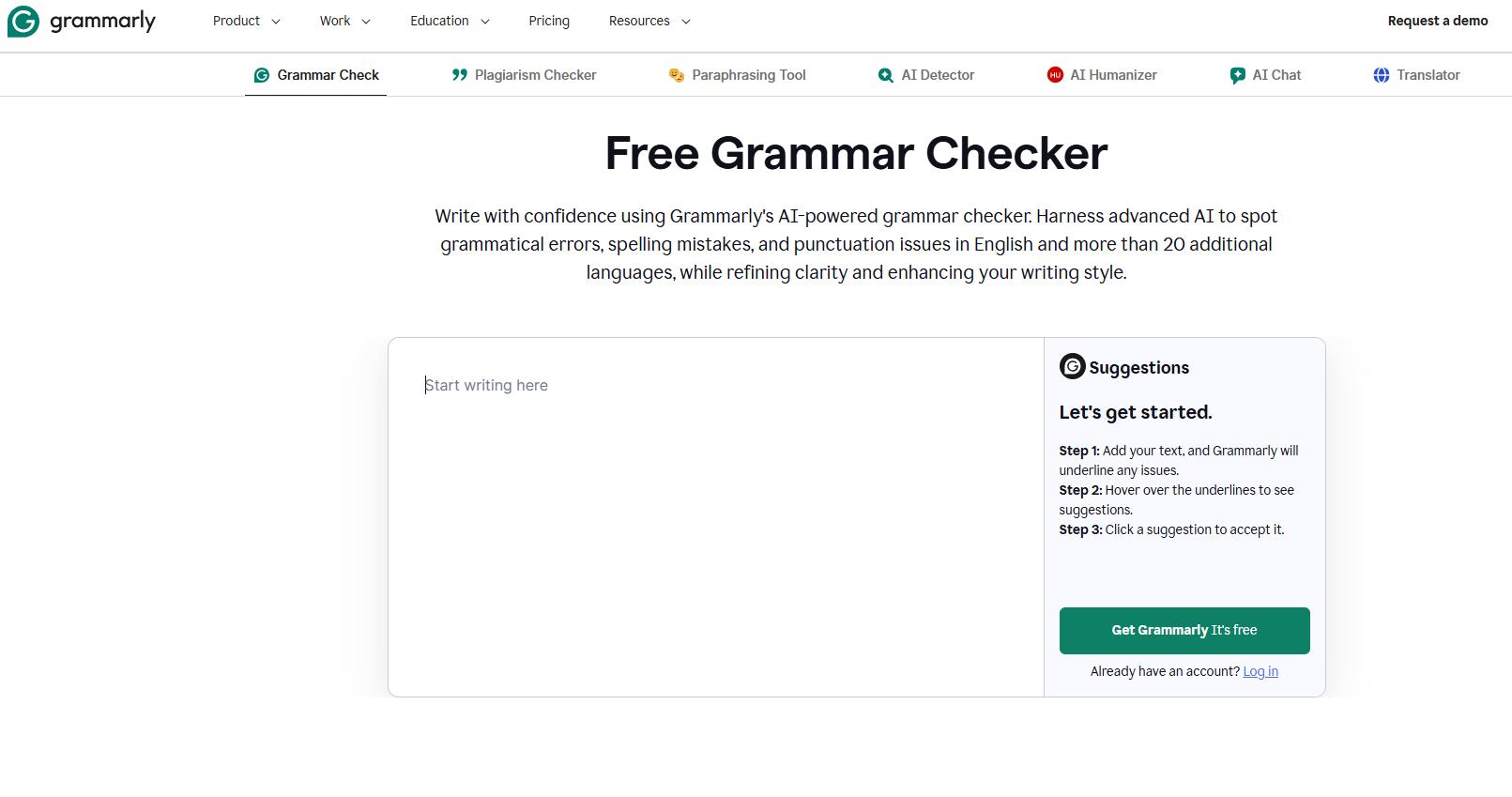
Grammarly is a convenient option for checking emails, reports, and other everyday writing. Its browser extension and desktop apps let you review mistakes while you write, rather than copy each paragraph into a separate website.
The free plan checks grammar, spelling, and punctuation, and includes conciseness suggestions and tone detection. If you also want full-sentence rewrites or more detailed help with word choice and tone, those features are included in Pro. For occasional typos and basic corrections, start with the free version.
2. QuillBot
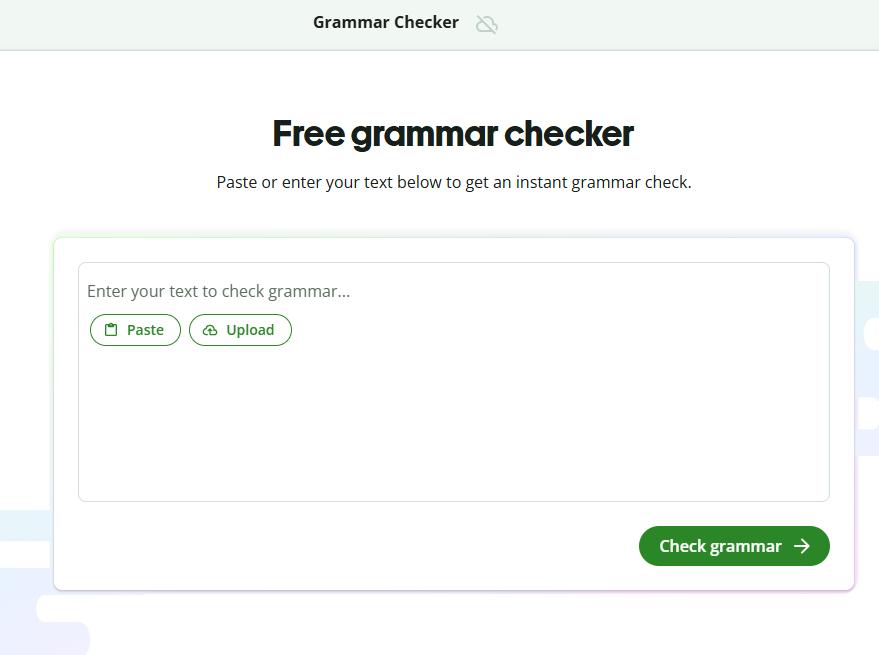
QuillBot works well for a quick check before submitting an assignment or sending a message. Paste your text into the online editor, review the highlighted issues, and apply the corrections you need. The grammar checker is free to use.
QuillBot also has a paraphraser and summarizer, though those tools have separate limits. If a paragraph only needs a few grammar fixes, you can leave the wording alone and use the checker without rewriting the whole passage.
3. LanguageTool
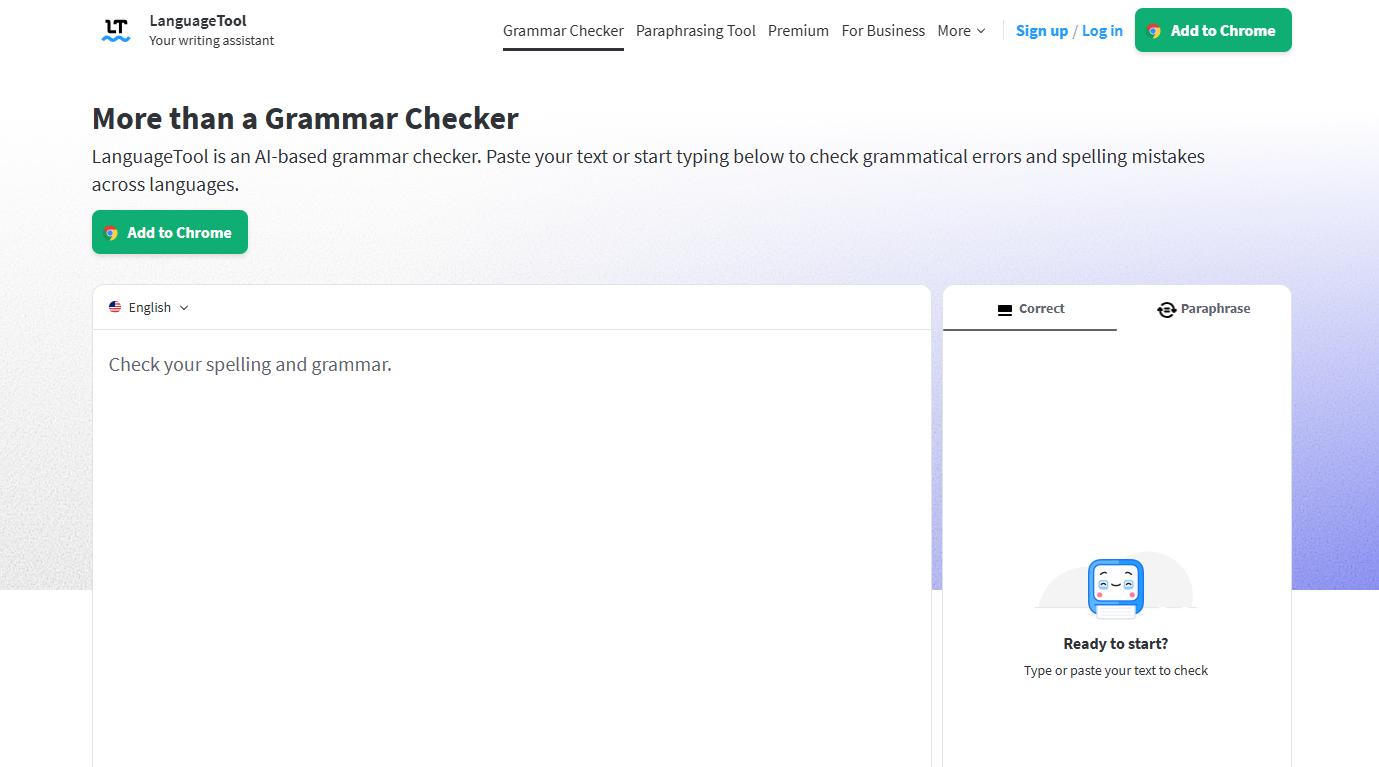
LanguageTool is worth considering if you write in several languages. It supports more than 30 languages and dialects, including English, German, French, Spanish, and Portuguese. Browser extensions and writing-app integrations let you check text without repeatedly copying it elsewhere.
The free version catches spelling mistakes, basic punctuation issues, and some style problems. Premium adds further corrections. Check the coverage for the languages you use most often, since the range of suggestions varies by language.
4. ProWritingAid
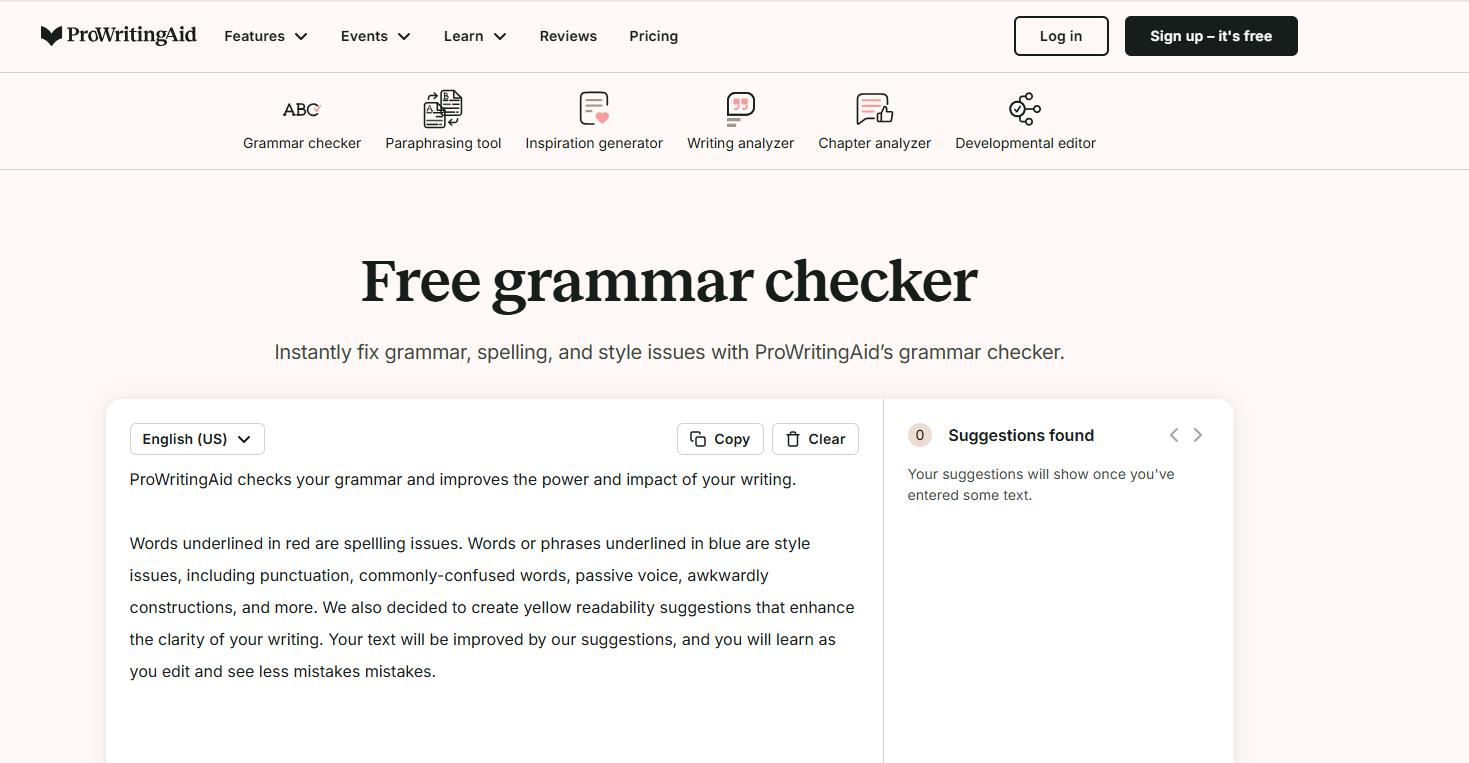
ProWritingAid suits writers who want to spend more time revising a draft. Along with grammar and spelling corrections, it offers style suggestions and writing feedback for projects such as articles and stories.
A free account lets you edit up to 500 words at a time. That is enough to try a few paragraphs, but reviewing a full chapter in small sections can become tedious. A paid plan removes the word-count restriction, making more sense if you regularly work on longer pieces.
5. Wordtune
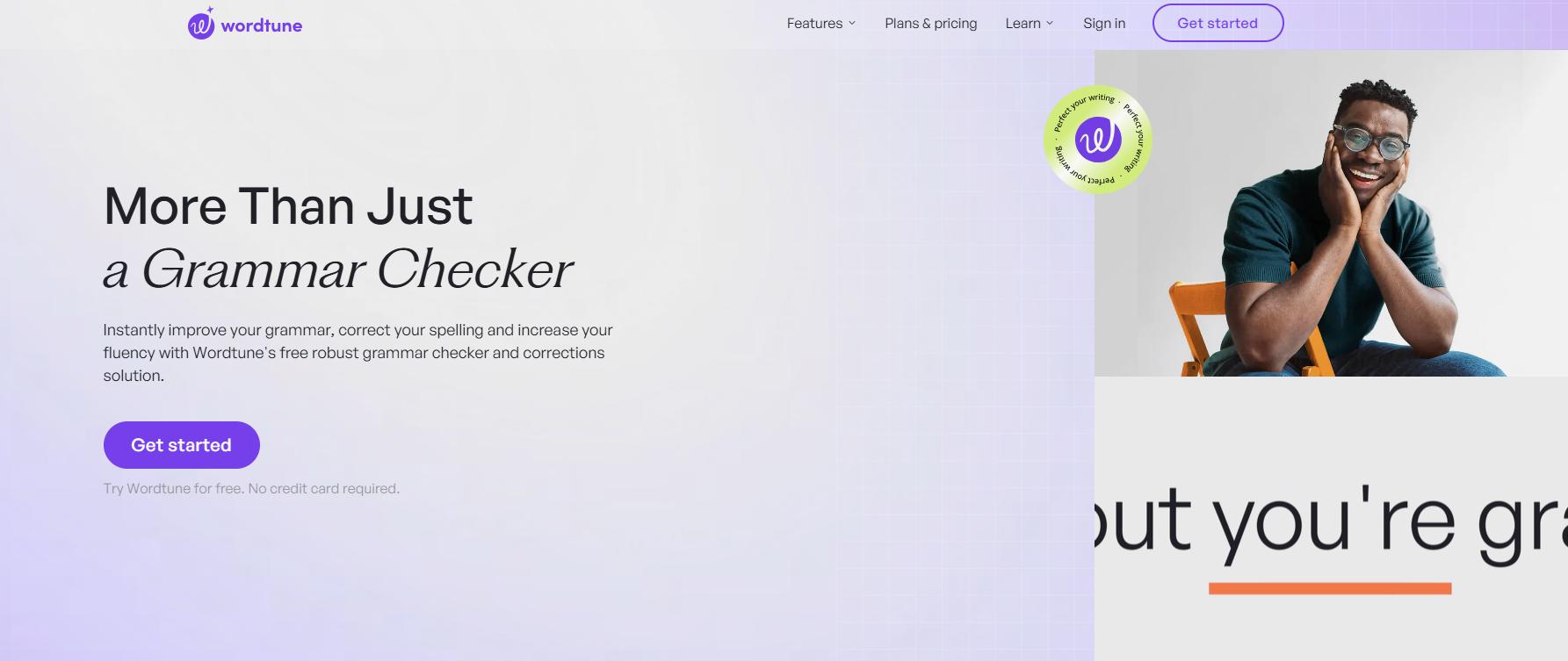
Wordtune helps when you know what you mean but cannot quite get the sentence right. It combines grammar and spelling corrections with alternative phrasing, so you can compare ways to express the same idea.
For example, a long email request may read better after shortening it. Wordtune gives you wording to consider rather than leaving you to start again. Corrections are available for free; rewrite allowances depend on your plan. Read the alternatives carefully, especially if the sentence includes a deadline, promise, or specific condition.
6. Ginger
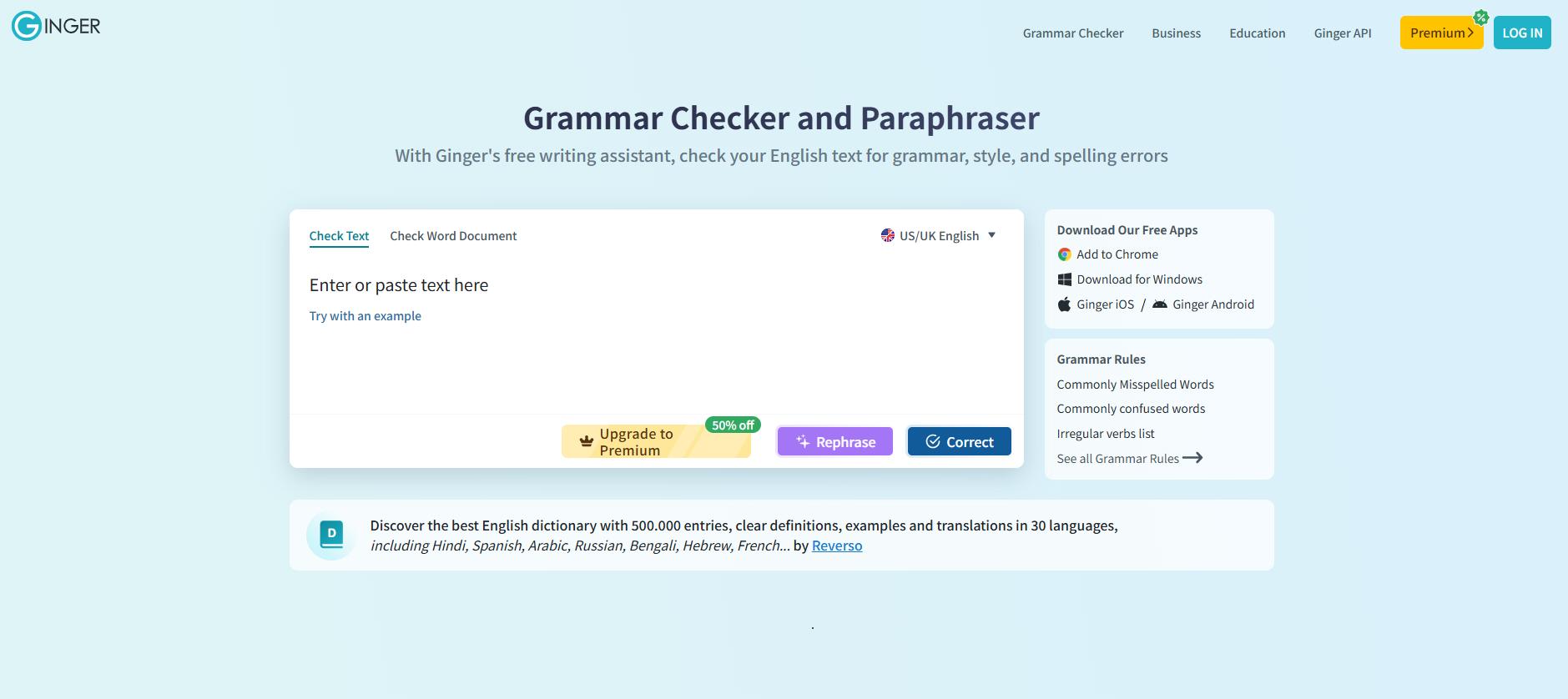
Ginger checks English grammar, spelling, and punctuation, with US and UK English options. It also looks at sentence context to help identify confused words that an ordinary spell check may miss.
You can use the online checker or add writing assistance to your browser. Ginger also offers sentence rephrasing, with unlimited one-click corrections and additional features available through Premium. It is an option for people who want help correcting English and finding another way to phrase a sentence.
7. Scribbr
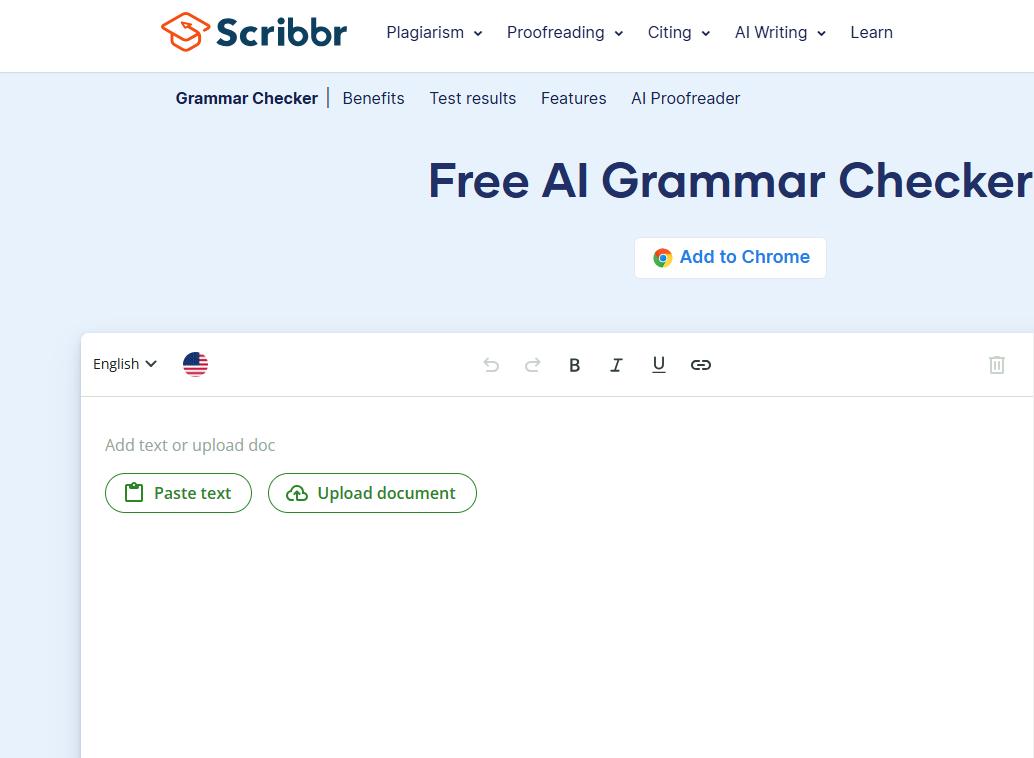
Scribbr’s grammar checker lets you paste in text and check it without creating an account. It covers grammar, spelling, punctuation, and word choice, and supports major English variants, including US and UK English.
The simple setup is useful for a student checking a draft before submission. You can correct a paragraph and return to your assignment without installing an extension. Scribbr also offers separate document proofreading services, so distinguish the free text checker from its broader review options.
8. Trinka
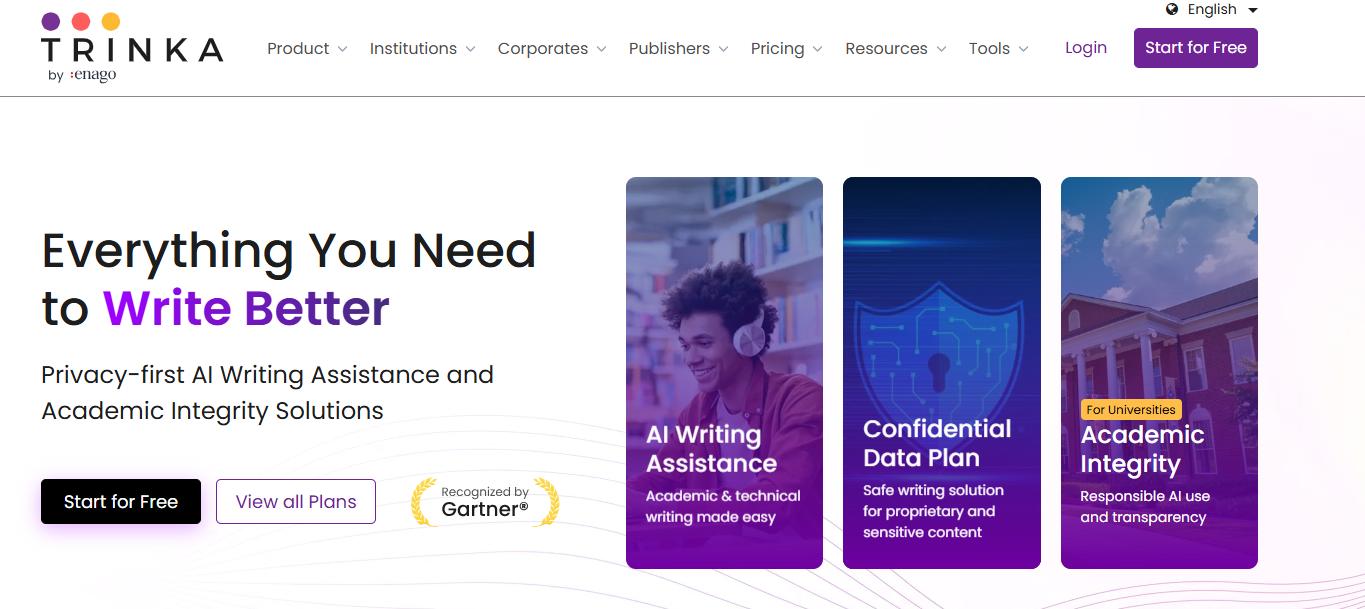
Trinka focuses on academic and technical writing. If you are editing a research abstract or a passage with specialist terminology, it is one of the tools to try alongside a general grammar checker.
Its writing tools include grammar, language, and consistency checks. There is a free Basic plan, while paid plans provide additional allowances and features. When reviewing a technical passage, pay particular attention to suggested changes to terminology: a sentence can sound smoother while becoming less precise.
9. Paperpal
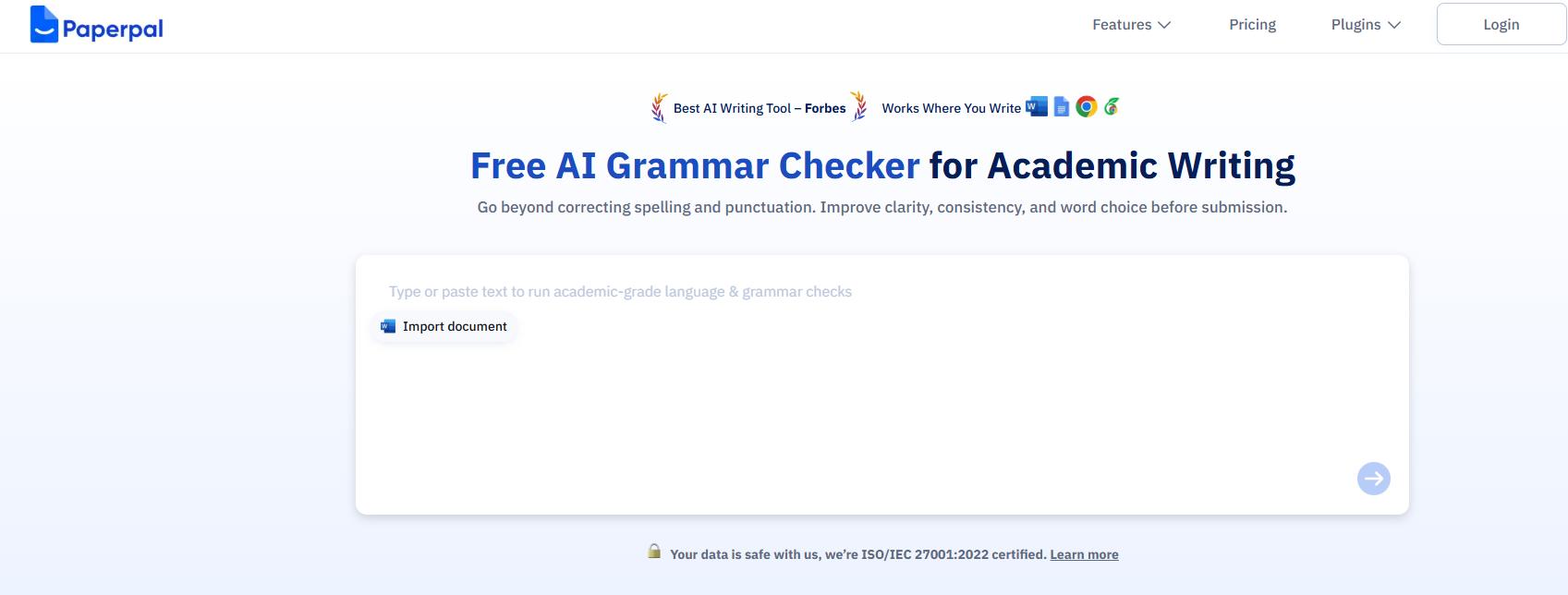
Paperpal is another option for academic writing. It checks grammar, spelling, and punctuation, and offers suggestions for academic phrasing and vocabulary. Rephrasing tools can also help shorten a passage or remove repetition.
Paperpal works with Microsoft Word, Google Docs, and Overleaf, among other platforms. That is useful if you would rather review suggestions while preparing a manuscript. A free plan is available with usage limits; check those allowances against the length of the papers you usually edit.
10. Sapling
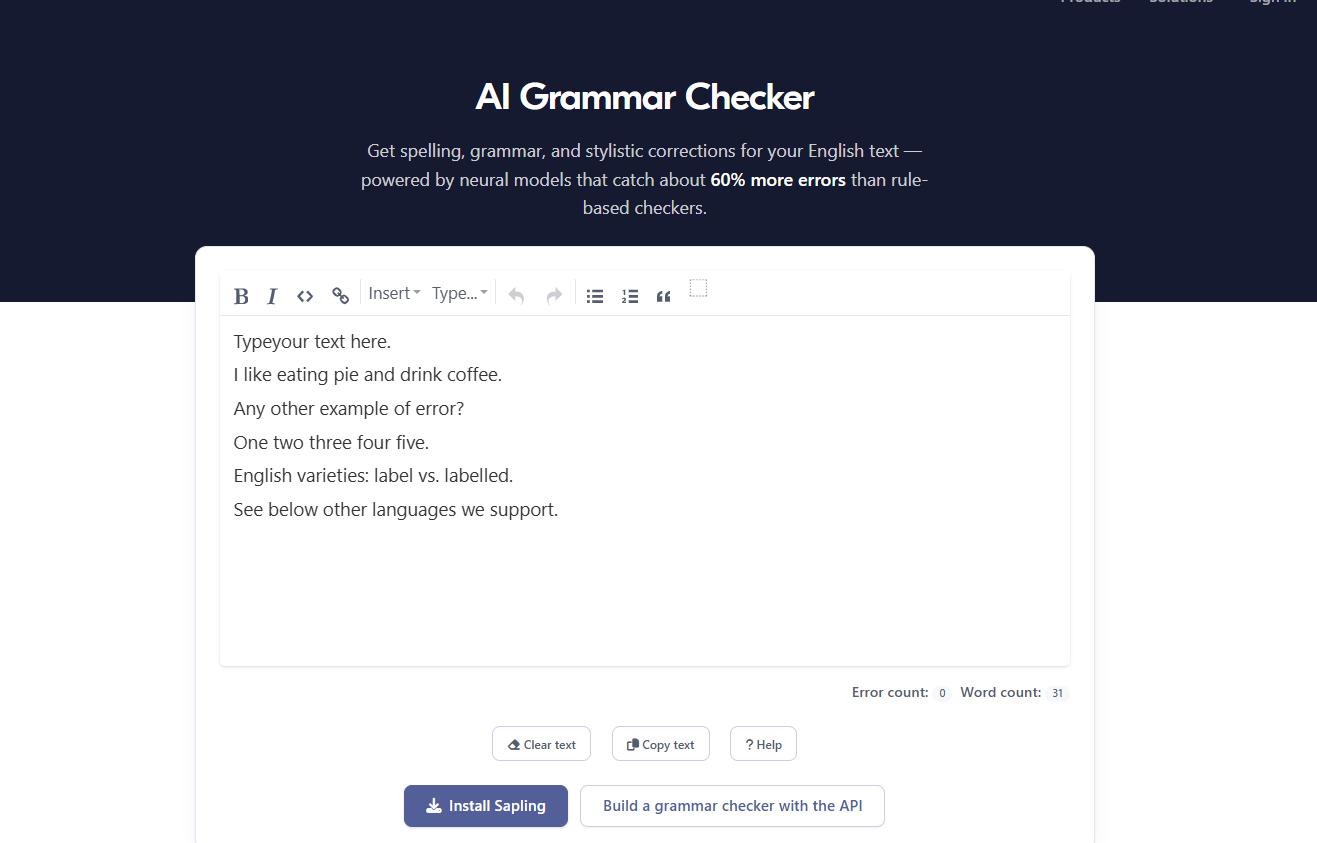
Sapling is aimed at written communication, including customer support, sales, and recruiting. Its online checker reviews grammar, spelling, and style, making it an option for checking customer replies or outreach emails before sending them.
The web checker is free. Pro adds suggestions and features in the browser extension, and integrations bring writing assistance into supported work platforms. If you are considering it for a team, try it with typical messages that include your product names and usual terminology.
How Do You Choose the Best AI Grammar Checker?
Start with the type of writing you do most often. For emails and short assignments, a free checker may be enough. For research papers or longer drafts, look for tools that offer more detailed editing suggestions. Check the text limits, supported languages, and whether the tool works in your usual writing apps. Before paying, try a paragraph from your own work to see whether the corrections are helpful and preserve your meaning.
Part 3. How to Check Grammar in a PDF or Scanned Document
If you can select and copy text from your PDF, paste it directly into a grammar checker. For a scanned page or screenshot, you will need to extract the text first.
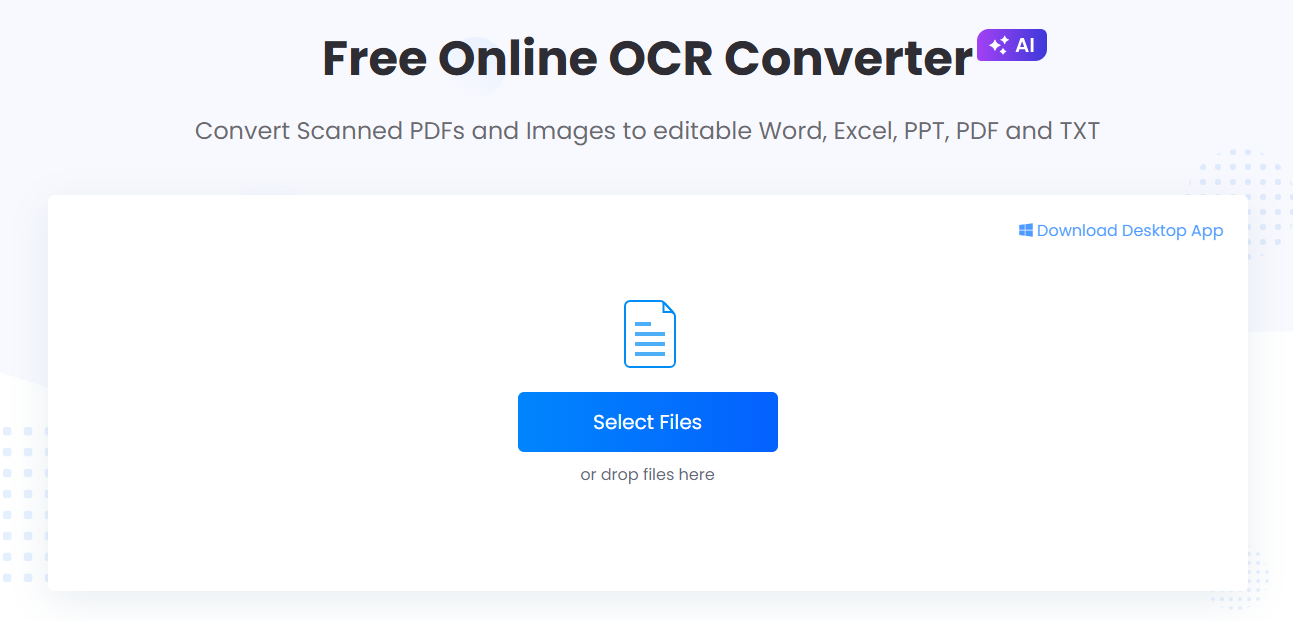
LightPDF OCR converts text from PDFs and images into editable output. Here is how to use it before checking grammar:
- Open LightPDF OCR and upload your PDF or image.
- Run OCR and download the editable file.
- Compare the extracted text with the original. Correct any misread words, numbers, or punctuation.
- Copy the text into a grammar checker such as QuillBot or Grammarly.
- Review the suggestions and update your document.
Checking the OCR result matters. A misread name or missing decimal point needs to be corrected against the source, even if the grammar checker does not flag it.
Part 5. FAQs
Are AI Grammar Checkers Free?
Many offer free grammar, spelling, and punctuation checks, and some work without an account. Free versions may limit text length or advanced suggestions. Paid plans usually provide higher limits and more editing features.
Do AI Grammar Checkers Support Different English Dialects?
Many support American, British, Canadian, and Australian English. Choosing the right dialect helps keep spelling and usage consistent throughout your document.
Can I Check Grammar in a Scanned PDF?
Yes. Use an OCR tool such as LightPDF to extract the text, check the result against the scan, and paste it into a grammar checker.
Can AI Grammar Checkers Replace a Human Editor?
They can catch common mistakes quickly, but may miss subtle meanings or suggest changes that alter your message. Review corrections carefully, especially technical terms and quotations. For academic papers or novels, a human editor can also help with structure, arguments, and voice.
Conclusion
You may not need a paid tool to check an occasional email or assignment. Start with a free option and see whether it catches the mistakes you need help with. If you regularly edit long documents, research papers, or writing in several languages, the specialist options above are worth comparing.
For scanned files, extract the text with LightPDF OCR before running the grammar check. Keep the original nearby so you can verify names, figures, and any words the scan did not capture correctly.


Leave a Comment