


1. Quizlet
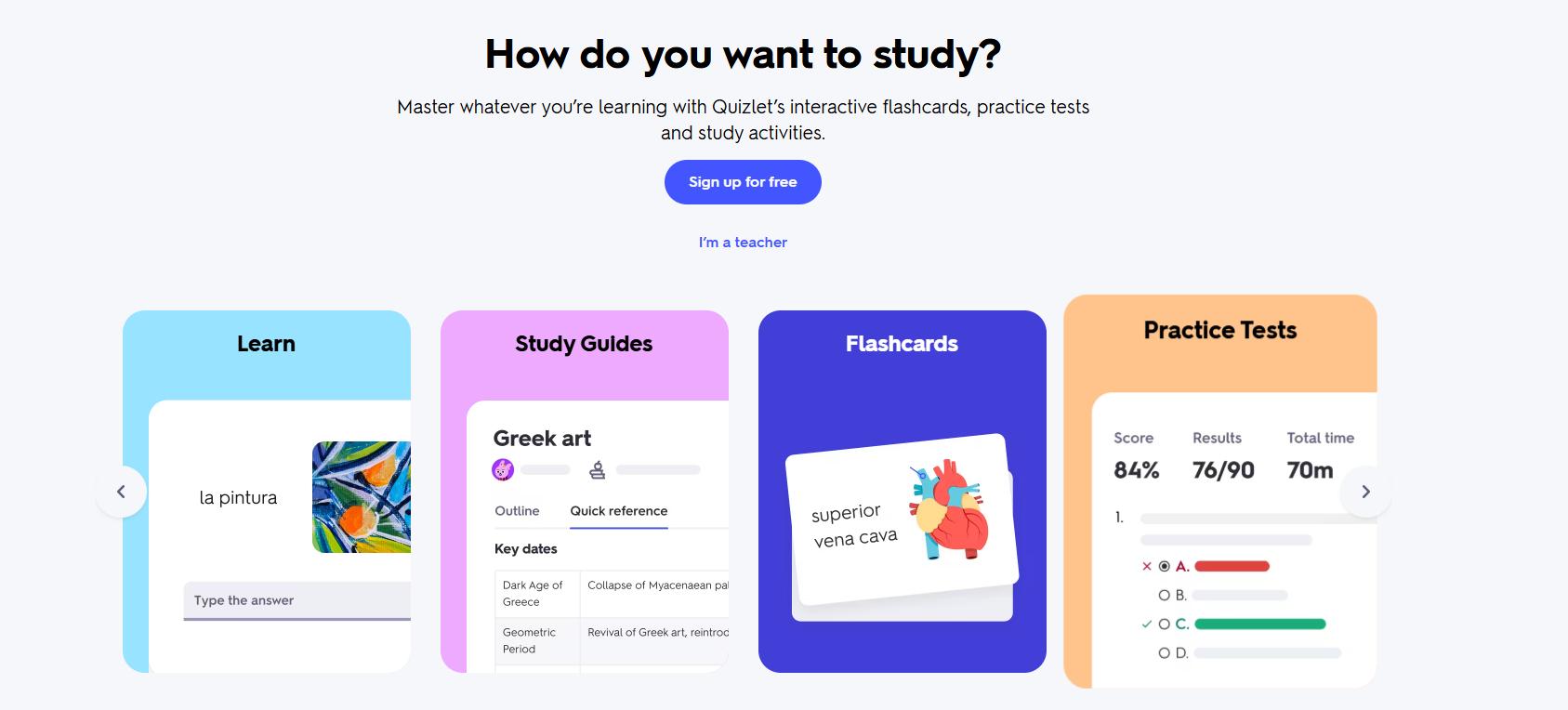
Best for: Students who want an easy interface, shared decks, and several ways to review the same material.
Quizlet is one of the easiest flashcard apps to start using. Students can create their own study sets, browse public flashcards, and review material through several different study modes.
Its AI tools can also turn notes into flashcards, study guides, and practice questions, making it useful for students who want to save time creating study materials.
Pros:
- Large library of user-created flashcard sets
- AI flashcard and study-guide generation
- Multiple study modes, including tests and matching
- Easy sharing with classmates and study groups
- Available on web and mobile
Cons:
- Some advanced AI and learning features require a paid plan
- Public flashcard sets may contain incorrect information
- AI-generated cards still need to be checked for accuracy
2. Gizmo
Best for: Students who stay motivated through games, streaks, rewards, and quick quizzes.
Gizmo turns study material into short, game-like quizzes. It combines active recall and spaced repetition with rewards, progress tracking, and social study features.
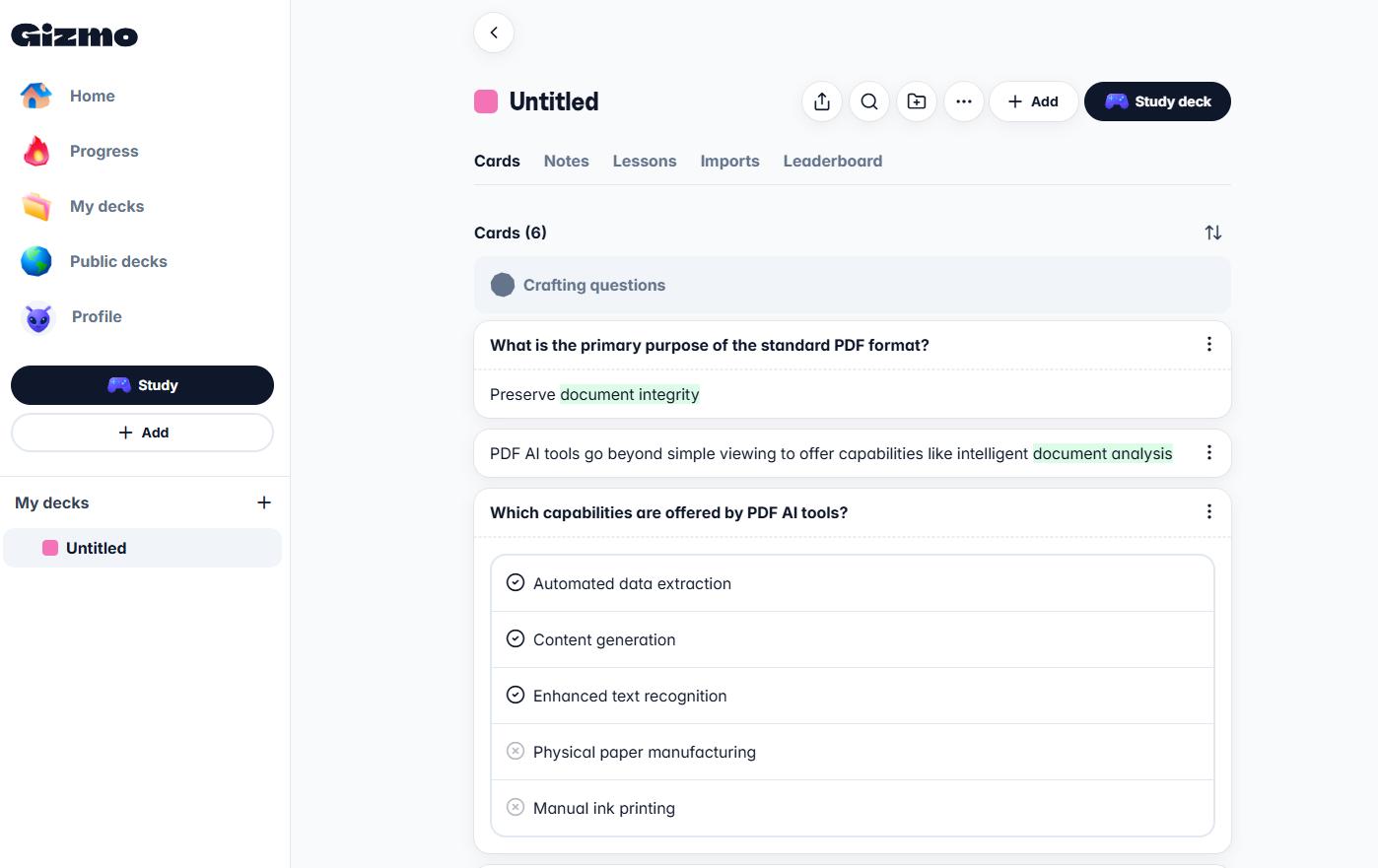
Its AI can also generate flashcards from uploaded material, helping students start reviewing without manually creating a large deck.
Pros:
- Gamified quizzes and progress rewards
- AI-generated flashcards
- Uses spaced repetition and active recall
- Includes social and live study features
- Good for short daily study sessions
Cons:
- Students may need additional study methods for detailed concepts
- Game mechanics may encourage speed over deeper understanding
- Less suitable for complex problem-solving subjects
3. Brainscape
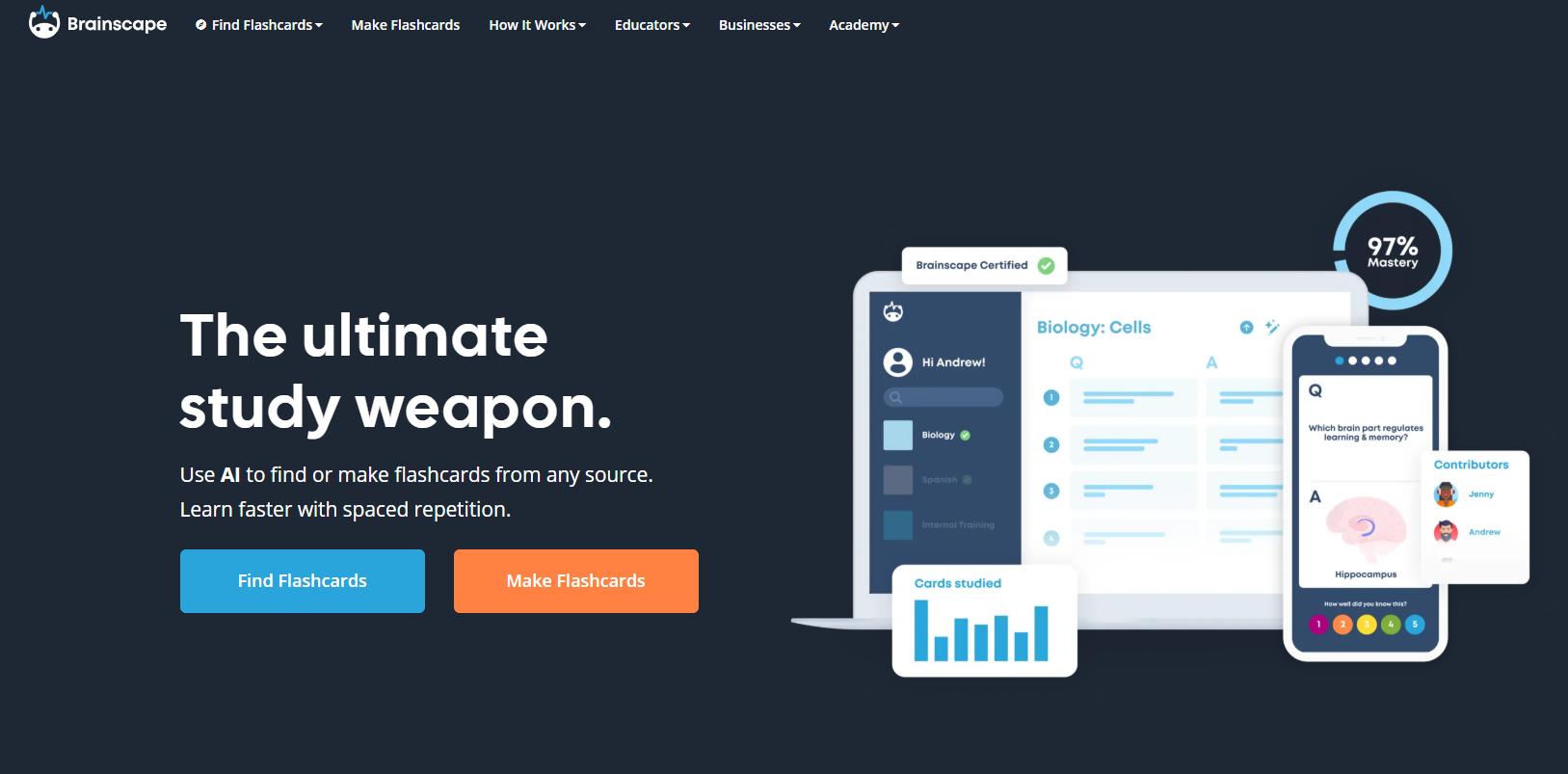
Best for: Students who want effective spaced repetition with a cleaner and more guided experience.
Brainscape uses a confidence-based repetition system. After checking an answer, students rate how well they knew it, and the app uses that rating to decide when the card should appear again.
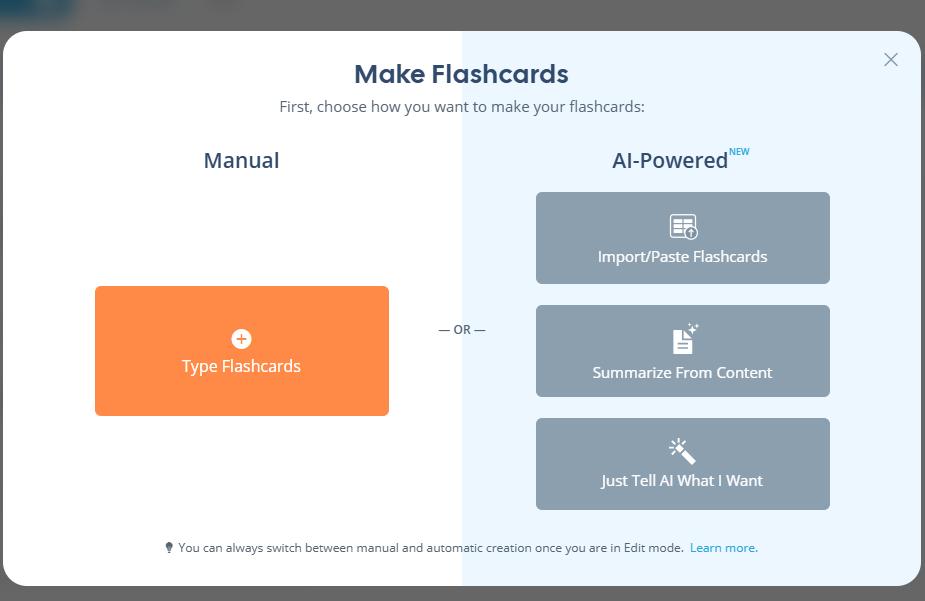
It also offers AI-assisted flashcard creation and tools for sharing study materials with classmates.
Pros:
- Simple confidence-based review system
- Clean and easy-to-use interface
- AI-assisted flashcard creation
- Progress tracking and study reminders
- Easy deck sharing
Cons:
- Review timing depends on accurate self-rating
- Overestimating your confidence may reduce review frequency
- Offers fewer advanced customization options than Anki
4. Knowt
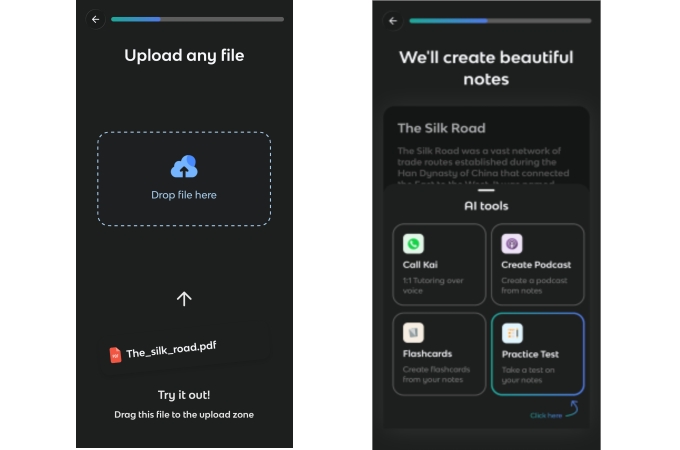
Best for: High school and college students who want quick AI-generated study sets and varied practice modes.
Knowt combines flashcards with AI notes, practice tests, study guides, and active-recall tools. It can generate study materials from notes, PDFs, PowerPoint files, videos, and other course resources.
Students can then review through flashcards, spaced repetition, matching activities, and practice questions.
Pros:
- Generates flashcards from PDFs, notes, slides, and videos
- Includes spaced repetition and Learn modes
- Offers practice tests and study guides
- Useful for exam preparation
- Works on mobile and in a browser
Cons:
- AI-generated cards may sometimes be vague or incorrect
- Duplicate flashcards can appear
- Generated study materials should be checked against the original source
5. RemNote
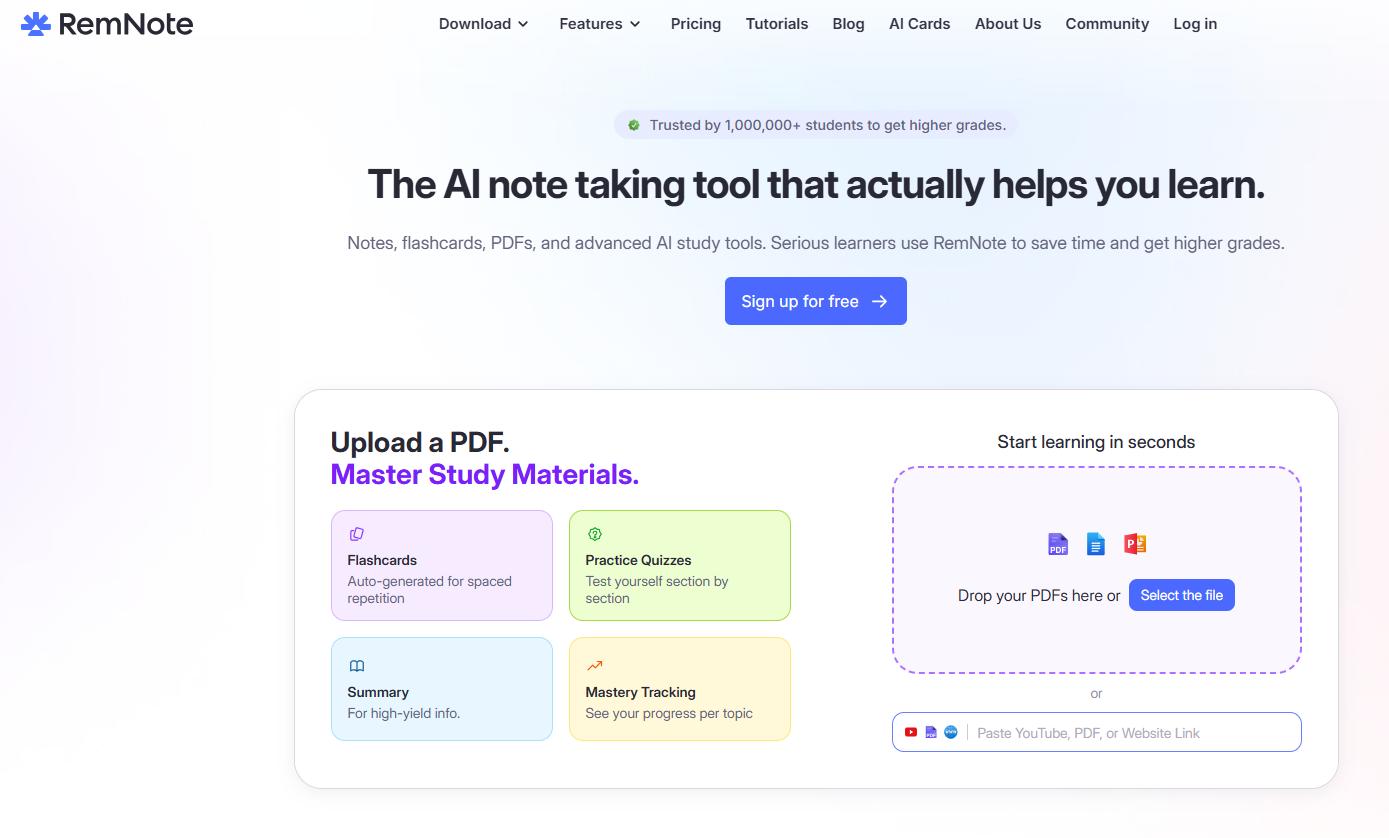
Best for: Students building connected notes for medicine, science, university courses, or long-term research.
RemNote combines note-taking and flashcards in one system. Students can create flashcards directly inside their notes instead of copying information into a separate study app.
It also includes spaced repetition, AI flashcard generation, and exam scheduling tools.
Pros:
- Keeps notes and flashcards connected
- Built-in spaced repetition
- AI generation from notes and documents
- Exam scheduling and daily review queues
- Import options for students moving from Anki
Cons:
- Takes time to learn the note structure and workflow
- More complicated than a basic flashcard app
- Most useful for students who also want a full note-taking system
6. StudySmarter
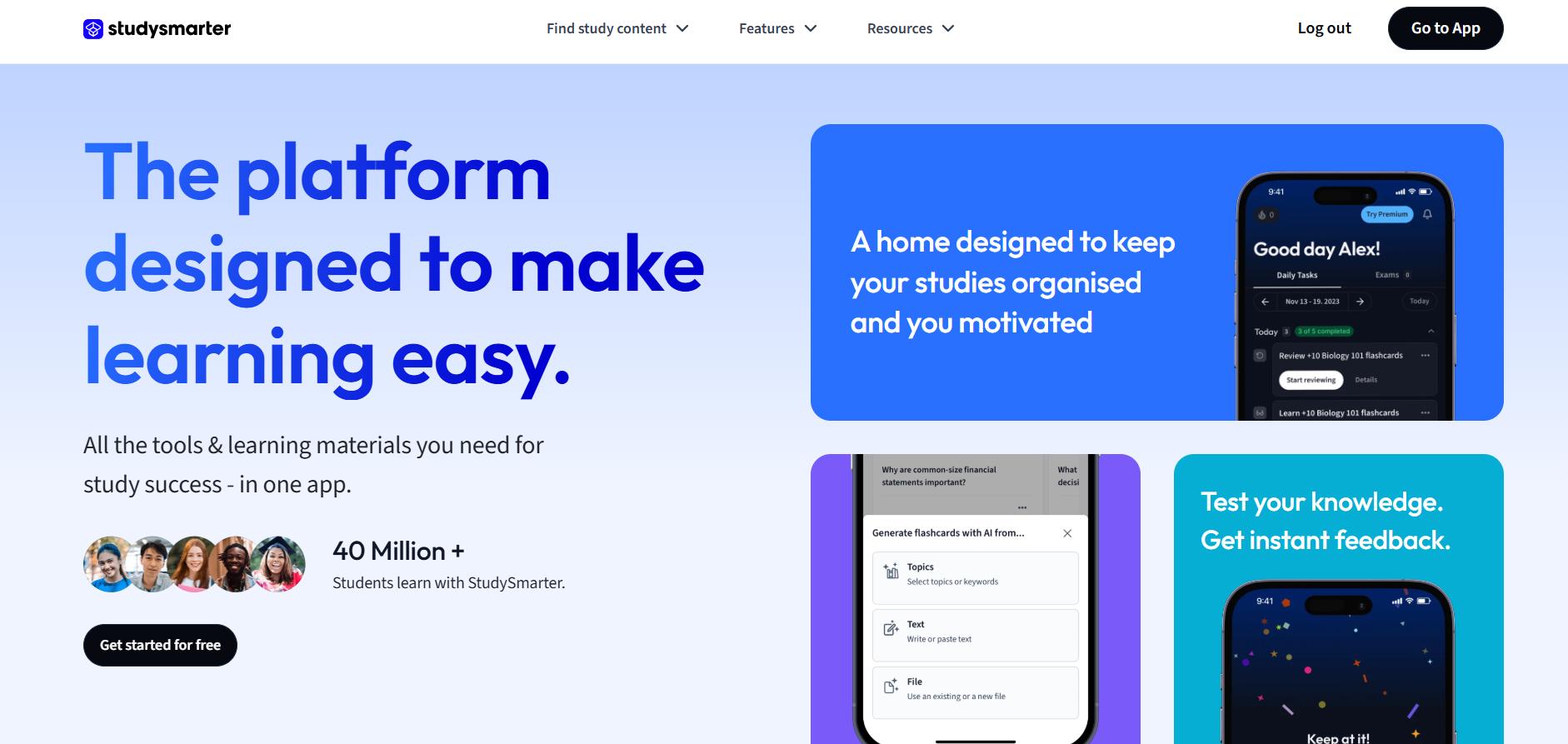
Best for: Students who want flashcards as part of a larger study-planning system.
StudySmarter combines flashcards, notes, study plans, AI tools, and mock exams in one platform. Its flashcard trainer uses spaced repetition and adjusts reviews based on study performance.
It is a useful option for students who want to manage several subjects and different types of study material in one place.
Pros:
- Combines flashcards, notes, and study planning
- Adaptive spaced-repetition reviews
- AI-generated learning materials
- Includes mock exams and progress tracking
- Useful for managing multiple courses
Cons:
- Can feel complicated if you only need flashcards
- Includes many features that some students may not use
- Dedicated flashcard apps may provide a simpler review experience
7. Mochi
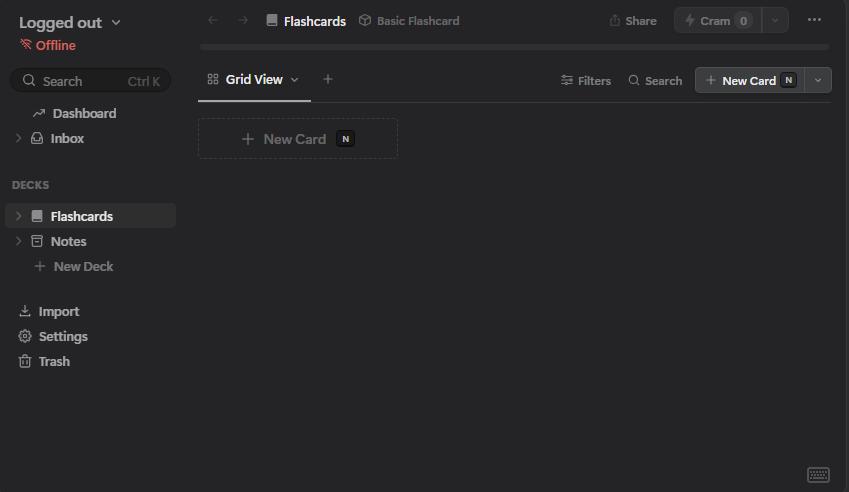
Best for: Markdown users, minimalist note-takers, and students who want notes and spaced repetition without a crowded interface.
Mochi is a note-taking and spaced-repetition app built around Markdown. Students can create formatted notes, turn them into flashcards, and review them automatically.
It also supports cloze cards, templates, review history, and diagram cards for visual subjects.
Pros:
- Clean Markdown-based editor
- Combines notes and flashcards
- Automatic spaced repetition
- Supports cloze, template, and diagram cards
- Includes individual card review history
Cons:
- Smaller shared-deck library than Quizlet or Anki
- Fewer AI study features than some competitors
- Markdown-based workflow may not suit every student
How to Turn PDF Study Materials Into Better Flashcards
Many students receive readings, lecture slides, worksheets, and scanned notes as PDFs. Before importing that content into a flashcard app, prepare the file so the text is clear and organized.
You can use LightPDF as part of this workflow:
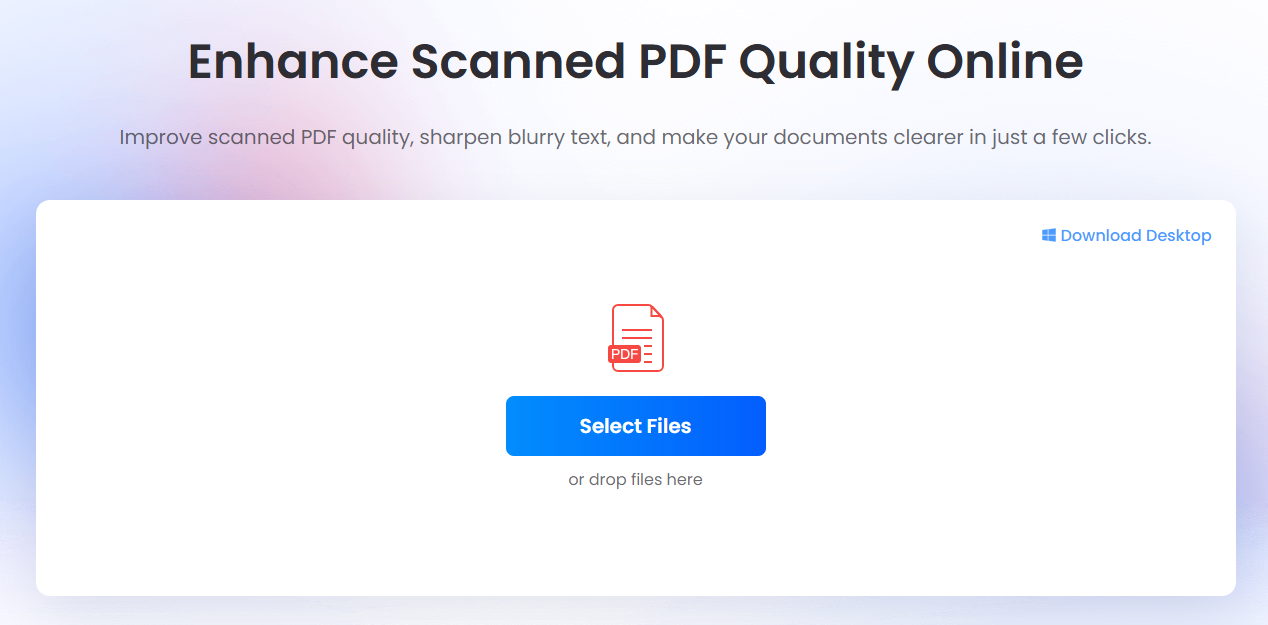
- Clean the PDF. If the pages are blurry scans, improve their readability with the Enhance Scanned PDF tool.
- Make scanned text usable. Convert image-based pages into editable or searchable text with LightPDF OCR tools.
- Summarize long material. Use ChatPDF to identify key definitions, processes, dates, and concepts from the document.
- Create focused questions. Turn each important idea into a short question-and-answer pair, or import the cleaned material into a flashcard app with AI generation.
- Verify every card. Compare names, numbers, formulas, and definitions with the source PDF before you begin reviewing.
A cleaner source document usually leads to better extracted text and fewer mistakes in AI-generated flashcards.

Conclusion
The best flashcard apps in 2026 do more than display questions and answers. They can schedule reviews, generate flashcards from notes, organize study materials, and provide different ways to test what you remember.
However, the app itself is only part of the learning process. Accurate flashcards, active recall, and regular review are still what help information stick.
Start with a small study set, test the app for several days, and choose the one that makes studying easier to continue.


Leave a Comment