


1. Create a Free Account and Collect Welcome Points
Best for: New users who want to get started without purchasing a subscription.
Docsity offers free registration, and its official points page lists a one-time reward of 10 Download Points for completing registration. These points can help you get started, provided your balance covers the selected document’s download cost.
How to get started:
- Visit Docsity and create an account.
- Complete your registration and profile details.
- Check your points balance.
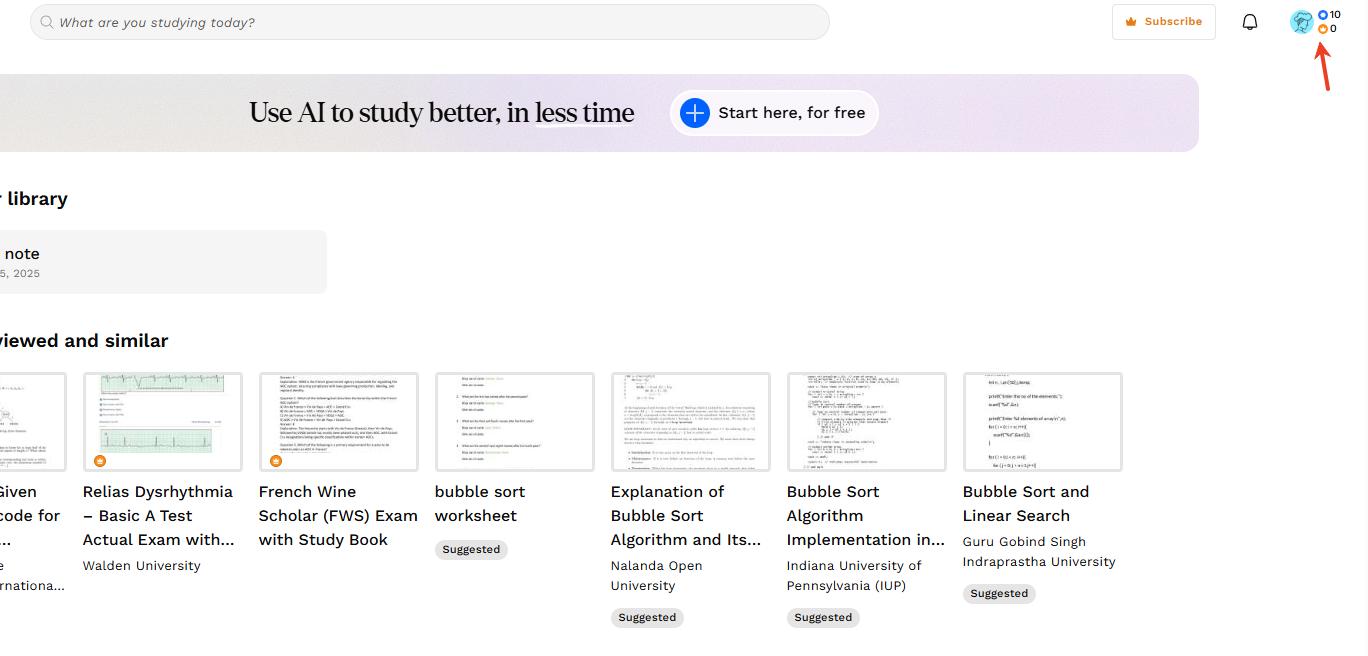
- Find a shared document that accepts Download Points and use its download option.

2. Upload Your Own Study Notes
Best for: Students who have original notes or revision materials to share.
Docsity awards 20 Download Points for each original document uploaded. Sharing your own study materials gives you a way to earn points toward downloading other students’ shared documents.
Suitable uploads include your own summaries, notes, mind maps, and presentations. Docsity requires you to own all intellectual property rights to the documents you upload
How to get started:
- Sign in and select the document-sharing option.
- Upload an original study document you own.
- Complete the requested document information.
- Once your document is published and the points are credited, use them toward eligible downloads.

3. Earn Points Through Community Activities
Best for: Users who can answer study questions or review materials they have downloaded.
You can also earn Download Points by participating in the Docsity community:

Docsity’s official points page states that rewards for these activities are credited after 48 hours, so check your balance before downloading.
4. Subscribe to Docsity Premium
Best for: Users who need a specific Premium document or prefer to purchase points.
Docsity Store contains documents offered for sale by users. Downloading these documents requires a Premium subscription, which provides Premium Points. Free Download Points earned through community activities apply to shared documents.
How to get started:
- Open the document and check the required point type and amount.
- Review the available plans, included points, price, and renewal terms.
- If you choose to subscribe, use your Premium Points to download the document.

After completing a download, you can also find the material in the downloaded documents section of your dashboard.
Bonus: Study Downloaded Docsity Notes with LightPDF
Best for: Making scanned notes clearer and turning downloaded PDFs into useful revision materials.
Once you have downloaded your notes from Docsity, LightPDF can help you prepare them for revision -from improving scanned pages to extracting text and summarizing key concepts.
What you can do with LightPDF:
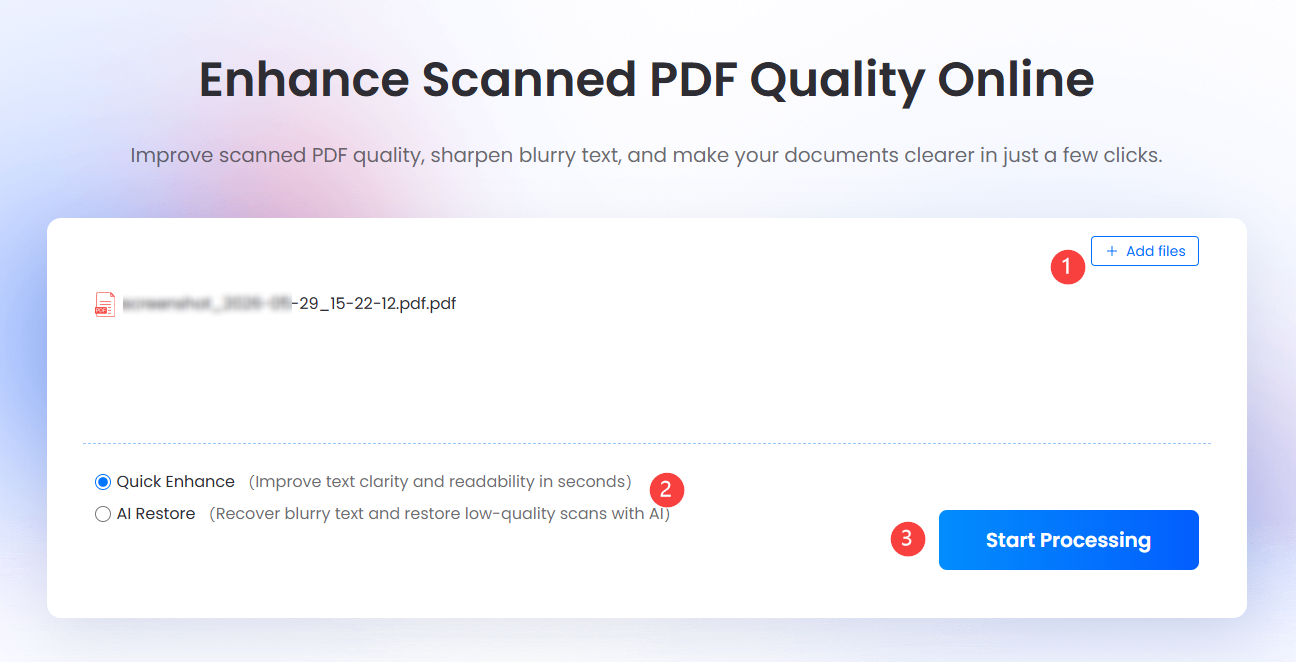
- Enhance scanned notes: Make faint text and unclear scanned pages easier to read before studying or printing.
- Extract editable text: Use OCR to turn scanned PDFs or images into editable documents for your own revision notes.
- Summarize and ask questions: Generate key points from lengthy documents and ask follow-up questions about difficult concepts.
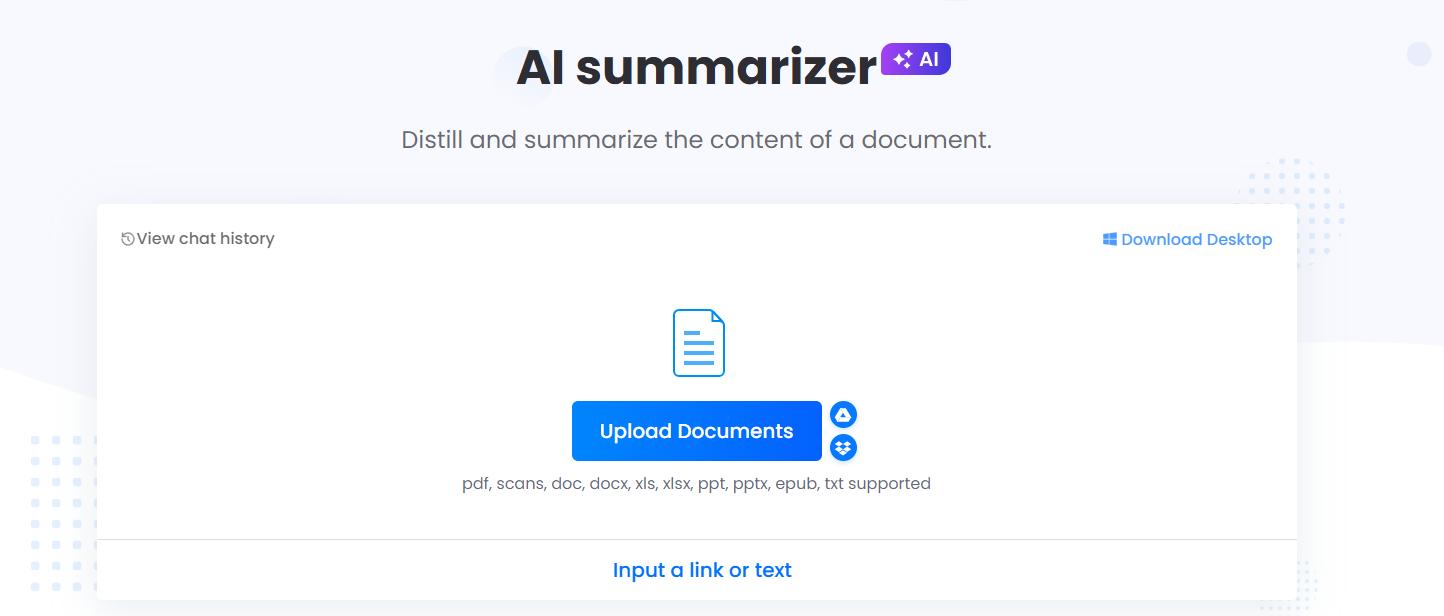
How to summarize your Docsity notes:
- Download your selected document through Docsity.
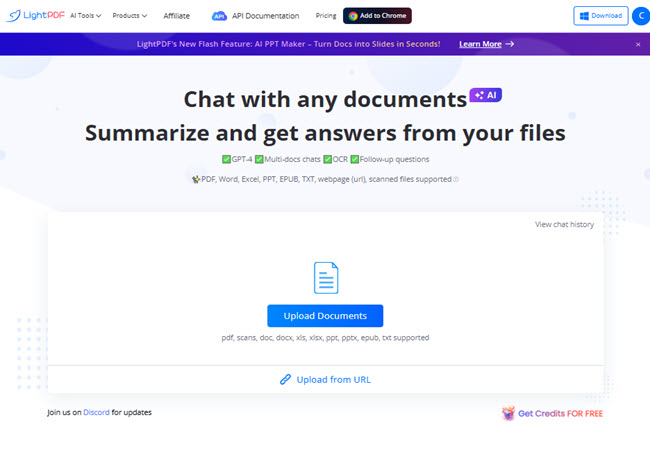
- Open LightPDF Chat with PDF and upload the downloaded file.
- Enter a prompt such as: “Summarize this document into key concepts, definitions, and revision notes.”
- Ask follow-up questions, such as: “Explain the main concept in simpler language,” to build your study outline.
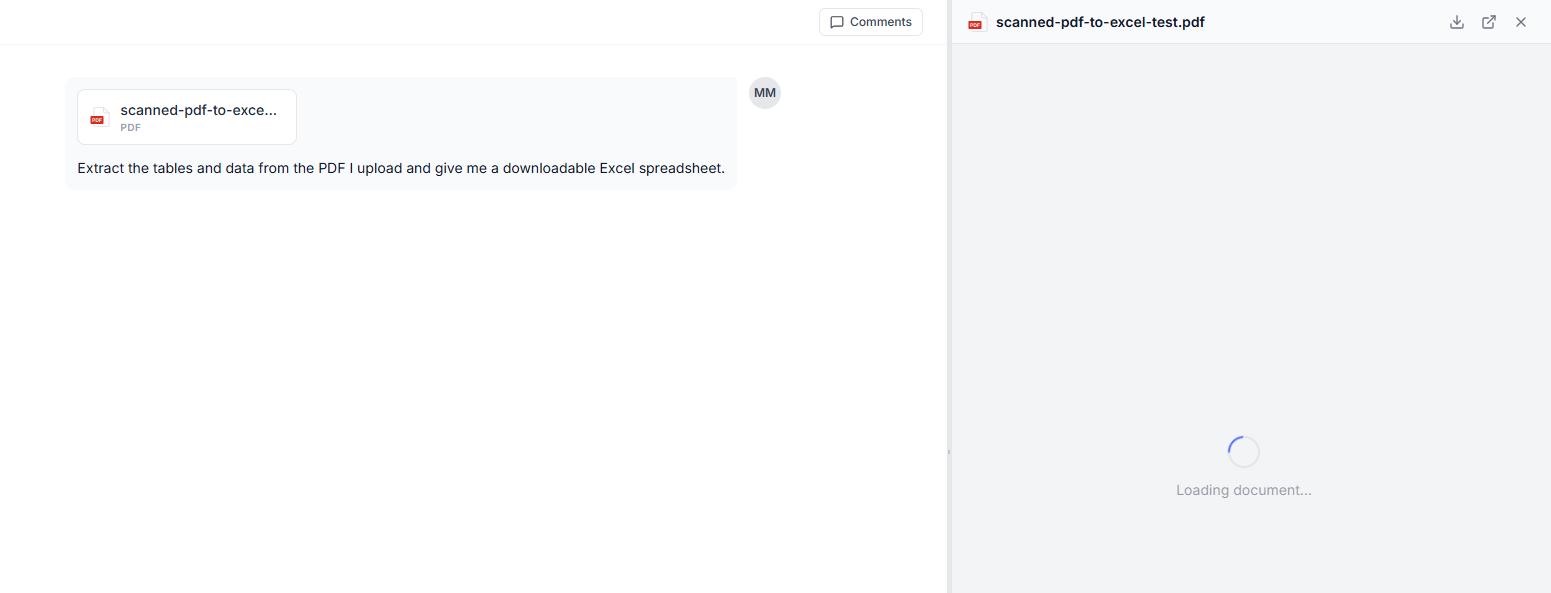
For scanned files with faint text, try Enhance Scanned PDF first. Upload the file, process it, and download the enhanced version before continuing with OCR or document analysis.


Leave a Comment