


Method 1. Edit Text in an Existing YouTube Thumbnail with LightPDF
If you only have the finished JPG or PNG thumbnail and no longer have the original editable file, LightPDF is a useful option. Its Edit Text in Image tool lets you replace, remove, or translate existing text directly in an image.
How to Edit YouTube Thumbnail Text with LightPDF
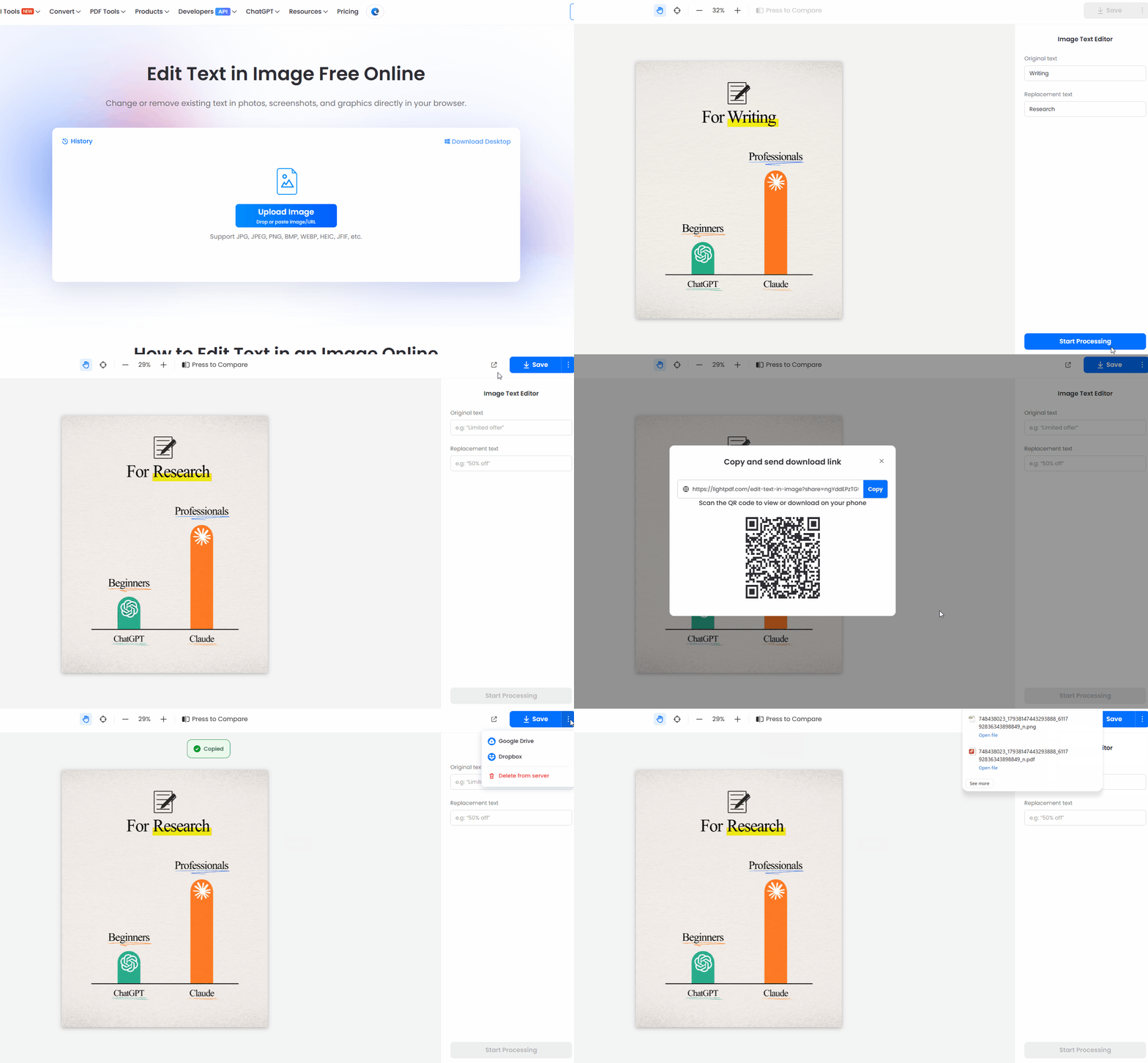
- Open LightPDF Image Text Editor.
- Upload your YouTube thumbnail.
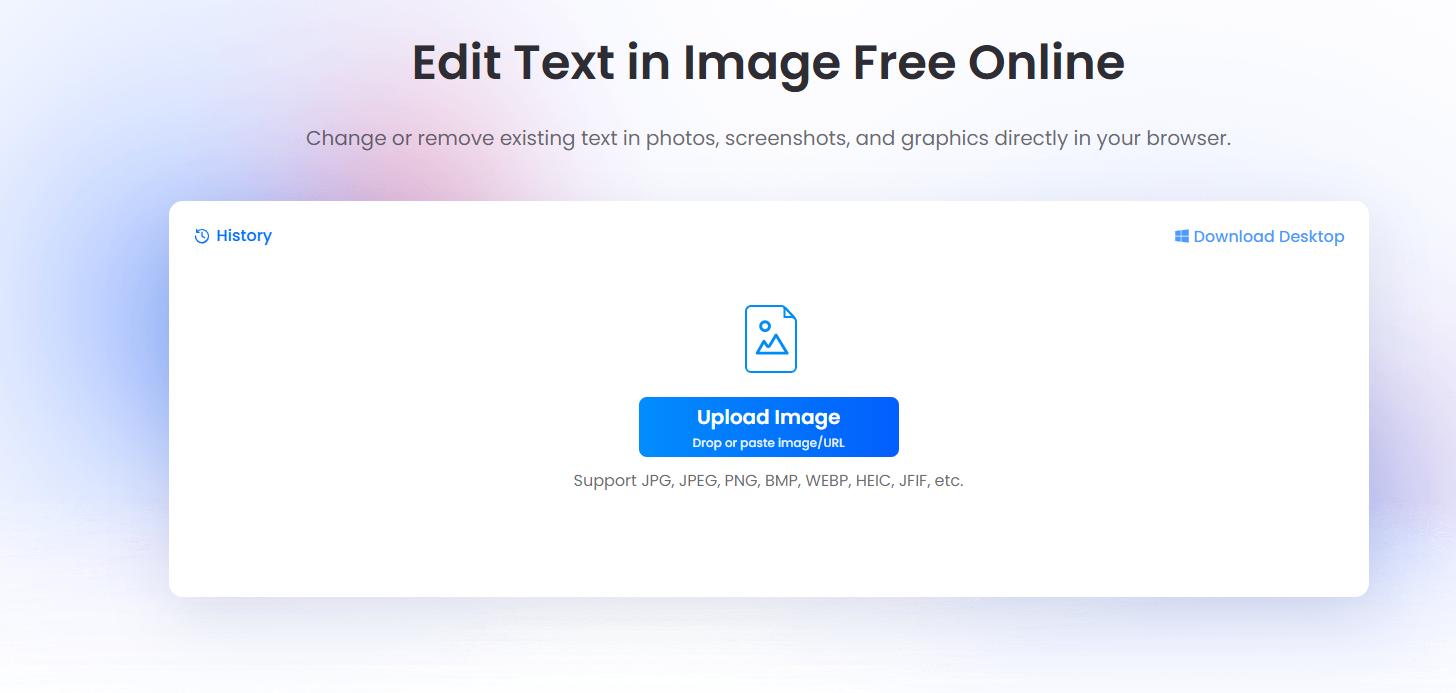
- Enter the text you want to edit.
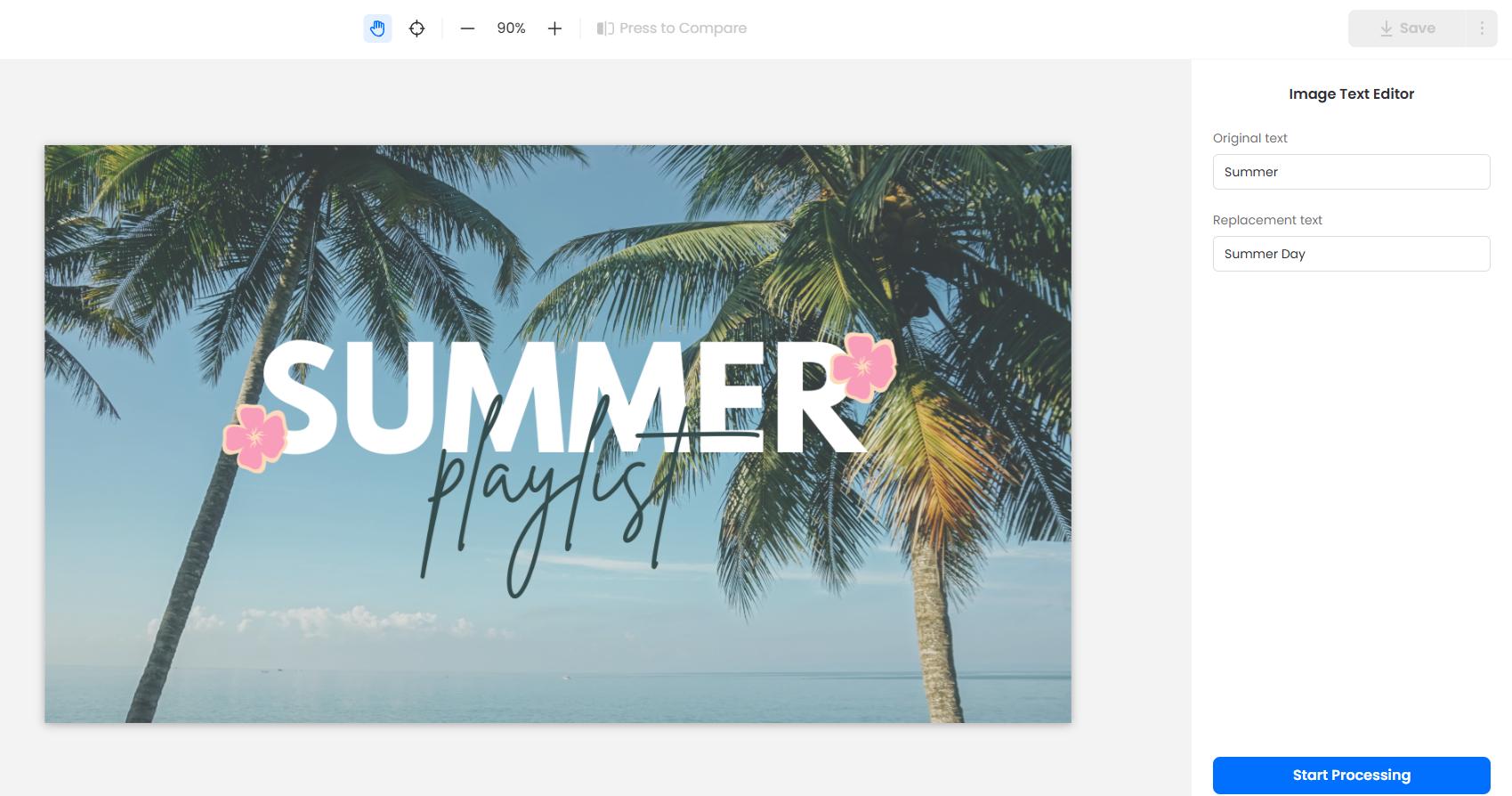
- Enter the new wording.
- Click Start Processing to process the file, then preview the result.
- Download the edited thumbnail.
You can use it to change:
- Video titles
- Dates and years
- Numbers
- Product names
- Spelling mistakes
- Promotional text
Method 2. Change Thumbnail Text with Canva
If you created your YouTube thumbnail in Canva and still have access to the original design, editing the text is straightforward.
How to Edit Thumbnail Text in Canva
- Open your thumbnail design in Canva.
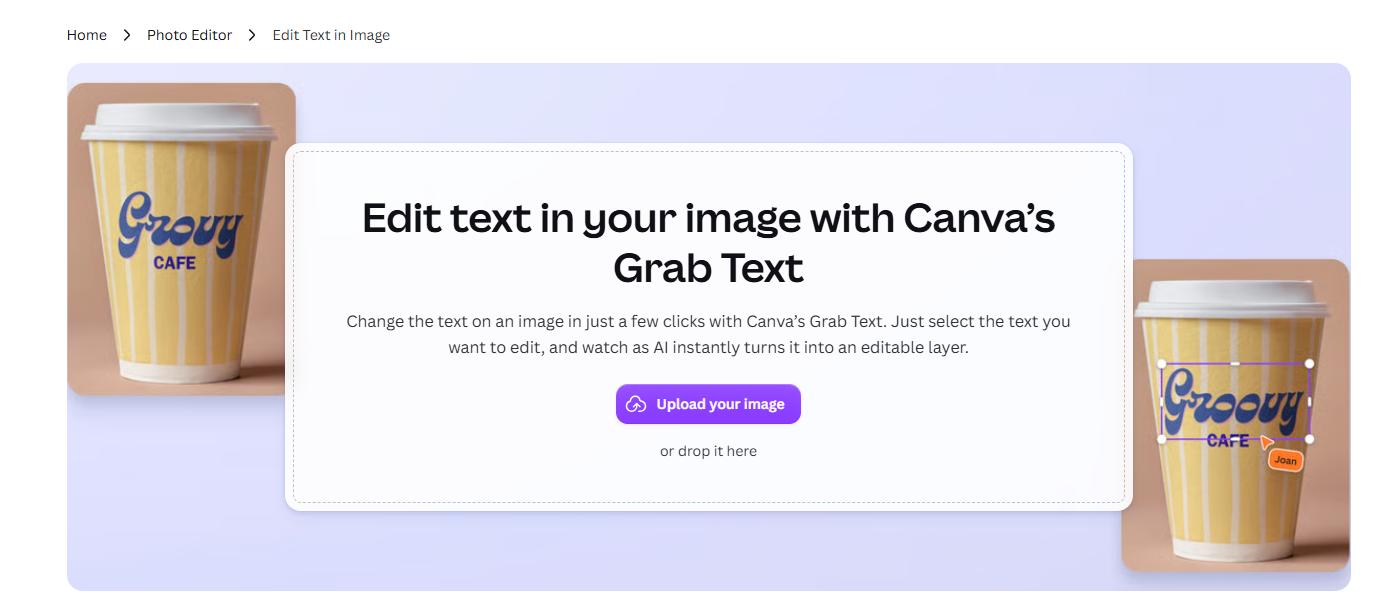
- Remove the original text with Magic Eraser.
- Enter the new text.
- Adjust the font, size, color, or position if needed.
- Download the updated thumbnail as JPG or PNG.
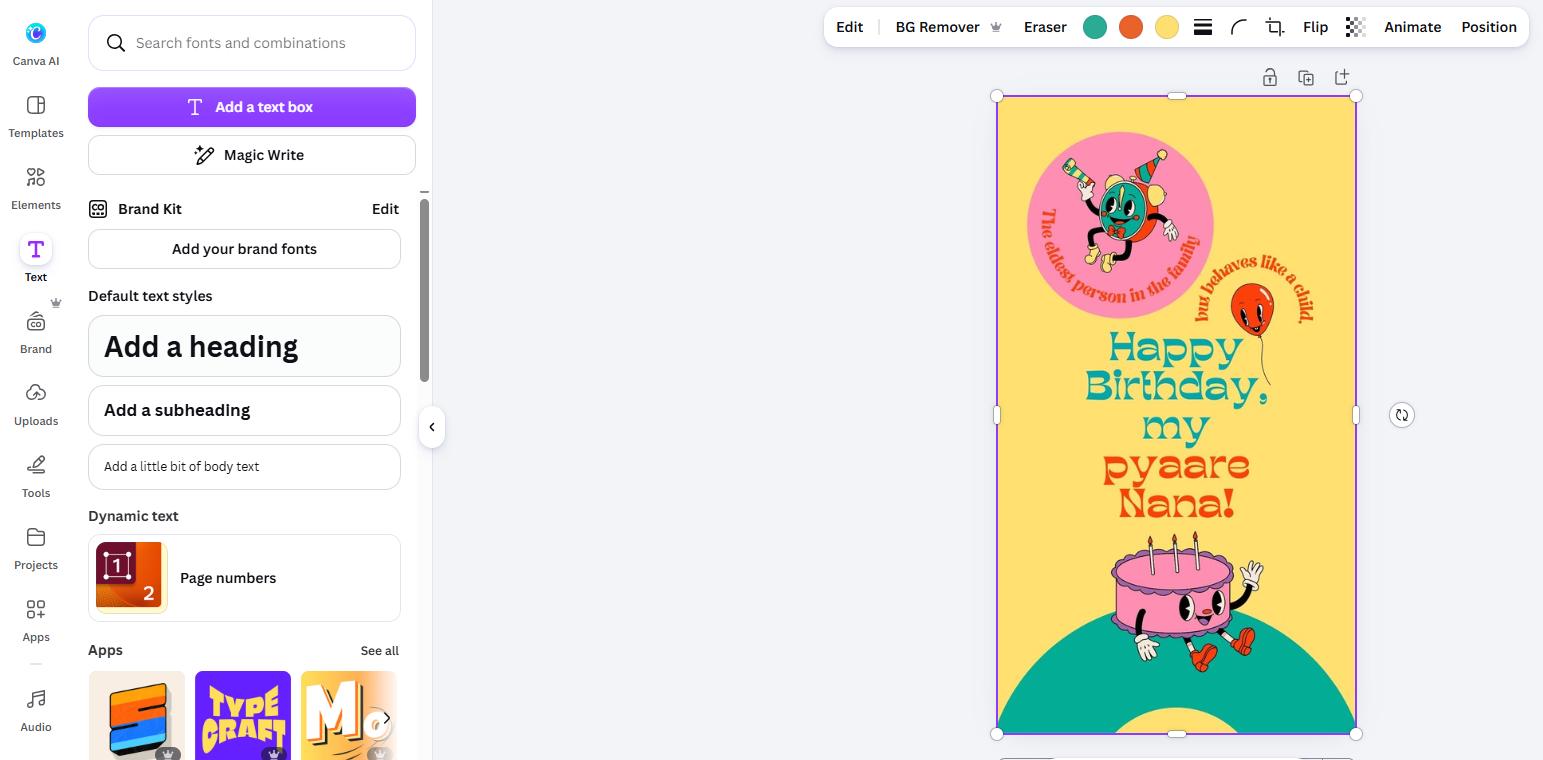
Canva works best when the original text layers are still editable.
If you only have the exported thumbnail image, however, the text is usually part of the image rather than a separate editable layer. In that case, LightPDF can help you modify the existing text directly.
LightPDF vs Canva for Editing Thumbnail Text
| Tool | Best For | Original Design Needed? |
|---|---|---|
| LightPDF | Editing text in an existing JPG or PNG | No |
| Canva | Editing an original thumbnail design | Yes, recommended |
If you have the original Canva project, editing the text there gives you more control over fonts and layout.
If you only have the finished thumbnail image, LightPDF is a simpler way to change existing text without recreating the design.
Tips for Better YouTube Thumbnail Text
- Keep the wording short and easy to understand at a glance.
- Use large text with strong contrast against the background, especially because many viewers will see your thumbnail on a mobile device.
- Avoid adding too many words, and make sure the text does not cover faces or other important visual elements.
- After editing, preview the thumbnail at a smaller size to check whether the text is still easy to read.
Conclusion
You don’t need Photoshop to edit text in a YouTube thumbnail. If you have the original design, Canva makes it easy to update the text directly. If you only have a finished JPG or PNG image, a tool like LightPDF can help you replace, remove, or translate existing text without recreating the thumbnail from scratch. Choose the method that best fits the file you have and the type of edit you need.


Leave a Comment