


I’ve spent the last few weeks testing way too many mobile ebook apps on my phone and old e-ink tablet. If you are tired of apps that force ads down your throat or drain your battery, here are the ones actually worth downloading.
1. Moon+ Reader
It looks like an app designed in 2014, and setting it up feels like configuring a spaceship. But functionally? Nothing else touches it.
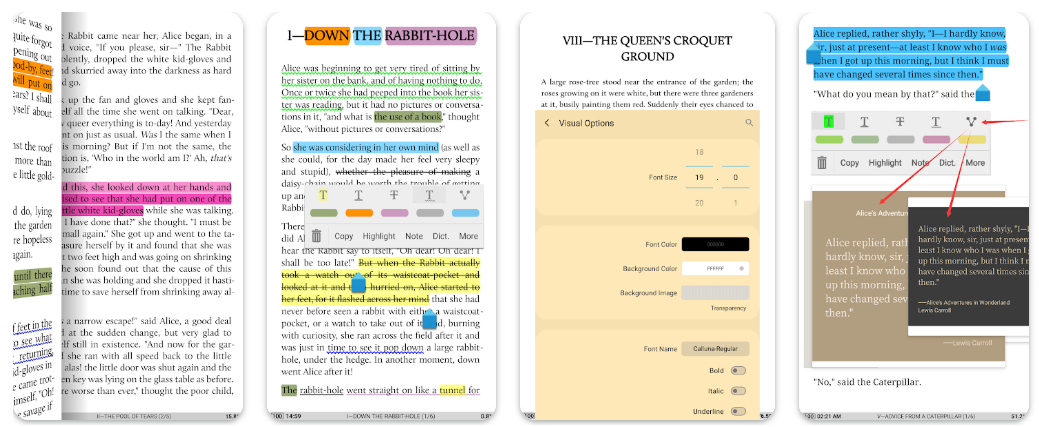
- The Real Experience: When I downloaded a massive, poorly coded 80MB EPUB with custom CSS fonts that broke every other app, Moon+ parsed it instantly without freezing.
- The Annoyance: The free version throws banner ads at you, and the Pro upgrade is mandatory if you want seamless cloud syncing across devices.
- Verdict: If you are willing to spend ten minutes tweaking fonts, themes, and margins, this is easily the best epub reader for android power users.
2. ReadEra
If you hate signing up for accounts or dealing with popup ads, ReadEra is the easy answer. You install it, drop a folder of books on your phone, and start reading—no login, no tokens, no subscriptions.
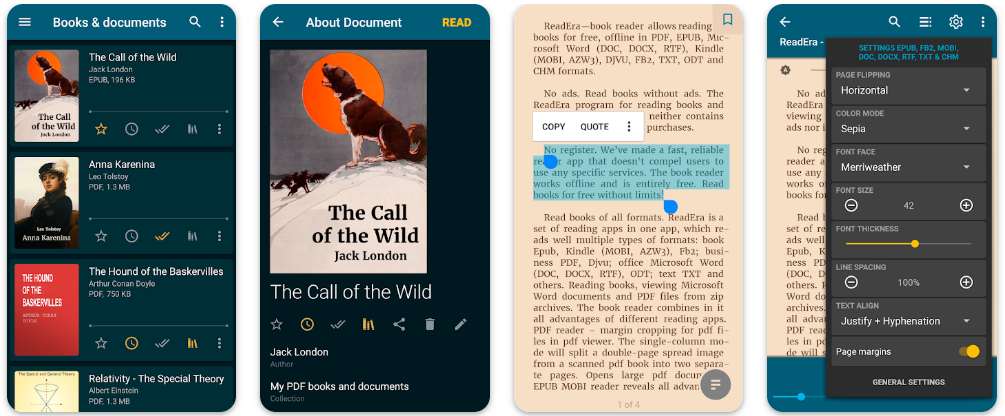
- The Real Experience: It opens instantly. No splash screens asking me to sign up with Google or Apple, no aggressive subscription popups. It just indexes your local storage and hands you a clean bookshelf.
- The Annoyance: If you like reading across multiple devices and need your bookmarks to follow you automatically, look elsewhere—this is strictly a local storage player.
- Verdict: The cleanest, least stressful epub reader app for offline readers who just want to open a file and read.
3. Librera Reader
Standard Android reading apps usually look terrible on E-Ink screens because of heavy background animations and screen ghosting. Librera solves this out of the box.
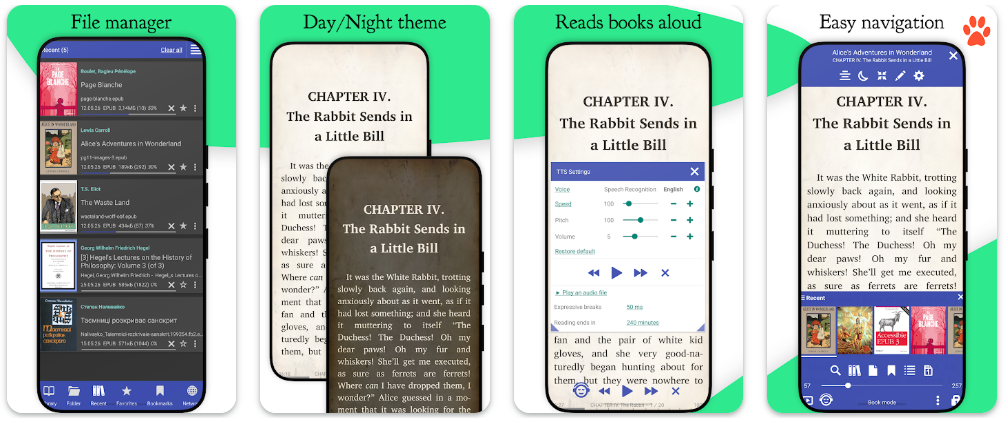
- The Real Experience: I loaded it onto an older Android e-reader, turned off all the flashy page-turn animations, and the text rendering became razor-sharp instantly.
- The Annoyance: The interface is feature-dense and can feel a bit overwhelming and cluttered when you first open it.
- Verdict: The go-to epub reader android tool for privacy-conscious readers and BOOX or Bigme E-Ink tablet owners.
4. Lithium
Lithium is built purely for Android’s Material Design, so it looks great on a modern home screen. Highlighting text is fast, and opening standard books takes less than a second.
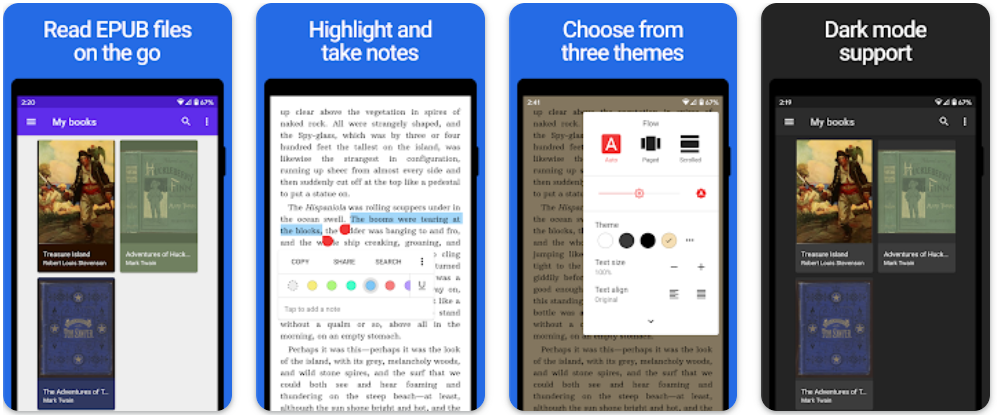
- The Real Experience: It opens EPUBs smoothly, and highlighting text feels snappier than almost anything else on this list.
- The Annoyance: Zero format flexibility. The moment you try to feed it a PDF, MOBI, or DJVU file, it simply won’t open.
- Verdict: Great for minimalists who only collect EPUBs and want pure speed and zero clutter.
5. PocketBook
If you borrow digital titles through your local public library, standard lightweight readers will choke on the files. PocketBook handles Adobe DRM authentication directly inside the app, so those protected library loans open without extra converting steps.
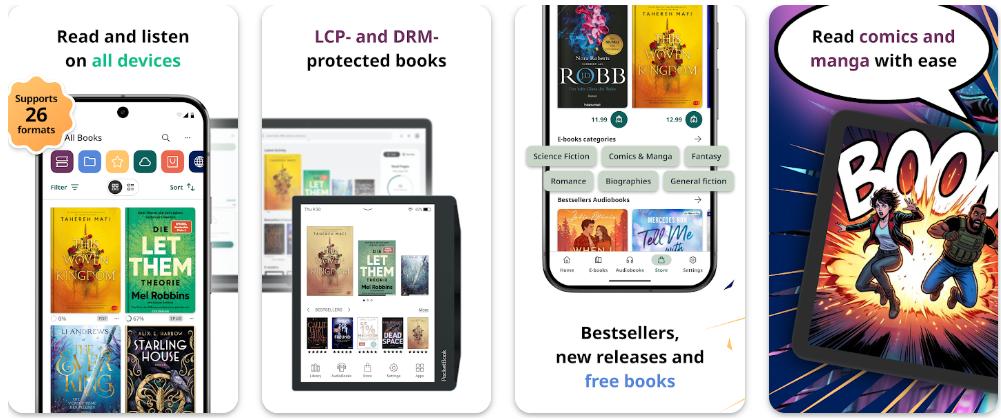
- The Real Experience: It’s one of the few free apps with built-in Adobe DRM support, making library loans painless to open.
- The Annoyance: The interface feels a bit heavy and corporate compared to something clean like Lithium.
- Verdict: Essential if your reading diet includes public library checkouts or if you like switching between text and audiobooks.
6. FBReader
FBReader has been around forever. It’s like the reliable old truck in your driveway—not the prettiest, but it gets the job done across almost every operating system.
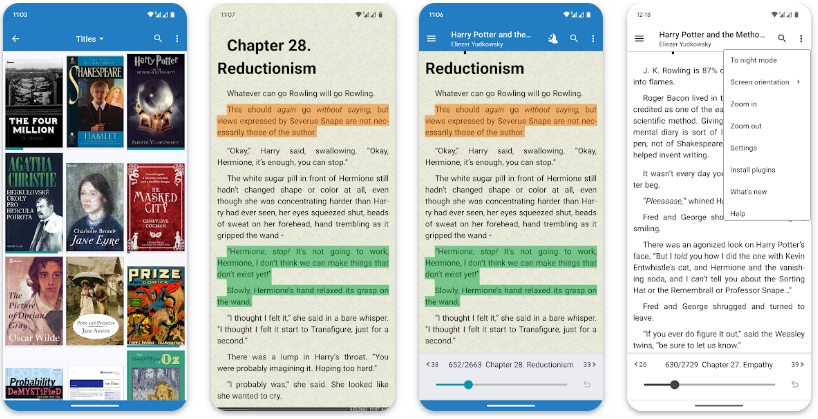
- The Real Experience: I tested syncing my reading progress between an old Android phone and a Windows laptop using their built-in network sync, and it actually remembered where I left off without throwing sync conflicts.
- The Annoyance: The free tier is quite basic, and you’ll need to buy the premium key to unlock its full feature set.
- Verdict: Solid for cross-platform readers who constantly switch between PC, Android, and iOS devices.
7. Google Play Books
Most people skip Google Play Books, assuming it’s just a storefront. They miss its best feature: you can upload up to 2,000 personal EPUBs to your account for free without taking up any Google Drive space.
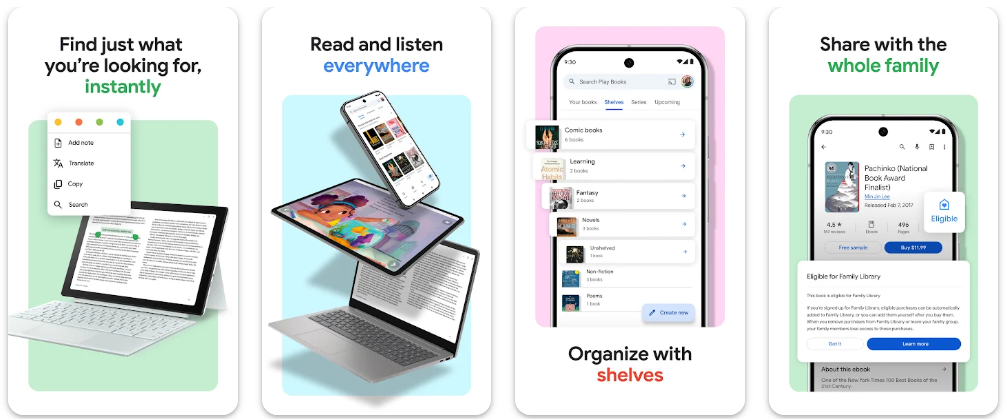
- The Real Experience: You can upload your own EPUB files straight to your Google account for free. Switch from your phone to a tablet or a desktop browser, and your reading page position is always synced.
- The Annoyance: Typography and layout customization options are extremely basic compared to power-user apps like Moon+.
- Verdict: Perfect for casual readers who hate manual file transfers and just want cloud syncing that “just works.”
Side-by-Side Breakdown
| App | Formats | Cloud Sync | Price / Ads | Best For |
| Moon+ Reader | EPUB, MOBI, PDF, AZW3, TXT | Google Drive, Dropbox, WebDAV | Free (Ads) / Paid Pro | Power users who like tweaking typography |
| ReadEra | EPUB, PDF, MOBI, FB2, DOC | Local storage only | 100% Free, No Ads | Pure offline reading without account signups |
| Librera Reader | Heavy multi-format support | Local / Self-hosted | Open Source, Free | E-Ink screens and privacy-first setups |
| Lithium | Strictly EPUB only | Google Drive (Pro) | Free / Paid Pro | Minimalists looking for clean UI and speed |
| PocketBook | EPUB, PDF, Adobe DRM, MP3 | PocketBook Cloud | Free, No Ads | Public library checkouts and audiobooks |
| FBReader | EPUB, MOBI, FB2, RTF | FBReader Cloud | Free / Premium tier | Switching between PC, Android, and iOS |
| Google Play Books | EPUB & PDF uploads | Google Cloud | Free, No Ads | Free cloud backup and desktop browser access |
A Few Hands-On Reading Tips
- Skip the USB cable with Calibre: If your book collection lives on a PC in Calibre, turn on its Content Server option. Type your computer’s local IP address into an OPDS-supported app like PocketBook or Moon+, and you can download books straight over Wi-Fi.
- Add comfortable fonts: Stock mobile fonts get exhausting during long night sessions. Download a free legibility font like Atkinson Hyperlegible or Bookerly, toss the file into your reader’s font folder, and switch to it for better eye comfort.
- Turn books into audiobooks: If you’re driving or cooking, link Librera or Moon+ to Google’s neural voice engine under your Android Accessibility settings. It sounds far more natural than older TTS voices.
Common Questions
What’s the single best free option without any ads?
ReadEra is the easiest pick here. It doesn’t lock features behind paywalls, run banner ads, or badger you to create an account. Librera Reader and PocketBook are also completely ad-free.
Why won’t Android open my EPUB file directly?
Stock Android doesn’t come with a native EPUB reader installed. When you tap an EPUB file, your phone doesn’t know what to do with it until you download an app like ReadEra, Lithium, or Moon+ Reader.
Why does my library book show an error when opening?
That usually means the file has Adobe DRM protection. Lightweight readers like Lithium can’t decrypt those files. You’ll need an app with built-in DRM account support, like PocketBook Reader.
Do these apps burn through phone battery?
Basic reading apps use almost no battery. However, running continuous background cloud syncing in the background can drain power over time. If you want maximum battery performance on an older device, stick to an offline app like ReadEra.


Leave a Comment