


To determine whether the platform is a reliable resource or a risky gamble, we need to evaluate if is pdfcoffee legit. Instead of giving you a generic, overly cautious answer, this objective pdfcoffee review looks closely at its actual user experience, potential malware risks, and legal standing.
Part.1 What Is PDFCoffee?
To understand what is pdfcoffee, you have to look at how it builds its library. It functions legacy as a crowd-sourced file-sharing folder. The platform does not write, publish, or host its own original files; instead, it relies entirely on its worldwide users to upload documents. Because of this, you will find a massive mix of materials online, ranging from university lecture notes to copyrighted engineering manuals.
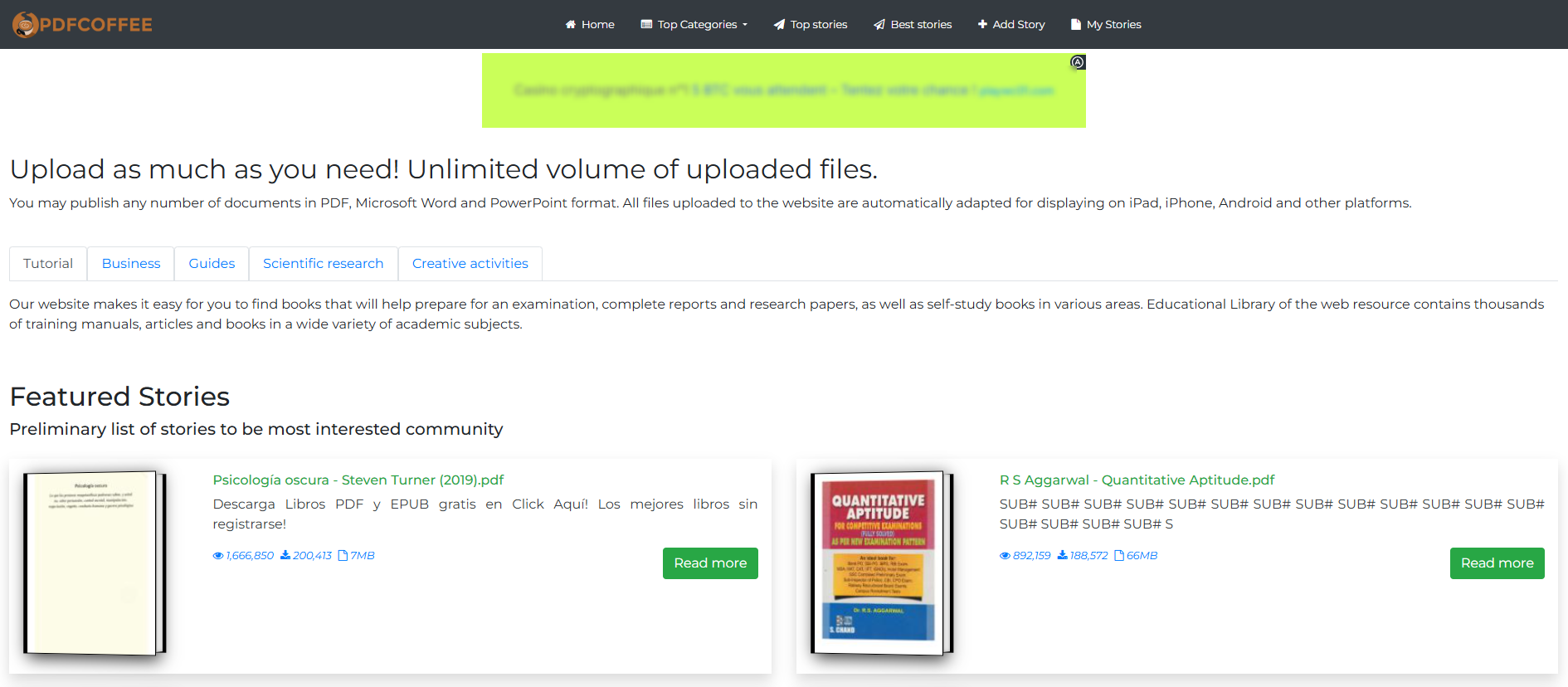
Why do thousands of users search for answers regarding its security every month on pdfcoffee com? The answer comes down to a total lack of moderation. Because anyone can upload a file anonymously without an identity check, there is no automatic system verifying that the file you are downloading is actually what the title claims it is.
Part.2 Is PDFCoffee a Legit Website?
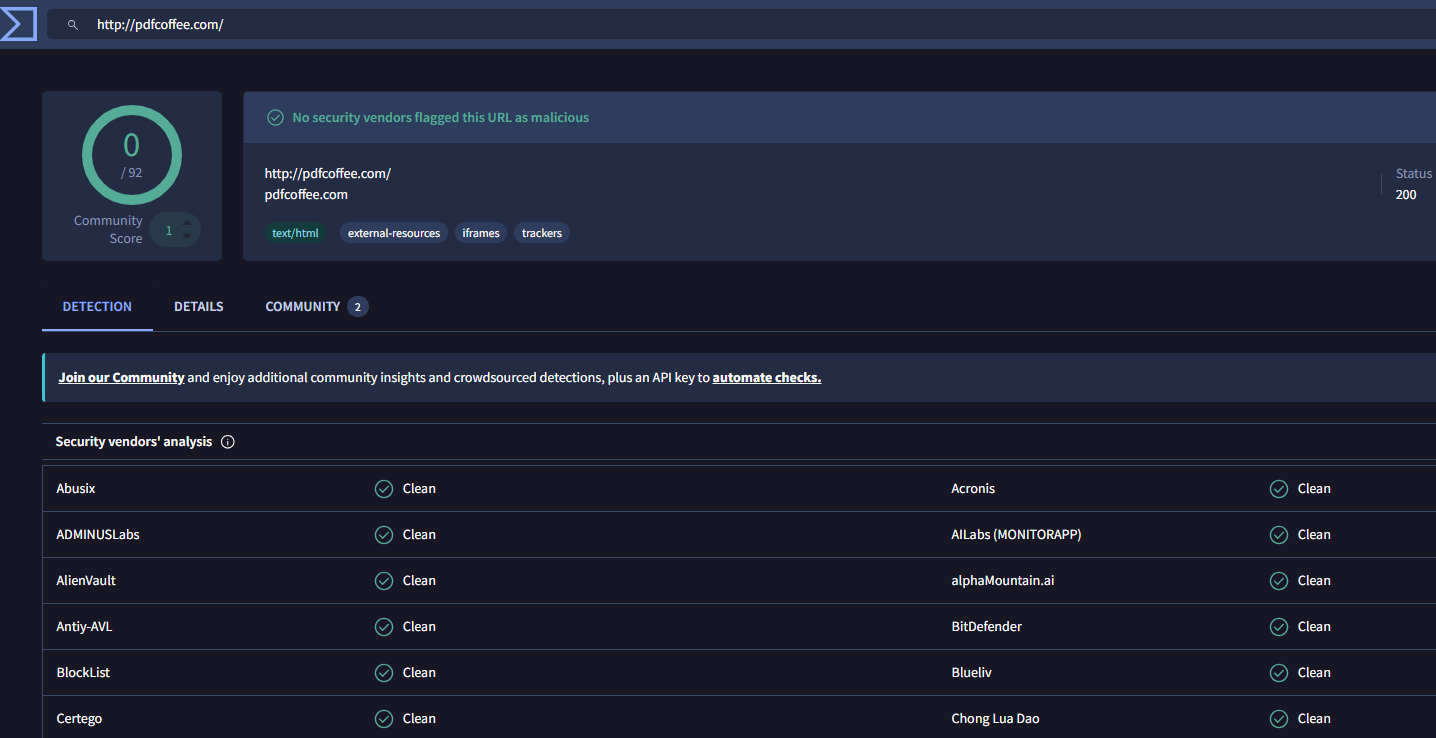
If you run a technical analysis on the domain infrastructure of pdfcoffee com, it clears basic security baselines. It uses a valid HTTPS/SSL encryption certificate, meaning the data tunnel between your computer and their server is hidden from basic internet snooping. From a pure domain perspective, the site is a functional web archive, not a fly-by-night phishing scam built to steal your bank details the moment you land on the homepage.
But when users ask is pdfcoffee legit, they are usually more worried about the files than the domain. A secure connection does not equal clean content. An encrypted connection to a legitimate site can still deliver an unverified file. The real danger splits into two layers:
- The Connection (Safe): Your data in transit is encrypted via SSL.
- The Downloaded File (Risky): The document sitting on the server could contain hidden scripts or malicious macro elements embedded directly into the file by an anonymous uploader, making people wonder is pdfcoffee safe after all.
- How to verify it yourself: Before opening any document downloaded from the platform, you shouldn’t just trust your browser. A smart move is to run the URL or the downloaded file through automated security scanners like VirusTotal or Sucuri SiteCheck to inspect its behavioral layers for hidden malware or malicious redirects before it interacts with your local system.
The Real Hassle: Fake Buttons and Ad Redirects
The absolute worst part of using this platform isn’t usually the PDF itself—it’s the chaotic ad network funding the site. Since everything is free, the site relies on highly aggressive, deceptive ad scripts. Clicking “Download” usually forces you through a gauntlet:
- Fake green or blue “Download Here” buttons that actually try to install unauthorized browser extensions.
- Automatic tab redirects that push your browser toward sketchy tracking scripts or gambling sites.
- Sudden browser alerts claiming your device is infected and demanding you download a “cleaner” tool.
Part.3 What Are People Saying About PDFCoffee?
Feedback across Reddit and Trustpilot shows exactly why people are torn on this site, which is heavily reflected in any independent pdfcoffee review.
| Evaluation Metric | Common User Feedback | Observed Risk Level |
| Document Availability | Unmatched for finding out-of-print textbooks and random college prep sheets on pdfcoffee com. | Low Risk |
| Interface & Navigation | Terrible. Constant complaints about layout traps, fake buttons, and 30-second wait timers. | Medium Risk |
| File Quality | Hit or miss. Some PDFs are crisp; many are terrible, missing pages, or completely blank files. | Low Risk |
| Malware & Protection | Antivirus suites regularly block the site’s notification requests, raising questions on is pdfcoffee safe. | High Risk |
| Copyright Compliance | Abysmal. Authors and academic publishers frequently issue take-down notices that get ignored. | High Risk |
Part.4 How to Safely Process Downloaded PDFs
If your pdfcoffee review leads you to download a rare paper from the platform because it exists nowhere else, your security protocol shouldn’t stop when the download finishes. Many files are unoptimized, flat image scans that you can’t highlight or copy text from.
Instead of uploading those files back to free, online web converters—which just exposes your documents to more online privacy trackers—you should handle them completely offline using secure desktop tools.
1. Convert Scanned Documents with LightPDF OCR Securely
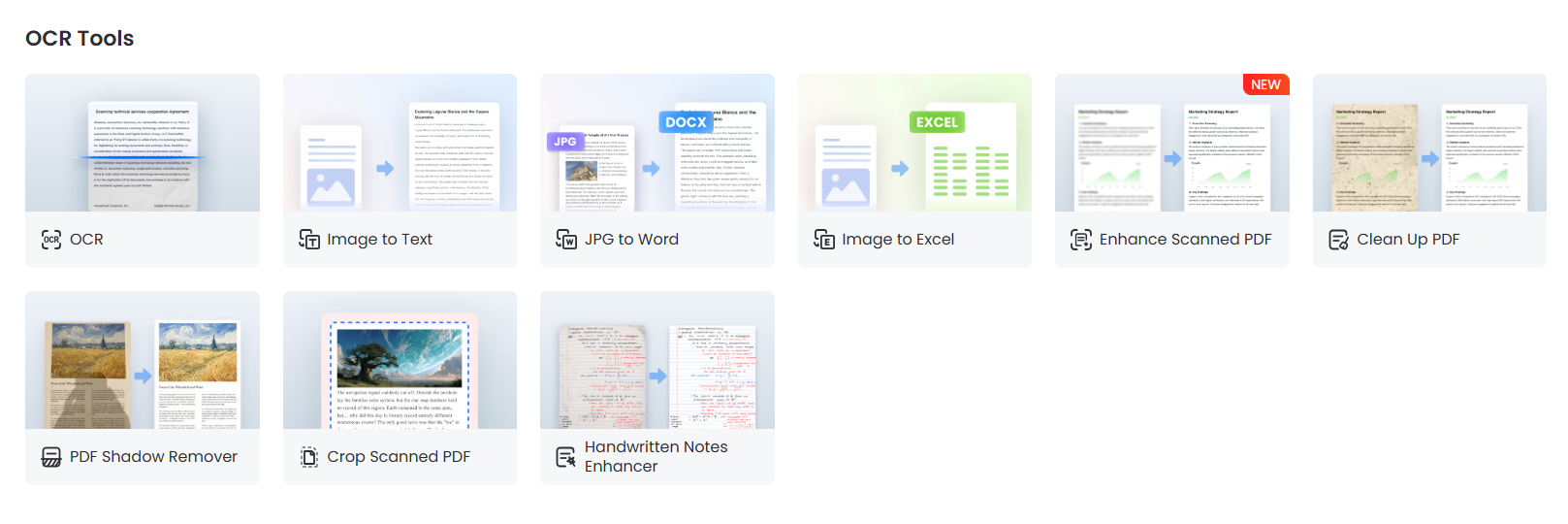
Don’t risk exposing potentially sensitive documents to unknown cloud conversion websites. Instead, drop your downloaded file into a desktop program running localized LightPDF OCR technology. This allows you to safely extract text and change unsearchable PDFs into editable Word, Excel, PPT, PDF, and TXT files directly on your local hard drive without third-party exposure.
2. Enhance PDF Quality
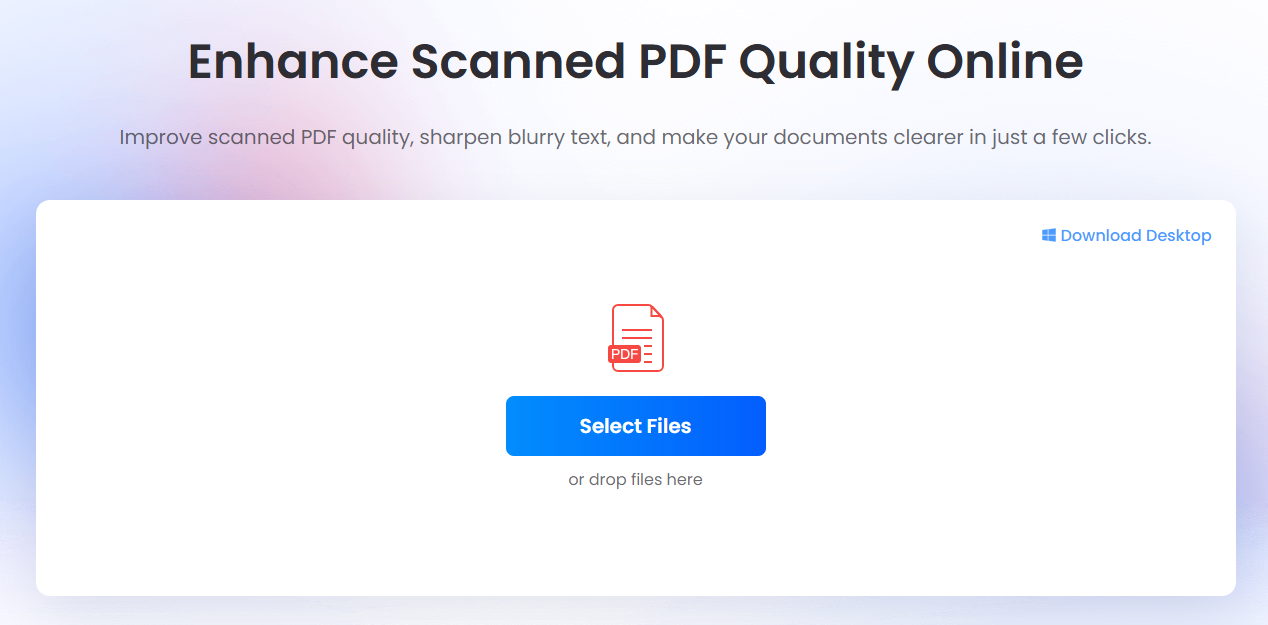
Community-uploaded documents on pdfcoffee com are frequently hard to read, often consisting of crooked smartphone pictures or overly compressed scans. Using a local desktop editor allows you to re-center margins, balance contrast, and clarify text edges to significantly enhance PDF quality before you start reading.
3. Deploy AI Agents for Smart Summarization
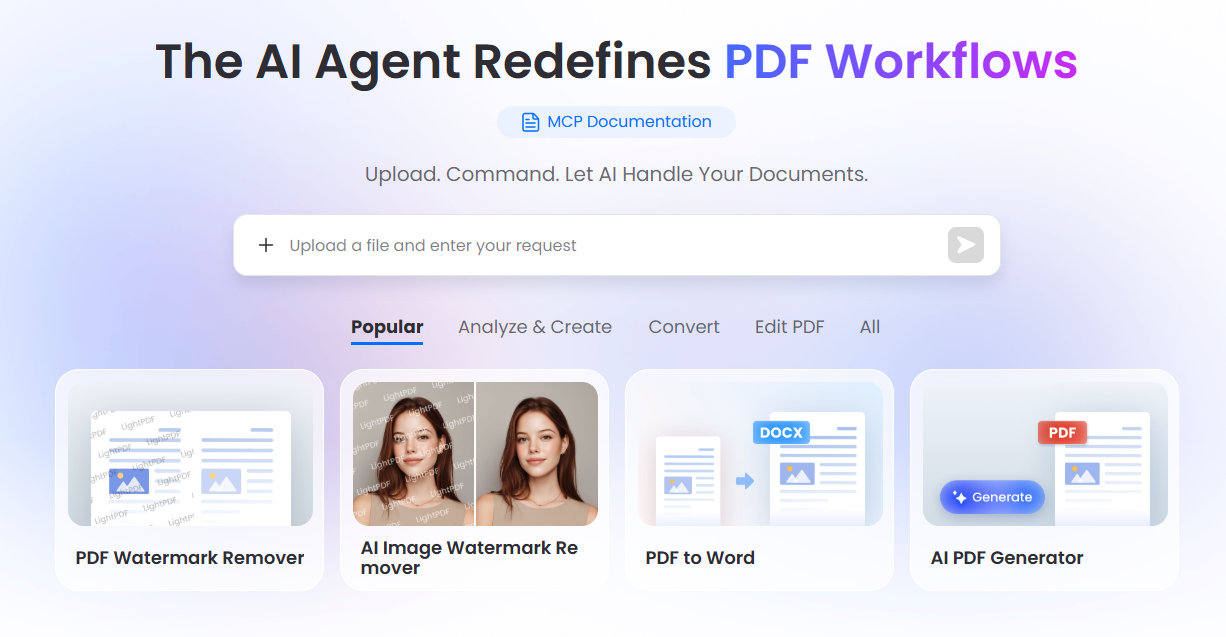
Wading through a messy, 400-page scanned textbook takes forever. Once your file is converted and cleaned safely offline, you can push the raw text into a secure, local AI agent. This allows you to instantly generate concise chapter breakdowns, pull complex charts into clean data tables, or build interactive mind maps without risking a single data leak.
Part.5 Safe & Legal Alternatives to PDFCoffee
If you read about what is pdfcoffee and decide to avoid the pop-up traps, ethical gray zones, and malware warnings completely, use these trusted digital repositories instead:
- Google Books: Excellent for reading legal previews and finding authorized digital editions of academic and historical texts.
- Internet Archive & Open Library: A trusted, non-profit digital system where you can safely borrow millions of digitized books through a transparent lending program.
- Project Gutenberg: The oldest online library for public domain books. Zero malware, zero tracking cookies, and 100% legal.
Part.6 FAQ
1. Is PDFCoffee safe to download files from?
The website infrastructure itself won’t harm your computer, but the anonymous user-uploaded files and misleading download advertisements carry real risks. Keep your antivirus active and always scan the file before opening it.
2. Is PDFCoffee legit?
Technically, it functions as a legal file-hosting platform under standard user-generated content laws. However, it lacks strict copyright screening, meaning a massive amount of the material uploaded by its users violates intellectual property laws.
3. Why does my web browser block pdfcoffee com?
Your browser or ad-blocker isn’t usually blocking the site itself. It is blocking the aggressive, tracking ad networks and forced redirects tied to the site’s download page.
4. Can I edit text from a book downloaded from PDFCoffee?
Most files on the site are just pictures of pages. To modify the text, you will need to open the file using an offline PDF editor equipped with localized OCR tools to turn the image layers into selectable text.


Leave a Comment