


Converting an ACSM file to PDF is possible, but it doesn’t work the same way as normal file conversions. Depending on how the file is delivered, you may need to use an online converter, an EPUB-to-PDF workflow, or Adobe Digital Editions.
Below are the most practical methods to convert from ACSM to PDF, starting with free online options.
Method 1: Convert ACSM File to PDF Using Free Online Converters
Free online tools are often the first option users try, especially when they want a quick solution without installing software. These tools attempt to retrieve or process the content associated with the ACSM license.
Common Free Online ACSM to PDF Tools
1. Convertio ⭐⭐⭐⭐☆ (4/5)
Convertio is ideal for cloud-based conversion of ACSM files to PDF when you want a browser-only solution with minimal setup.
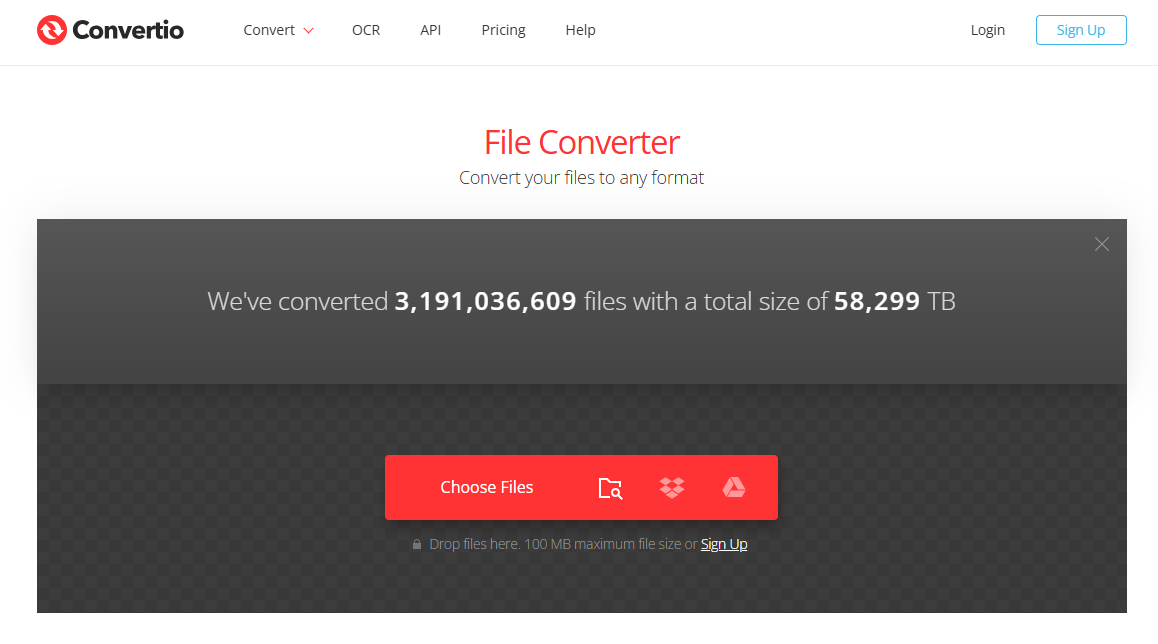
Highlights:
- Runs fully in the browser, no software installation
- Supports ACSM and many other document formats
- Conversion speed depends on platform and internet connection
Who it’s for: Users who prefer cloud solutions and want a clean interface without downloads
Limitations:
- Large files or DRM-protected files may fail
- Free version has limited daily conversions
2. Online-Convert.com ⭐⭐⭐⭐☆ (4/5)
Online-Convert.com is a web-based converter that can handle ACSM to PDF conversions in supported cases. It works directly in your browser, no installation needed, and supports multiple file formats.
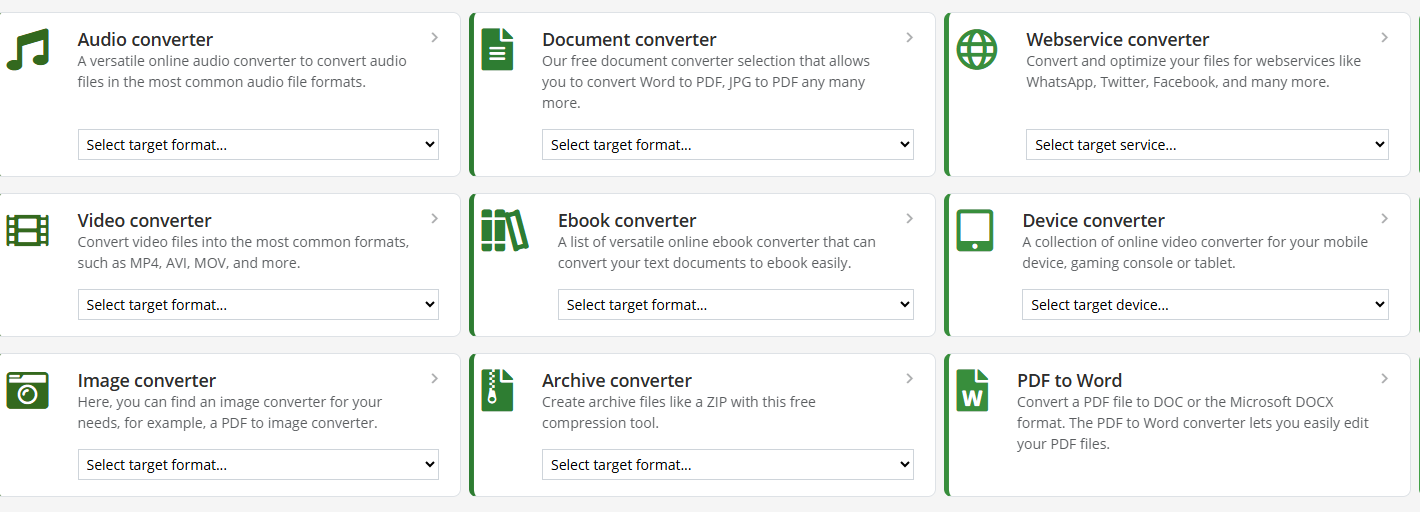
Highlights:
- Convert ACSM, EPUB, and other eBook formats to PDF online
- Simple upload-and-convert process
- No software installation required
Who it’s for: Users who want a quick, browser-based solution for converting ACSM files without extra software
Limitations:
- Conversion may fail if DRM or licensing restrictions apply
- File size limits for free users
- Success rate varies depending on ACSM content
3. AnyConv ⭐⭐⭐☆☆ (3/5)
AnyConv is versatile and convenient for users who need ACSM to PDF conversion along with support for multiple file types, though file size may be a constraint.
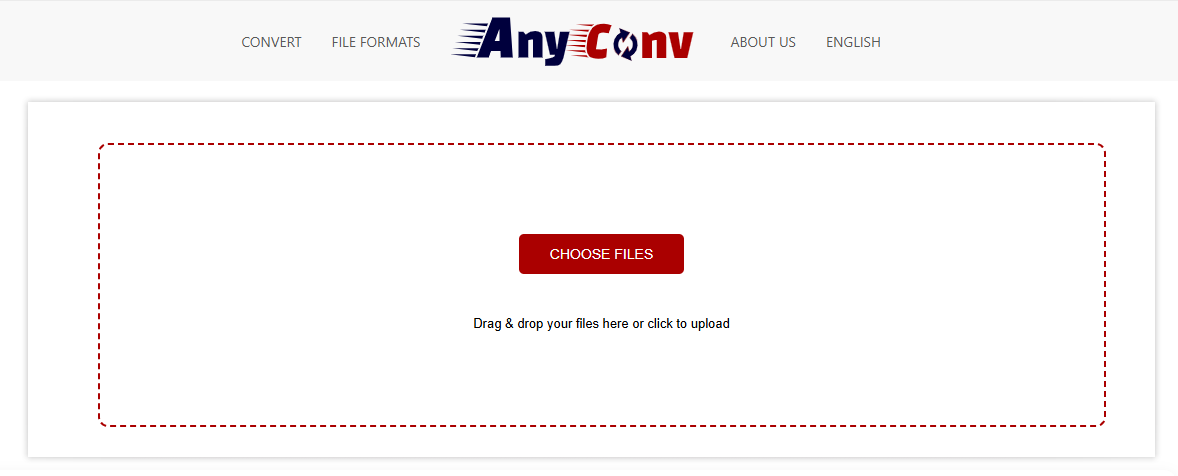
Highlights:
- Supports a wide range of formats: PDF, EPUB, MOBI, and more
- Simple 1-step conversion process online
- No software installation needed
Who it’s for: Users who occasionally convert ACSM files and may want other file format options as well
Limitations:
- Maximum file size per conversion is limited (usually ~100MB)
- Conversion success depends on the ACSM file’s compatibility
Conversion from ACSM to PDF depends on DRM and licensing restrictions, so some files cannot be converted. File privacy policies also vary by platform, meaning these tools work for quick conversions but may not succeed for every document.
Method 2: Convert ACSM Format to PDF via EPUB
In many cases, Adobe Digital Editions downloads the authorized file as EPUB instead of PDF. When this happens, you can still complete the workflow by converting the EPUB file to PDF.
Steps
- Open the ACSM file in Adobe Digital Editions
- Let the licensed content download automatically
- Locate the downloaded EPUB file on your device
- Upload the EPUB to LightPDF EPUB to PDF Converter
- Convert and download the final PDF
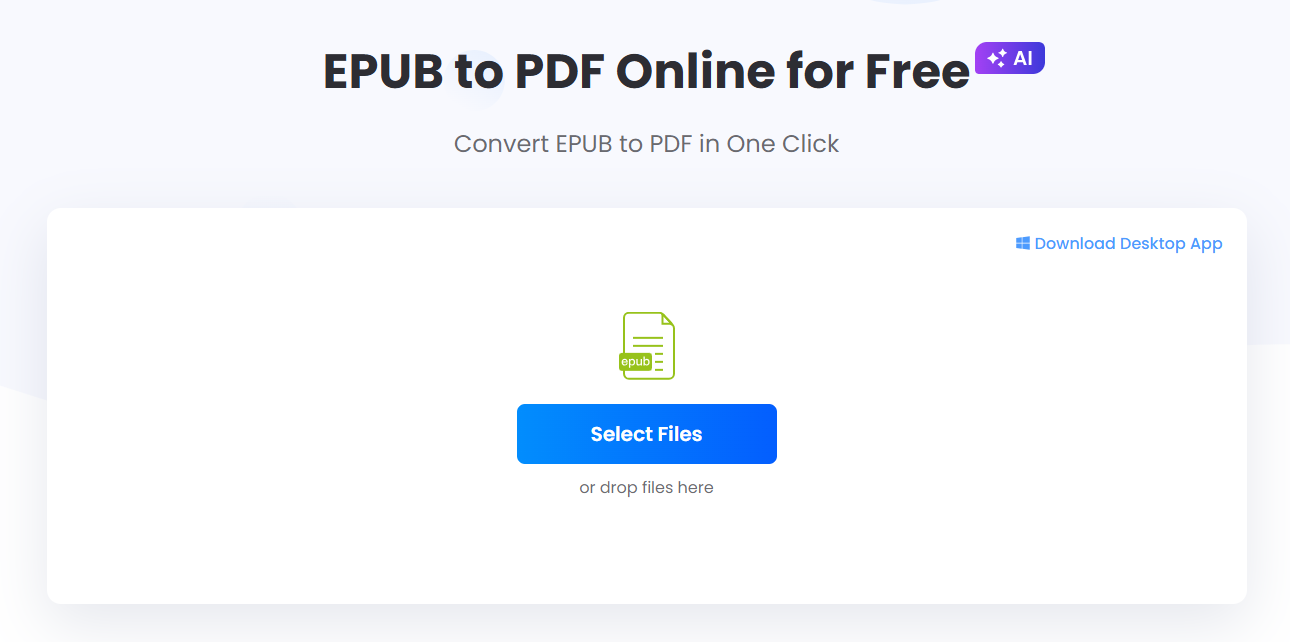
Best for: Users whose ACSM files download as EPUB and need a clean PDF version.
LightPDF offers a browser-based EPUB to PDF converter that does not require installation. It helps preserve text structure and layout, making it a practical solution when you need to transfer ACSM to PDF indirectly.
Method 3: Transfer ACSM to PDF with Adobe Digital Editions
Adobe Digital Editions is the official tool for handling ACSM files and remains the most reliable option.
How it works
- Install Adobe Digital Editions on your computer
- Authorize the application with your Adobe ID
- Open the ACSM file using Adobe Digital Editions
- The licensed content downloads automatically
- The file is saved locally as PDF or EPUB
This method follows Adobe’s supported workflow and is recommended when accuracy and compliance are important.
Comparison of ACSM File to PDF Methods
| Method | Free | Installation | Reliability | Best Use Case |
|---|---|---|---|---|
| Free Online Converter | Yes | No | Medium | Quick access |
| EPUB → PDF (LightPDF) | Yes | No | Medium–High | EPUB output |
| Adobe Digital Editions | Yes | Yes | High | Official use |
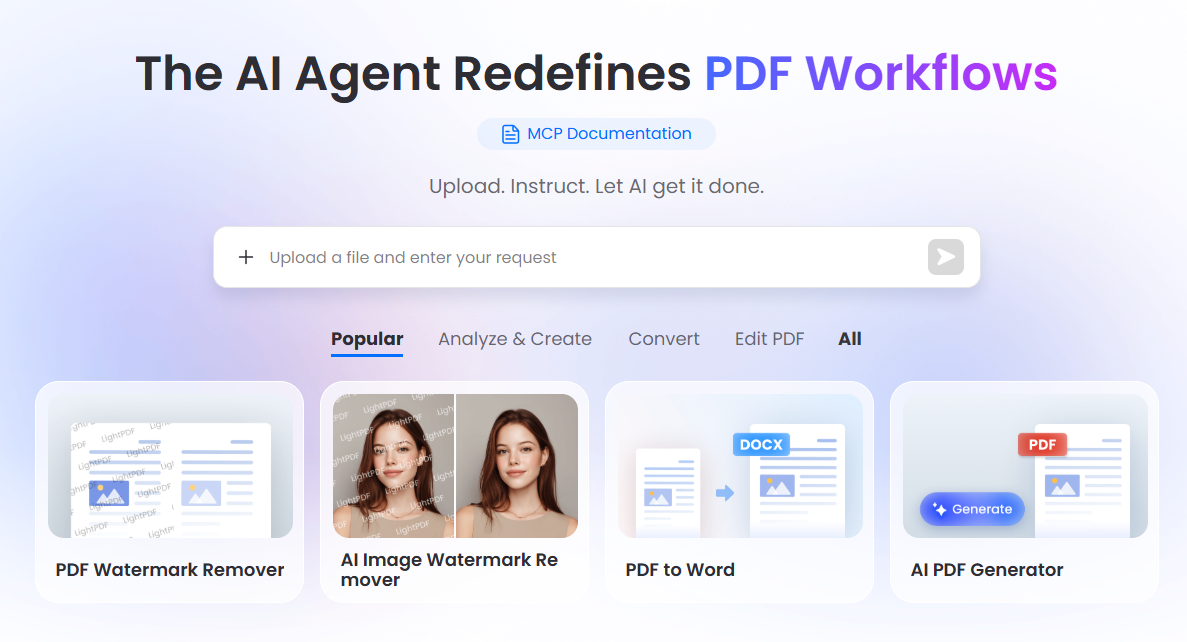
Bonus Tip: Manage and Edit PDFs with LightPDF
After you successfully convert an ACSM file to PDF, managing the document efficiently becomes important. LightPDF helps streamline your PDF workflow by offering:
- PDF editing and annotation
- OCR for scanned documents
- PDF conversion to Word, Excel, PPT, EPUB, or images
- AI-powered summarization and content analysis
- Professional PDF AI agent for multi-tasking
Instead of only converting files, LightPDF allows you to build a complete AI PDF workflow for study, work, and document management.
Things You Might Ask
Q1: Can I convert any ACSM file to PDF?
A: Not always. Conversion depends on DRM restrictions and the licensing rules of the document. Some ACSM files cannot be converted using online tools.
Q2: Which method is safest for converting ACSM to PDF?
A: Adobe Digital Editions is the most reliable and consistent way, as it works directly with the official license system.
Q3: What if Adobe Digital Editions downloads EPUB instead of PDF?
A: You can open the EPUB file in LightPDF or another EPUB-to-PDF converter to get a PDF version.
Q4: Are free online converters trustworthy?
A: They can work for some ACSM files, but success varies. Always check file privacy policies and avoid uploading sensitive documents.
Q5: Do I need to install software for online conversion?
A: Most online converters do not require installation, but Adobe Digital Editions or LightPDF software may need to be installed for more reliable results.
Q6: Can I convert large ACSM files online?
A: Many free online converters have file size limits, usually around 100MB. Large files may need to be processed via Adobe Digital Editions or desktop PDF tools.


Leave a Comment