


1. Dillinger Markdown Editor
Best for Developers and Cloud Storage
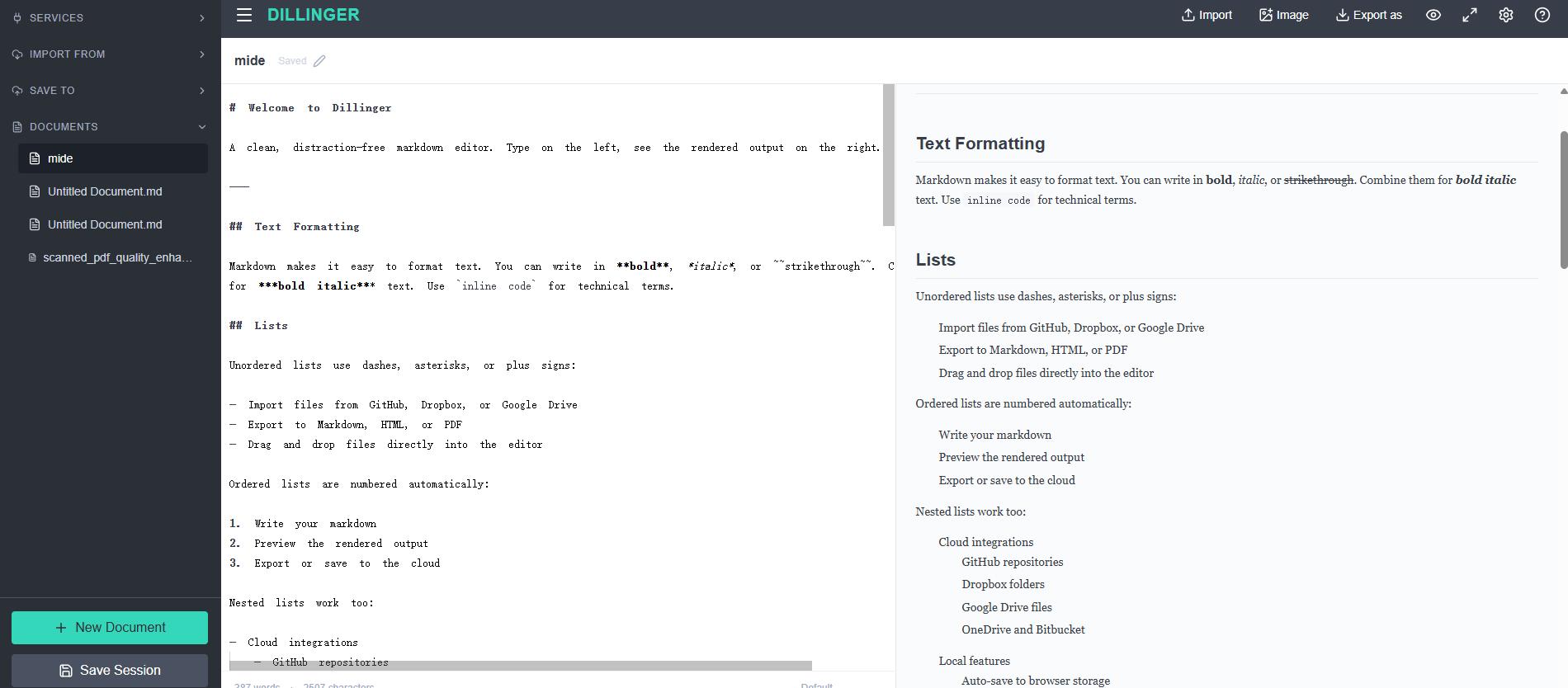
Dillinger is another well-known browser-based Markdown editor. It uses a split editing interface so you can write Markdown on one side and see the rendered version on the other.
It also supports connections with services including GitHub, Dropbox, Google Drive, OneDrive, and Bitbucket, making it particularly useful if your Markdown files are already part of a cloud or development workflow. Dillinger also supports Markdown, HTML, and PDF export.
Key Features
- Real-time Markdown preview
- Browser-based editing
- GitHub integration
- Cloud storage integrations
- HTML and PDF export
- Dark and distraction-free modes
2. StackEdit In-browser Markdown editor
Best for Advanced Markdown Documents
StackEdit is a feature-rich online Markdown editor designed for users who work with more complex Markdown documents.
In addition to standard Markdown formatting, it is often used for technical writing that involves elements such as mathematical notation or diagrams. It also supports browser-based editing and cloud-oriented workflows.
Key Features
- Live Markdown preview
- Extended Markdown formatting
- Cloud synchronization
- Offline editing support
- Math support
- Mermaid diagram support
3. HackMD
Best for Collaborative Markdown Editing
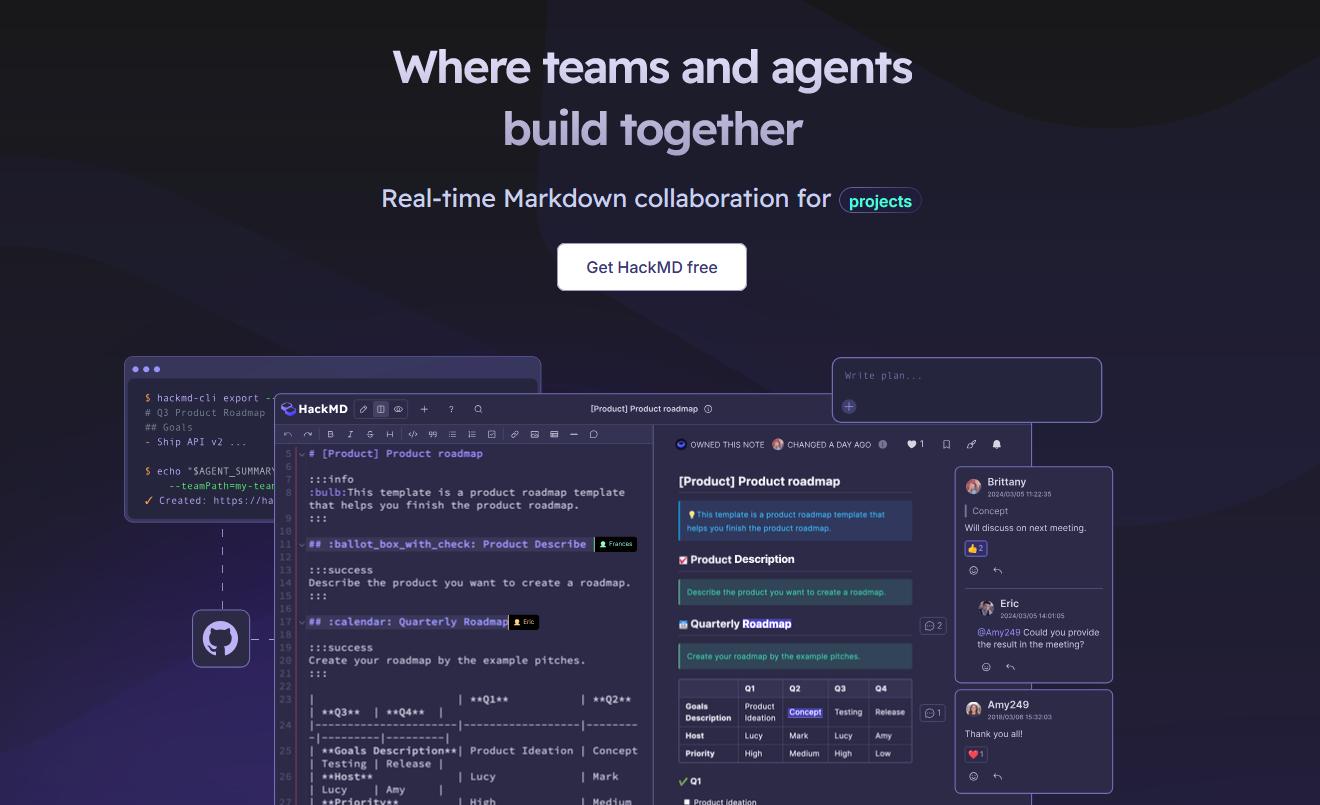
Most Markdown editors focus on a single writer. HackMD takes a different approach by making collaboration one of its central features.
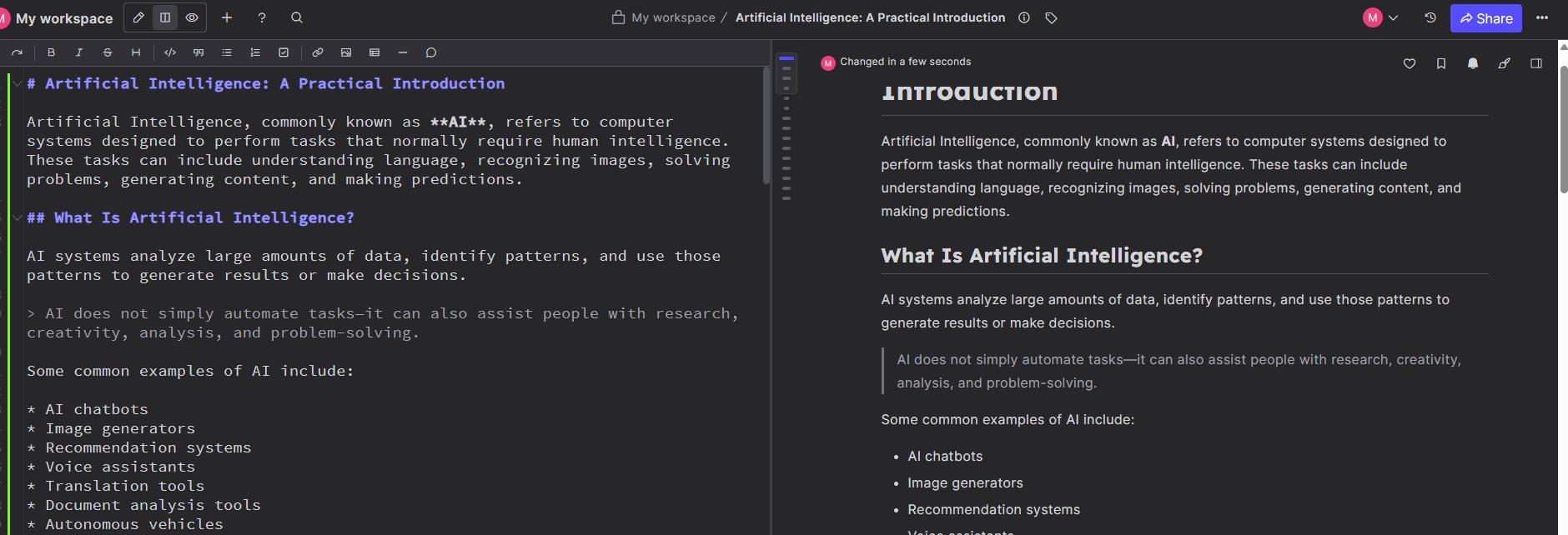
Multiple users can work on Markdown documents together, making it closer to a collaborative document workspace designed specifically around Markdown. HackMD currently offers real-time editing, comments, version history, templates, GitHub integration, and shared workspaces.
Its free plan includes unlimited notes, limited teammate access, templates, and GitHub integration, while some more advanced functions are part of paid plans.
Key Features
- Real-time collaboration
- Markdown editing and preview
- Comments and mentions
- Version history
- GitHub integration
- Public and shared notes
- Team workspaces
4. Markdown Live Preview
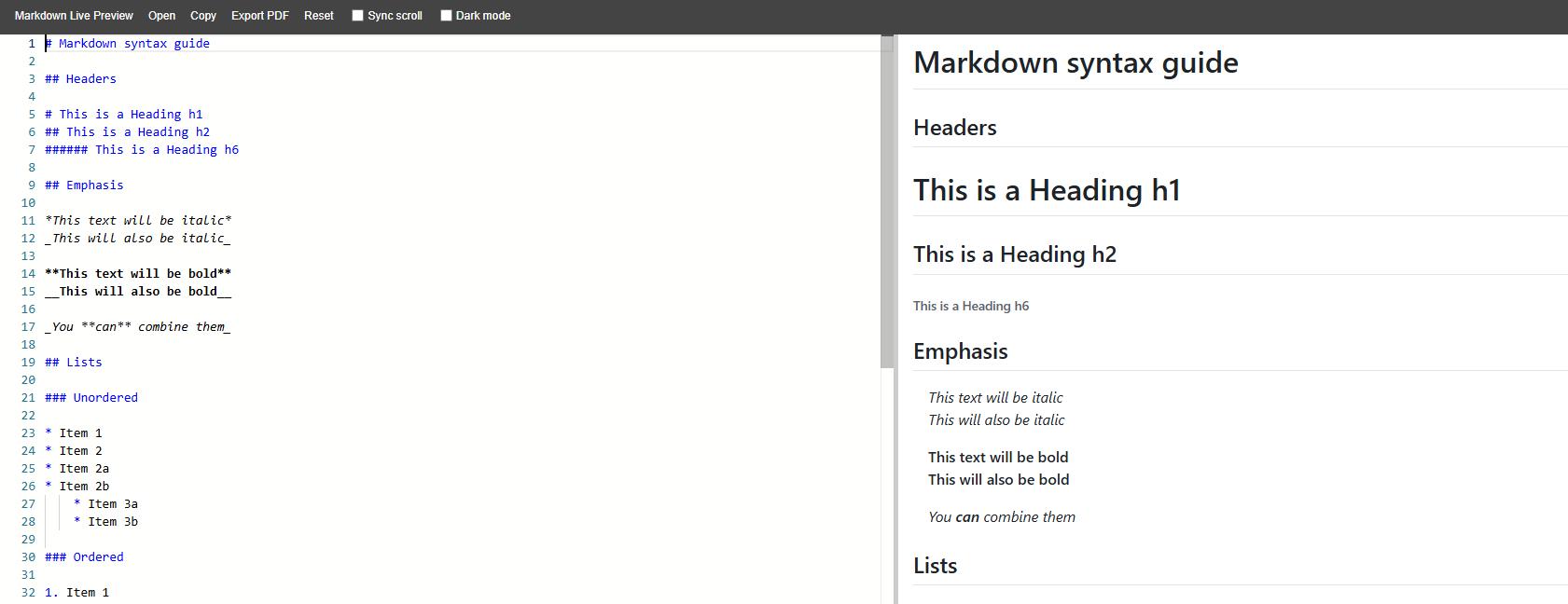
Best for Quick Markdown Preview
Sometimes you do not need a complete writing workspace. You simply want to paste some Markdown and check how it renders.
Markdown Live Preview is designed for exactly that kind of workflow.
It provides an editor and rendered preview with options such as synchronized scrolling and dark mode. Its current web editor also provides PDF export.
Key Features
- Simple Markdown editor
- Instant preview
- Sync scrolling
- Dark mode
- PDF export
- Minimal interface
5. LightPDF
Best for Editing Markdown After Converting It to PDF
If your Markdown content is already finished but you still need to adjust the final document, another option is to convert the Markdown file to PDF first and then edit the PDF with LightPDF.
This workflow is useful when you no longer need to change Markdown syntax itself and instead want to make final edits to the document before sharing, printing, or sending it to others.
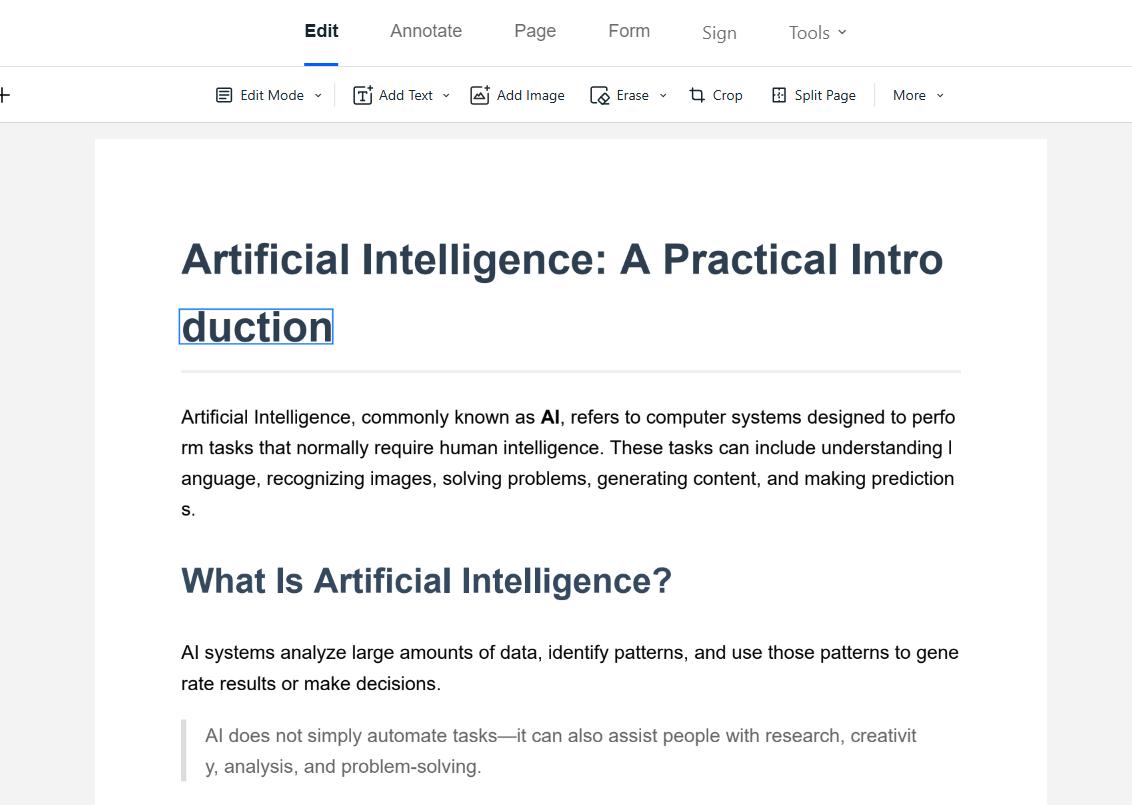
After converting your Markdown document to PDF, upload it to LightPDF’s online PDF editor. You can then make further changes to the PDF, such as editing text, adding annotations, inserting images, highlighting content, or organizing the document.
How to Edit a Markdown Document with LightPDF
- Finish writing your Markdown document in your preferred Markdown editor.
- Export or convert the Markdown file to PDF.
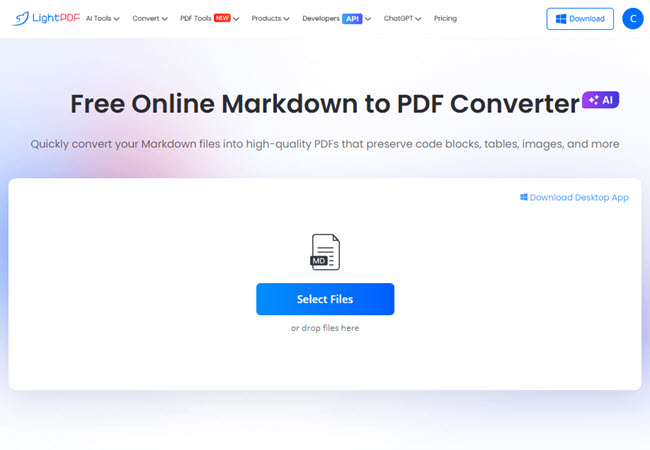
- Open the LightPDF PDF Editor.
- Upload the converted PDF.
- Edit the text or add annotations, images, shapes, and other elements as needed.
- Download the updated PDF.
Key Features
- Edit converted Markdown documents as PDFs
- Modify text in the final document
- Add images, annotations, highlights, and shapes
- Organize or adjust PDF pages
- Edit directly in your browser
- Download the finished PDF for sharing or printing
LightPDF is not designed to replace a Markdown source editor in this workflow. Instead, it works well as a final editing step after Markdown has been converted to PDF, especially when you need to polish the finished document rather than edit Markdown code.
Final Thoughts
The right Markdown editor depends on how you write and what you need to do with the finished document. Whether you want a simple live preview, advanced formatting, or real-time collaboration, the tools above cover different Markdown workflows. And if you need to make further changes after exporting your Markdown file, you can convert it to PDF and use LightPDF to edit and polish the final document before sharing or publishing.


Leave a Comment