


PART.1 How to Edit Markdown Files Online
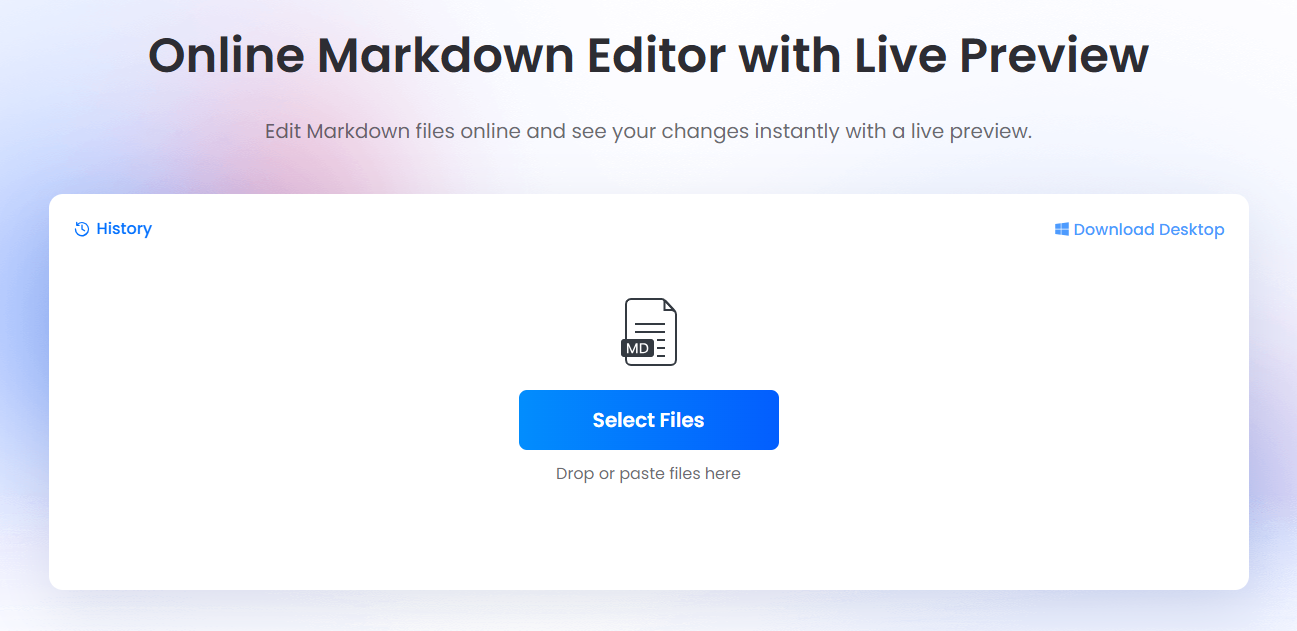
1. Open Online Markdown Editor in your browser.
2. Click Select Files to load a .md file from your computer, or paste your raw text directly into the left editor panel.
3. Modify your document using Markdown syntax for headings, bold text, links, blockquotes, or data tables.
4. Review the right-hand panel to confirm your rendered layout, image links, and text formatting instantly.
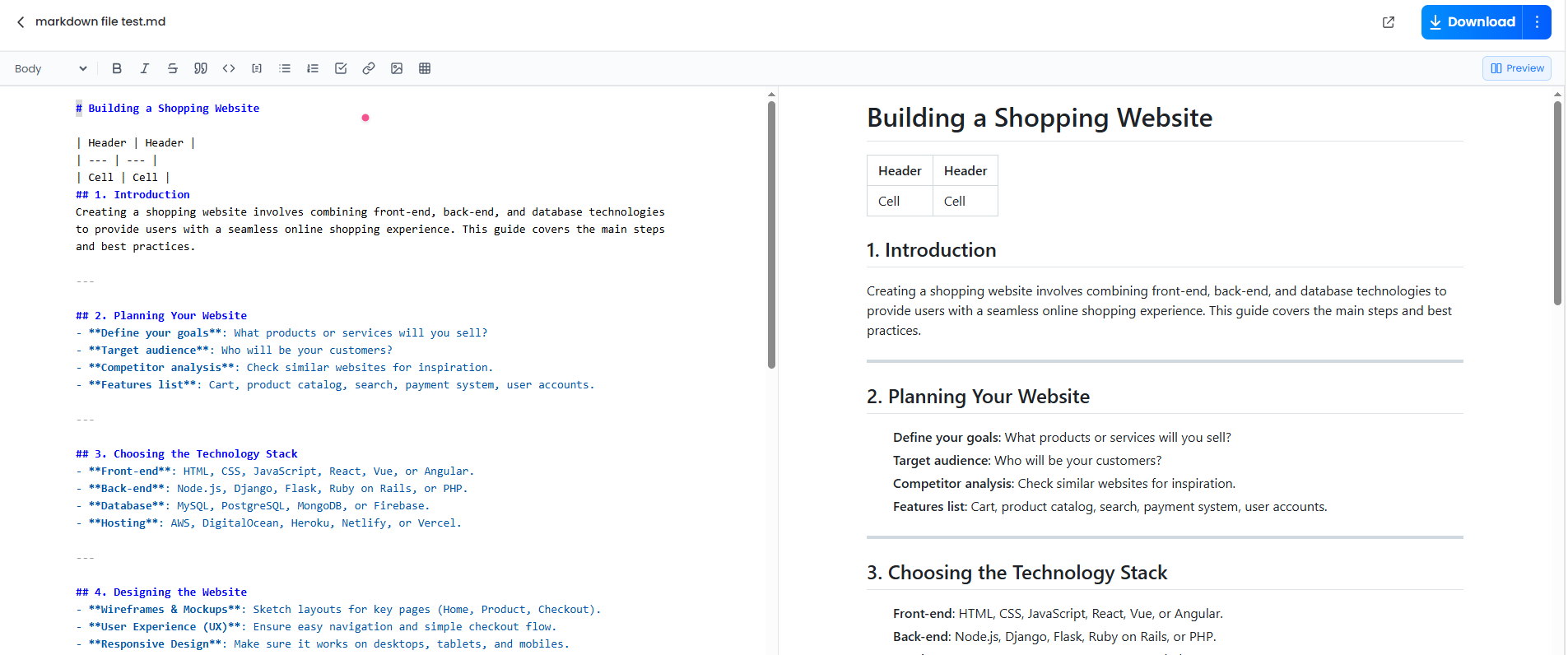
5. Click Download to save the updated file directly back to your device as a clean .md document.
PART.2 Top Free Online Markdown Editors Reviewed
Choosing the right free markdown editor comes down to your specific workflow—whether you need instant zero-setup browser edits, cloud synchronization, or real-time team collaboration.
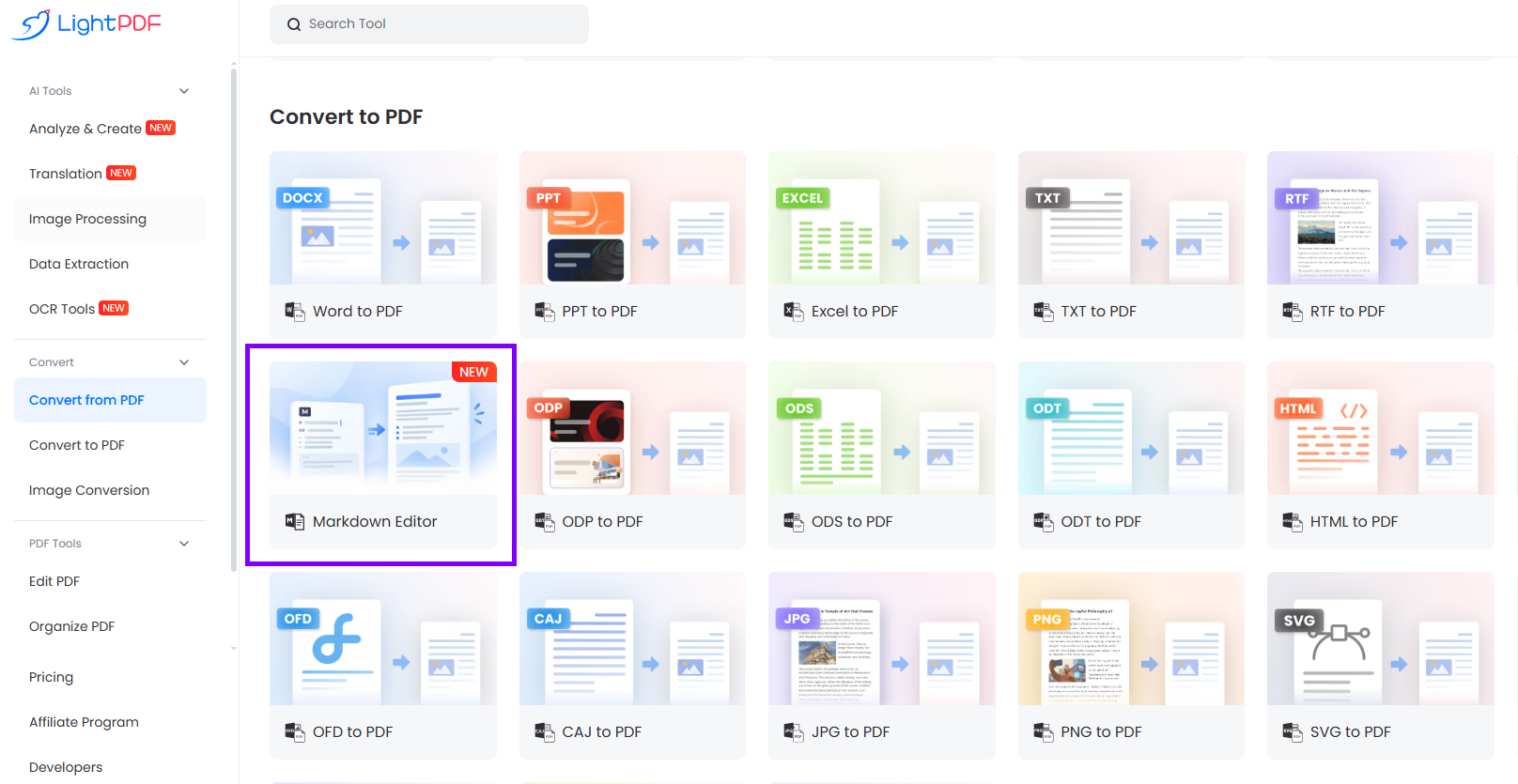
1. LightPDF Online Markdown Editor
LightPDF offers a light, web-based online markdown editor with preview features designed specifically for fast file fixes. It eliminates setup barriers, allowing you to drag a file in, adjust formatting, and download the output without signing up for an account.
Key Features
- Real-time side-by-side preview with instant rendering.
- Full support for GitHub Flavored Markdown (GFM) tables, blockquotes, and lists.
- Client-side browser execution that keeps your file contents private.
- One-click .md file upload and download workflow.
Best Used For
Developers updating GitHub project README files, technical writers fixing documentation on the fly, and users who want an online md file editor that requires no installation.
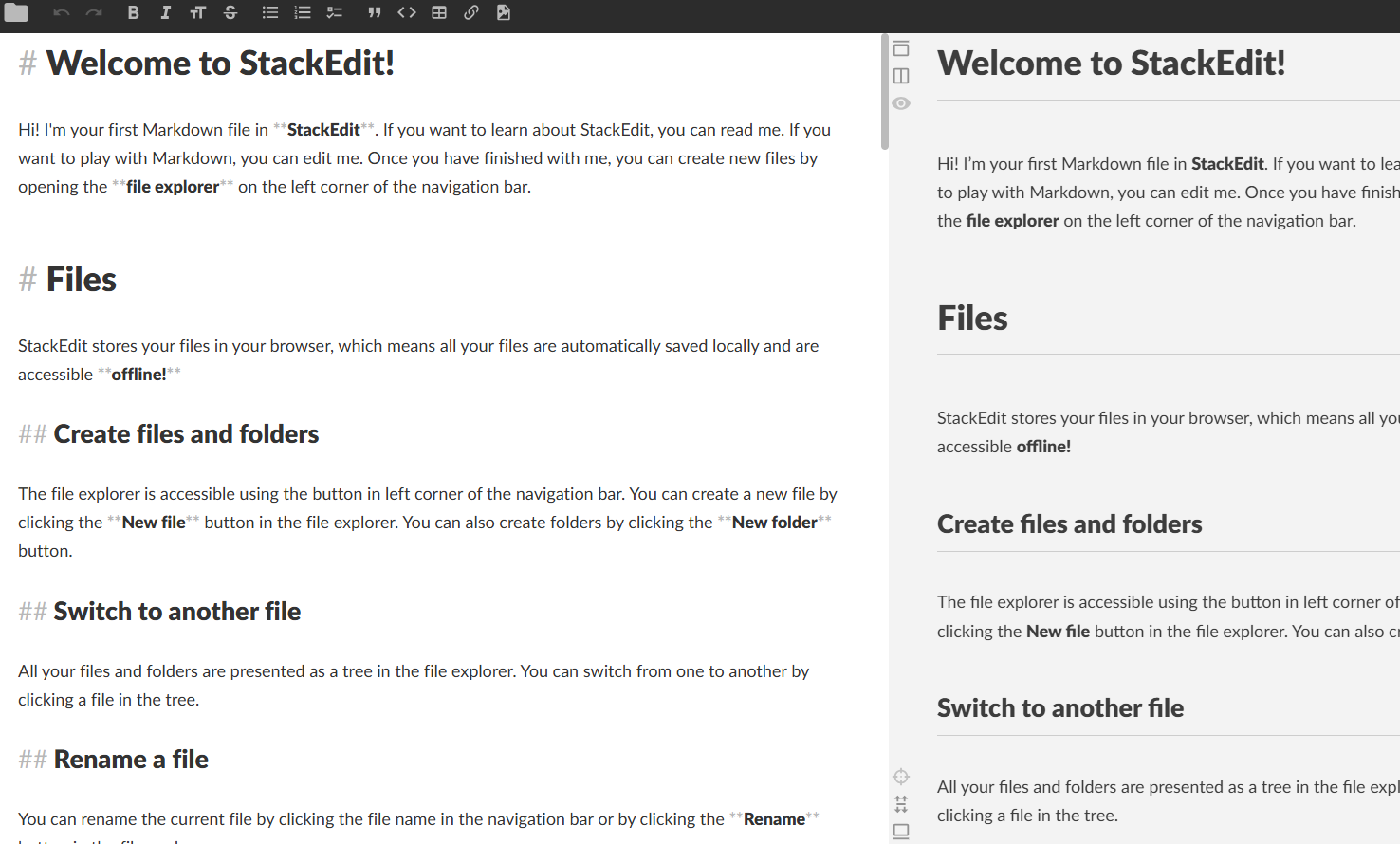
2. StackEdit
StackEdit is designed for writers who need their Markdown files linked directly to remote cloud storage locations like Google Drive or Dropbox. It automatically saves your changes to the cloud and supports complex document additions such as LaTeX mathematical formulas. While its multi-panel workspace can feel slightly cluttered for simple tasks, it is ideal for academic writers and bloggers drafting long-form posts directly in cloud folders.
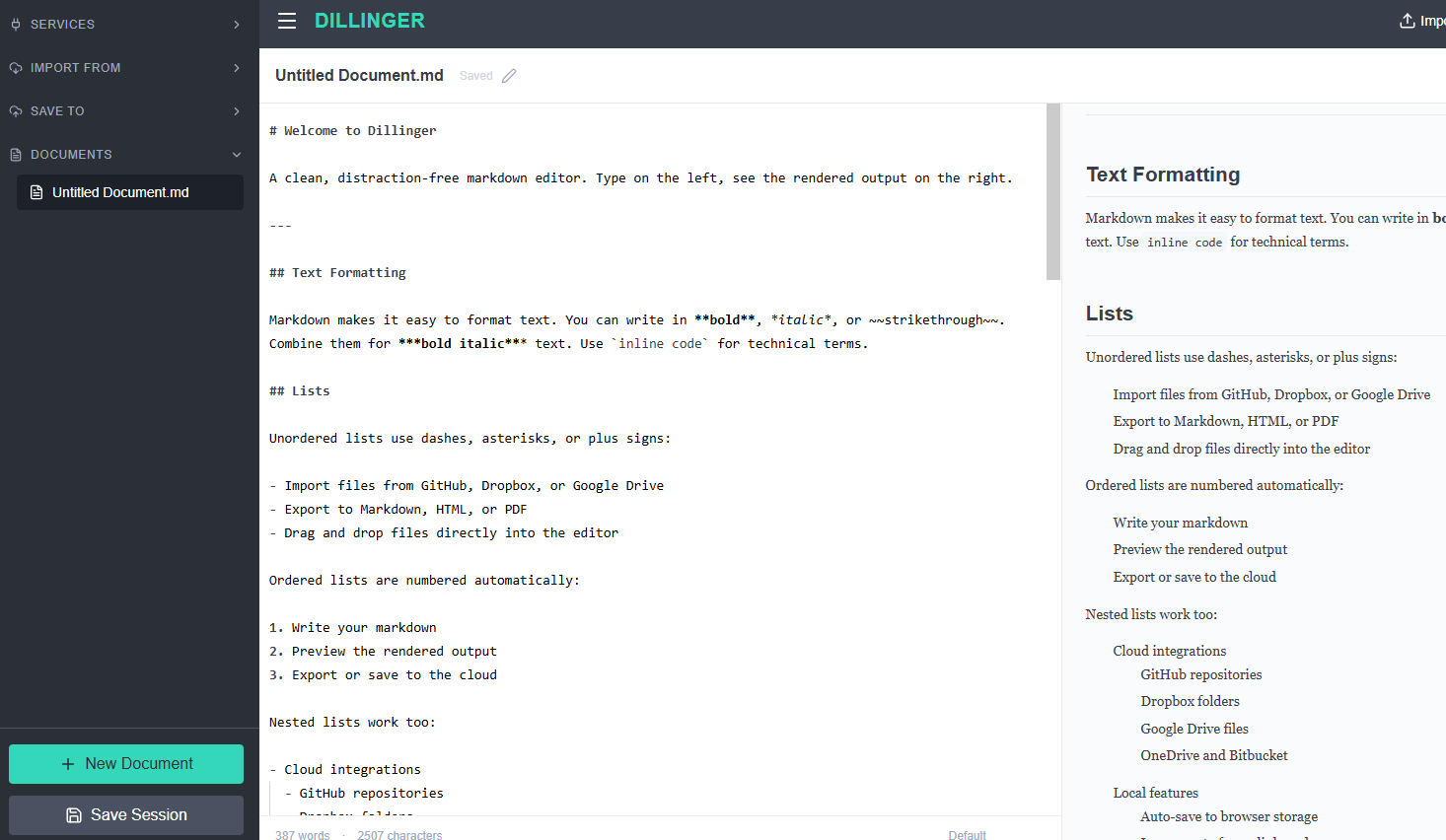
3. Dillinger
Dillinger is a simple single-page web app built for rapid file conversion and text formatting. It lets you import files directly from storage accounts like Bitbucket or GitHub and export your finished work into styled HTML or PDF formats. Keep in mind that extremely large documents over 50,000 words may cause minor input delays during real-time preview updates on older computers.
4. HackMD
HackMD functions similarly to Google Docs, tailored specifically for developers writing Markdown. It enables multiple team members to edit the same file simultaneously, drop line-by-line comments, and build slide presentations directly from heading structures. While accessing sharing and team management features requires a account, it is a great choice for technical teams building project documentation together.

PART.3 Practical Tips for Formatting README & Doc Files
Working inside an online readme markdown editor is much smoother when you avoid common formatting mistakes before pushing updates to GitHub or GitLab:
- Use absolute image paths during online editing: Relative paths like ./assets/screenshot.png often fail in browser previews. Use full web URLs while editing, and switch them back to relative paths before committing code.
- Always add language tags to code blocks: Specify the language directly after opening triple backticks (such as python, javascript, or html). This guarantees syntax highlighting renders properly across different platforms.
- Align table pipe separators: Missing the dash line directly under column headers will break your table preview. Keeping vertical pipe characters aligned makes your raw code readable in standard text viewers.
PART.4 FAQ
Q: What is the fastest way to edit a README.md file online?
A: The LightPDF Online Markdown Editor is the fastest option because it runs directly in your browser without account registration. Upload your file, make changes alongside the live preview, and download your updated .md document immediately.
Q: Are my files safe when using a web-based Markdown editor?
A: Privacy-oriented editors process Markdown locally inside your web browser via client-side JavaScript. Your file data stays in your browser session rather than being uploaded or saved to remote databases.
Q: Why are my Markdown tables broken in the live preview panel?
A: Tables fail to render properly when the header row is missing its delimiter line (the dash line beneath header titles) or when pipe characters on row edges are incomplete.
Q: Do I need to install any software to edit .md files on Mac or Windows?
A: No software installation is required. Web editors run completely inside modern browsers like Chrome, Edge, or Safari across Windows, macOS, Linux, and ChromeOS.
Q: What is the main difference between standard Markdown and GitHub Flavored Markdown (GFM)?
A: Standard Markdown handles basic text styling like headers, lists, and links. GFM adds extra features like task checkboxes, tables, strikethrough text, and explicit code block syntax highlighting.


Leave a Comment